

LayoutAim Studio


 @asareiverson·Mar 25@asareiverson·Mar 25
welcome 😁. https://whop.com/layoutaim-studio/
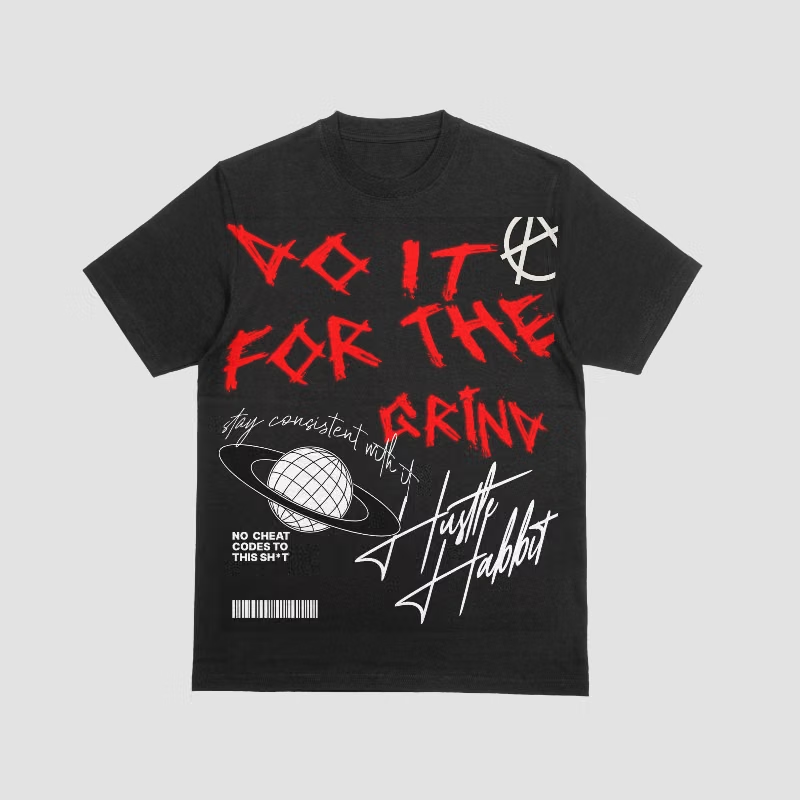
@asareiverson·Mar 25How I design a t-shirt from scratch in Kittl in under 10 minutes
Most people overthink t-shirt design. They spend hours tweaking fonts and colors and end up with something mid.
Here's the process I use every single time:
Step 1: Start with a concept, not a canvas.
Before you even open Kittl, write down ONE emotion or idea you want the shirt to communicate. "Rebellion." "Nostalgia." "Hustle." That one word guides every design decision.
Step 2: Use Kittl's templates as a starting point — not the final product.
Browse templates that match your vibe, then customize aggressively. Change the fonts, swap colors, rearrange elements. The goal is to make it unrecognizable from the original.
Step 3: Limit yourself to 2 fonts and 3 colors max.
This is the #1 rule beginners break. More fonts = more amateur. Constraints force creativity.
Step 4: Export at 300 DPI and test it.
Mockup your design on a real t-shirt template before you print. If it doesn't look fire on a mockup, it won't sell.
The whole process takes me about 8-10 minutes once you get the flow down. I teach the full workflow inside LayoutAim Studio — from finding trending concepts to uploading designs that actually move.

Asaareeee