

Why Music from the 1950s Can Unlock Memories in Dementia Patients
Something remarkable happens when you play a song from someone's youth to a person with severe dementia. Their eyes light up. They tap their feet. Sometimes they sing along to every word — even when they can't remember their own name.
This isn't anecdotal. Research from the Institute for Music and Neurologic Function has shown that musical memory uses a completely different neural pathway than regular memory. Dementia destroys most pathways, but the one connected to music often survives until the very end.
The science is clear:
Familiar music activates the prefrontal cortex, one of the last brain regions to deteriorate in Alzheimer's
Patients exposed to personalized music playlists show 67% fewer agitation episodes
Music therapy can reduce the need for anti-anxiety medication in care facilities by up to 40%
But here's the problem: Most care facilities play generic background music. A Frank Sinatra track might work for one patient and mean nothing to another. The key is personalization — matching specific songs to specific memories.
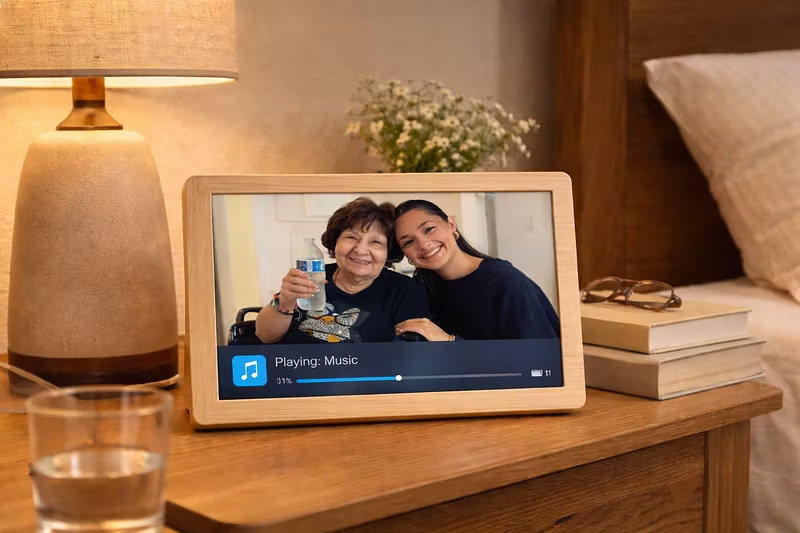
That's exactly what we built Memory Glow to do. Our frame doesn't just display photos — it reads emotional cues and adapts the music in real-time to what brings each individual the most comfort.
If you have a loved one in care, or you run a facility, the single most impactful thing you can do today is start building a playlist of their favorite songs from ages 15-25. That's the window where musical memory is strongest.
The frame handles the rest.