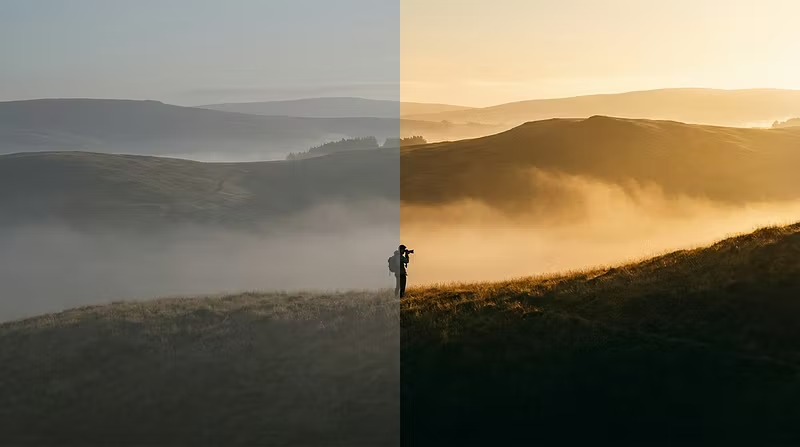


The 3 Lightroom adjustments that changed my editing forever
After editing tens of thousands of photos professionally, I've realized most photographers overcomplicate their workflow.
Here are the three adjustments I always make first — before touching presets, before color grading, before anything fancy:
1. Exposure + Highlights recovery
Nail global exposure first. Then pull highlights down aggressively. Most photographers leave highlights too hot. That's what makes photos look "amateur." Recover them.
2. White balance by feel, not by numbers
Auto WB is wrong 80% of the time. I shift warm by +5-10 on almost every outdoor shot. It instantly adds that "professional" warmth without looking orange.
3. Clarity at -5 to -15 on portraits, +10 to +20 on landscapes
This one's subtle but it separates good editors from great ones. Negative clarity on skin = instant premium feel. Positive clarity on architecture and nature = punch without HDR ugliness.
Do these three things before applying any preset and your results will be dramatically better.
I've built my entire editing workflow around principles like this — and packaged the results into presets that bake these decisions in automatically. If you want to skip the learning curve and just get the look, check out what I've put together.