

How to use NudgeDesk in 2 minutes
A quick start after you open the app:
Add an unpaid invoice — client name, amount, currency, due date, and optional invoice number.
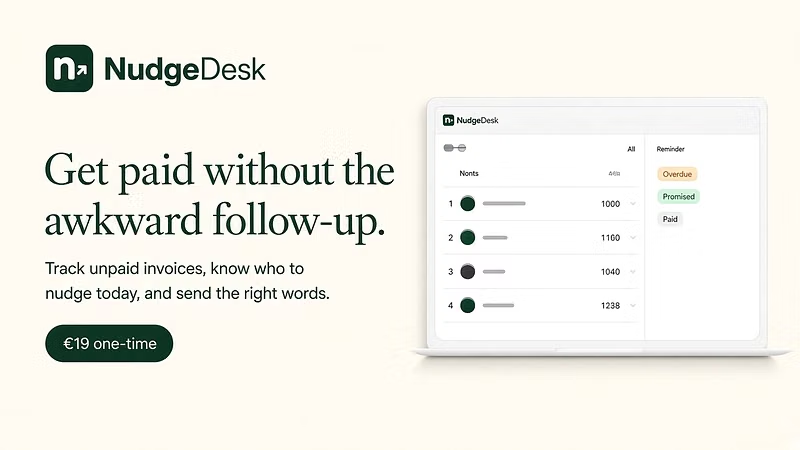
Check “follow up today” — the list surfaces what needs a nudge based on your dates and statuses (open / promised / disputed / paid).
Copy a reminder — pick a tone (friendly → firm), edit if you want, paste into your own email or chat. NudgeDesk does not send messages for you.
Mark what happened — promised, paid, or disputed, so Monday doesn’t start with a messy spreadsheet again.
Optional: export a backup (JSON) and calendar reminders for the next follow-up dates.
Switch language anytime (EN / RO). That’s it — no onboarding account, no cloud sync.
Stuck on a step? Reply here with what you’re seeing.