
The First Phone Kit: iPhone & Android Setup
Lock down your kid's first phone tonight, iPhone or Android, and prove it holds
You’ve set Screen Time or Family Link, the screen says Enabled, and you still don’t quite trust it. You’re right not to. One mother wrote in a review that her son simply deleted the control app, and the company refused her refund. Another found the settings had quietly vanished after an update. Both found out weeks later.
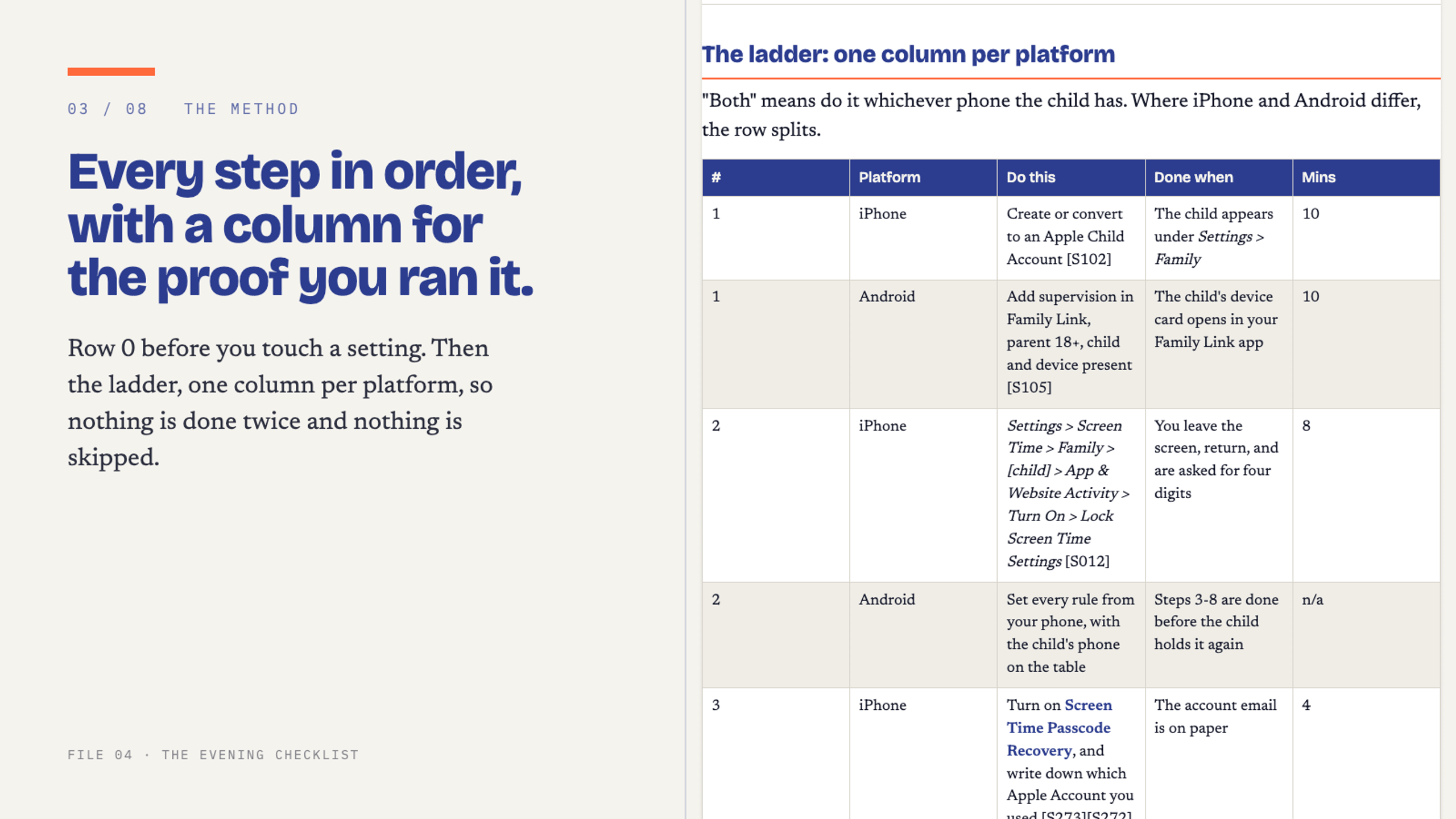
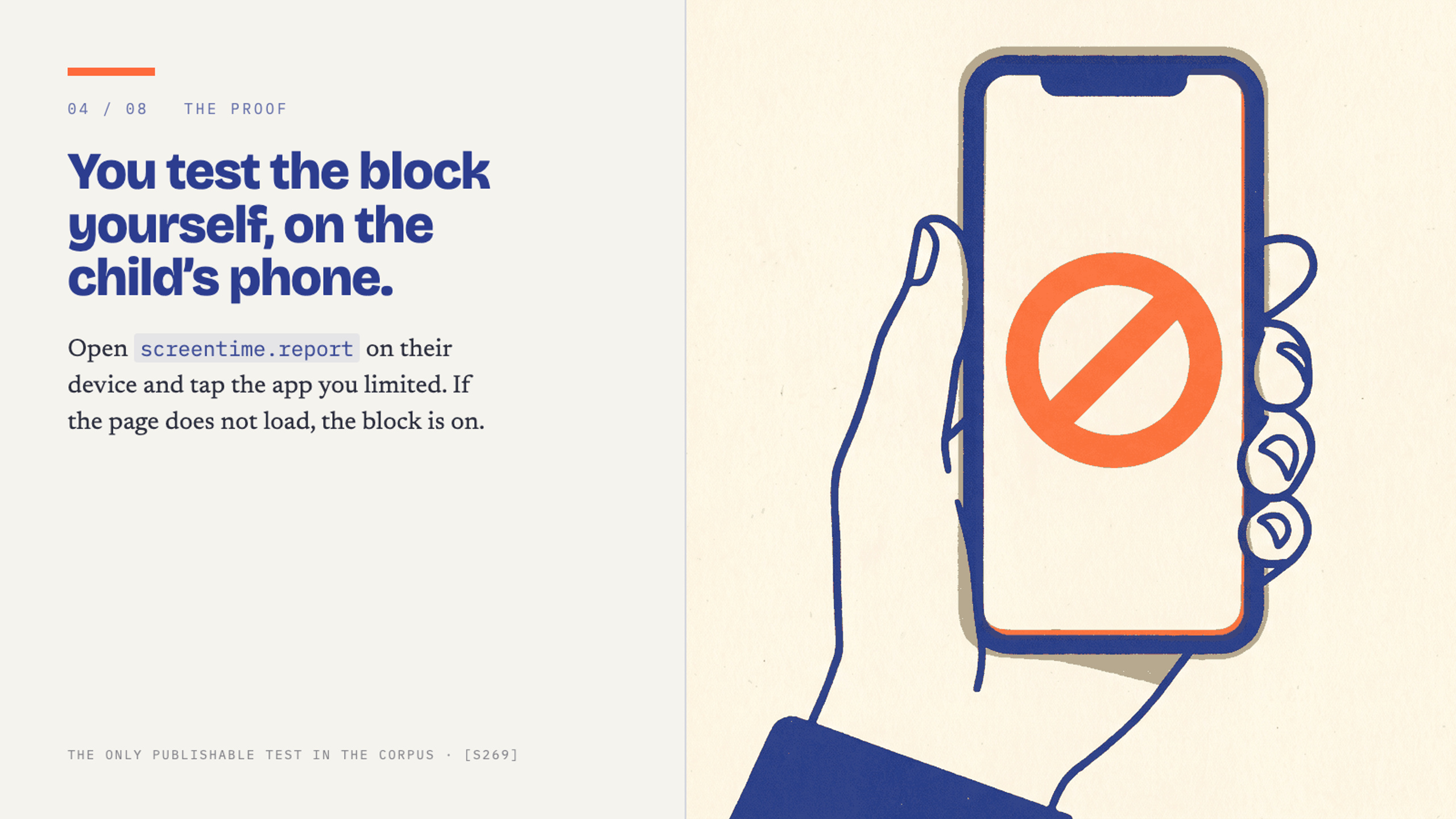
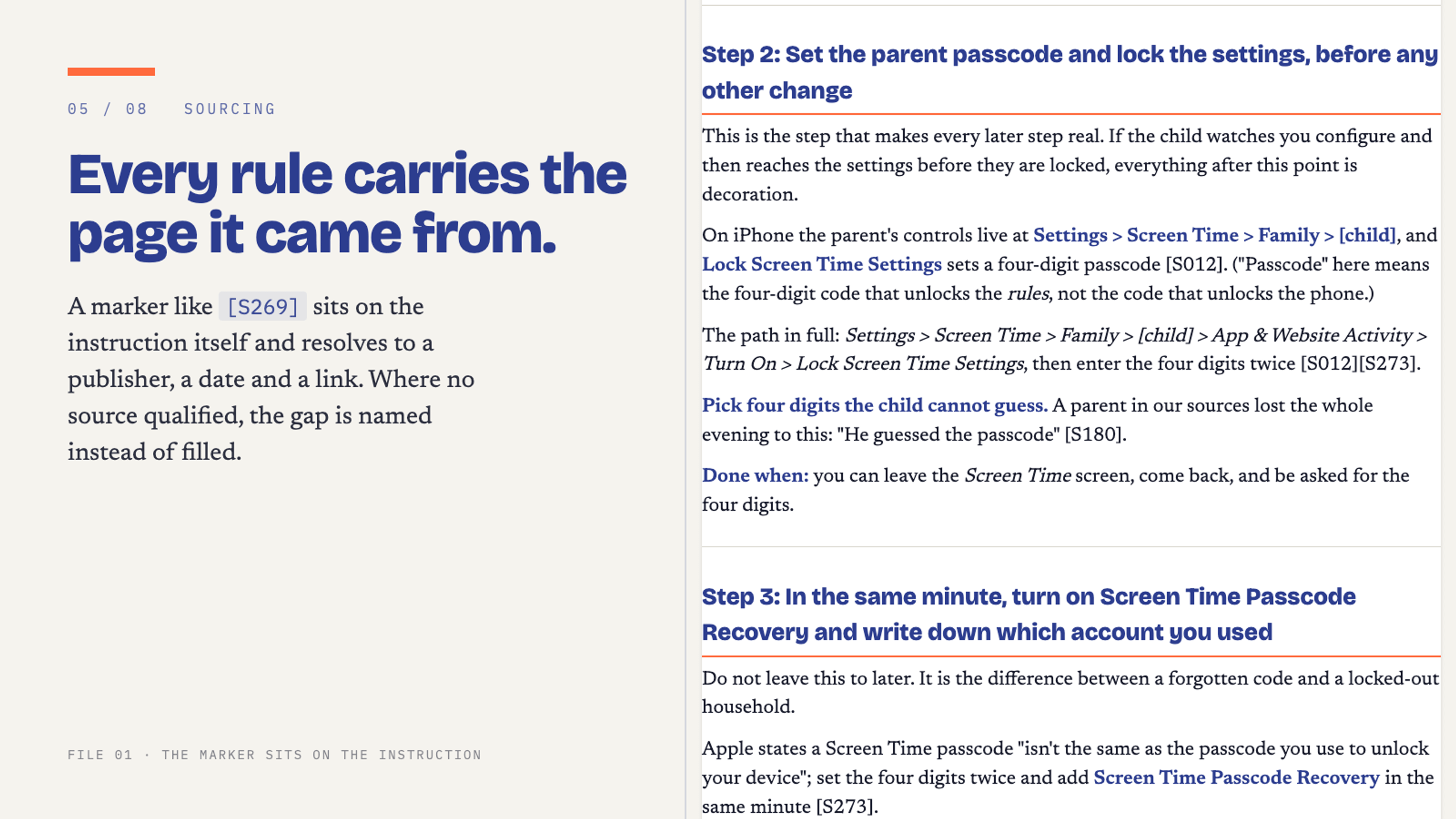
This kit is the evening I wish someone had written down for me. Fourteen steps, iPhone and Android, screen by screen, in the right order. You set the parent passcode before the phone goes back. You block app deletion. Then you pick up your child’s phone and try to open the thing you just blocked. If it won’t load, you’re done. If it loads, the kit names which of the two settings you missed. About three hours for one child.
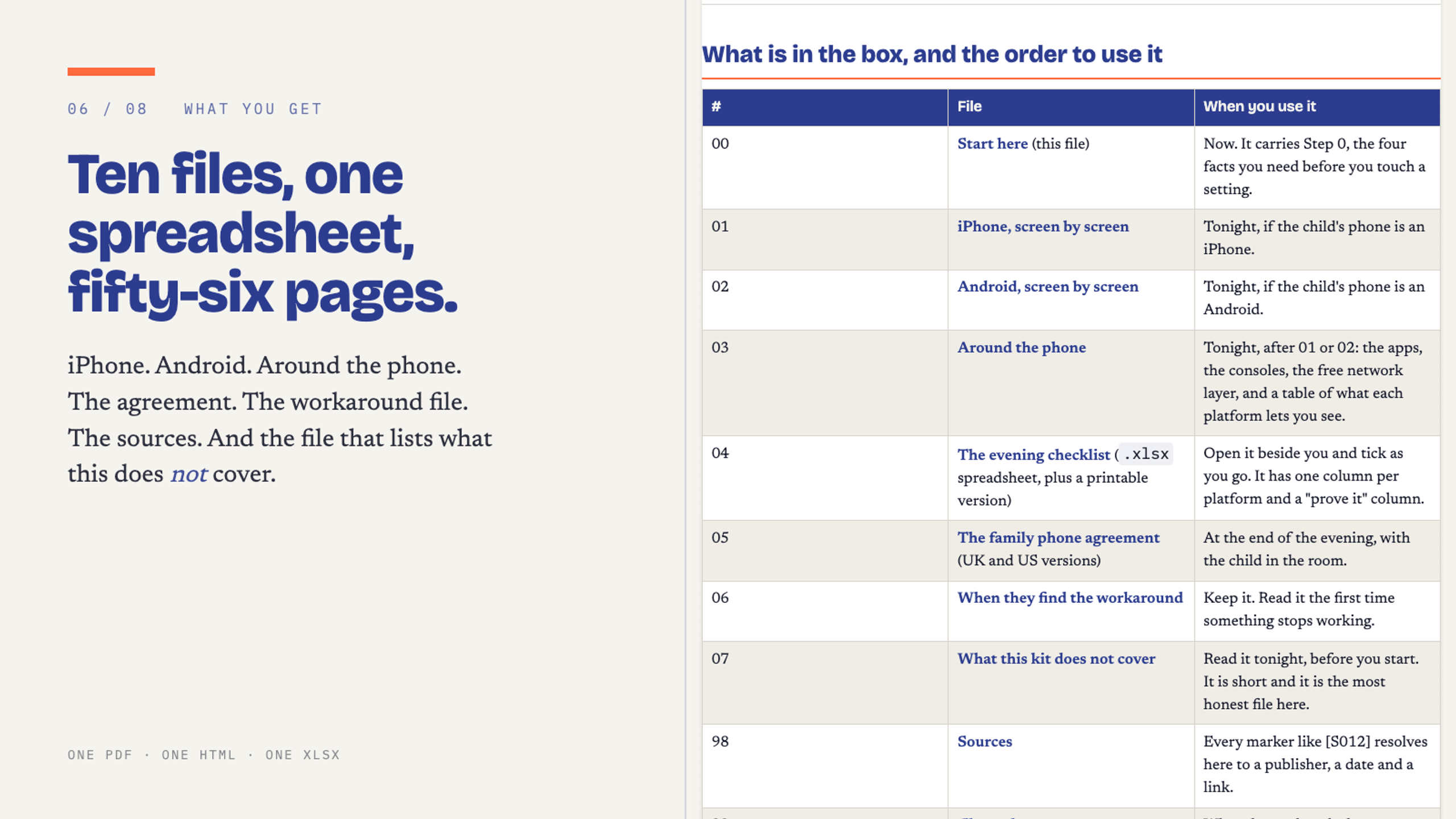
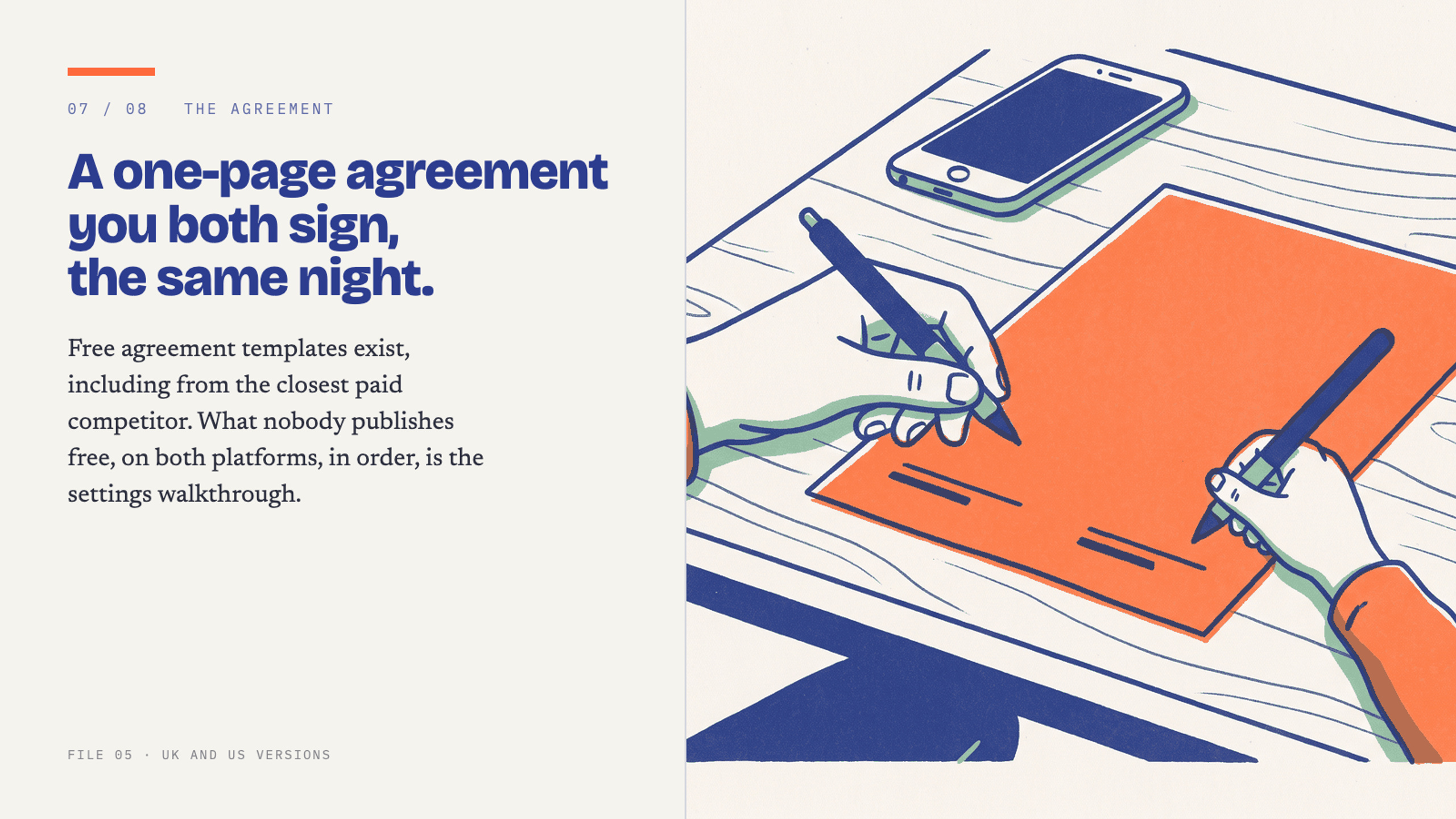
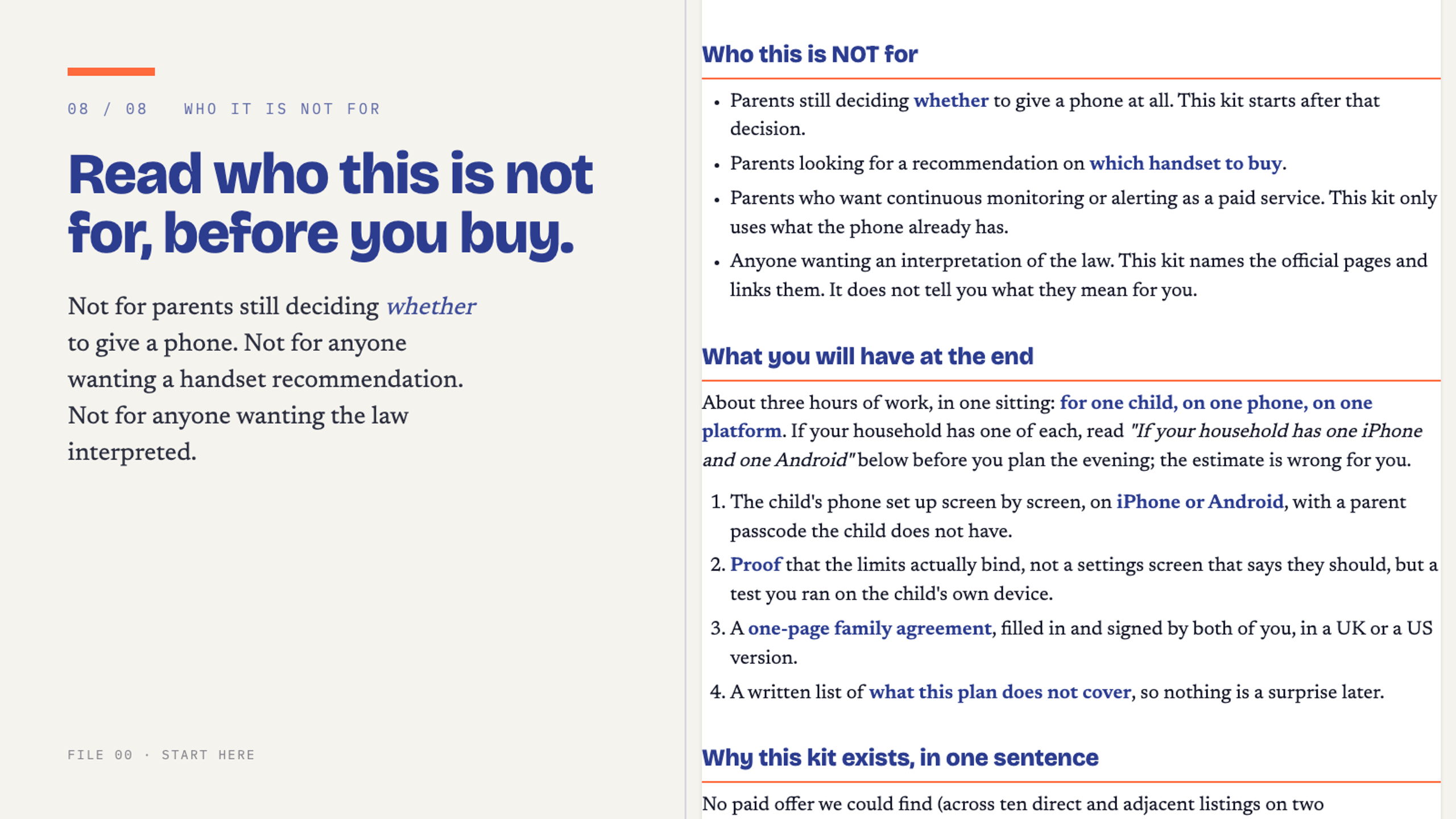
Inside: the 56-page PDF, the evening checklist as a spreadsheet, a one-page family agreement you both sign (UK and US versions), a short file for the night they find a way around it, and an honest list of what this kit does not cover. Every step comes from Apple’s and Google’s own support pages, and I kept the links so you can check me.
Bark Premium lists at $99 a year, Qustodio at $104.95 a year. This is $27, once, and it doesn’t expire.
Read one full step before you decide. The free 4-page preview: https://whop.com/pb-company/first-smartphone-kit-free-preview/
Yaniv
Digital download, no refunds once delivered. Information, not professional advice.