QVAC by Tether

Infinite intelligence. Local. Any Hardware. No cloud. No compromise. QVAC is the decentralized AI platform for humans and machines.
Location hidden
Created byProfile pictureRY
27 joined
Profile picture
QVAC HackathonProfile picture@qvachackathon·4d
$17
Open
Build a local AI app with Tether's QVAC SDKBuild a small app that uses QVAC to run AI directly on the device, then share it. QVAC is Tether's open-source AI SDK. The model runs on your user's phone or laptop instead of on a server you call, so there is no API key, no usage bill, and their data never leaves their machine. You install it like any other package (npm install @qvac/sdk, or pip install tetherto-qvac-sdk for Python) and call a function. The SDK downloads the model it needs the first time you run it. Text, speech, images, translation, OCR, search over your own documents, video. One of those is enough. What you'll do: 1. Build a working app that uses the QVAC SDK to run AI on-device. It has to run. 2. Put it in a public GitHub repo with an open-source license and a README. 3. Take a screenshot or a short screen recording of the app working. 4. Post on X with a link to your repo, tagging @qvac. 5. Submit your repo URL and your X post URL here. New to QVAC? The fastest route is the walkthrough for building an app with your coding agent. Then read the code in the examples repo: - Build your first app with your coding agent: https://qvac.tether.io/blog/quick-start-build-your-first-local-ai-app-with-your-coding-agent - Quickstart: https://docs.qvac.tether.io/sdk/getting-started/quickstart/ - Examples: https://github.com/tetherto/qvac-examples - Source: https://github.com/tetherto/qvac - JavaScript package: https://www.npmjs.com/package/@qvac/sdk - Python package: https://pypi.org/project/tetherto-qvac-sdk/ - Every doc in one file, good for pasting into an AI coding assistant: https://docs.qvac.tether.io/llms-full.txt Ideas, if you want one: - An offline translator for a low-resource language pair - A voice memo app that transcribes on-device and uploads nothing - Question and answer over your own documents - OCR for receipts or forms in your local script - A study tool that quizzes you from your own notes - An upscaler for old family photos - A text-to-speech reader in your language - A classifier that sorts your photos or files Optional: if the SDK was useful, star https://github.com/tetherto/qvac. It helps the team, and it does not affect your payout. Requirements: Before you start: - A GitHub account and a machine that can run Node.js or Python. Your app: - The QVAC SDK must be a declared dependency: @qvac/sdk in package.json, or tetherto-qvac-sdk in your Python requirements, on 0.19.0 or newer. - Your code must call loadModel, plus at least one of: completion, embed, transcribe, textToSpeech, translate, diffusion, ocr, classify, upscale, finetune, ragIngest / ragSearch, video, vla. - All inference runs on-device. If a cloud AI service does the work, it fails. - We check that the functions you call exist in the SDK. If they do not, it is rejected. Your repo: - Public, on GitHub, with an open-source license. - A README with install steps, run steps, and the SDK version you used. - At least 3 commits, authored by you. - The code must be your own. Not a fork or near-copy of the examples repo, and not a duplicate of another submission. What to submit: - The URL of your public GitHub repo. - The URL of your X post. It must link your repo and tag @qvac. - A screenshot or a short screen recording of the app running, with the AI output visible on screen. - One or two lines saying what the app does and which QVAC function it calls. - Optional, one line: why you built it. - Screenshots or recordings of your app.
Profile picture
Jayyyyy@jayyop·now

created new app pls check again

Profile picture
QVAC - Local AIProfile picture@qvacai·5d
Pinned post

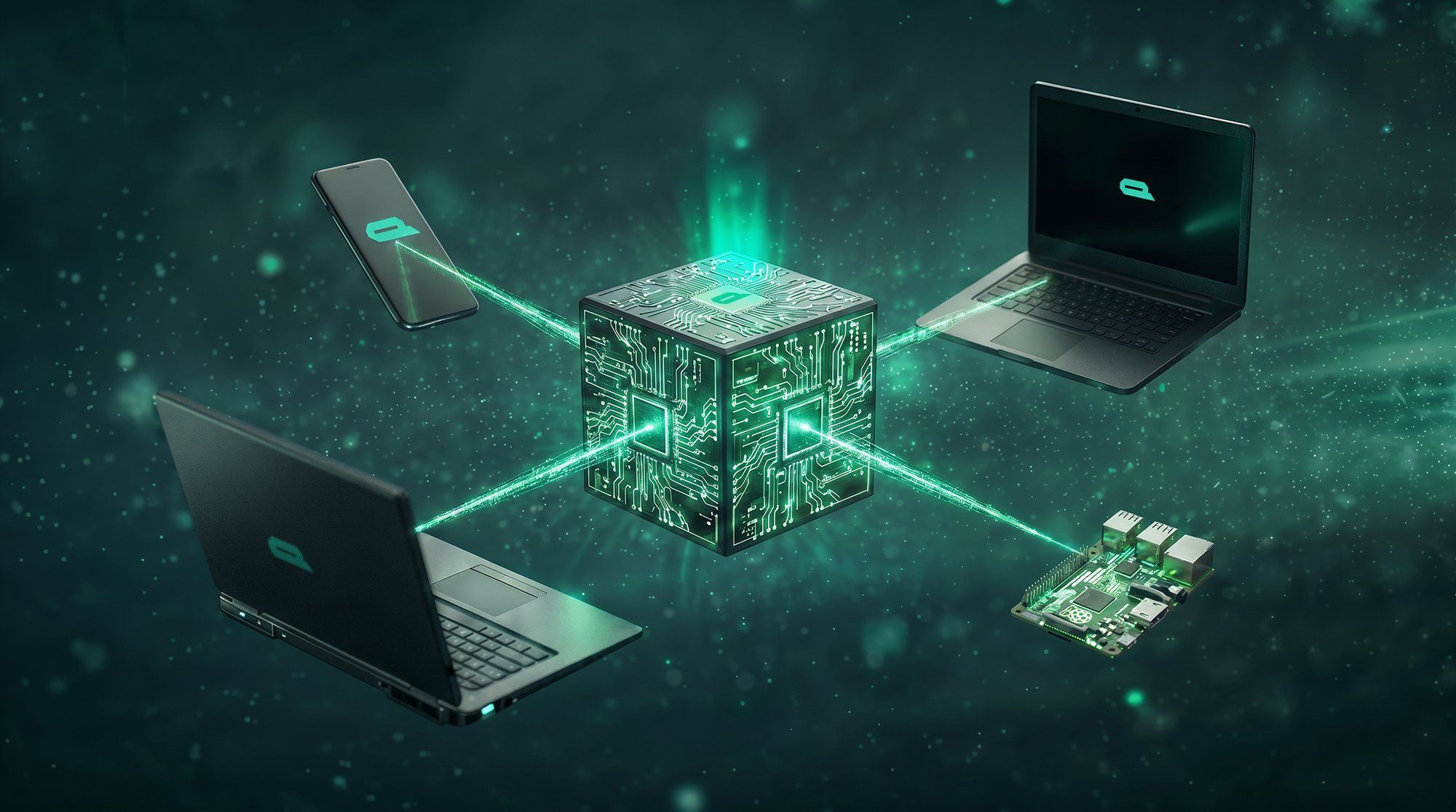
The QVAC SDK puts on-device AI inside your own app.


One install covers 12 AI tasks through a single API, including text generation, speech to text, text to speech, translation, image and video generation, image understanding, OCR, embeddings, search over your own documents, and fine-tuning a model on the device itself.


It runs on iOS, Android, macOS, Linux and Windows, in JavaScript or TypeScript. There is an official Python SDK on PyPI at the same version. Models load from a file on disk or straight from Hugging Face.


Because the work happens on the device, there is no inference bill: ten thousand installs cost you the same as ten. Your users' data stays on their own device, and the app keeps working with no connection at all.


github.com/tetherto/qvac

docs.qvac.tether.io
file_p4qFkhi2xptps
Profile picture
QVAC - Local AIProfile picture@qvacai·5d

QVAC is open-source AI that runs on the device in front of you, with no cloud account and no API bill.

We build it in the open. The SDK is Apache 2.0, the model weights are published on Hugging Face, and the training datasets are open for research and education.

Cloud AI needs a credit card, a steady connection and a currency that is easy to spend online. We want intelligence to be a universal right rather than a subscription: free to run on a device someone already owns, in the language they speak at home.

QVAC is built by Tether.

qvac.tether.io

file_xGWwIUEXjBaeK