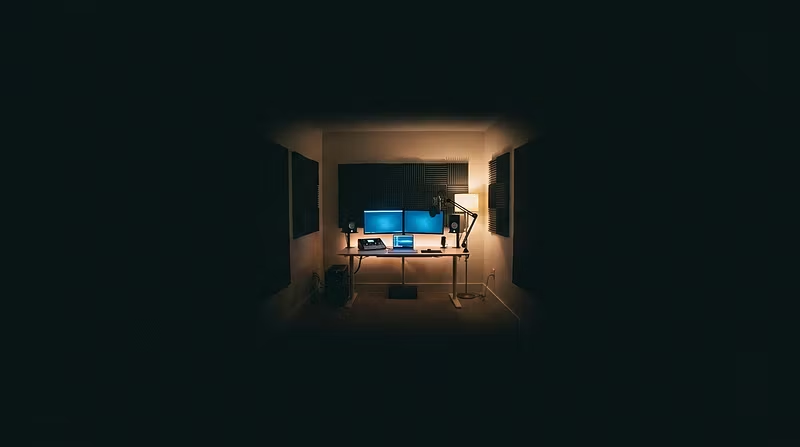


5 Signs Your Remote Studio Is Costing You Clients (And How to Fix Each One)
Most home studio setups lose clients before the session even ends — not because of the talent, but because of the operation.
Here are the 5 most common problems I see, and exactly what to do about each.
---
1. You don't have a client intake form
If you're onboarding clients over DM or email threads, you're losing time and professionalism points on every booking. Clients compare you to studios with real intake processes.
Fix: Build a one-page SOP: project brief, file delivery format, revision policy, payment terms. Send it before the first call.
---
2. Your room sounds different every session
Untreated parallel walls, HVAC noise, hard floors — these create recordings that feel "amateur" even with great gear.
Fix: Before buying more equipment, spend $150 on acoustic panels for the reflection points at your desk. Test with a 10-second room tone recording. The change is immediate.
---
3. You don't track your weekly numbers
How many hours did you bill last week? What was your average session rate? What's your booking rate from first contact?
If you can't answer in 30 seconds, you're running blind.
Fix: A simple 5-metric weekly KPI dashboard. Takes 10 minutes to fill out. Completely changes how you make decisions.
---
4. Your rates aren't tied to a value anchor
If clients push back on your rate, it's almost never about the money — it's that they can't see the value relative to the number you said.
Fix: Always lead with outcome, then rate. "I deliver mixed and mastered files within 48 hours with two revision rounds — my rate for that is $X."
---
5. You have no replay or reference library
Every session you do is data. Most engineers throw it away. Smart operators keep a vault of reference mixes, client feedback, and session notes — and use them to close new clients.
Fix: Start a simple Notion doc or folder system. Title each session, note the client goal, the challenges, and the result. 10 sessions in, you have a portfolio.
---
These aren't theory. They're the exact SOPs, dashboards, and frameworks inside the Remote Recording Mentor program.
If you want the full system, the link is in the bio.