Senova

Senova is your AI-based trading assistant. Connect your signal group and your MT5 account, and Senova automatically executes every trade for...
12 joined
Profile picture
Rhys @ SenovaProfile picture@senova·Jul 11
Pinned post

Welcome to Senova — your AI trading assistant

Senova is the intelligent assistant that trades alongside you. Connect your signal group and your MT5 account, and Senova executes the trades for you, manages your risk around the clock, and helps you become a more consistent trader — while your funds stay in your own account and you stay fully in control.

How it works

  1. Connect — link your Telegram signal group and your MT5 account. Guided setup walks you through it step by step.

  2. Senova trades — it reads the trader's signals and executes them on your account automatically, with safety rails that never switch off: daily loss limits, over-leverage protection, smart stop-loss handling, crash-safe restart.

  3. You stay in control — your money never leaves your account, you set your own risk, and you can go fully hands-off or fine-tune every detail.

Run it yourself on your own VPS, or let us host it for you 24/7.

The tiers

Senova — Free. Everything you need to run signals safely: full copy trading, all the safety rails, your risk %, session control (e.g. New York only), a customisable 1–10 take-profit ladder, essential alerts and a live dashboard. Self-hosted, no card, no cost.

Senova Pro — £14.99/mo (self-hosted · 30-day free trial). Everything in Free, plus Senova's brain: economic news filter, daily profit-lock, advanced execution tuning, full in-app analytics, the Trade Journal, Strategy Lab, the Senova Coach (AI you can ask about your own trading), trade alerts + daily/weekly summaries, and multi-channel.

Senova Pro — VPS Bundle — £19.99/mo (fully managed). All of Pro, but we run it for you 24/7 on our own VPS — nothing to install, nothing to leave switched on.

Safety is never paywalled — every risk-protection feature is free, forever. Pro unlocks the edge: analytics, journaling and coaching.

Get started: pick your tier above and follow the setup guide. Questions? Ask in the chat — we're here to help.

Trading involves risk. Senova executes signals and manages risk but does not guarantee profit — only trade with funds you can afford to lose.
Profile picture
Rhys @ SenovaProfile picture@senova·Jul 7
Pinned post

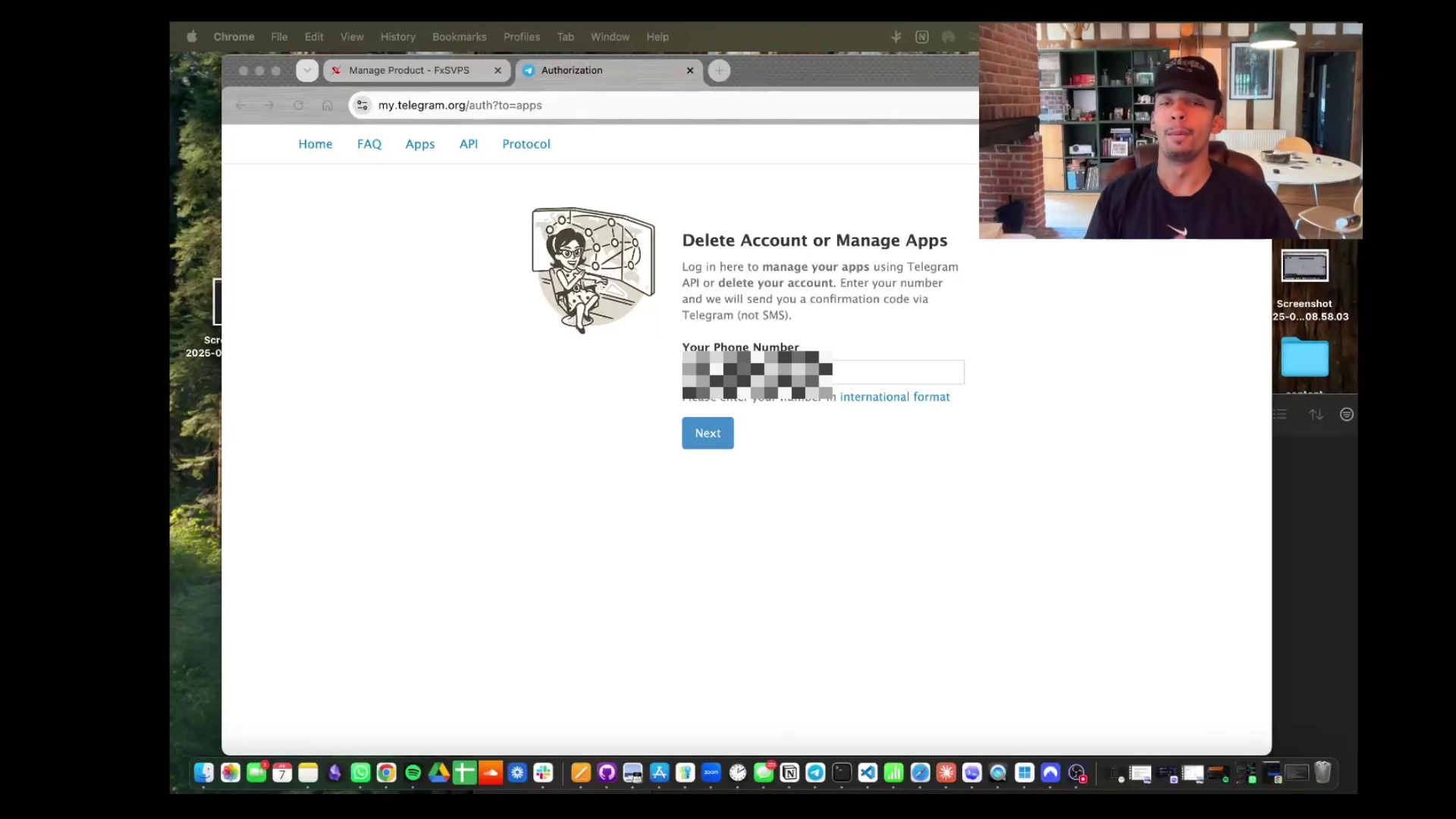
Setup guide for your Senova!

Apologies if the censoring of private information is distracting in the video.

Follow this video guide to be able to use the Senova app, ensure that you've joined the whop community first.

Links to get started:
- to find your telegram API, take note of the API ID and API hash
- signup for a VPS to run the bot on. Signup for the "CHEAP FOREX VPS PLAN - ECONOMY PRO" This is the most affordable VPS we have found to reliably be able to run senova at $7.99 a month (around £6). It ensures we do not have to hold your personal API keys and metatrader logins.

Once you have done this, you can launch your VPS. Check your emails and the fxsvps site for the login details.

IF ON WINDOWS

1. On your local device, open the Start menu, type Remote Desktop Connection, and open the app.

2. Type the PC name (or IP address) of the VPS into the box and click Connect.

3. When prompted, enter the Windows username and password for the remote computer.

IF ON MAC

Download the windows app from the App Store, press the + in the corner, then "Add PC" and enter the IP address , username and password.

Now on your VPS, open the preinstalled metatrader app and login.


Open Chrome, find the whop, go to the files section () and click download.
Open the app and follow the guide/go to setup and input your details from telegram that we gathered earlier, plus your metatrader data. from here, click save details and save connection to ensure that the details are Correct. Please note that this never leaves the VPS so we do not have access to this information.

Finally, come back to whop, click the software tab () , copy your license fee and put it into the section under account in the senova app.

Your Senova is now completely connected. A guide on how to use the application to its full ability will be coming soon!