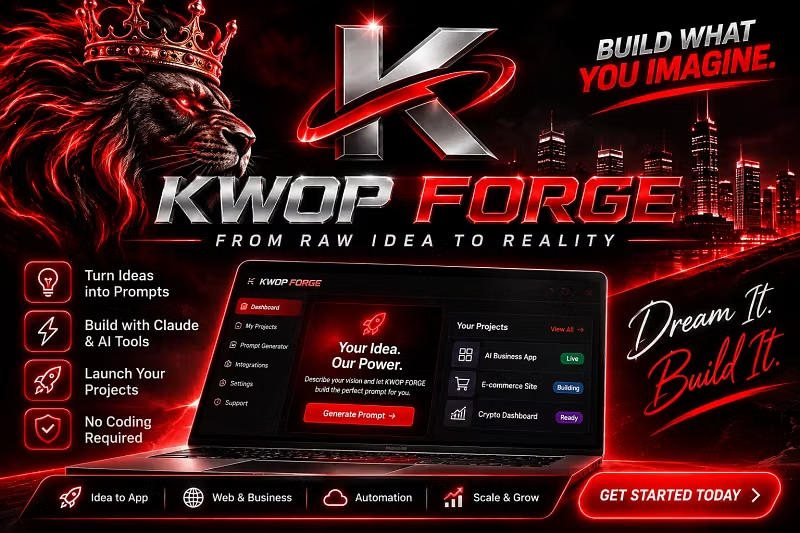


How to prototype your first app on KWOP FORGE in 5 minutes
Welcome to KWOP FORGE! Here is a 5-minute quick-start guide to prototype a micro-SaaS dashboard app:
Step 1: Select Your Template
Open KWOP FORGE and pick the Starter project template. This loads pre-configured canvas modules, auth guards, and analytics cards.
Step 2: Connect Endpoints & Data Sources
Navigate to the Connectors tab to bind your API endpoints, set environment variables, and map response payloads directly to your data stores.
Step 3: Test UI Components & Workflows
Use the interactive preview canvas to test responsive layouts, button actions, and webhook triggers in real-time.
Step 4: Deploy Your Build
Click Deploy to instantly generate your hosted staging link or connect your production domain. Upgrade anytime to PRO for custom domains and automated connectors!