
Checkout.com is a strong choice for large-scale merchants, but may be overwhelming for smaller businesses. Read more to find out if it's right for you.
Key takeaways
- Checkout.com excels for international businesses needing multi-currency support, fraud protection, and smart payment routing in one platform.
- The platform's complexity and lack of transparent pricing make it better suited for medium-to-large enterprises than small businesses.
- Smart routing and secure payment vault features help maximize approval rates and reduce failed transactions for high-volume merchants.
I’ve spent some time exploring Checkout.com, and here’s the verdict: it’s a powerful solution, but it’s not necessarily the easiest fit for everyone.
From handling multiple currencies to offering fast payouts and fraud protection, Checkout.com does have a lot going for it.
But, it can feel a bit too complex if you’re running a smaller business (or just want a plug-and-play setup).
Let's take a closer look at how it works for merchants, what I liked, what I didn’t, and who I think it’s best for.
How Checkout.com works for merchants
While reviewing Checkout.com, what stood out was how much it covers - from payments, payouts and fraud protection, all in one platform.
Accepting payments
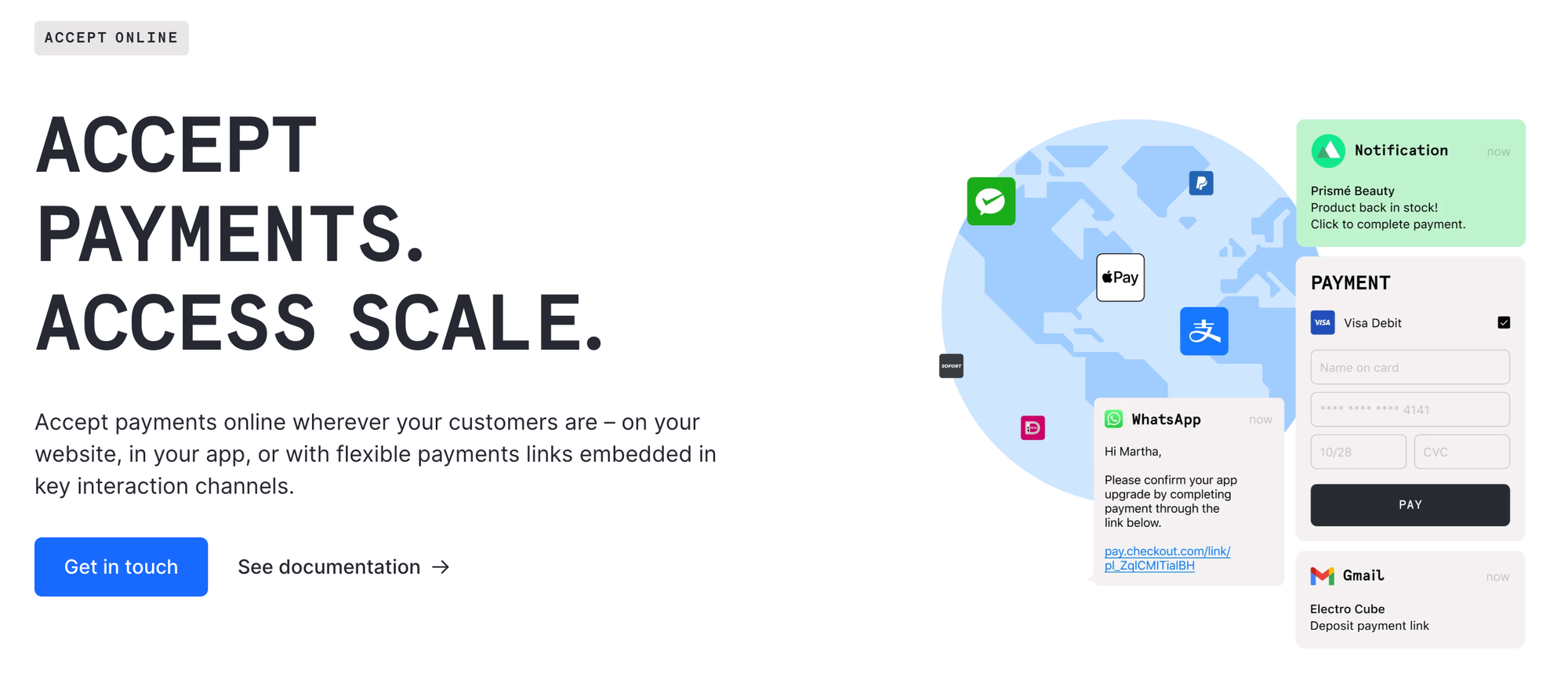
Checkout.com supports payments from all over the world. Merchants can accept credit and debit cards, digital wallets (like Apple Pay and Google Pay), and sometimes alternative payment methods - things like SEPA Direct Debit in Europe, iDEAL in the Netherlands, Bancontact in Belgium, and Alipay or WeChat Pay in Asia.
The setup is straightforward, especially for anyone familiar with basic developer work.
Checkout flows
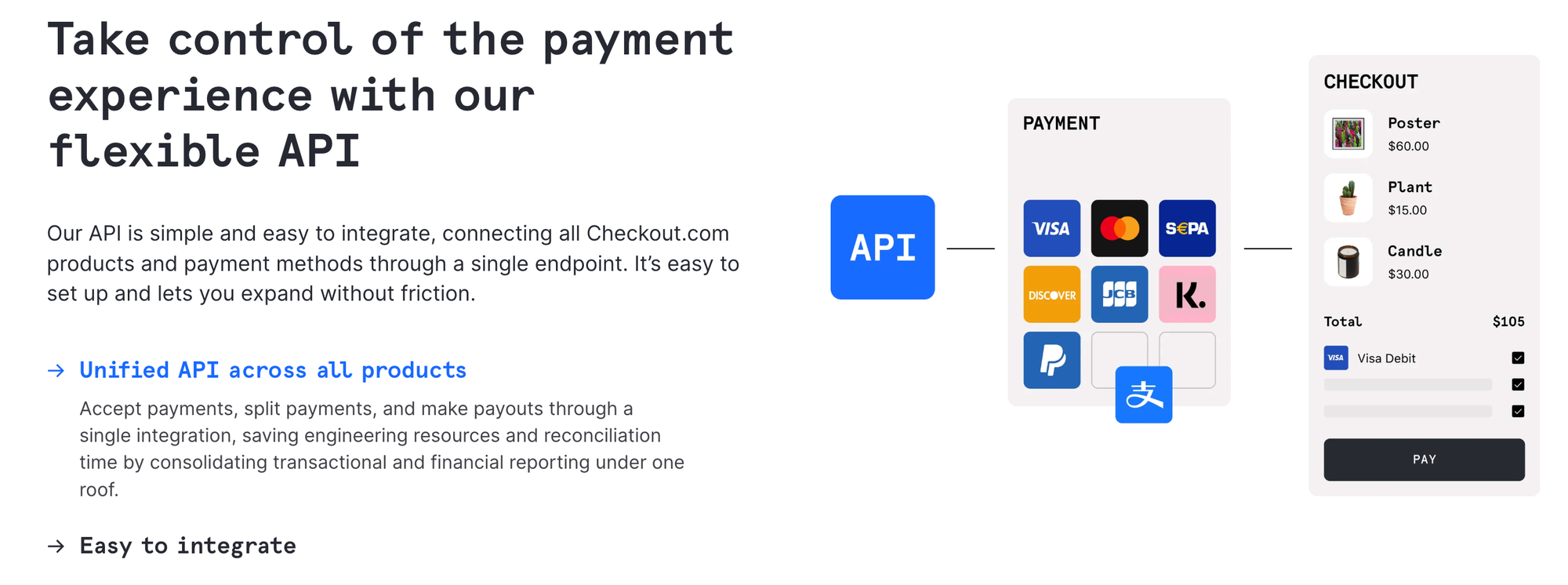
Checkout.com handles one-time purchases, subscriptions, and in-app payments. You can create a branded checkout experience, and its APIs give merchants flexibility to integrate directly into websites or apps without relying on a third-party checkout page.
Payouts
Something all business owners want when it comes to payouts is speed. With Checkout.com, you get just that.
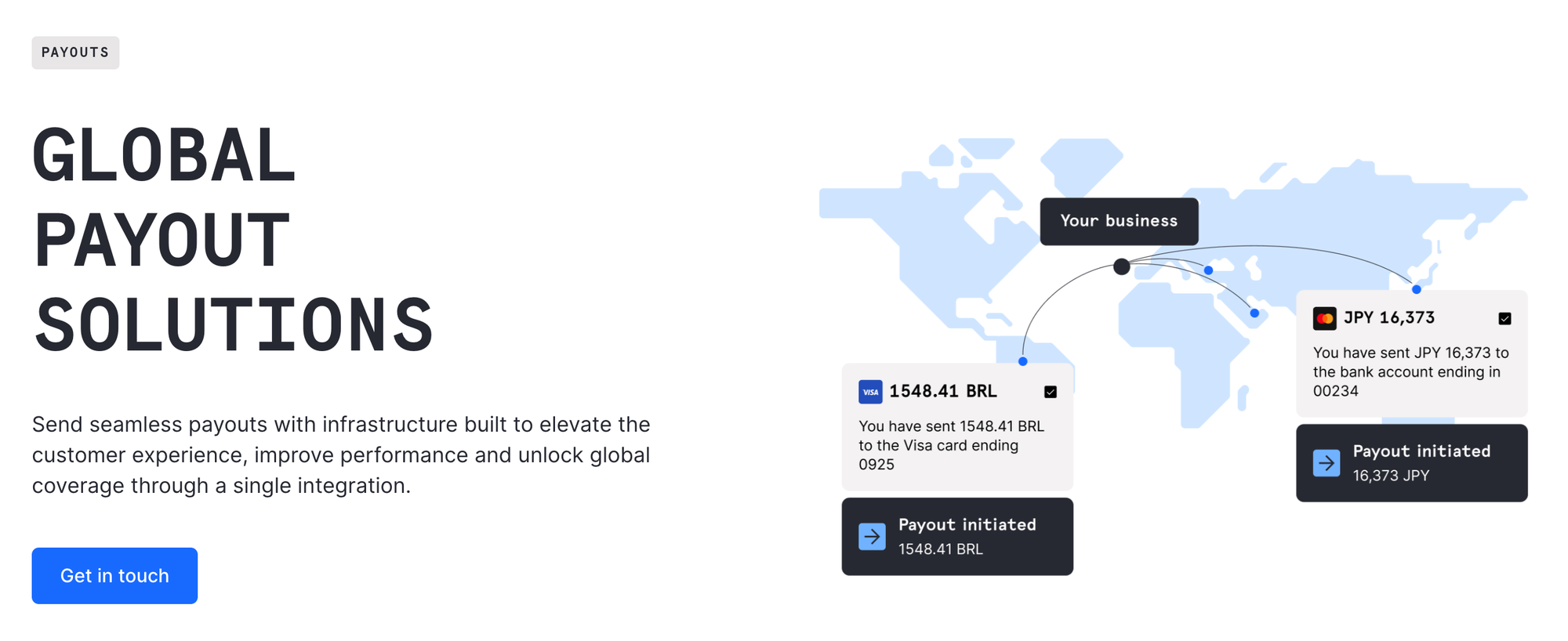
Funds can be settled quickly, and cross-border payouts make it much easier for businesses operating internationally - meaning less delays and simplified reconciliation.
Fraud protection
The platform comes with built-in risk management. Merchants can monitor for fraud and handle chargebacks without needing separate tools. That’s a big plus when you consider that, globally, businesses are projected to lose tens of billions of dollars each year to online payment fraud - ouch.
There’s a learning curve to set up the settings properly, but having that protection integrated is a big plus.
Dashboard & reporting
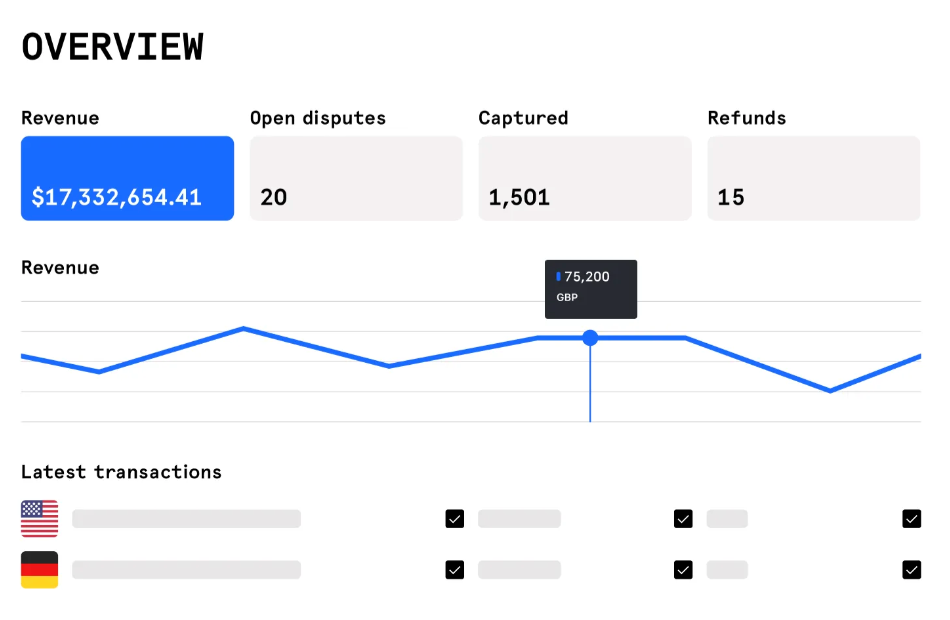
Checkout.com’s dashboard gives a clear view of everything happening with your payments, including transactions, pending payouts, disputes, refunds, and chargebacks.
I noticed it also includes detailed analytics, like payment success rates by method, regional performance, and even insights into failed transactions so you can spot trends or potential issues quickly.
Reconciling accounts is much easier with these tools, and you can export reports for accounting or bookkeeping purposes.
But, because of all this, it can feel a bit overwhelming at first.
Key Checkout.com features that captured my attention
While discovering how Checkout.com works for merchants, there were a few features that really stood out to me.
Here they are:
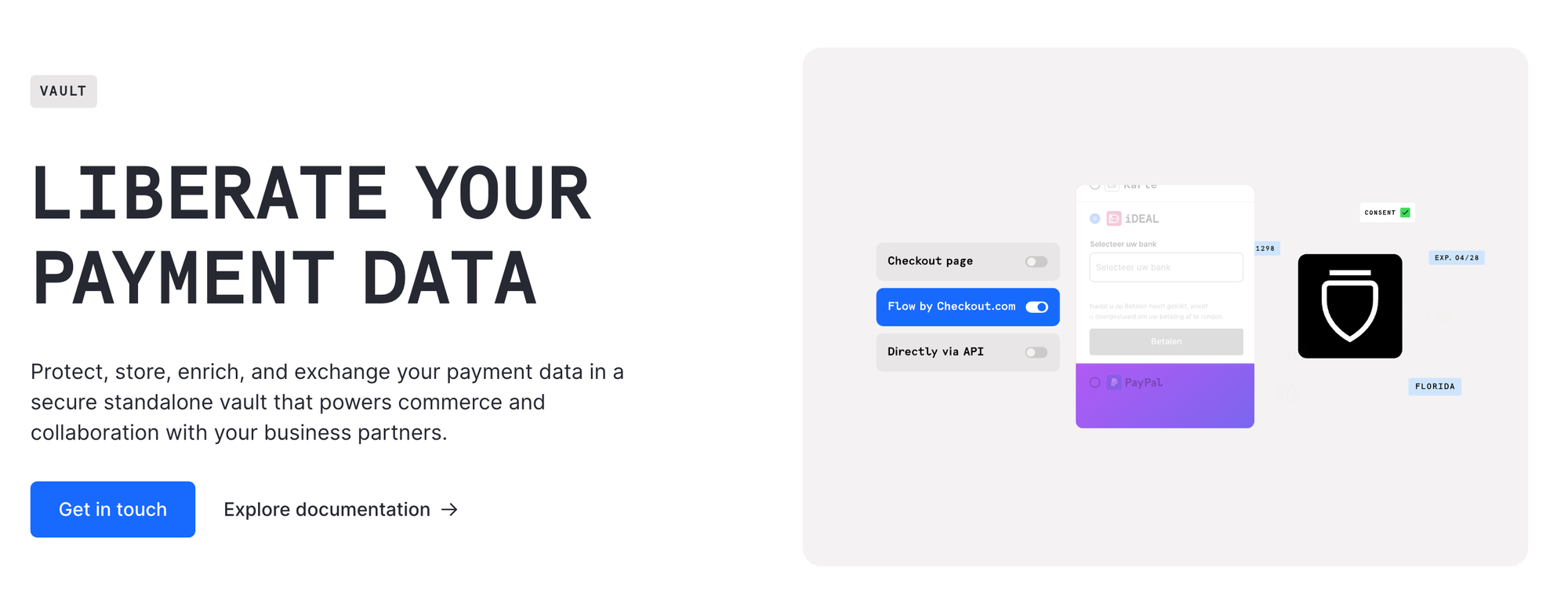
Vault: securing your payment data
Storing customer payment information can get confusing, fast.
Checkout.com’s Vault securely stores customer payment information, keeping it PCI and GDPR compliant.
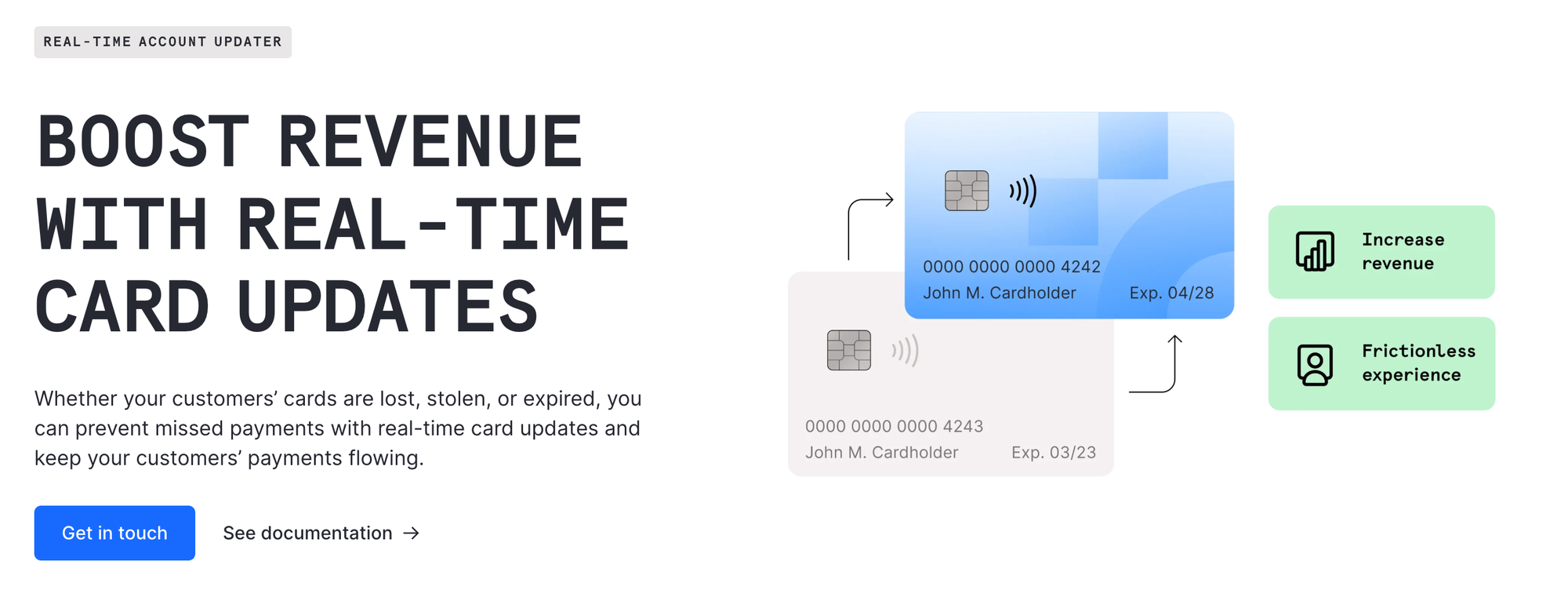
And, the Real-Time Account Updater automatically updates stored card info - like new expiration dates - reducing failed transactions.
Vault also supports network tokens and is PSP-agnostic, so credentials can be forwarded to multiple providers. So if your business handles high volumes or cross-border payments, this will save time and improve payment acceptance.
Multi-PSP routing and smart payment orchestration
Smart routing is an incredibly helpful feature. It is the ability to route payments across multiple providers automatically - maximizing approval rates and reducing downtime if a provider fails.
This is something you don’t see with simpler payment processors, so it's worth a shout-out here.
Advanced developer tools and integrations
I've already touched on the APIs, but Checkout.com’s APIs go beyond standard payment flows. They allow full customization for subscriptions, in-app payments, and checkout experiences.
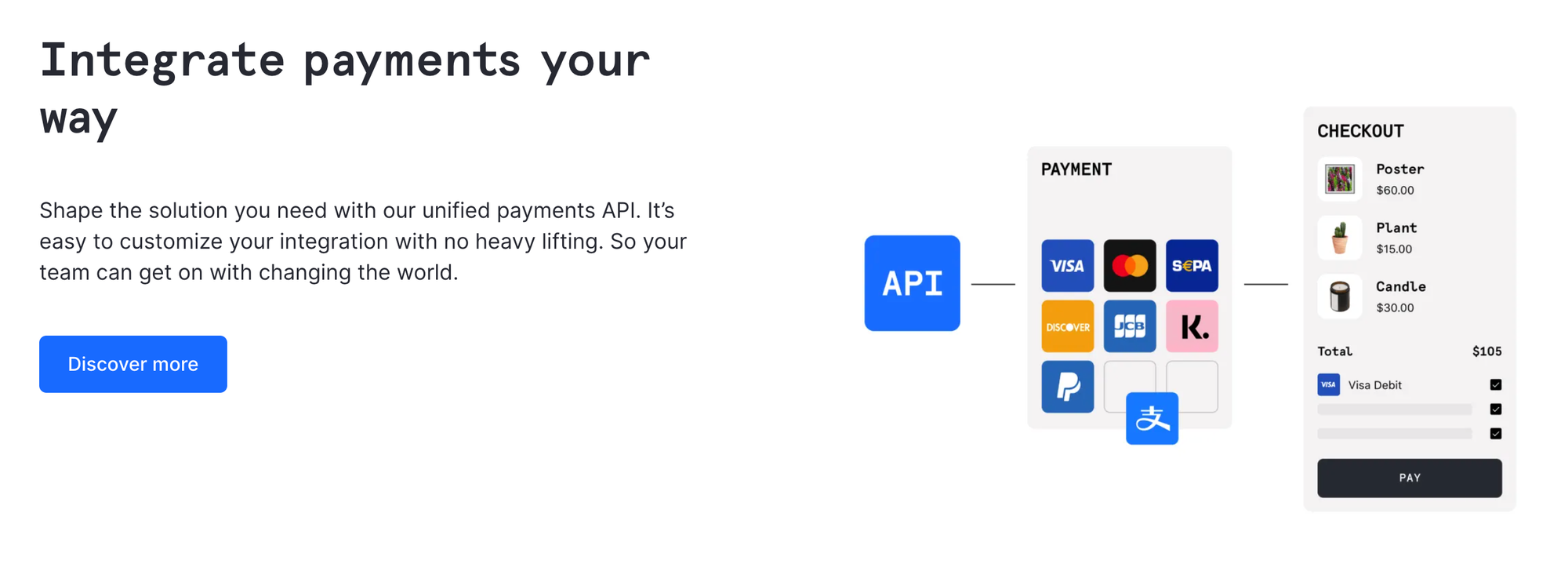
There are also integrations with popular ecommerce platforms and flexibility for complex, enterprise-level setups.
Analytics and reporting enhancements
Beyond basic dashboards, Checkout.com gives merchants actionable insights into their payments. You can see transaction success rates, trends by payment method or region, and patterns in customer behavior.
This is especially important when you consider that, according to PYMNTS Intelligence, more than 80% of firms struggle to discover what causes failed payments, meaning clear analytics are crucial for spotting issues and improving approval rates.
Pros and cons of using Checkout.com
Let's move on to the good, the bad, and the confusing.
Pros:
- More than payments
Checkout.com is a full payments platform. That means you’re not only getting payment processing, but also tools like Vault for secure payment storage, built-in fraud protection, global payouts, and detailed analytics.
For merchants who need all of that in one place, it’s a huge advantage. - Sell internationally
The platform works well for businesses selling internationally. You can accept multiple currencies, credit and debit cards, digital wallets, and alternative payment methods such as SEPA Direct Debit, iDEAL, Bancontact, Alipay, and WeChat Pay.
For global sellers, that kind of coverage can save a lot of time and headaches compared to managing multiple providers. - Easy integration, reporting, and analytics
The developer-friendly APIs are also a plus if you want to customize checkout flows, subscriptions, or integrate directly with apps and websites. And the analytics and reporting are pretty solid too.
Cons:
- Steep learning curve
This is not the simplest platform to understand. It can feel overwhelming if you just need basic card processing. - Confusing fee structure
Fees can also be a bit confusing, varying by payment method, currency, and which tools you use.
What's my verdict?
Well, for most medium to large businesses - or anyone selling internationally - Checkout.com is a strong choice.
But if you only need simple, local payment processing with minimal setup, you might find it more complex than you need.
Pricing and fees: how much does it cost to use Checkout.com?
Checkout.com doesn’t publish a fixed pricing table, so figuring out exactly what you’ll pay isn’t straightforward.
According to their website, pricing is tailored to your business based on transaction volume, payment methods, currencies, and risk profile.
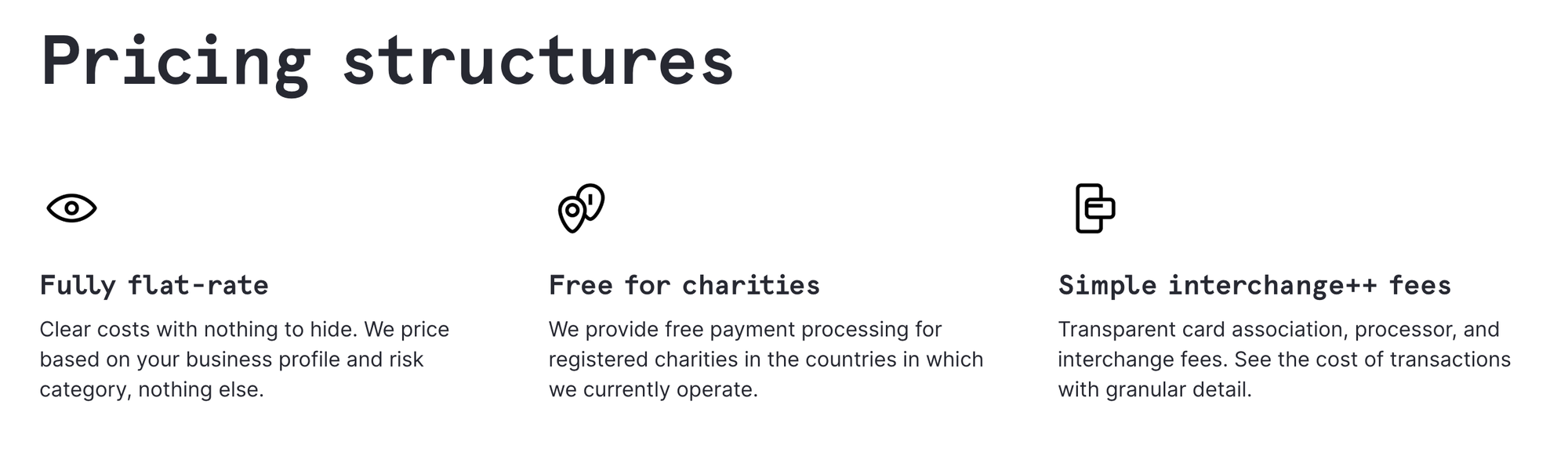
They offer options like flat-rate, interchange++ (pass-through card network fees plus a markup), or fully custom enterprise pricing. The website also highlights that there are no setup fees or hidden charges, which is reassuring.
But, I've done some digging, and third-party sources give a rough idea of what some merchants might expect (according to reviews).
For example, European card transactions may cost around 0.95% + $0.20 per transaction, while non-European cards could be closer to 2.90% + $0.20.
For high-volume merchants on an interchange++ plan, the markup over interchange fees might range between 0.10%–0.40% + $0.08 per transaction, depending on volume and agreement terms.
Other summaries suggest a typical total fee range of 2.3%–2.9% + $0.30 per transaction, though these numbers vary widely depending on card type, region, and transaction size.
The only way to get an accurate quote is to contact Checkout.com directly. They’ll ask for your expected volume and payment mix to provide a customized pricing plan.
Is Checkout.com right for your business?
After checking out Checkout.com, I’d say it’s a good option for businesses that need more than just basic payment processing.
If you’re selling internationally, dealing with multiple currencies, or want access to alternative payment methods like SEPA Direct Debit, iDEAL, Bancontact, Alipay, or WeChat Pay, this platform makes that much easier.
But, it's not the only solution.Another option to consider is Whop Payments.
Like Checkout.com, Whop supports global payments (with local aquiring), multiple currencies, and a range of payment methods - including credit/debit cards, digital wallets, BNPL, and even crypto.
What makes Whop different is that it’s also a full business platform. You can sell products, memberships, courses, and even run communities and livestreams - all while handling payments seamlessly.
Basically, Whop lets you build and grow your business while processing payments, giving you a broader set of tools than a standard payments platform.
TL;DR: Checkout.com is strong for businesses focused on enterprise-level payment infrastructure, global reach, and advanced analytics, while Whop offers a more integrated approach to building a business around payments, products, and communities.
Whop: payments and business, together
Checkout.com is a powerful payments platform, capable of handling global transactions, advanced fraud protection, and detailed analytics.
If you’re looking for a platform that not only processes payments but also helps you build and grow your business, Whop is the one for you.
Like Checkout.com, Whop offers advanced analytics, fraud detection, and smart payment routing - but also gives you a clear, transparent fee structure (just 2.7%+ $0.30/transaction). On top of that, you can sell products, memberships, and run communities all in one place, making it a true all-in-one solution.
Use Whop only for payments, or use it to run your whole business - the choice is yours.