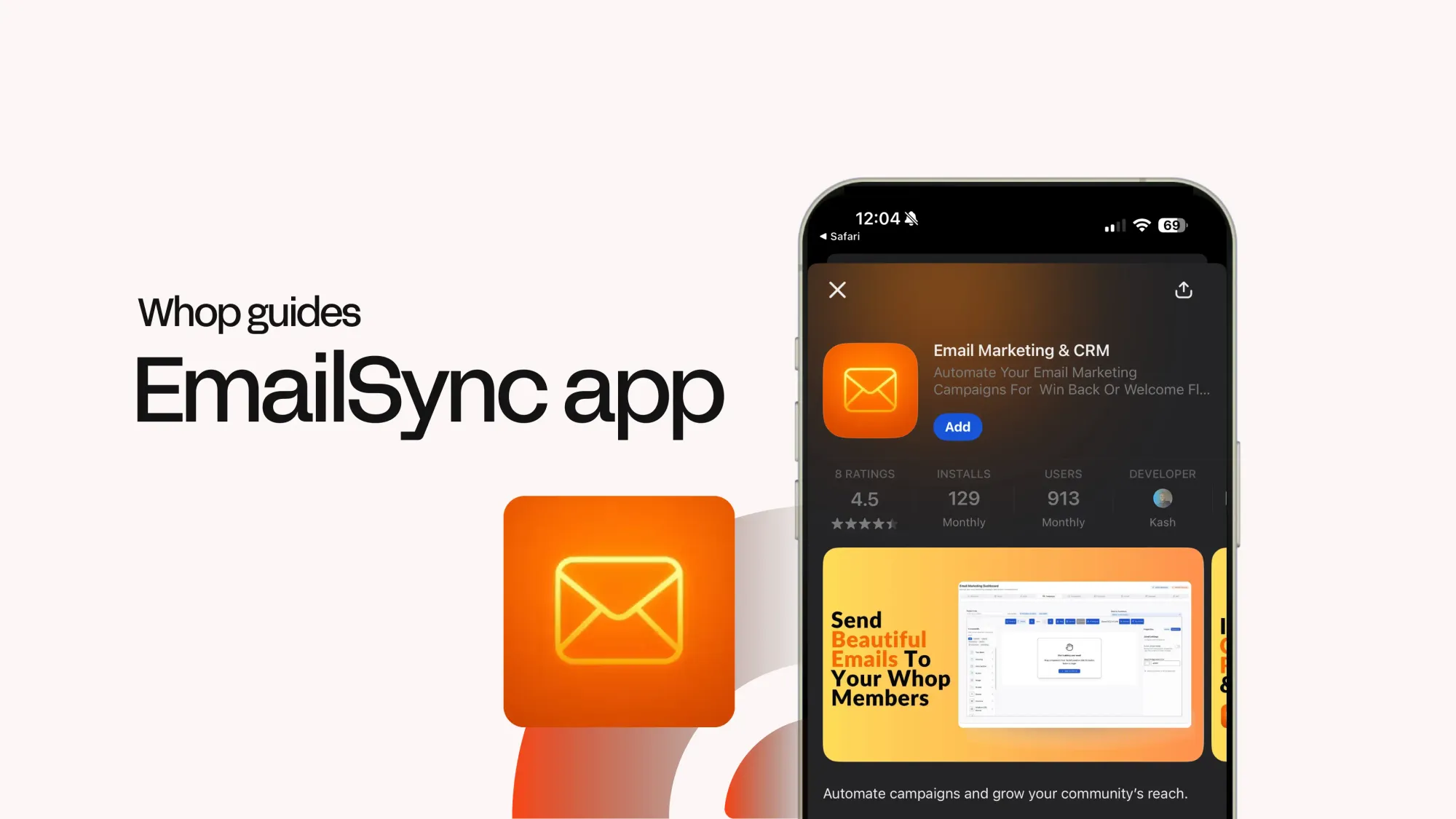
Skip third-party services. EmailSync makes it easy to create and send campaigns to your members all in one place.
Key takeaways
- EmailSync lets Whop creators manage complete email marketing campaigns without needing external tools.
- Built-in automation triggers send emails automatically when members sign up, pay, or earn affiliate rewards.
- Domain warm-up features and CRM analytics help creators improve deliverability and track campaign performance.
EmailSync is a Whop app that lets you create, send, and manage email campaigns directly in your whop.
Whether you want to welcome your members with an email or let your members know of a new course drop, EmailSync can help you.
In this guide, we're going to talk about how EmailSync can help you build and manage email campaigns and how it works.
What is EmailSync?

EmailSync is a Whop app that gives your whop a complete email suite with the perfect balance of power and simplicity.
In addition to classic email-sending, it includes features like audience lists, automation triggers such as membership activation, payment success, or affiliate reward creation, company info customization, forms, and more.
Basically, you get everything you need to run email campaigns without juggling extra tools.
EmailSync subscription tiers
EmailSync offers several subscription tiers, and you’ll need an active plan to send emails.
A 1-day free trial is available so you can explore the features and see how it works before committing.
| Plan | Monthly price | Contacts | Main Ffatures |
|---|---|---|---|
| Basic | $29.95 | 3,000 | Unlimited email sending, email templates, email analytics, Whop integration, email support |
| Starter | $59.95 | 5,600 | Everything in Basic |
| Growth | $129.95 | 10,000 | Everything in Starter plus priority support |
| Pro | $299.95 | 30,000 | Everything in Growth |
| Enterprise | $599.95 | 60,000 | Everything in Pro |
| Scale | $1,199.95 | 120,000 | Everything in Enterprise plus advanced segmentation |
| Mega | $2,399.95 | 250,000 | Everything in Scale plus custom integrations |
Inside the EmailSync app
EmailSync includes six tabs that let you manage everything, from initial setup to sending campaigns.
Let's take a look at each.

Set up EmailSync
The Setup tab is where you can see if the EmailSync app is integrated with your Whop account and your subscription status.

Manage your email campaigns
The Email marketing tab is where the magic happens. In this tab, you're going to see eight other tabs that allow you to adjust various aspects of the app:
- Overview: See your domain status, synced members, campaigns sent, email analytics, flow performance, and more
- Setup: Set up the EmailSync app
- Domains: Custom domain management settings
- Lists: Create new lists, add members to your lists, or add emails manually and adjust your current lists
- Campaigns: Select a list, build your email (or use a template) and send emails
- Automation: Create triggers or email flows that automatically send emails to your members and adjust webhook settings
- Company: Update your company information (like name, website, email, address, etc.) and customize your email footers
- Forms: Create embedded forms and collect email subscribers

Warm-up your domain
The Warm-up tab shows your domain warm-up dashboard, helping ensure your emails land in inboxes and stay deliverable.
If you've selected the Whop.com domain in the Setup tab of Email marketing, you don't have to worry about domain warm-up.

See and control your member list
In the Members tab you can see member statistics. View the total, active, expiring soon, and canceled members, plus the engagement rate.
Under these statistics are two sections: manual member upload, which allows you to upload a member list (in CSV, XLSX, or XLS formats), and a list of all your members.

View your analytics with the CRM dashboard
Through the CRM tab you can access a CRM dashboard and view analytics, an overview of your pipeline, contacts, pipeline details (including stages and deals), segmentation, team members, and more.

Learn how to use EmailSync
The How to tab includes a video tutorial from the EmailSync developer on setting up the app, and you can also schedule a one-on-one setup call directly using the Schedule Setup Call button.

Send smarter and sell more with EmailSync
EmailSync gives creators everything they need to run smarter campaigns, all in one place.
Now it’s your move - bring your email strategy to life.