Whop now supports Splitit and Sezzle at checkout. Learn what they are and how you can implement them for your whop.
Key takeaways
- BNPL options like Splitit and Sezzle help creators convert more high-ticket sales by letting buyers split payments over time.
- Splitit uses buyers' existing credit cards for interest-free installments, while Sezzle offers flexible pay-in-2, pay-in-4, or monthly plans.
- Creators must maintain dispute rates below 3% and complete a financing application to enable these payment options.
Splitit and Sezzle are now available on Whop (alongside Afterpay, Zip, and Klarna), giving your U.S. customers flexible buy now, pay later (BNPL) payment options at checkout.
These financing solutions let buyers split purchases into smaller payments over time, helping you convert more customers – especially for high-ticket products like coaching programs, premium memberships, or masterminds.
Here's everything you need to know about how Splitit and Sezzle work, and how to enable them for your whop.
How it works for your buyers:
When someone’s on your checkout page, they’ll see a range of payment methods - card, Afterpay, Amazon Pay, Cash App, and more.
Now, thanks to our latest update, customers may also see Splitit and Sezzle, depending on what you’ve enabled in your pricing settings.
Note: Not every whop automatically supports Splitit or Sezzle. As a creator, you’ll need to opt in to these BNPL options when setting up or editing your pricing.
Once a buyer selects one of these options, they'll be redirected to the respective provider (Splitit or Sezzle) to complete the payment, then brought right back to Whop once it's done.
Splitit vs Sezzle: A quick overview
Before we jump into the full details, here's a quick comparison of the two BNPL providers:
| Splitit | Sezzle | |
|---|---|---|
| How it works | Splits payments using buyer's existing credit card | Pay in 2, Pay in 4, or Pay Monthly plans |
| Interest | Always 0% | 0% short-term, or 5.99-34.99% APR for long-term |
| Credit check | No | Only for Pay Monthly |
| Cards supported | Credit cards only | Credit + debit cards |
| Best for | Buyers with credit cards, high-ticket offers | Buyers wanting more flexible financing |
Below, I'll explain how they each work.
How Splitit works:
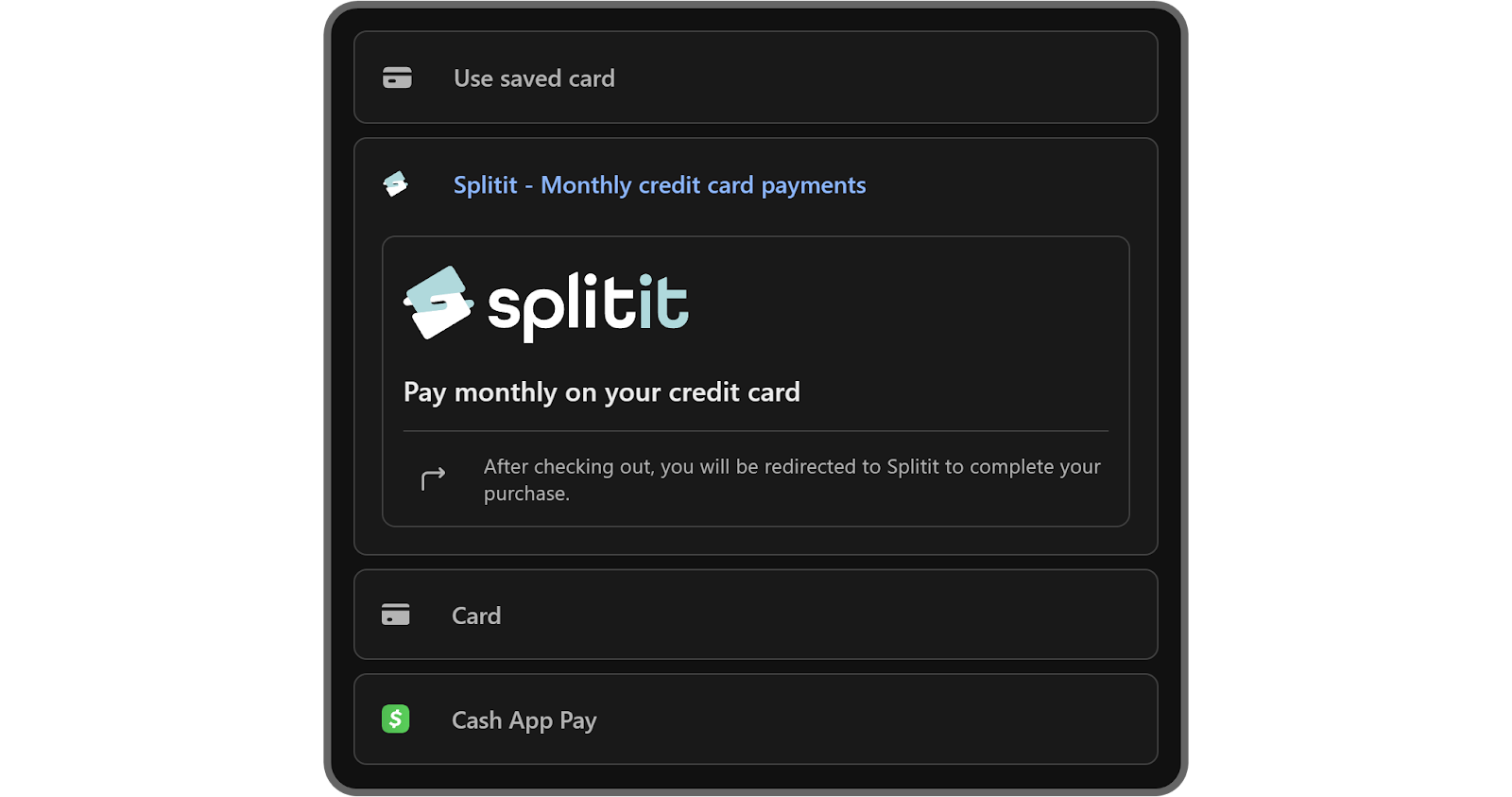
Splitit lets buyers use their existing credit card to split a purchase into smaller, monthly payments, with no interest.
However, it places a temporary hold on their credit limit to cover the full purchase. The hold typically drops within several business days, though this is controlled by the buyer's bank. For some plans, the hold is periodically re-authorized at lesser amounts as payments are made then releases that hold as payments are made over time.
Buyers don’t need to apply for a new credit card or line of credit - just use the one they already have.
How Sezzle works:
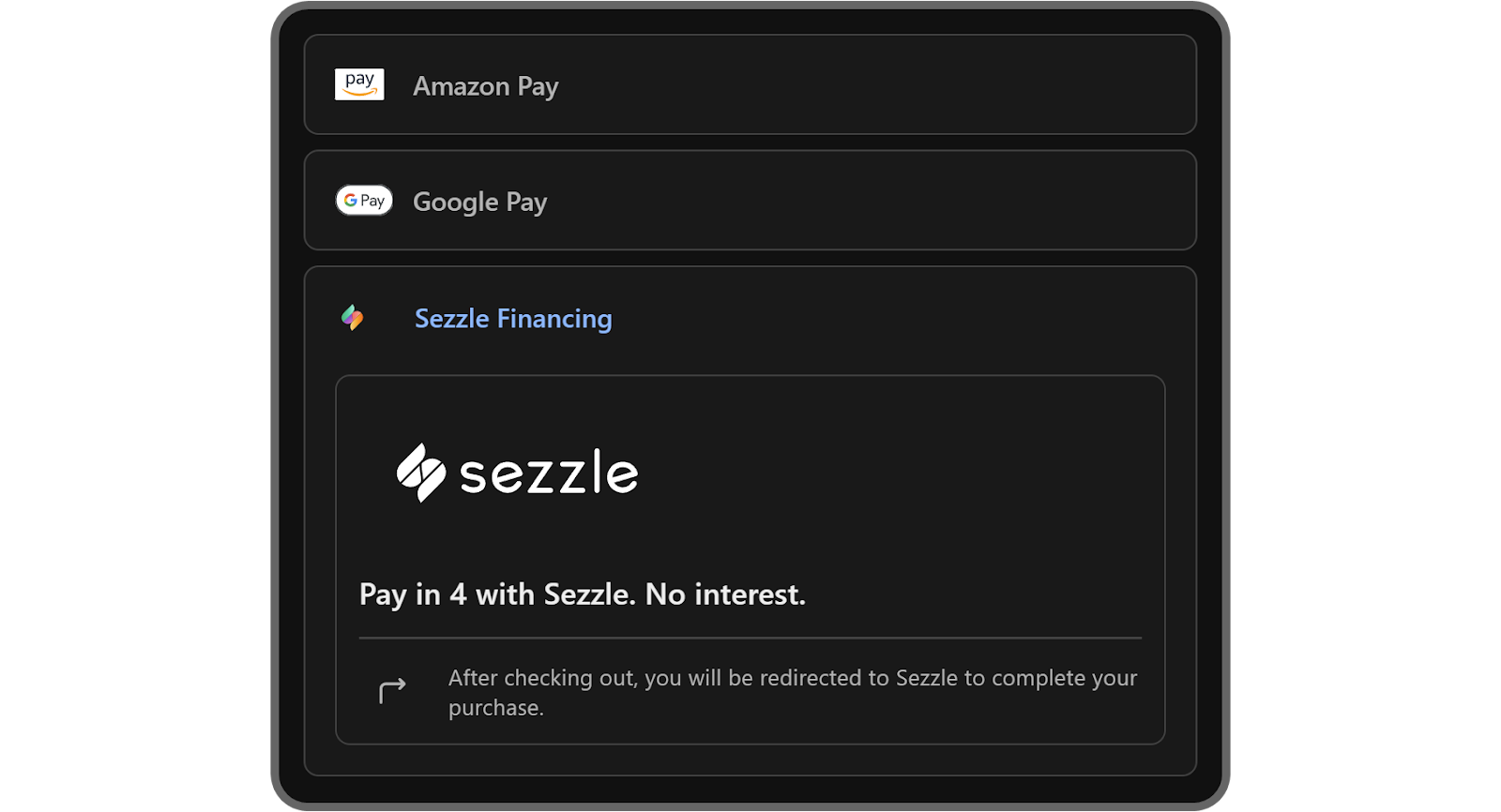
Sezzle splits payments over time, offering both interest-free and interest-based options. Buyers can choose from:
- Pay in 2: 50% now, 50% in two weeks (interest-free)
- Pay in 4: Four payments over six weeks (interest-free)
- Pay Monthly: Plans ranging from 3 to 48 months with interest rates from 0% to 34.99% APR (subject to approval)
When a buyer chooses Sezzle, they're redirected to Sezzle to confirm a payment plan, then returned to Whop to complete the checkout.
How to enable Splitit and Sezzle for your whop
Enabling BNPL works a little differently than other settings because these providers sit on top of your payment processor.
In Whop, that’s handled by Whop Payments, so once you’re approved, Splitit and Sezzle appear right in your checkout.
The first thing you need to do is to make sure your whop’s store page is complete and you’ve met all the requirements for Discover.
After that, you should take a look at your dispute rates - for your Splitit application to be approved, your dispute rate must be lower than 3% over the past 3 months.
Once you make sure your whop meets the requirements, it’s time to apply!
How to apply for Whop BNPL financing
You can apply for financing on your Whop dashboard, either on your Payouts page (on the Financing and other payment methods tab) or directly when you create a checkout link on the Checkout links page of your dashboard:
- Click + Create checkout link
- Select One-time as your pricing type
- Under Payment methods, click Apply for financing
- Complete the application form
After your financing access is approved, you’ll get a confirmation via email, Whop DM, and a notification on your Payouts page.
From here, any available financing options are automatically enabled at checkout for customers. You can then choose which financing methods appear on each checkout link, turning options on or off as needed.
Find out more about each financing option, including limits, supported regions, approvals and terms in our documentation.
Why this matters for you as a creator
Offering BNPL helps lower the barrier for potential buyers - especially for high-ticket items like coaching programs, premium memberships, or masterminds.
It gives your audience more ways to say “yes,” without needing to pay everything up front.
More buyers = more cash for you. It’s a win-win.
Add Splitit and Sezzle to your whop today
It's simple: more financing options mean more sales.
Make it easier for buyers to spend more money. Enable Splitit and Sezzle at checkout and start selling more with flexible, interest-free payment options.
New financing options FAQ
Do I need to enable these payment options?
Yes, Splitit and Sezzle won’t appear unless you’ve selected them in your pricing settings.
Are these options available for all buyers?
No - they’re currently only available to U.S. residents.
Do these services charge interest to buyers?
Splitit Retail Plans are interest-free; Sezzle Pay in 2 and Pay in 4 plans are interest-free, but may include service fees up to $5.99. Pay Monthly plans carry 0-34.99% APR.
Does Splitit work with debit cards?
No, Splitit requires a credit card.