The How-To Vault

The How-To Vault is a growing library of practical, step-by-step PDF guides on the specific skills people actually want to learn, from...
Location hidden
β€’Created byProfile pictureCyril
5 joined
Profile picture
CyrilProfile picture@cyrilghanemΒ·2d

Mistake to avoid: adding testers to the list and stopping there

You paste 12 Gmail addresses into your closed-testing track and wait. Two weeks later, the count is still short.


Being on the list is not opting in. Each tester has to open the opt-in link in the listed Google account and accept. Their 14 days count from their own opt-in date, not from the day you created the track.


The fix:


  • copy the opt-in link once the release status is Published (it does not appear earlier)

  • send it with clear steps and a few tasks to try

  • record each opt-in date and check the count daily

  • with a Google Group, testers join the group first and open the link second


Who the guide is for: first-time publishers with a working Android app and no team. It covers Google Play only, and it does not teach coding.


$7.99 β†’

Profile picture
CyrilProfile picture@cyrilghanemΒ·2d

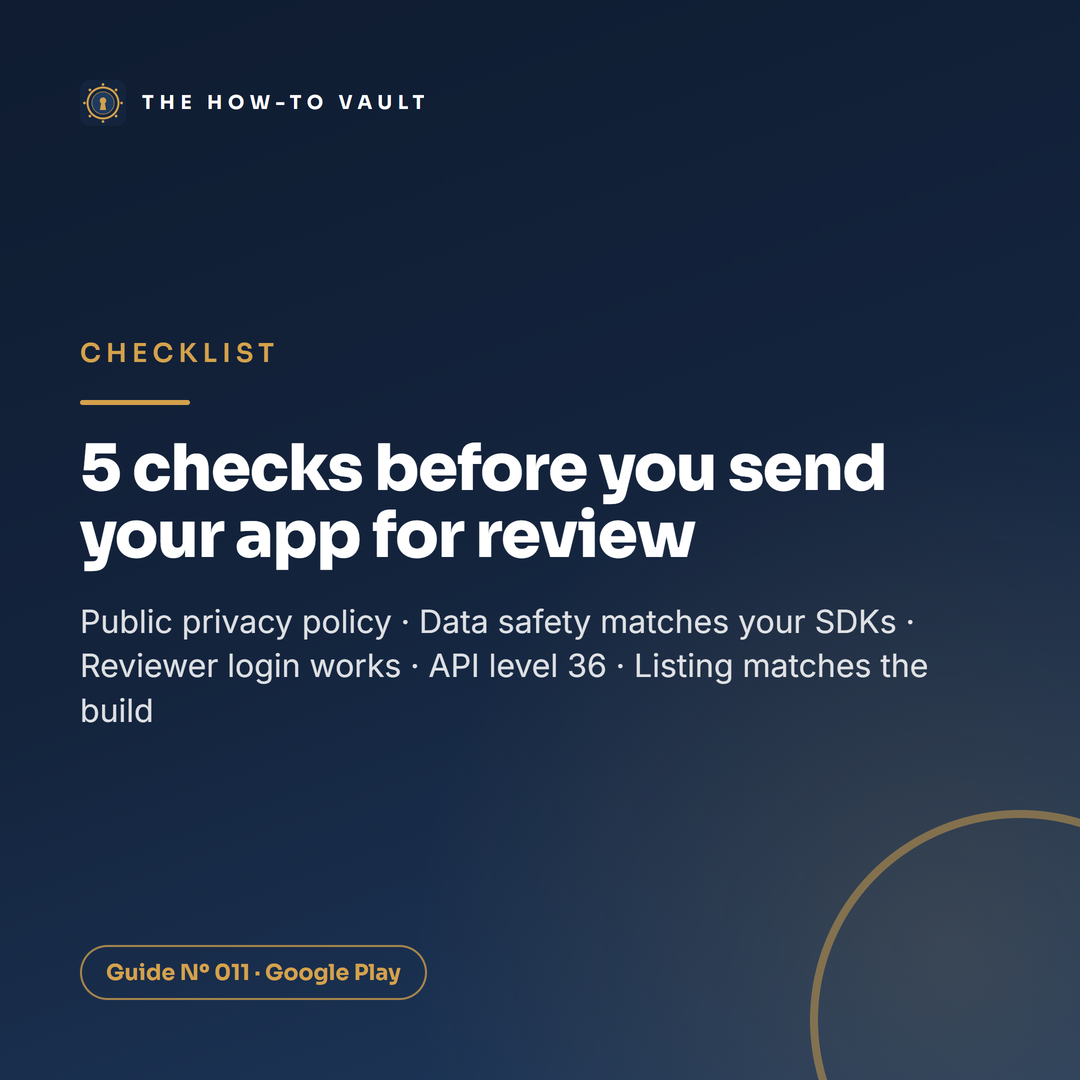
Checklist: 5 checks before you send your app to Google for review

Checklist: 5 checks before you send your app to Google for review


Five items from the final checklist in Cleared for Launch. Run them before you send the production release:


  • [ ] Privacy policy opens without a login and is linked inside the app

  • [ ] Data safety answers match every SDK in the build

  • [ ] The test login you gave reviewers still works

  • [ ] Release app bundle targets API level 36 or higher

  • [ ] Listing matches the build: title, icon, screenshots, description


The one people forget: changes wait on Publishing overview until you send them for review yourself.


The full nine-item checklist, plus the day-by-day calendar, is in the guide β†’

Profile picture
CyrilProfile picture@cyrilghanemΒ·2d

Debate: friends and family, or people who'd really use the app?

Say you need 12 real people to test your app for 14 days. Who do you ask first?


Team friends and family. Google's own suggestion is your personal and professional network: friends, family, colleagues, classmates. Are they the ones most likely to stay in for two weeks?


Team community. A Discord or forum you already belong to, or a group about your app's topic. People who would use the app anyway. Is their feedback worth more?


One thing both teams need: a varied group with different phones.


Defend your pick πŸ‘‡

Profile picture
CyrilProfile picture@cyrilghanemΒ·2d

Myth vs fact: one tester quits and your 14 days start over

Myth: if one tester leaves your closed test, the 14-day clock resets for everybody.


Fact: the rule is counted per tester. Google counts testers who have each stayed opted in for 14 days in a row, and you need at least 12 of them. Its page describes no reset for everyone else when one person drops out.


What does happen:


  • someone who leaves early does not count

  • someone who leaves and comes back starts their own 14 days again


So the fix is simple: recruit 15 to 20 people instead of exactly 12. Then one dropout costs you nothing.


(As of October 2026, for personal accounts created after 13 November 2023.)

Profile picture
CyrilProfile picture@cyrilghanemΒ·2d

Poll: what would stop you from publishing your own app?

AI and no-code tools mean a lot more people can now build a working Android app.


Getting it onto Google Play is a separate job, with four gates in a fixed order: account, app set-up, closed test, production access.


Which part would worry you most? Vote, then tell us why πŸ‘‡

Profile picture
CyrilProfile picture@cyrilghanemΒ·2d

Fun fact: a Google Play developer account costs US$25, once

Fun fact: a Google Play developer account costs US$25, once


A Google Play developer account costs US$25, paid one time. Personal or organisation, same fee.


The money is the easy part. The time is not:


  • identity verification: about 3 business days, per Google

  • closed test: 14 days minimum (personal accounts created after 13 November 2023)

  • production-access review: usually 7 days or less

  • production release review: up to 7 days, longer in exceptional cases


Add it up and 3 to 5 weeks is realistic. About 3 weeks is the best case.


Nothing shortens the 14 days. What you control is the waiting around them: start verification early, and recruit testers while your first build is in review.

Profile picture
CyrilProfile picture@cyrilghanemΒ·2d

Quick win: host your app's privacy policy the right way

Every app on Google Play needs a privacy policy. Even an app that collects nothing.


Three things that keep it from tripping you up:


  1. Make it a normal web page. Anyone must be able to open it without logging in. A PDF fails. So does a document the public can edit. In practice, GitHub Pages or a publicly published Google Site works.

  2. Link it twice. Once in the Play Console field, once inside the app, for example on a settings screen.

  3. Cover the basics. Who you are and a privacy contact. Which data the app accesses, collects, uses and shares, and with whom. How you keep it secure, how long you keep it and how it gets deleted.


Do it early: the Target audience form expects it.


New here? The free Vault Starter Pack is a good first stop:

Profile picture
CyrilProfile picture@cyrilghanemΒ·2d
Pinned post

New in the Vault: get your first app onto Google Play πŸš€

New in the Vault: get your first app onto Google Play πŸš€


Your app works on your phone. Then Play Console shows a locked Apply for production button.


Nothing is broken. Personal developer accounts created after 13 November 2023 must first run a closed test: at least 12 testers, each opted in for 14 consecutive days.


Cleared for Launch: Get Your First App onto Google Play walks you through all four gates:


  • the right account type and identity verification

  • every form and declaration before a test release

  • finding 12 real testers, with an invitation message to copy and adapt

  • the production-access form, with example answers

  • a 21-day launch calendar and final checklist


No shortcut around the 14 days and no promise of approval. Realistic total: 3 to 5 weeks.


Guide NΒΊ 011 Β· 20+ pages Β· $7.99 β†’

Profile picture
CyrilProfile picture@cyrilghanemΒ·Oct 7

Mistake to avoid: appealing a flag on a video you got a free product for

TikTok flags a video as suspected undisclosed branded content. The instinct: "I wasn't paid, so I'll appeal."


If the product was free, that's the wrong move. Gifts count.


TikTok's creator page gives you 24 hours from the notification to respond, before the video becomes ineligible for the For You feed. Use them like this:


  • Got anything from the brand? Money, product, commission, a code. Disclose: add the label to the posted video and check it shows.

  • Got nothing? Appeal from the notification.


And check your Inbox the day you post, not the morning after.


Who the guide is for: creators posting gifted reviews, affiliate videos or first paid deals, with no manager to ask. It is not a growth course or a TikTok Shop seller guide, and it is not legal advice.


Disclose It Right, $7.99 β†’

Profile picture
CyrilProfile picture@cyrilghanemΒ·Oct 7

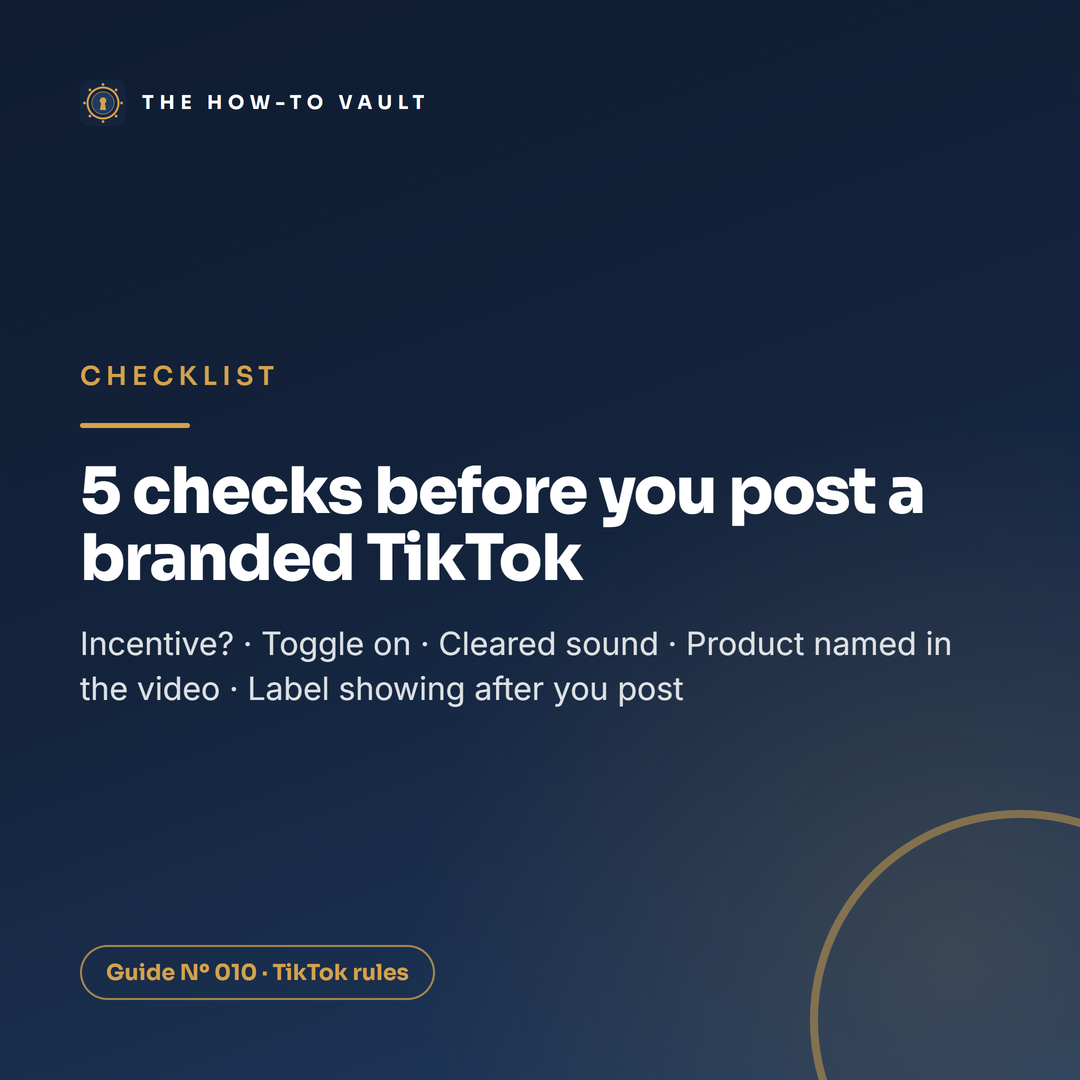
Checklist preview: 5 checks before you post a branded TikTok

Checklist preview: 5 checks before you post a branded TikTok


Five items from the guide's 60-second pre-post checklist:


  • [ ] Did I get anything from this brand: money, product, commission, a discount or a trip? If yes, it's branded content.

  • [ ] Disclose commercial content is on and Branded content is selected.

  • [ ] The sound is from Commercial Sounds or is my own audio.

  • [ ] The product is named and clear in the video itself.

  • [ ] After posting: "Paid partnership" shows on the live video, and I check my Inbox the same day.


The full version has nine points, including the category check and the caption wording for the US and the UK.


It's in Disclose It Right ($7.99) β†’