ChatGPT is an LLM that generates human-like text based on prompts. Learn how it works and how businesses and individuals use it to streamline processes.
Key takeaways
- ChatGPT uses transformer neural networks trained in three stages to predict contextual responses from massive text datasets.
- ChatGPT automates repetitive business tasks like content creation, customer support, and research available 24/7.
- Understanding how ChatGPT works helps avoid common errors and hallucinations that frustrate uninformed users.
AI is perhaps the most popular topic that everyone talks about nowadays - it’s everywhere, and the most popular AI of all is ChatGPT.
It’s an AI chatbot that can generate text, answer questions, and assist with writing, research, and more.
Sure, some people criticize it for occasional errors or hallucinations, but the truth is, these issues mostly come from not understanding how it works.
In this guide, we’ll cover the basics of ChatGPT: what it is, who created it, its main features, how it can be used in business, and where to try it yourself.
What is ChatGPT?
ChatGPT is an AI chatbot built on a Large Language Model (LLM).
It can understand prompts you type in and generate human-like responses. LLMs like ChatGPT are trained on massive amounts of text, which helps the AI predict what words should come next in a sentence.
While traditional chatbots follow pre-set rules, ChatGPT uses its training to generate more flexible and natural responses.
You type a message, it responds, and over time, its answers have become more accurate and relevant.
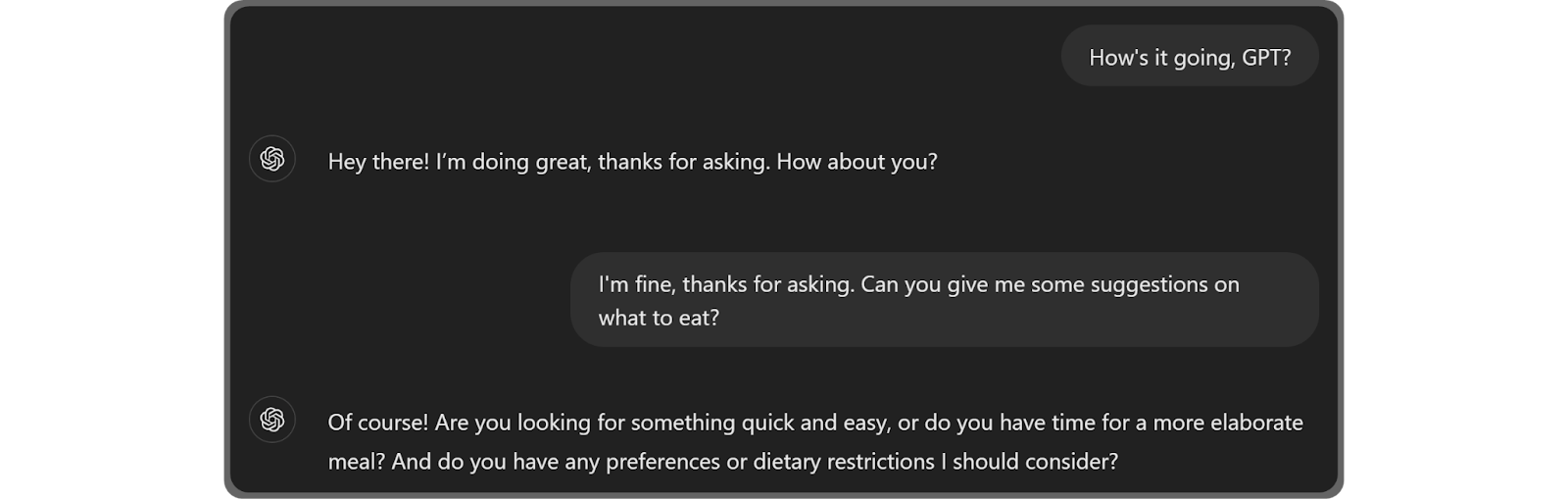
ChatGPT currently supports more than 80 languages in both everyday conversational tones as well as matching the tone and language style provided via the prompt.
This allows ChatGPT to give human-like answers.
Of course, this doesn’t mean it’s a reliable way to have human-like conversations since ChatGPT, at the end of the day, is a combination of highly trained neural networks - something that can’t match a human.
Read more:
Who created ChatGPT?
ChatGPT was made by OpenAI – they started back in 2015 and have been pushing AI tech forward ever since.
OpenAI hasn’t just developed ChatGPT — they’ve also got DALL•E, which turns text into images, and Sora, which can turn words into videos.
But ChatGPT is the most popular: it can answer questions, write stuff, help with research, and chat like a human (most of the time).
How does ChatGPT work?
Unlike basic chatbots that repeat the same answers and frustrate users, ChatGPT can understand context and respond more naturally. Here’s how it works:
- Training on massive datasets: ChatGPT is trained on huge amounts of text and code. This helps it learn patterns in language — what words are likely to come next and how sentences relate to each other.
- Breaking text into tokens: When you type a prompt, ChatGPT breaks it down into smaller units called tokens. These tokens are easier for the AI to process and understand in context.
- Neural networks and transformers: ChatGPT uses transformer models, a type of neural network, to analyze the tokens. It predicts the most likely next words based on what it learned during training. This is why it can tell the difference between phrases like “throwing a tantrum” and literally throwing something.
How was the AI trained?
ChatGPT’s training happens in three main stages:
- Generative pre-training: At this stage, the AI is fed massive amounts of text from books, websites, Wikipedia, and more. This helps it learn language patterns, grammar, context, and how words form sentences. It’s how ChatGPT gets the basics of human language down.
- Supervised Fine-Tuning (SFT): Next, the AI is trained on specific tasks like conversations, creative writing, or coding. Humans act as the “ideal chatbot,” and their interactions are used to teach the AI how to respond correctly.
- Reinforcement Learning from Human Feedback (RLHF): Finally, humans evaluate ChatGPT’s responses and “reward” the best ones. This helps the AI learn which answers are preferred and improves its accuracy over time. You might have noticed this in action when ChatGPT asks you to choose which of two answers is better – your input helps train it, too.
Read more:
How using ChatGPT can benefit you
ChatGPT can make a lot of everyday tasks easier, whether it’s for work, learning, or just messing around:
- Always there when you need it: Drafting product descriptions at 2 AM or responding to customer questions, ChatGPT is available 24/7. It can help you write, brainstorm, or troubleshoot without waiting on anyone else.
- Handles repetitive tasks: Writing multiple product listings, creating social media captions, or generating email templates can get tedious. ChatGPT can draft, proofread, or rewrite content in seconds, and even generate scripts or small automations for your workflows.
- Versatile and customizable: Struggling to make your copy more engaging or adapt it for different audiences? ChatGPT can simplify language, match your brand voice, or even roleplay scenarios like customer responses or marketing campaigns.
- Custom GPTs for your business: You can create your own GPTs tailored to your shop or niche: for example, a custom AI that generates product ideas, writes email sequences, or handles customer FAQs. These can even integrate with other tools to streamline your business processes.
Using ChatGPT means fewer headaches, faster content creation, and smarter ways to engage with customers.
ChatGPT's best features
The coolest thing about ChatGPT is that it can help you with all kinds of stuff.
While chatting with ChatGPT, you have a number of tools that can help you improve your experience:
- GPTs (custom AI profiles): You can create or use pre-made GPTs tailored for specific topics, like coding, marketing, or history. ChatGPT Plus users can make their own custom GPTs.
- Custom instructions: Tell ChatGPT how you want it to respond and what it should know about you. For example, you can make it act like a senior developer every time you chat.
- Memory: ChatGPT can remember preferences across chats. Want all scripts in Python or marketing copy in a certain tone? It’ll stick to that automatically.
- Voice chat: On mobile, ChatGPT can talk with you in a humanlike voice, detect emotions, and respond naturally.
- Chat history: All your conversations are saved. You can rename, delete, or share them, making long-term use easy.
- Different models: ChatGPT has several models for various tasks, which users can switch between depending on plan access.
- Image generation: Use DALL•E 3 directly in chats to generate images from your prompts.
- Code generation: ChatGPT can write code in multiple languages – super handy for quick scripts or small projects.
- Google Drive & OneDrive integrations: Attach files from your cloud accounts to prompts, saving time.
- File uploads: Upload PDFs, Excel sheets, or other files to chat about their content. (Large files may be partially processed depending on size.)
How to access ChatGPT
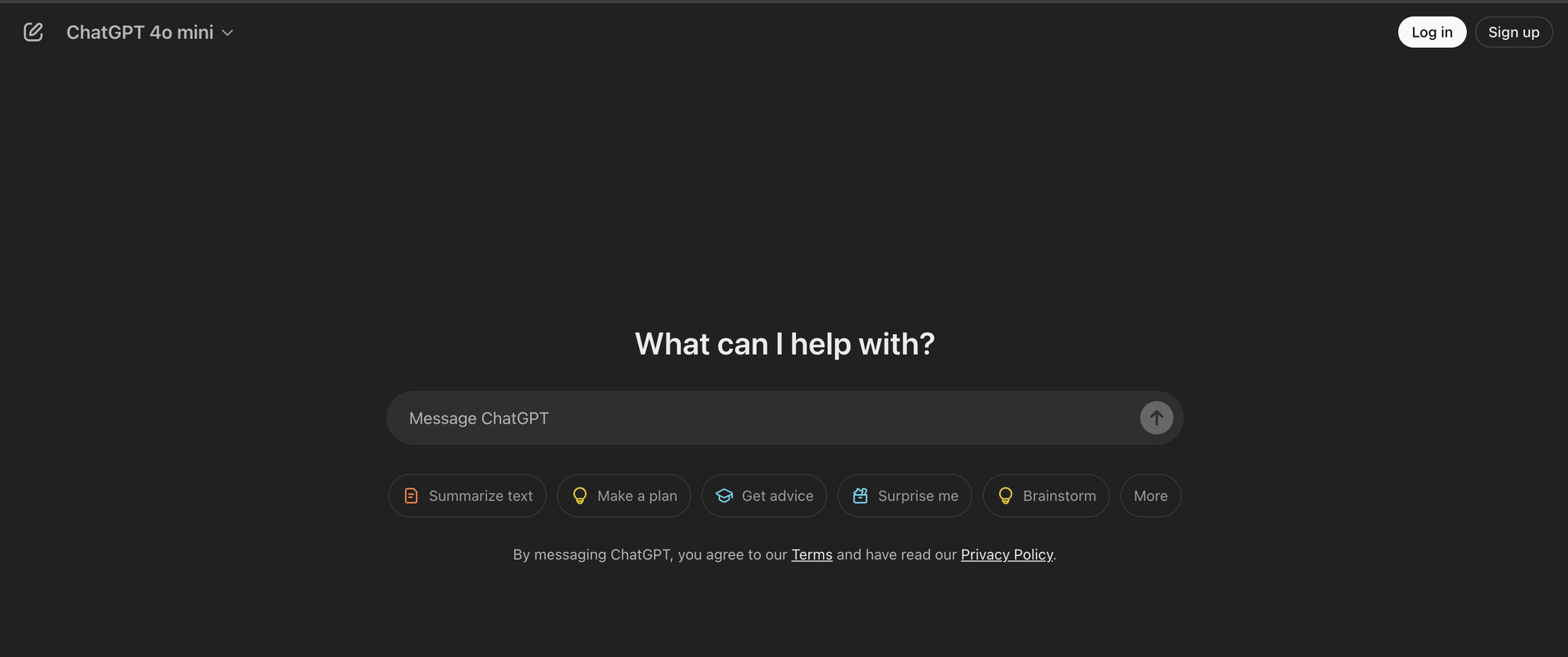
You can start using ChatGPT right now at chatgpt.com. You don’t even need an account to try out the GPT-4o mini model. Just type in a prompt and see what it comes up with.
It’s not just for fun, though. You can ask it to:
- Suggest a recipe based on everything in your fridge
- Write a Python script to track your computer usage
- Improve your emails, product descriptions, or code
- Generate social media post ideas
- Draft outlines, captions, or newsletters
- Build schedules for content, launches, or projects
- Act as a tutor for learning new skills
Basically, anything text-based you can imagine, ChatGPT can help with.
Are there limitations to ChatGPT?
ChatGPT is amazing, but it has some limitations:
Model Usage Limits
- o1-preview: Users with a ChatGPT Plus or Team account have access to 50 messages per week with the o1-preview model.
- o1-mini: Users with a ChatGPT Plus or Team account have access to 50 messages per day with the o1-mini model.
Advanced Voice Mode
- Daily usage limit: Subscribers to ChatGPT Plus or Team accounts have a daily usage limit for Advanced Voice Mode.
- Regional availability: Advanced Voice Mode is not available in the European Union, Switzerland, Iceland, Norway, and Liechtenstein.
Knowledge cutoff
- Training data limitations: ChatGPT's knowledge is based on data available up to a specific cutoff date. For instance, the GPT-4o model has a knowledge cutoff in October 2023.
- Real-time information access: While ChatGPT cannot access real-time information, it can utilize features like web browsing and API integrations to provide more current data.
What does ChatGPT mean for businesses?
AI tools like ChatGPT aren’t here to replace you or your creativity, but they are here to help with the boring, repetitive, or time-consuming stuff.
Think of them as productivity boosters for business owners and marketing teams.
Here’s what ChatGPT can do for you:
- Research SEO keywords fast
- Generate content ideas
- Draft emails, social posts, newsletters, and blogs
- Check tone, style, and grammar
- Create outlines and structure for bigger projects
- Double-check data or spot errors
For small businesses or solo entrepreneurs, this is huge. Marketing, content creation, and customer support can eat up hours and money.
Become an AI and automation expert with Whop
To stay current with the developments of AI programs like ChatGPT, visit Whop, check out our latest articles, and find communities that revolve around topics that interest you.
Looking for AI tools, courses, and communities? Check out the AI category on Whop.
Know your way around AI? List your own courses, prompt packs, apps, SaaS, and more - for free.