Curious about Skool? Our 2026 review breaks down how Skool works, its key features, pros, cons, and whether it’s the right platform for creators and community builders. Read on to see how it stacks up against the competition.
Key takeaways
- Skool combines course hosting with community features, offering a simplified alternative to managing multiple platforms.
- The platform lacks native video hosting and only supports monthly subscriptions, limiting flexibility for some creators.
- Skool works best for established creators focused on community engagement, but may be too limited for those needing advanced features.
Skool is a course and community platform that lets creators host courses, run communities, and engage with members.
It’s designed to be simple and make it easy to manage content, track progress, and foster engagement.
Here’s a deeper look at what it offers, its costs, and key considerations before signing up.
What is Skool?
Skool is a course hosting platform with some powerful community features.
It was created by Sam Ovens in 2019, designed to fill a gap Ovens saw in the marketplace. Back then, many community leaders were struggling to moderate Facebook groups or finding themselves paying high fees for other community and course platforms that were too sophisticated (and complex) for their needs.
Skool was in beta until 2022 and was accessible only to a limited number of users.
Since its full public launch, its user base has expanded significantly, and it's become popular with course creators who want to build a community around their content.
What can you sell on Skool?
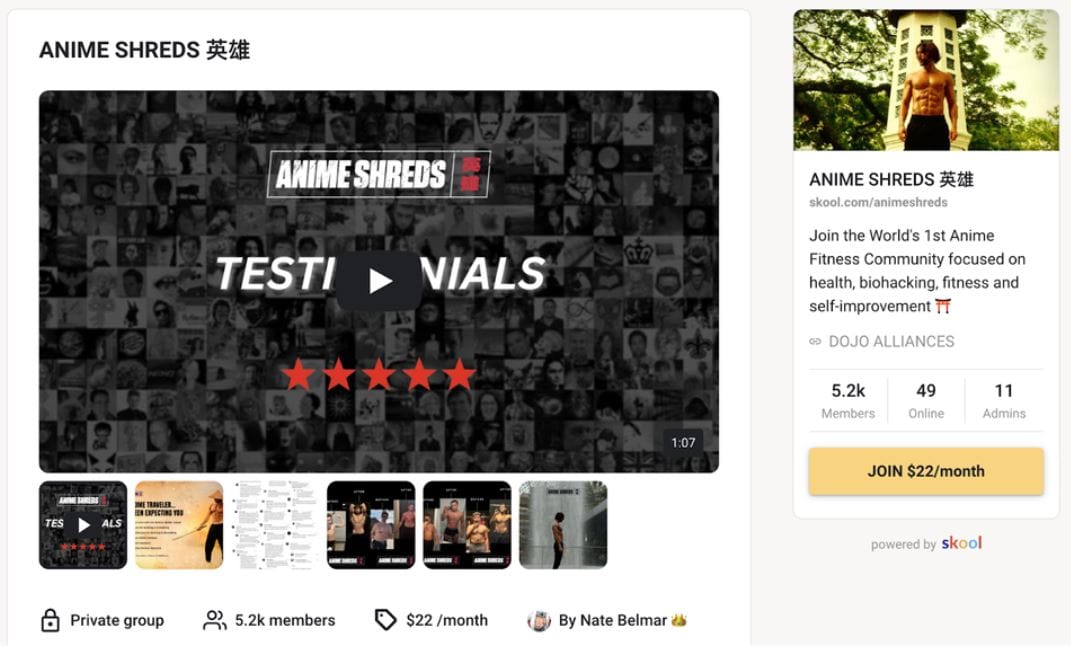
Skool's focus is on courses and communities, and it handles those areas well. The platform offers a feature set supporting both key pillars, including:
- A course creation tool
- Community features
- User-generated content
- Member profiles
- Chat and direct messaging features
- Event calendars
- Leaderboards
- Awards
One notable limitation of the platform is that the course creation tool doesn't include video hosting.
It's possible to embed videos hosted on other platforms, such as Vimeo, but Skool won't host the videos for you.
Skool does, however, welcome creators of all kinds, and this is reflected in the variety of group administrators who are active on the site.
From large enterprises to professional development and life coach experts, the platform attracts all kinds of content revolving around courses and communities.

Manifestation coach Scott Haug, to name one well-known creator, transitioned from using a mixture of Facebook Groups, Zapier, Kajabi, and other tools to running Skool communities, and says that he increased his income by $50,000 a month by doing so.
He notes that Skool helped him streamline his community management and course marketing efforts, bringing everything he needed to run his communities into one convenient dashboard.
How much does it cost to sell on Skool?
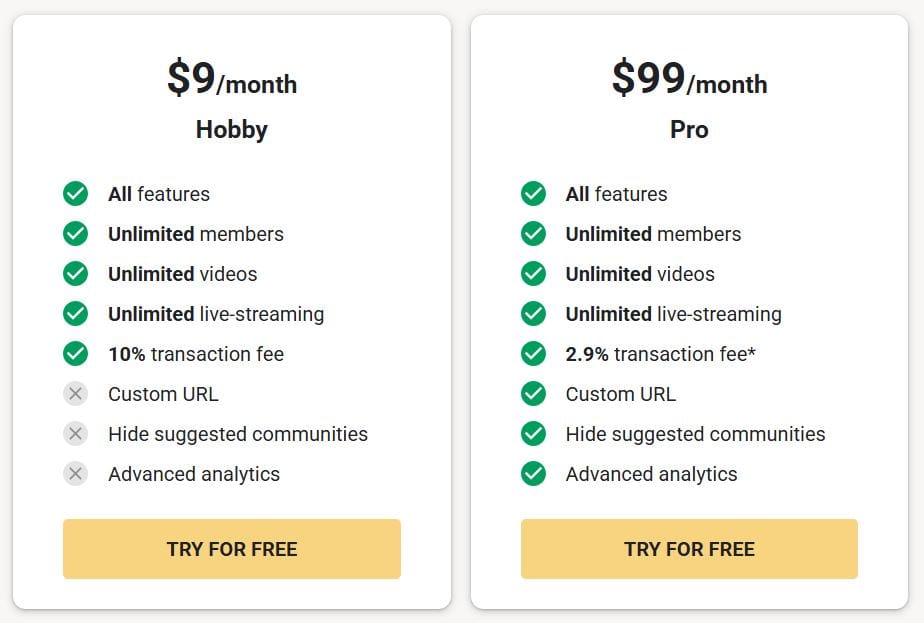
Skool offers two straightforward plans for creators:
| Plan | Price | Features | Transaction Fee | Notes |
|---|---|---|---|---|
| Hobby | $9/month | All features, unlimited members, unlimited videos, unlimited live-streaming | 10% | Ideal for new creators testing the platform; try for free |
| Pro | $99/month | All features, unlimited members, unlimited videos, unlimited live-streaming, custom URL, hide suggested communities, advanced analytics | 2.9% + $0.30 per transaction up to $899. 3.9% + $0.30 per transaction for transactions above $900 | Best for established creators with a paying audience; try for free |
- Payment & payouts: Skool handles all payment processing and pays creators weekly. The Pro plan’s lower transaction fees make it more cost-effective once your revenue grows. Hobby is good for getting started, but if you’re earning consistently, the Pro plan usually makes more financial sense.
- Free trial: Both plans offer a free trial. To cancel before being charged, you’ll need to navigate to the Admin settings of your community (not the Account page).
Whop offers transaction fees at 2.7% for all creators.
Getting started with Skool
Getting started with Skool is a simple process.
When you sign up for the site, you'll be invited to create a community, and be taken to the community's front page.
Creating a community:
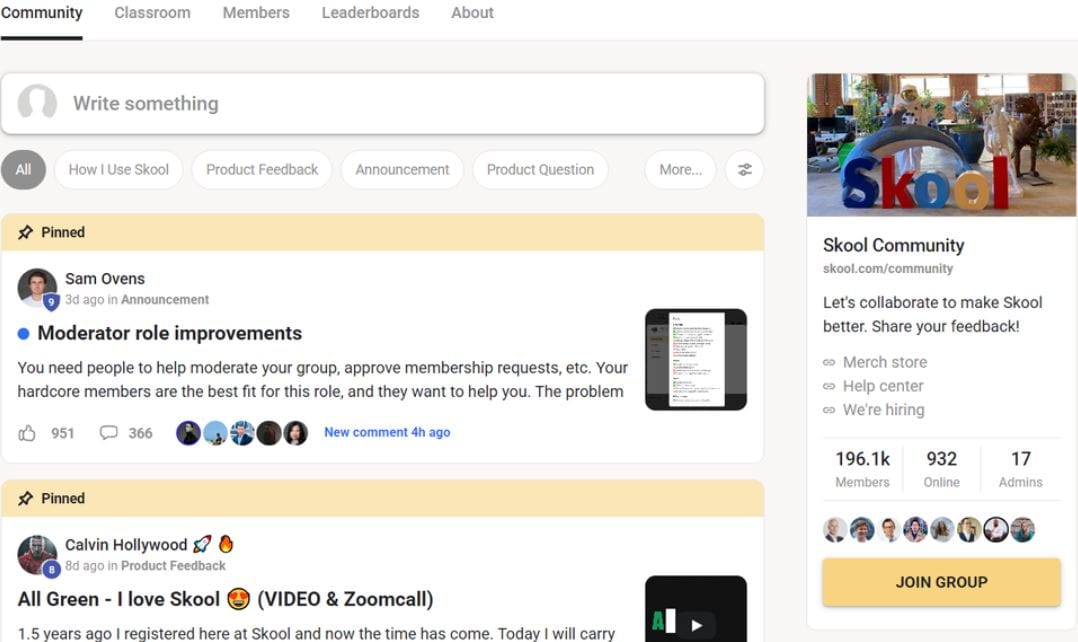
Communities start life as private groups – it's up to you if you'd like to keep them that way or open them up immediately or even later down the line.
You can customize your community by adding a cover photo and changing the description, but beyond that, customization options are limited.
Clicking the Settings button will take you to the group settings page, where you can configure things like discussion categories, welcome messages, and moderation options.
This is also where you'll find the link to invite people to join your group.
Creating a course:
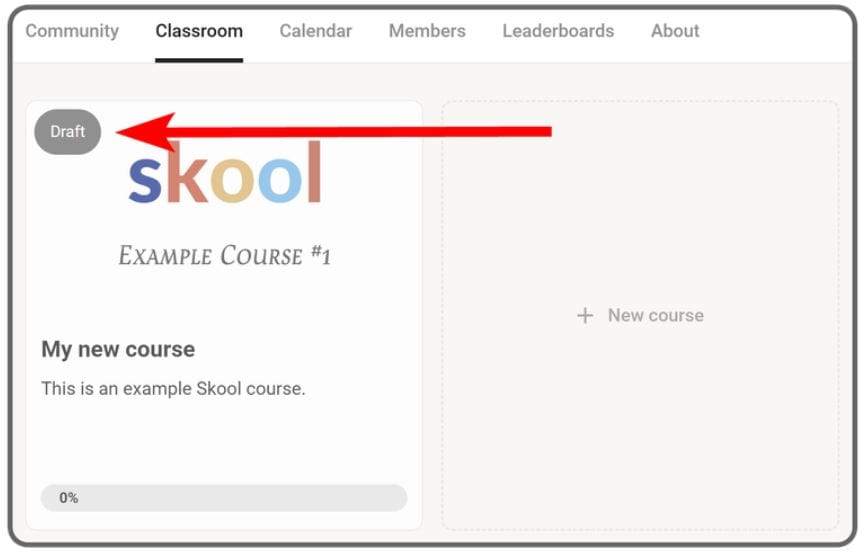
To create a course, navigate to the Classroom tab and click on New course.
You'll be asked to provide a name, description, and cover image for the course, then you'll be taken to the course page, where you can add new sets and modules.
When you create a new module, you'll be asked to add a video.
As we've previously mentioned, the platform doesn't have its own video hosting service, so you'll have to embed your course videos from platforms like YouTube, Vimeo, Loom, and Wistia.
While some course platforms break a course down into multiple modules, each of which may have multiple lessons, Skool takes a different approach, treating a module as a lesson.
Entire courses are broken into sets, with each set having one or more lesson modules. Each module can have a variety of content attached to it, such as:
- Video
- Links
- Resource files
- Text
- Transcripts
By default, communities are free to join in addition to being private. If you want to charge for access to your courses and communities, you'll need to connect a bank account to Skool so you can receive payments.
Once you've done this, you'll be able to set prices for your community memberships.
Skool only supports monthly subscriptions, and there isn't an option for a one-off purchase or an annual membership. Payouts are made weekly, on Wednesdays, and there's a processing fee of 2.9% + $0.30 per transaction up to $899. And 3.9% + $0.30 transaction for transactions above $900, on top of the $99/month membership fee paid by creators.
What moderation and analytics features does Skool offer?
Skool puts a lot of emphasis on its community features and provides valuable analytics and moderation tools.
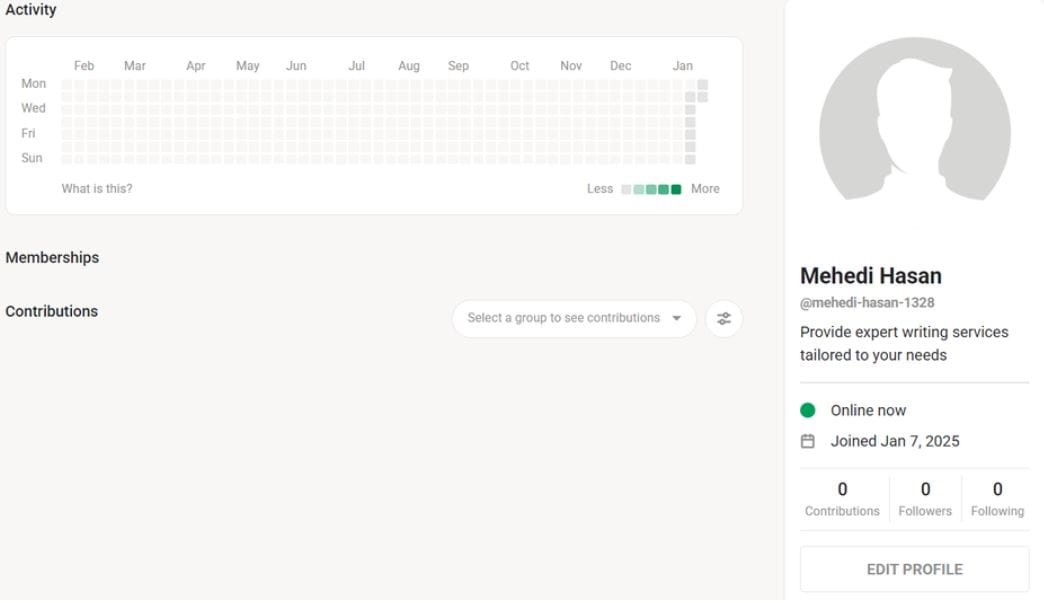
Every member has a profile, and that profile shows a feed of the user's most recent activity along with metrics such as their follower count, how many people they're following and how many contributions that member has made.
The profile page also shows a chart of the user's daily activity, so you can see how consistently they're active.
This sort of information could help creators study the habits and general involvement of their members, and create personalized options and complementary digital products if it looks like members could use more than just a course - although you may have to go off-platform if you want to create more advanced educational products.
On a community-wide basis, admins can see member counts, as well as how many members are currently online, and when the most recent activity was for a given community or group. A number of useful plugins are available to assist with administration, including:
- Membership questions to help filter group applicants
- Zapier integration for automation
- Webhooks for sending group invites
- Automated DMs for new members
- Limit chat features to level 2 community members only
- Meta pixel tracking to assist with advertising
The platform also provides some basic metrics, including charts of daily activity and active memberships for communities that you're an admin of. The built-in analytics tools are quite limited, especially compared to more dedicated course platforms. If you're looking for a course platform that offers detailed statistics about each learner, you may need to look elsewhere.
Can you run events through Skool?
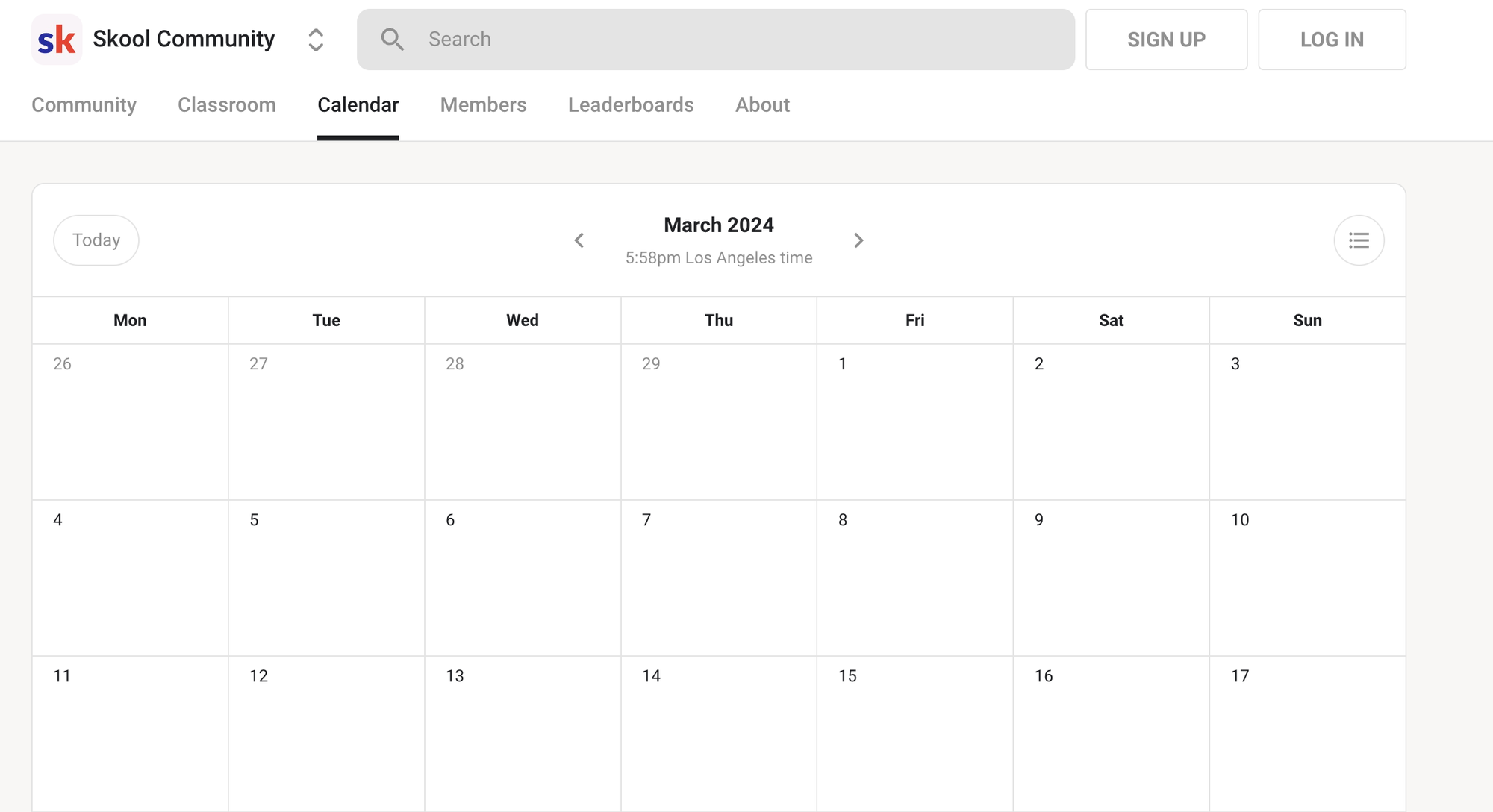
Yes, Skool has a built-in calendar that community admins can use to add events they'd like group members to be aware of.
These events could be anything from group Zoom calls or live streams to in-person events or product release dates.
When an admin adds an event to the calendar, the details given will be converted to each member's time zone, reducing the risk of a member missing an important group call. Each event can have a title/description and a link attached to it, so scheduling a Zoom call or similar meeting is a relatively simple process.
There's no built-in conferencing feature, but this isn't unusual for this sort of platform. It's probably better to offer easy integration with Zoom, a video conferencing tool most people will already have some familiarity with, than it is to offer another tool for people to have to install, configure, and troubleshoot before joining a call.
Is Skool a good choice for creators?
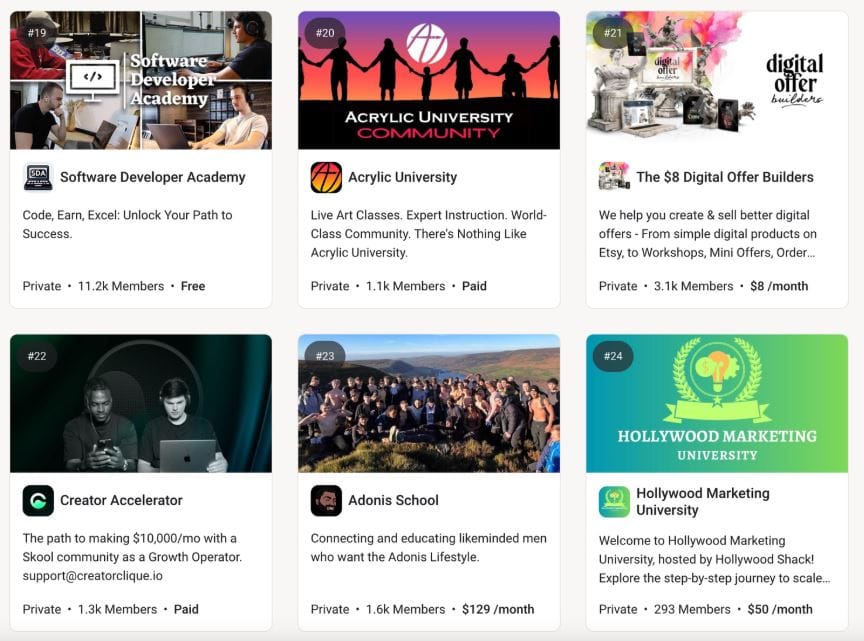
Yes, if your goal is to build and engage a community. Skool gives creators a dedicated space where fans or learners can interact with you and each other, all while keeping you fully in control.
Skool’s gamification features make engagement fun, and its discussion-focused design makes it easier for members to find content – something that can be tricky on Discord.
However, there are limitations to keep in mind:
- No built-in video hosting.
- Primarily focused on community management, not third-party integrations.
- Pricing may be steep for smaller creators just starting.
- Course creation is more flexible than general platforms like Stan Store, but lacks the depth of a dedicated Learning Management System (LMS).
Whop: The best all-in-one creator platform
Skool can work if you’ve already got a big following, but its high fee and limited flexibility can hold you back.
Whop, on the other hand, lets you sell courses, digital products, memberships, and even community access, all in one platform. We even process your payments and act as your MoR.
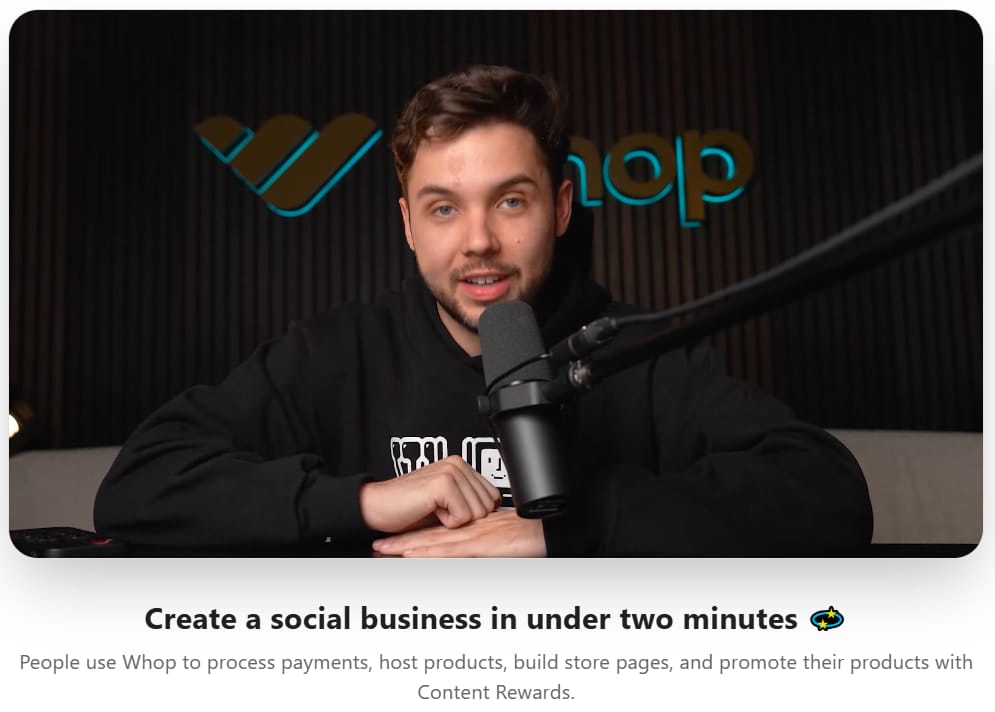
One-off sales, recurring subscriptions and memberships, upsells – Whop makes it simple.
It’s affordable, versatile, and built for creators who want control and growth without juggling multiple tools.
Start building your creator business on Whop today.