You can create and send invoices on Whop in seconds, using the new Invoices feature from your dashboard.
You can now create, send, and process invoices directly within your Whop dashboard.
Processing business payments used to be exhausting - dealing with too many procedures, asking the other party to sign up for other apps, and keeping track of your other invoices.
But now? Sending invoices isn't a headache – it might actually be the easiest part of running your business.
Introducing - invoices by Whop.
How do Whop invoices work?
On Whop, you set up the invoice and send it. The other person doesn’t even need a Whop account, just an email address.
When creating an invoice on Whop, you can customize the following settings:
- Payment type (one-time or recurring)
- Payment due date
- Payment methods (like card, ACH, PayPal, Crypto, etc.)
- Questions to ask before payment (this is an optional way to gather more data from your customers)
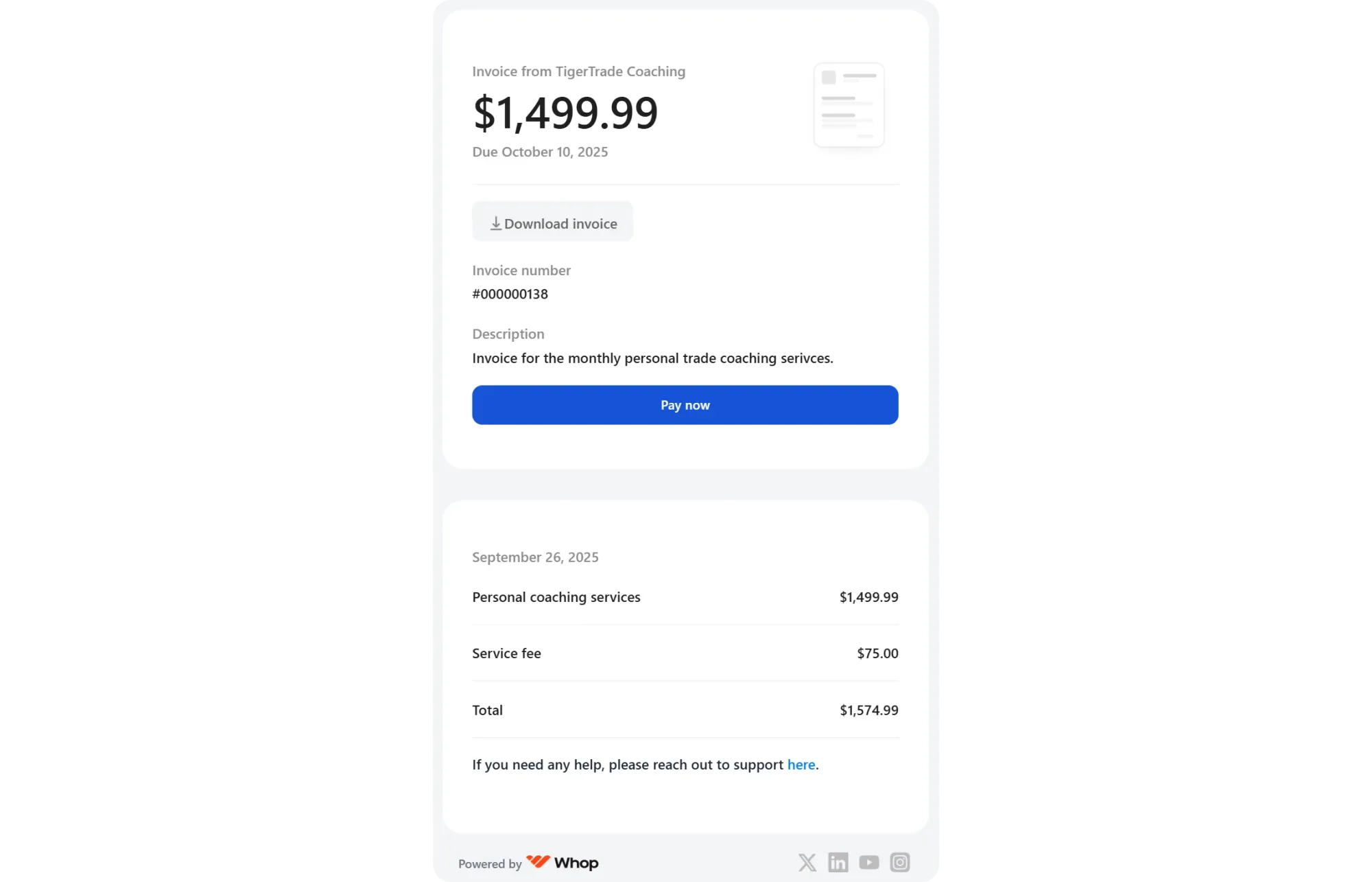
Once you send an invoice, your other party will receive a clean and simple email with the Pay now button.
Pressing this button will direct the customer to the checkout page where they can fill out the payment information and confirm their payment using the code Whop sends to their email address.
How to send invoices with Whop
Now, let's see how you can create and send an invoice with Whop:
- Go to your dashboard and select Invoices
- Click Create invoice
- Select your customer (or add a new customer)
- Adjust the settings and click Send invoice
Try it yourself
Go to Whop.com, create a whop, and start sending invoices right away.