
Mighty Networks is decent for community building, but there are more affordable and versatile options. This 2026 review compares features, pricing, and alternatives so you can choose confidently.
Key takeaways
- Mighty Networks costs $49-$430/month with transaction fees, making it expensive for early-stage creators.
- The platform offers solid community tools but limited customization, so all Mighty communities look similar.
- Free alternatives like Whop let you sell diverse products and build community without monthly subscription costs.
Mighty Networks can work well for running an online community, but it isn’t the strongest all-round option if you want to sell products, manage members, and grow everything in one place.
Creators turn to platforms like Mighty Networks because community helps their content stand out. A good community makes your products more valuable, keeps people coming back, and turns customers into fans who tell others about you.
Keep reading to find out exactly what Mighty Networks offers, how much it costs, and what users like (and don’t) adbout the platform, so you can decide if it’s worth it for your community.
What is Mighty Networks?

Mighty Networks is a community hosting platform aimed at people who want to build a business around their community.
It provides a full range of community management tools, alongside tools to monetize the community by selling access to Spaces and the content within them.
Mighty Networks also offers account management, monetization features, and access controls.
What is Mighty Networks used For?
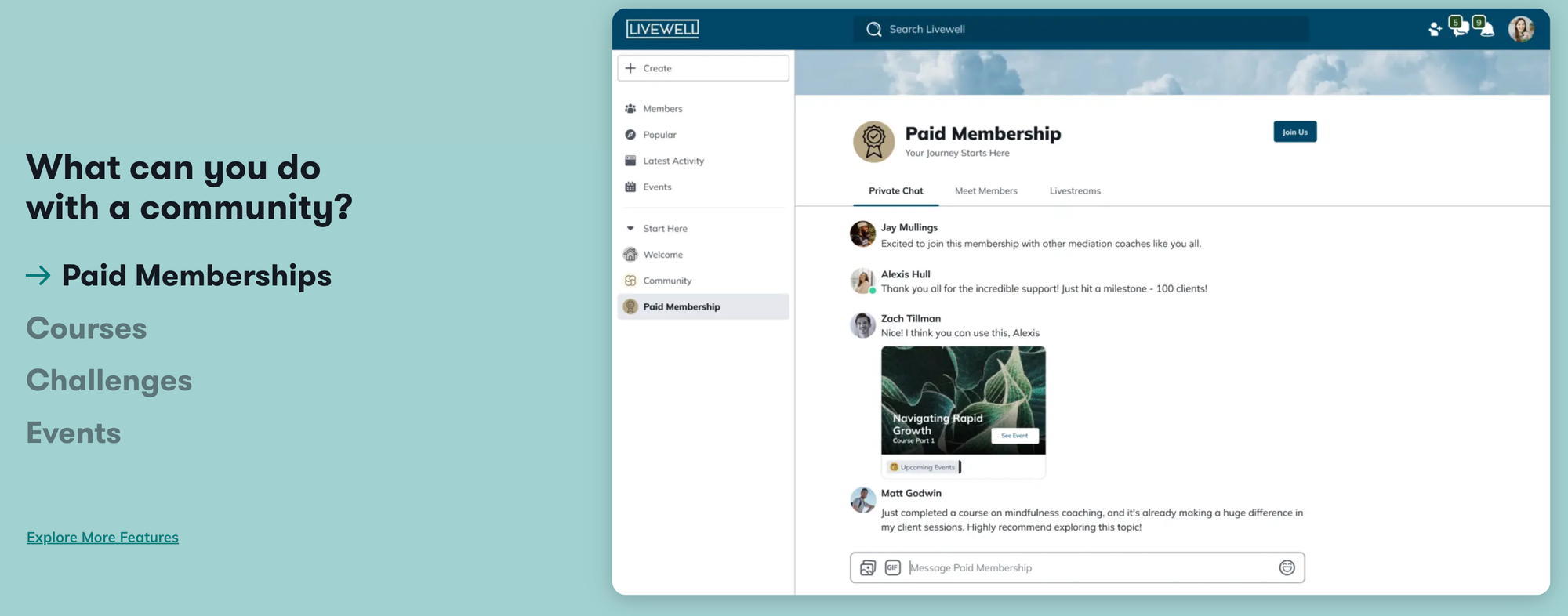
Mighty Networks is used by community leaders selling everything from courses to coaching calls and access to other digital products.
Creators use Mighty Networks to engage their online communities through features like:
- Activity Feed
- Chat
- Course or Resource Library
- Events
- Member List
How do you use Mighty Networks?
You start by signing up for a free trial, which lets you test the platform before paying.
You can create an account with your email or log in through Google, Facebook, LinkedIn, or Apple - just note you only get one trial per login.
Once you’re in, Mighty walks you through setup. It asks what kind of community you want to build, then suggests AI-generated names and descriptions based on your answer. You can use those or write your own.
From there, you customise your space, add members, and start posting content, courses, or discussions depending on how you plan to use it.
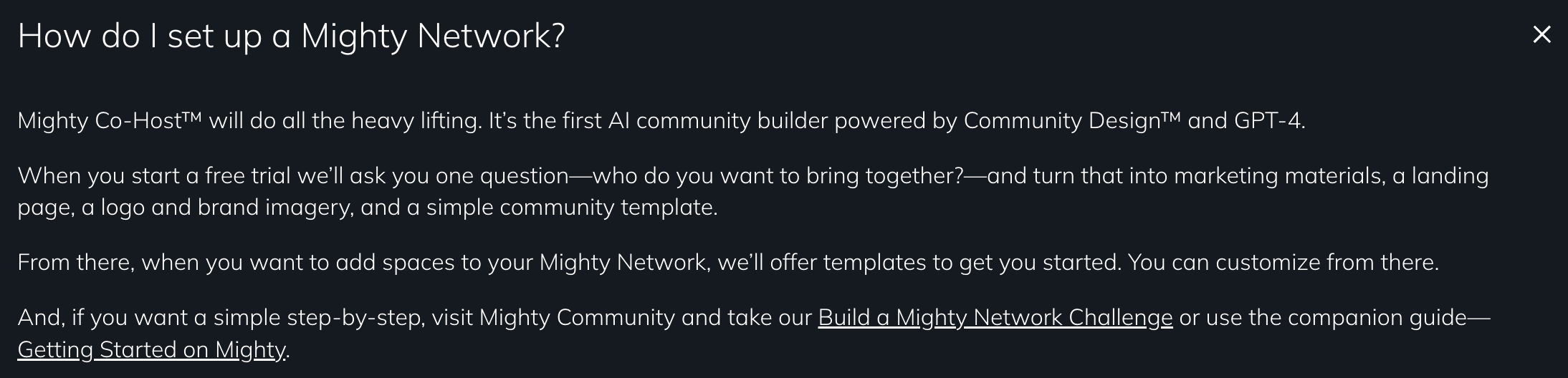
Once you name your community, Mighty Networks turns that name into a subdomain on mn.co - that’s where you access your space while you’re setting it up and adding content or products.
Mighty’s setup tool also suggests header images and theme colors based on your keywords. Sometimes they land, sometimes they miss, but you can change everything yourself once the community is live.
To help you avoid an empty feed, the platform automatically generates polls and conversation starters based on your topic. These can give new members something to respond to when they join.
If you want to sell through Mighty Networks, you’ll do that by creating a Space. Inside it, you add your content, write your pitch, and set access rules.
You can make it free, charge a one-time fee, or set up a subscription.
Customizing your community
You can customize parts of your community - like the title, tagline, header images, and color scheme - but the overall layout is fixed. You can’t redesign how pages or navigation work.
In terms of how it looks, Mighty Networks feels a bit like Slack.
On desktop, you get a left-hand sidebar with your feed, Collections, and Spaces. Clicking into a Space shows posts in chronological order.
On mobile, the app switches to a tab layout. You can match your branding with images and colors, but you still can’t change how the app is structured.
For most creators, this isn’t a dealbreaker, because the platform is clean, polished, and easy to use. But there is a trade-off: Mighty Networks communities all look and feel similar. Anyone who has joined another Mighty community will instantly recognize the interface, even if you’re using your own custom domain.
If you want something that looks fully custom or feels like its own platform, you’ll likely need to consider alternatives.
What integrations does Mighty Networks have?
Mighty Networks connects to thousands of tools through Zapier.
You’ll need some setup know-how, but once configured you can link your community to platforms like HubSpot, Mailchimp, PayPal, Google Docs, Salesforce, and more - and automate tasks between them.
This is useful if you already run your business across multiple systems and don’t want to change everything just to use Mighty Networks. You can keep your existing payments, email tools, or workflows and sync them through Zapier instead.
You can also install Google Analytics and access Mighty’s built-in analytics. Just note that reporting features depend on your plan = lower tiers include far less data, while higher tiers offer more visibility.
Read next:
Mighty Networks customer support
One of the biggest strengths of Mighty Networks is its customer service team.
There's a help button in the top right-hand corner of the screen which offers easy access to both the knowledge base (containing over 200 articles), and a live chat for more personalized support.
Chat agent's aren't available 24 hours a day, but the platform does a good job of providing (and sticking to) estimated response times.
Community leaders on the higher tiers have access to private user-support communities and dedicated strategists to provide more hands-on help with getting up and running.
How much does Mighty Networks cost?
Mighty Networks is a paid platform, so there’s no free plan, but new users get a 14-day free trial so they can test it before committing.
Pricing varies depending on whether you pay monthly or annually, but here’s a current snapshot of how plans are positioned:
| Plan | Approx. monthly cost (annual billing) | What you get |
|---|---|---|
| Community | Around $49/month | Basic community features, live streaming, events, member access controls |
| Courses | Around $99/month | Everything in Community plus course hosting, unlimited video hosting, member badges, automations, and better analytics |
| Business | Around $179/month | More advanced branding, white-label email, additional storage, and access to new feature releases |
| Growth / Path-to-Pro | Roughly $360–430/month | Higher-touch onboarding, deeper customization, strategy support, and premium branding features |
| Mighty Pro (Enterprise) | Custom pricing | Branded apps, migration support, and dedicated strategic help |
If you choose month-to-month billing, expect those prices to increase.
There are also transaction fees on paid memberships - typically higher on lower tiers and reduced as you upgrade.
Mighty Networks isn’t the cheapest option, and you’ll need to upgrade for advanced analytics, customization, or scaling features.
But if you plan to build a larger community with courses and branded experiences, higher tiers offer more flexibility.
Alternatives to Mighty Networks
Mighty Networks has solid community tools, but it comes with a high price tag, especially if you’re early in your creator journey. Even its entry-level plans cost hundreds of dollars a year.
For smaller creators, coaches, or anyone who wants to sell without running a full-scale community, it can feel like paying for more than you need.
But, you have options. There are plenty of platforms that offer community features, product hosting, coaching tools, or memberships at lower cost - some with more flexibility or better scalability than Mighty Networks.
Whop
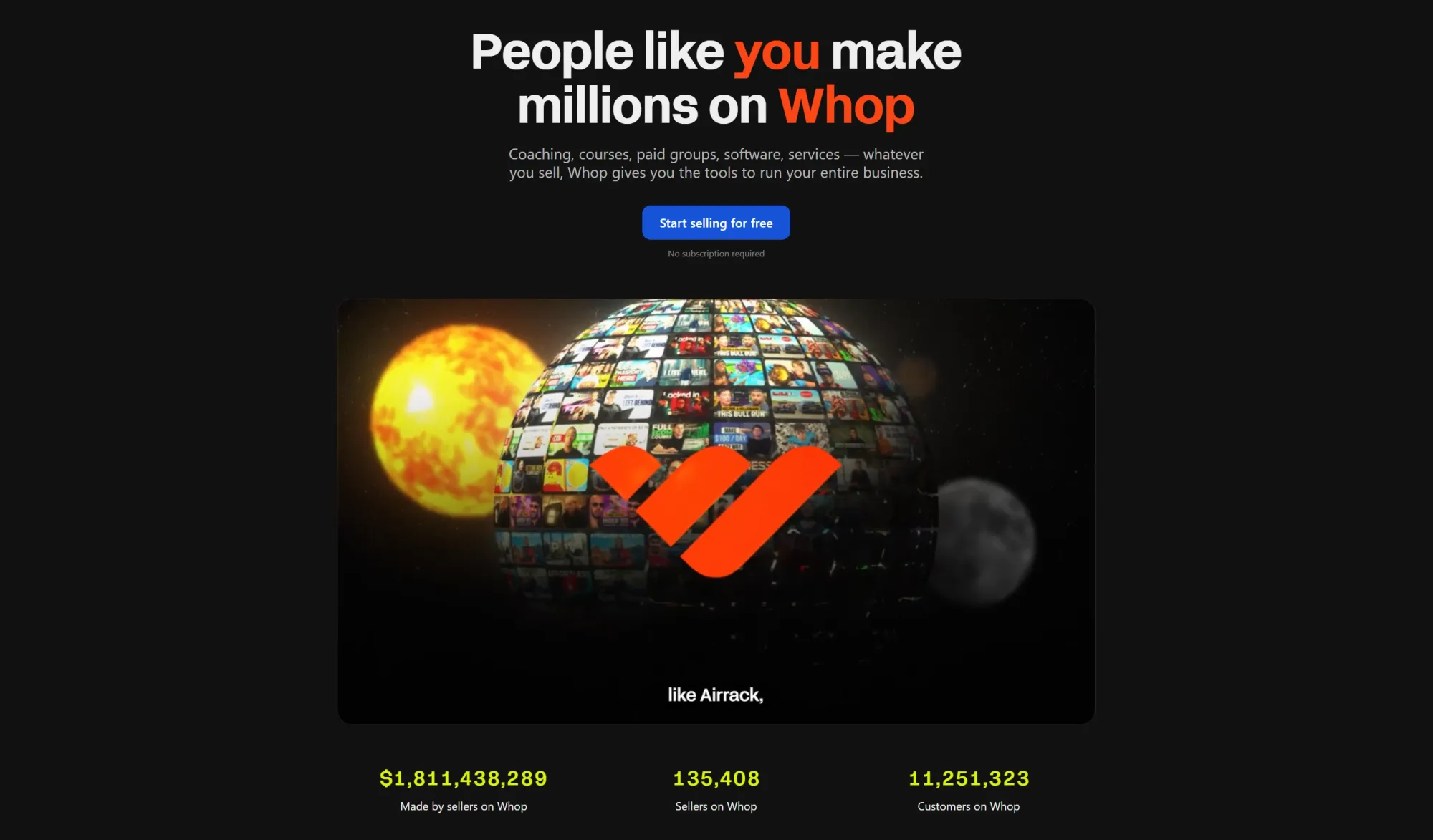
If you want flexibility in what you sell, Mighty Networks can feel narrow. It’s designed around community memberships first - everything else fits around that.
Whop flips that model.
On Whop, you can sell almost anything: services, courses, ebooks, templates, software, coaching, digital downloads - and yes, community access too.
You can sell your community as a standalone product, or build a community alongside whatever else you offer.
You create your whop, which becomes both your storefront and your community space. From there, you can:
- List products and subscriptions
- Chat with members
- Host courses and livestreams
- Take bookings
- Deliver files and updates
- Run exclusive access or membership perks
Whop is free to join, and it handles all the infrastructure creators normally have to handle themselves, like setup, hosting, payments, analytics, customer management, discovery, and support.
You can build your whop in minutes, start selling right away, and grow without needing extra software or expensive monthly fees.
Circle
Circle is a community-focused platform that is incredibly easy to use and offers a polished mobile app and a great desktop/browser-based experience too. It's easy to integrate with Teachable and Wordpress, and offers API access for other apps too.
Circle's basic membership tier is slightly more expensive than Mighty Networks', but it offers slightly more features. The Professional tier on Circle is slightly less expensive than Mighty Networks' Business tier but has stricter limits on file storage, and on the number of moderators and admins you can appoint.
Kajabi
Another platform that's often mentioned in the same breath as Mighty Networks is Kajabi, although Kajabi is aimed at a rather different audience. While Kajabi has some community features, the heart of the platform is its courses and coaching services.
Kajabi aims to be a one-stop shop, offering email marketing, sales funnels and coaching call scheduling services, course hosting, and basic community features.
Because Kajabi combines so many features on one platform, it's slightly more expensive than Mighty Networks, with the basic tier's fees being in line with Mighty Networks' Pro tier pricing.
Build your online brand with Whop

If you want to grow your audience and actually earn from it, you need more than somewhere to host a community - you need a platform that lets you sell, engage, and scale without high software fees or complicated tools.
That’s where Whop stands out.
On Whop, you can build your community and run your business from the same place. You can sell services, courses, digital products, coaching, events, and subscriptions, while also chatting with members, hosting content, and rewarding your most active supporters.
You can start for free, set up in minutes, and only pay a small transaction fee when you make a sale. No monthly costs, no barriers to experimenting, and no need to stitch together multiple platforms.
If you’re ready to build a brand that grows with you, Whop gives you everything you need to launch, sell, engage, and scale - all in one place.
Might Networks FAQs
What is Mighty Networks used for?
Mighty Networks is a platform for building online communities. Creators use it to host discussions, run memberships, and offer courses or group spaces where members can engage.
Does Mighty Networks have a free plan?
No - Mighty Networks does not offer a free tier. New users get a 14-day free trial, after which you need to choose a paid plan to continue using the platform.
How much does Mighty Networks cost?
Pricing starts at roughly $49 per month when billed annually, with higher-tier plans costing significantly more. The more advanced your needs are - especially for courses or branding — the higher the subscription cost.
What can you sell on Mighty Networks?
Mighty Networks supports selling memberships, community access, and online courses. You can also upload digital content, but the platform is primarily designed around community-driven products.
Is Mighty Networks good for beginners?
It can work for beginners, but the upfront pricing may feel high if you’re just testing ideas or selling a single product. Mighty Networks is often better suited to creators who already have an established audience or want a dedicated community platform.