
Adyen payments is a powerful, enterprise-grade processor built for scaling and global businesses. Learn how it works, who it’s best for, real pricing, key features, pros and cons.
Key takeaways
- Adyen is a full-stack payment platform best suited for scaling businesses with high transaction volumes and global reach.
- Local acquiring and smart routing deliver higher approval rates, especially for international and repeat customers.
- Small or early-stage sellers should avoid Adyen due to minimum invoice requirements and complex setup processes.
Adyen payments is one of the most powerful payment processors on the market, built for businesses that sell at scale.
It is especially helpful if you operate globally, run multiple sales channels, or need a highly optimized checkout. That's because Adyen is fast, secure and packed with enterprise features like smart routing, fraud protection and unified commerce.
But, it’s not the simplest option. If you’re a small seller or want a plug-and-play processor with transparent pricing, Adyen may feel too complex.
Let's take a look at how Adyen works, and whether it's right for you.
How Adyen payments works for sellers
Adyen is a full-stack payments platform, meaning it handles every part of the transaction, from the moment a customer enters their card details to the moment the funds land in your merchant account.
Adyen acts as the payment gateway, processor and global acquirer all in one.
What does that mean? Here’s what that looks like in practice:
1. Your customer heads to checkout
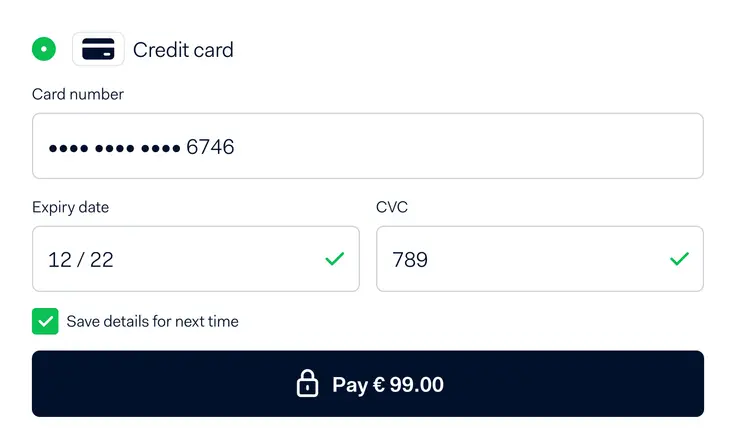
When your customer is ready to pay, Adyen gives them a localized checkout experience. They’ll see payment methods relevant to where they live - cards, digital wallets like Apple Pay or Google Pay, ACH, bank transfers, BNPL options or local methods like iDEAL or Alipay.
2. Adyen routes and approves the payment
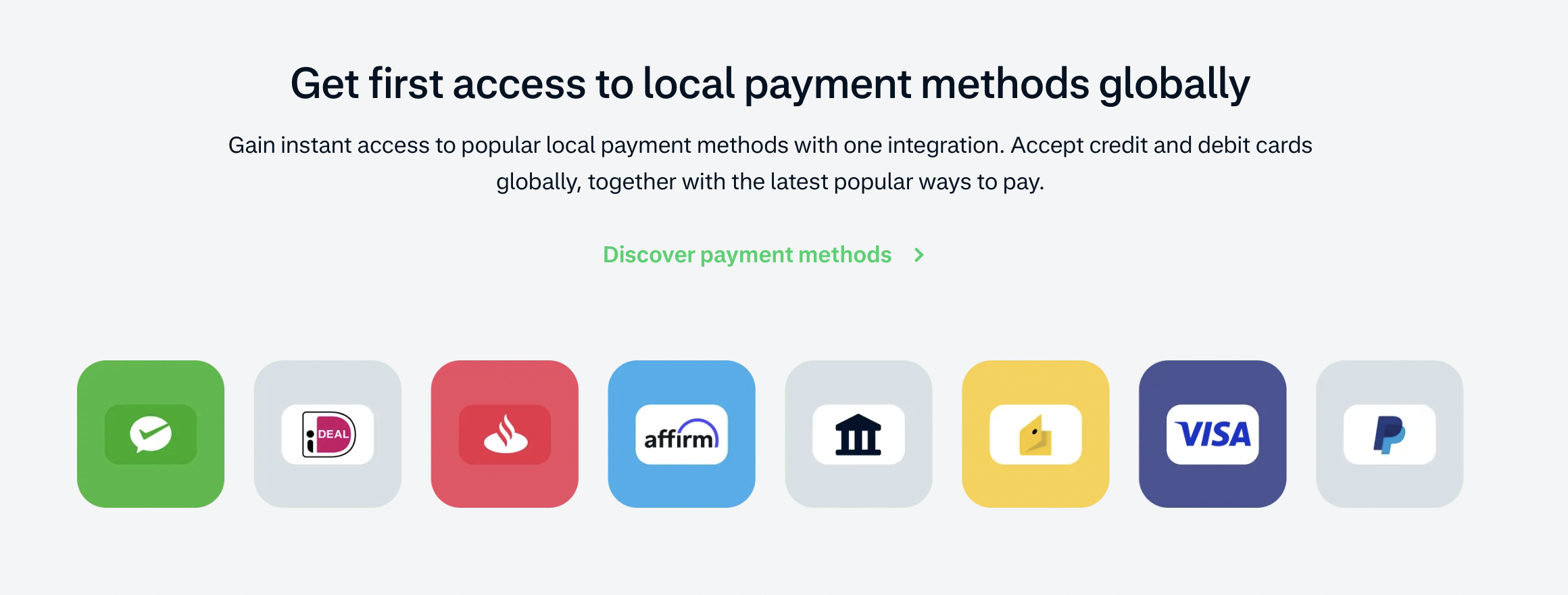
Once the customer submits their payment, Adyen takes over. Adyen holds acquiring licenses in dozens of countries, plus smart routing, to push each transaction through the most likely path to get approved.
This usually leads to higher authorization rates, which is especially important if you sell internationally or have repeat customers.
3. Fraud checks happen automatically
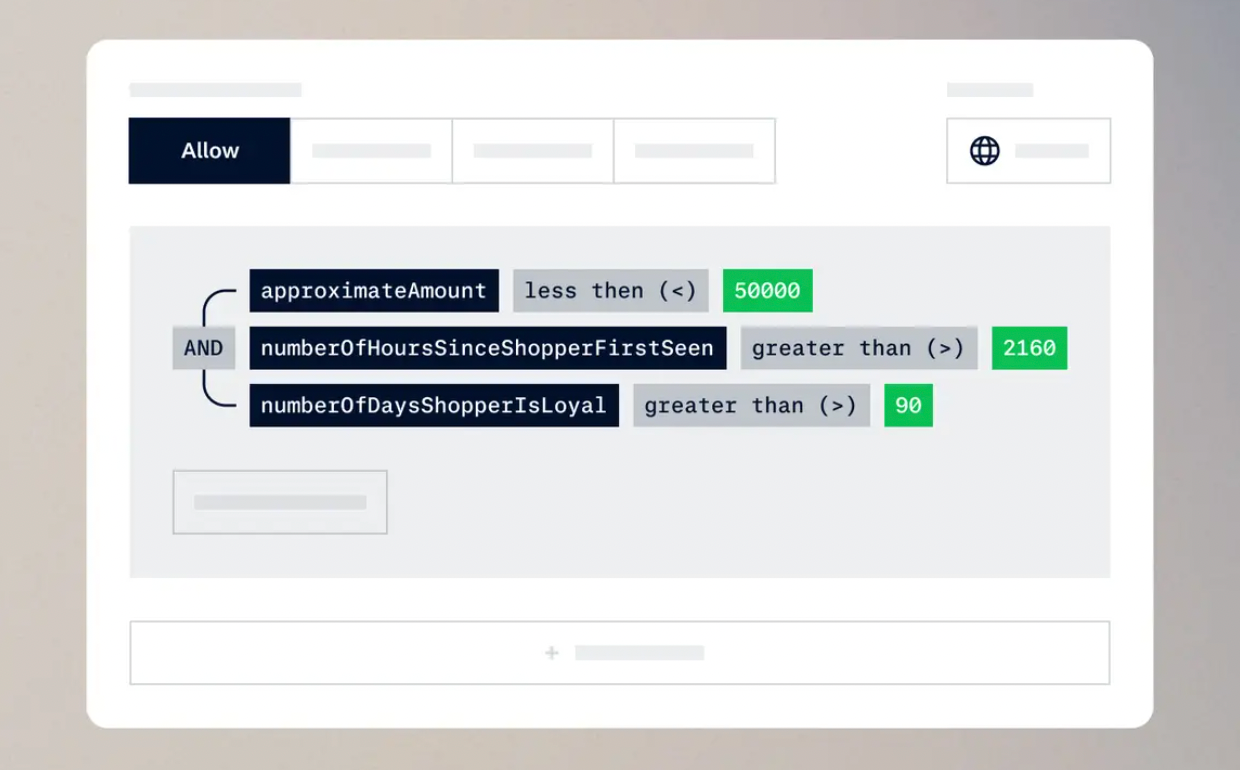
Adyen’s built-in risk engine (RevenueProtect) screens every transaction using machine learning and customizable rules.
Although automatic, you can still have some control over this step, and can tighten or loosen rules depending on your business model.
4. Funds settle into your merchant account
Payout timing varies by region, but you will typically receive funds within a few days. Everything is tracked in the Adyen dashboard - including disputes, payment method breakdowns and customer insights.
Who is Adyen for?
Adyen is built for sellers who are past the startup stage and firmly in their growth era.
Put simply, Adyen is less turnkey than some simpler processors. It’s the one you choose when you need to focus on approval rates, global reach and checkout performance.
Take Roy Fares, for example. He is a pastry chef and entrepreneur who has four cafes across Gothenburg and Stockholm and processes all customer payments through Adyen.
If you’re running an online business across multiple countries or building out a subscription or marketplace model, Adyen may be the right choice. It keeps everything under one roof - customer data, fraud rules, payment methods, reporting, and payouts - making it easier to scale.
But if you’re early in your business or simply moving low volume (or even if you just want something simple and predictable), then Adyen is likely not for you. The setup is heavier, the pricing model is more complex and you’ll get the most value only when you have the volume and team to actually use everything it offers.
Key features merchants should know about
From unified commerce to global acquiring and payment optimization, here are the top features Adyen that sellers should know (and if you get confused, don't worry - just watch the videos for more information).
Unified commerce
Adyen runs every payment channel - online, in-store and in-app - on the same system, so your customer data, tokens and checkout flow stay consistent no matter where the sale happens.
Global acquiring
Because Adyen processes payments locally in many regions, sellers usually see higher approval rates, fewer strange declines and smoother international conversions.
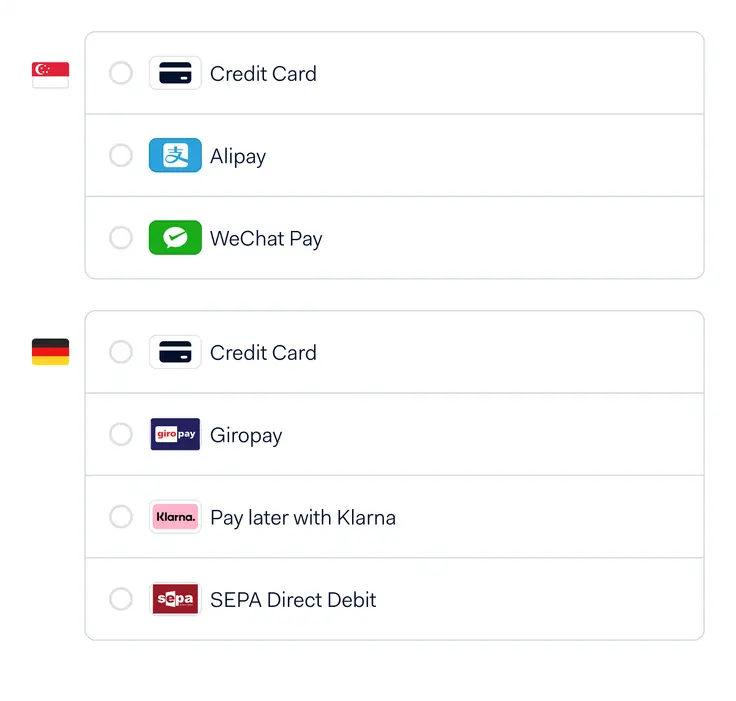
Customer banks recognize the processor as being in their country, and therefore, more trustworthy.
RevenueProtect fraud control
Adyen’s built-in fraud engine uses machine learning and customizable rules to automatically block scammers.
Payment optimization tools
Smart routing, network tokens and intelligent retries help recover transactions that would otherwise fail - and less failed payments means higher conversion rates.
How to get started with Adyen payments
Ready to start using Adyen payments? Apply for a merchant account, complete KYC and onboarding, choose your integration path, build your checkout, enable payments and go live.
Here's how to do it, step-by-step
1. Apply for a merchant account
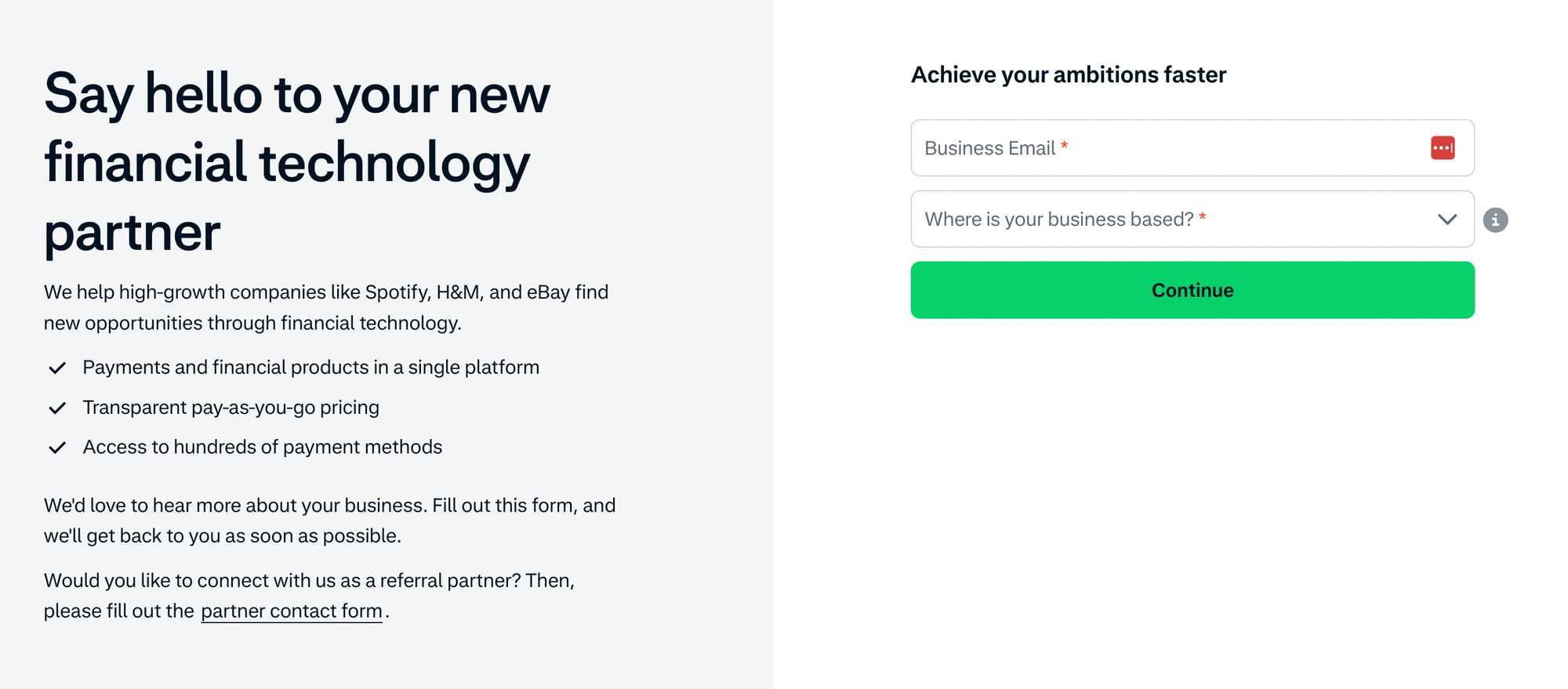
To apply for a merchant account, submit an application so Adyen can evaluate whether your business is the right fit.
Unlike Stripe or Square you do not get instant approval - Adyen asks for the specifics: what you sell, where you operate, your average order value, projected volume and your risk profile.
Ayden then reviews this information to determine pricing, supported payment methods and whether you qualify for their acquiring stack.
2. Complete KYC, onboarding and payout setup
If approved, you’ll move into a formal onboarding flow. To onboard you need to provide legal documentation (business registration, tax ID, ownership structure), verifying the identity of your directors, and connect your settlement bank account.
You also get to choose choose your payout frequency and currency.
3. Choose your integration path and build your checkout
Onboarding complete, it's time to integrate Adyen with your existing systems. If you’re on a platform that Adyen already supports, then you can plug in using pre-built components.
Most mid-sized and growing sellers use Adyen’s API integration because it gives full control over the checkout, fraud rules, payment routing and tokenization.
When using Adyen API, your developers will set up the client-side checkout, connect your backend to Adyen’s API and configure your webhook endpoints for orders, refunds, disputes and payout notifications.
4. Set up payment methods and risk controls
Now, this is where Adyen becomes powerful. You can turn on the payment methods your audience actually uses - cards, BNPL, digital wallets or regional methods like iDEAL, Giropay, Klarna, Afterpay or local debit networks.
You’ll also configure RevenueProtect - Adyen’s fraud engine - by adjusting risk scores, block/allow lists, device fingerprinting and behavioral signals.
5. Test your entire payment flow in the sandbox
Ready to go live? Test out your system first!
You can run everything inside Adyen’s test environment. Here, you will simulate approved and declined payments, 3D Secure challenges, refunds, partial refunds, chargebacks, payout cycles and recurring billing if you use subscriptions.
This stage helps you confirm that your webhooks fire correctly, your UI responds to failures and your accounting setup matches how Adyen settles funds. It's basically a full dress rehearsal.
6. Go live, monitor performance and start optimizing
If testing is a success then it's time to go live. Flip the switch to 'live mode' and Adyen will start processing real payments.
Now you can begin to monitor approval rates across banks, countries and devices.
How much does Adyen cost? Pricing, fees and transparency
Adyen’s pricing is competitive for larger sellers, but not as plug-and-play as flat-rate processors.
Adyen doesn’t charge setup fees, monthly fees, integration fees or closure fees in most regions - you only pay per transaction.
As for transparency, when it comes to card payments, Adyen uses Interchange++ pricing. This breaks out every cost that goes into a transaction - the interchange fee, the scheme fee and Adyen’s markup.
Here are Adyen's fees for US-based customers:
| Payment method | Region | Processing fee | Payment-method fee |
|---|---|---|---|
| Visa / Mastercard (cards) | Global | $0.13 | Interchange++ + markup |
| American Express | Global | $0.13 | 3.95% |
| Discover | Global | $0.13 | 3.95% (Interchange++ may apply in some cases) |
| JCB | Global | $0.13 | 3.75% |
| UnionPay | Global | $0.13 | 3% |
| Apple Pay | Global | $0.13 | Follows underlying card fee |
| Google Pay | Global | $0.13 | Follows underlying card fee |
| iDEAL | Netherlands | $0.13 | €0.22 |
| Alipay | Select markets | $0.13 | 3% |
Pros and cons: is Adyen the right choice for your business?
Choosing a payment processor comes down to what stage your business is in and how much control you want over your checkout. Adyen is powerful, but it’s not for everyone.
Pros
- Higher approval rates thanks to local acquiring and smart routing
- Strong fraud protection through RevenueProtect
- Unified commerce across online, in-store and mobile
- Deep analytics and customization for sellers who want full control
- Great fit for global businesses or those scaling quickly
Cons
- More complex setup and integration than plug-and-play processors
- Interchange++ pricing can be harder to understand at first
- Minimum monthly invoice may not suit low-volume sellers
- Best for established businesses, not early-stage or hobby sellers
Adyen delivers serious performance gains for scaling or global businesses, but if you’re early in your journey or want something simple, you probably don’t need it yet.
Give your business the payment setup it deserves

Adyen is a world-class payments platform for a reason. It delivers strong authorization rates, solid fraud protection and a unified system that works across countries, channels and customer types. Big brands trust it because it performs, and it’s easily one of the most powerful processors out there.
If you’re weighing your payment options, with Whop Payments you can tap into everything Adyen offers - plus the strengths of several other top processors. With our smart payment orchestration, every transaction gets routed to the provider best suited for that customer, that card and that moment.
Sometimes that’s Adyen. Sometimes it’s another trusted partner in our network.
Either way, Whop ensures your customers always move through the smoothest, most reliable checkout path available.
Adyen FAQs
Is Adyen safe to use for my business?
Yes. Adyen is a fully regulated global payments company with strict security standards, built-in fraud protection and PCI-compliant infrastructure. It’s trusted by enterprise brands for a reason.
How long does Adyen take to pay out?
Payout timing depends on your region and payment method, but most sellers receive funds within a few business days. You can choose your payout schedule during onboarding.
Does Adyen support subscriptions and recurring payments?
Yes. Adyen offers tokenization, card lifecycle management and recurring billing tools designed for subscription businesses, memberships and SaaS.
What payment methods does Adyen support?
Hundreds. Cards, ACH, digital wallets (Apple Pay, Google Pay), BNPL options (like Afterpay and Klarna), and local payment methods such as iDEAL, Giropay and Alipay - depending on where your customers are located.
Is Adyen a good fit for small businesses?
Usually not. Adyen is built for mid-market and enterprise sellers. There’s no monthly fee, but the minimum monthly invoice and technical setup make it better suited for businesses with meaningful volume.