Learn how ecommerce payment solutions work, the different types available, and what to look for when choosing the right payment infrastructure for your business.
Key takeaways
- Multi-PSP orchestration can boost successful payment charges by 6-11% by routing transactions to optimal providers.
- Payment gateways handle customer-facing checkout while processors verify funds and move money behind the scenes.
- Choosing the right payment provider requires balancing transaction fees, global reach, and features like BNPL and tax handling.
Every sale you make online passes through a payment processor. Card authorization, fraud check, currency conversion, and final settlement happens in seconds, and when it breaks down, so does your revenue.
Global ecommerce sales are projected to grow to $7.89 trillion by 2028, so getting your payments stack right is crucial. That means making sure people can actually pay you without friction.
Choosing the right payment infrastructure means thinking beyond transaction fees. Security, compliance, global currency support, and checkout experience all determine whether your payments stack helps you grow, or holds you back.
So below, we'll walk through how ecommerce payments work, the top payment providers, and how to choose the best provider for your business.
Quick look: 5 popular ecommerce payment providers
Here's a snapshot of 5 of the most popular payment providers for online business:
| Platform | Price | Pros | Cons |
|---|---|---|---|
| Whop | 2.7% + $0.30 (domestic) | Global reach, MoR, BNPL + crypto | Digital-first focus |
| Stripe | 2.9% + $0.30 (US cards) | Top APIs, global methods | Add-ons increase cost |
| PayPal | 3.49% + $0.49 (wallet) | Huge user base, fast checkout | Possible holds; complex fees |
| Braintree | Varies by method | PayPal/Venmo support, split payouts | Approval needed; complex setup |
| Apple Pay | No extra fee | Fast, secure, BNPL via Affirm | Apple-only ecosystem |
How ecommerce payments really work
Online payments appear instant, but there’s a lot happening behind the scenes to make them safe and seamless. Modern ecommerce relies on two core components: payment gateways and payment processors.
A payment gateway is the checkout technology customers interact with. It captures card or wallet details and securely transmits them for verification.
A payment processor is the financial infrastructure that communicates with card networks (like Visa or Mastercard) and issuing banks to confirm the transaction and move the funds.
Here’s what actually happens when someone clicks 'Pay':
- The customer enters their payment details at checkout
- The payment data is encrypted and sent to the payment processor
- The processor routes the transaction through the relevant card network (like Visa or Mastercard)
- The issuing bank checks the card, verifies available funds, and runs fraud checks
- The bank approves (or declines) the transaction, and sends the response back through the network
- If approved, the payment is authorized and the order is confirmed
Authorization doesn’t mean the money has moved yet. After approval, the transaction enters settlement, where funds are transferred from the customer’s bank to the merchant’s account.
Depending on the payment provider, payouts typically arrive within one to three business days.
Throughout this process, sensitive payment data is protected by multiple security layers.
- TLS (Transport Layer Security) encrypts the information as it moves between the customer’s browser, payment infrastructure, and banks.
- On top of that, most modern systems use tokenization, which replaces the customer’s actual card details with a unique, non-sensitive token that represents the payment method.
This means merchants and platforms don’t need to store raw card numbers, reducing the risk of data breaches and helping maintain PCI compliance.
Top 15 ecommerce payment providers compared
1. Whop
Whop is a global payments platform built for internet business, combining checkout, payments, and payouts in a single stack so platforms and creators can monetize without managing complex payments infrastructure.
With smart routing and multi-provider payment orchestration, each transaction is sent to the provider most likely to approve it. If a payment fails, Whop can automatically retry with alternative providers to maximize successful charges (increasing conversion by around 6–11%).
Get access to multiple global and region-specific payment methods including cards, digital wallets, buy now pay later, and crypto.
Plus, pricing is simple: there’s no monthly subscription, and payments start at 2.7% + $0.30 per transaction.
Because Whop operates as a Merchant of Record (MoR), it also handles much of the operational complexity behind online transactions, including compliance, fraud monitoring, and tax obligations such as sales tax, VAT, and GST.
Running a platform or marketplace? Payouts are just as flexible. Send funds globally using bank transfers, crypto, and popular peer-to-peer payment methods, with coverage across more than 240 territories.
“Through thousands of conversations, we’ve learned our customers really only care about two things: getting paid and paying out. Our mission is to be the best in the world at solving those problems.”
- Hunter Dickinson, Head of Partnerships at Whop
Key takeaways:
- Price: Free to start; 2.7% + $0.30 per successful domestic card charge (enterprise rates available at $50K+ monthly)
- Pros: Global reach (195/135+/100+), orchestration uplift, MoR tax handling, BNPL + crypto, rich product gating, 24/7 human support
- Cons: Best fit for digital-first and hybrid businesses; not a full warehousing/logistics suite for large physical catalogs
2. Stripe
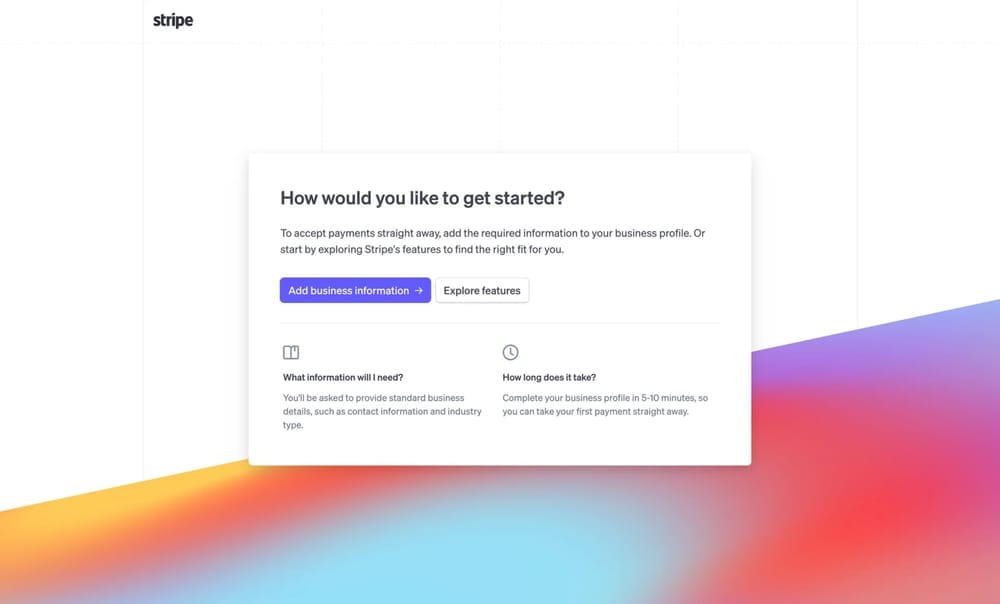
Stripe is a developer-first payments platform with modern APIs, no-code tools, and global coverage. It supports cards, wallets, bank debits/transfers, and BNPL, and bundles strong subscription and invoicing features—great for startups through to enterprises. Standard US online card pricing is 2.9% + 30¢ per successful charge (other methods vary).
Stripe also offers add-ons like Billing, Tax, and Adaptive Acceptance; these can improve revenue and compliance but may add extra cost depending on plan and region.
Stripe key takeaways:
- Price: US online cards typically 2.9% + 30¢; other methods/regions vary. Custom pricing available for large volumes.
- Pros: Excellent APIs and docs, broad global methods, robust subscriptions/invoicing, fast setup
- Cons: Add-ons (Tax, Billing tiers, etc.) can raise total cost; MoR/tax remittance not included by default
3. Paypal
PayPal brings a huge consumer wallet and one-tap checkout that many buyers recognize and trust—plus support for Venmo and standard card processing via PayPal Checkout.
Current US commercial pricing lists PayPal Checkout at 3.49% + a fixed fee (USD fixed fee is $0.49) and standard credit/debit card payments at 2.99% + a fixed fee; international adds +1.5%. Details vary by product.
Do note: PayPal may place holds or reserves on merchant funds in certain risk scenarios (new sellers, high disputes, industry risk, etc.). That's good for buyer protection, but can be frustrating for cash flow.
PayPal key takeaways:
- Price: Typical US rates include 3.49% + $0.49 for PayPal wallet/Checkout and 2.99% + $0.49 for standard card payments; plus +1.5% on international
- Pros: Enormous wallet adoption, fast checkout, flexible options (PayPal, Venmo, cards)
- Cons: Possible account holds/reserves; fee tables can be complex across products
4. Braintree
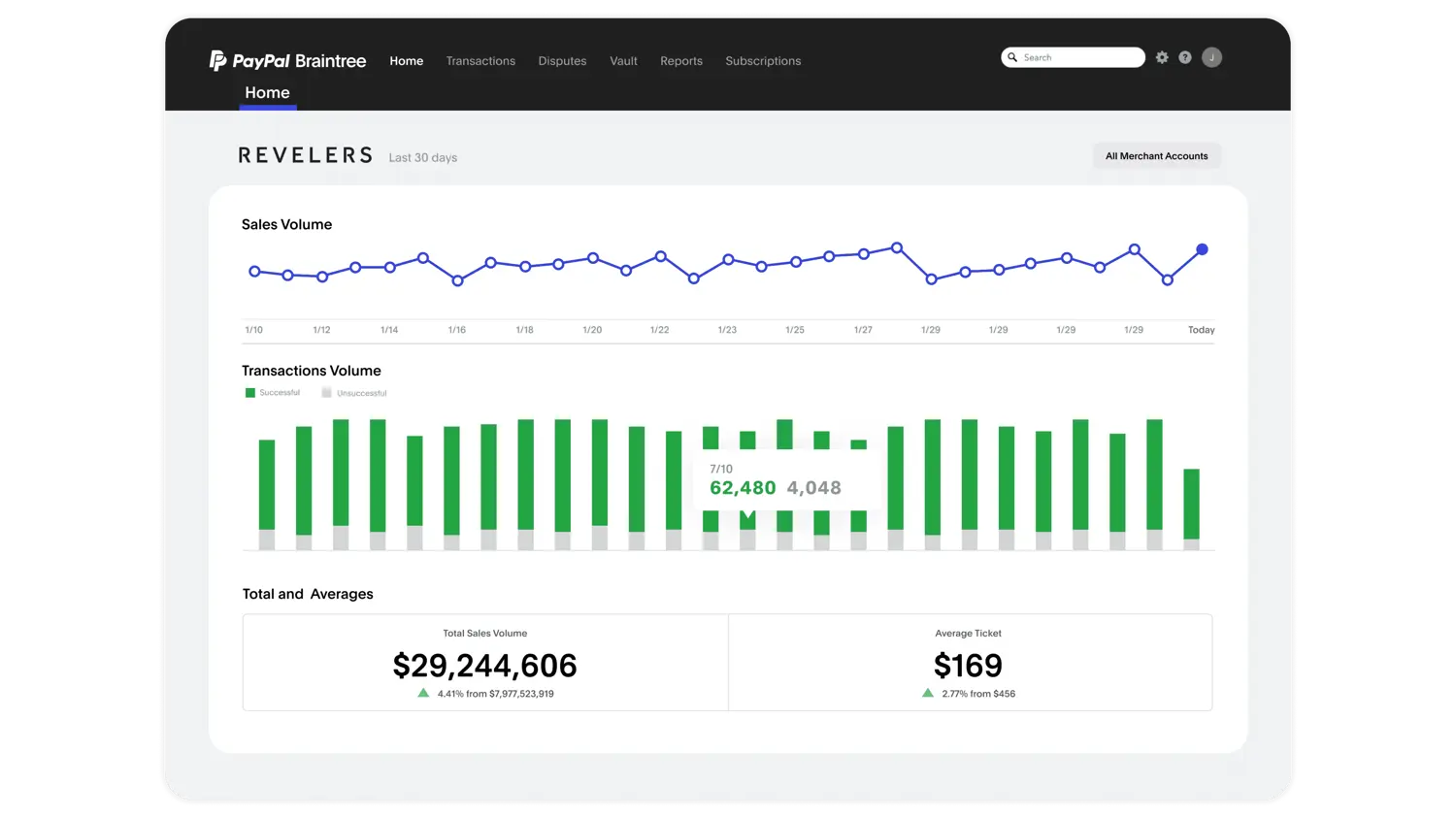
Braintree (a PayPal company) is a full-stack payments platform and gateway built for web and mobile.
With a single integration, you can accept major cards plus PayPal, Venmo (US), Apple Pay, Google Pay, and selected local methods.
Braintree also supports split payouts via its Marketplace program, but it requires specific approval under a Marketplace Service Provider agreement. This keeps the feature set powerful while adding the compliance guardrails marketplaces need.
Pricing is method-specific and varies by region, risk profile, and product (cards vs. wallets vs. local methods).
PayPal publishes Braintree's fees and notes that they can differ by merchant; confirm your exact schedule on the fees page or with sales.
Braintree key features:
- Price: method-specific; see PayPal's Braintree fee tables for your region and products
- Pros: native PayPal/Venmo/wallet support, marketplace split payouts (with approval), strong PCI posture (Level 1), global reach with multi-currency
- Cons: marketplace requires approval; fee structure can be complex across methods/regions; PayPal ecosystem policies (e.g., reserves/holds) may apply depending on risk profile
5. Square
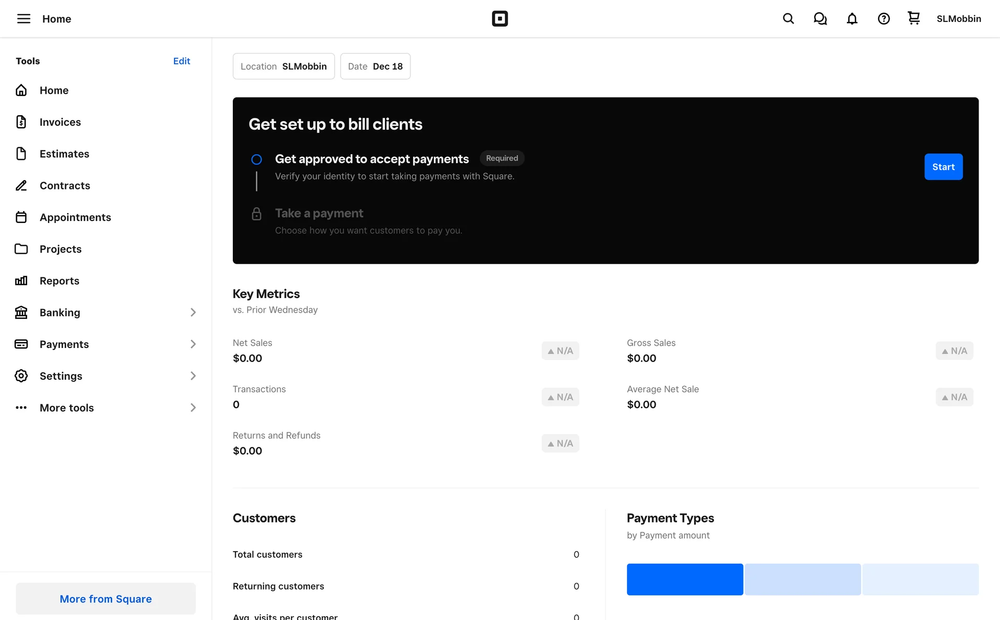
Square (a Block, Inc. brand) started as a simple card reader but now powers millions of businesses with POS hardware, online stores, invoices, and APIs. It's especially strong for sellers who operate both in-person and online.
Square has transparent pricing: in the US, 2.6% + 15¢ per in-person tap, dip, or swipe, and 3.3% + 30¢ for online transactions (dropping to 2.9% + 30¢ on the Plus and Premium plans).
Since acquiring Afterpay, Square lets merchants offer BNPL both online and in-person. Customers pay in installments while sellers get paid upfront (minus the Afterpay fee).
Square key takeaways:
- Price: US in-person 2.6% + 15¢; online 3.3% + 30¢ (Free plan), dropping to 2.9% + 30¢ on Plus and Premium. Custom enterprise rates available.
- Pros: Best-in-class POS hardware, strong online store tools, built-in BNPL via Afterpay, easy for hybrid businesses.
- Cons: Primarily US-focused; less global reach and fewer currencies than Stripe or Whop.
6. Klarna

Klarna is one of the biggest names in buy now, pay later (BNPL). Its core offerings: Pay Now, Pay in 30 Days, Pay in 3 or 4 Installments, and financing for larger purchases. These options can boost conversion rates and average order value for merchants.
Klarna integrates easily with major processors like Stripe (via Checkout or Connect), though it uses a redirect flow—shoppers complete payment on Klarna's page before returning to your site. That extra step can impact conversion, but many customers already know and trust Klarna.
It's available in 45+ markets and claims hundreds of millions of active users globally, making it a strong option if your buyers expect BNPL.
Klarna key takeaways:
- Price: Varies by region and product; typically a per-transaction fee plus a fixed charge.
- Pros: Familiar BNPL brand, boosts order value, broad market coverage, Stripe/Braintree integrations.
- Cons: Redirect checkout flow adds friction; fees vary; not all buyers want installment payments.
7. Adyen
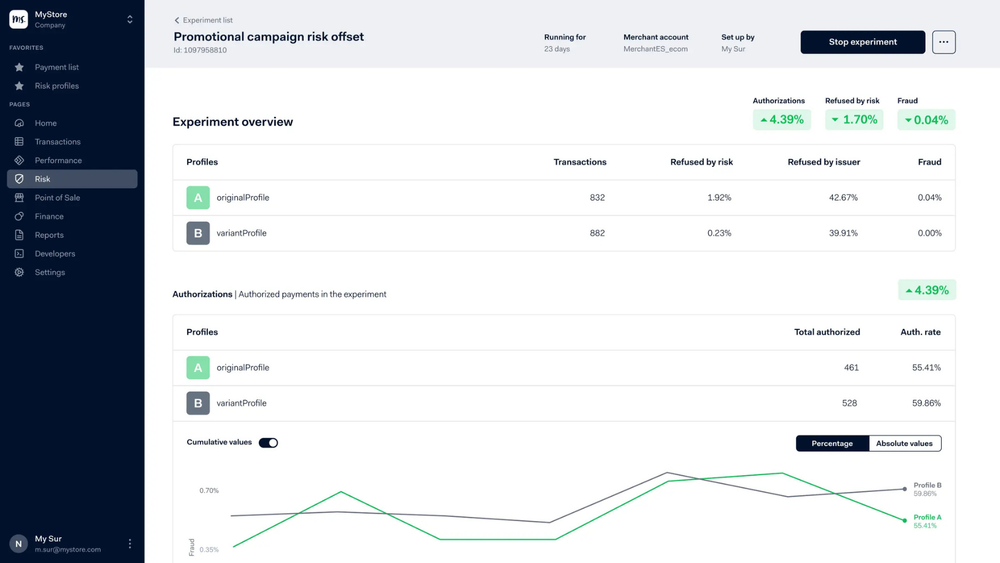
Adyen is a global PSP that offers payment processing, acquiring, and risk management; allowing businesses to accept online, mobile, and in-person payments while handling authorization, settlement, and reporting.
For ecommerce, Adyen typically sits between the checkout experience and the card networks. When a customer submits a payment, Adyen routes the transaction to the appropriate card network or local payment rail, communicates with the issuing bank to approve the charge, and settles the funds to the merchant.
However, Adyen is still just one provider within the payments world.
Most platforms and marketplaces connect multiple PSPs or use orchestration layers so they can route transactions between providers, improve authorization rates, reduce downtime risk, or optimize fees across regions.
Adyen key takeaways:
- Price: Card fees start around interchange + 0.6% + $0.12 per transaction – no monthly fees, though a $120 minimum monthly invoice may apply depending on volume.
- Pros: Global reach, many supported payment methods, flexible APIs.
- Cons: More complex setup for small businesses; higher minimums make it less friendly for early-stage sellers.
8. Shopify Payments
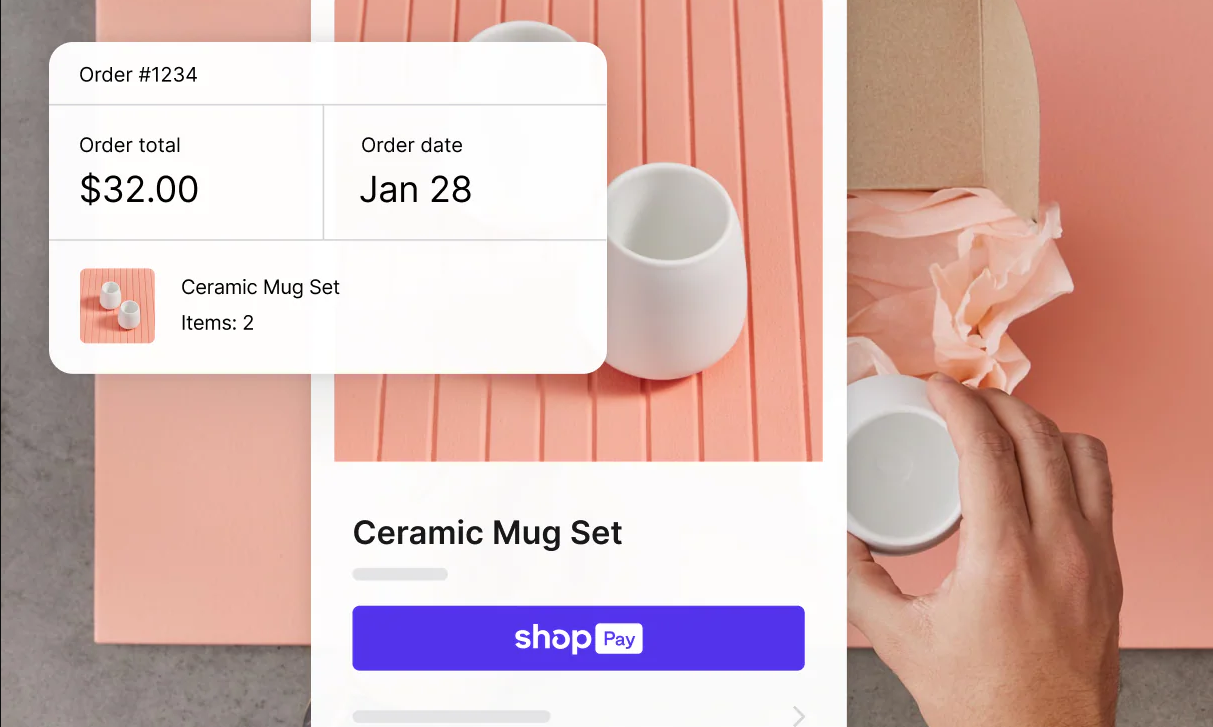
Shopify Payments is Shopify's built-in processor, powered by Stripe. If you already run your store on Shopify, it's the path of least resistance that lets you just switch it on and skip the extra 0.5% to 2% fee Shopify charges when you route payments through an outside gateway.
It handles the major cards, plus Shop Pay, Apple Pay, Google Pay, and Shop Pay Installments for BNPL. Your online rate drops as you climb Shopify's plans. It's not available everywhere, though, and the list currently sits at around 39 countries.
The obvious limit is that this only works inside Shopify. If you sell across multiple platforms or a marketplace, or you ever leave Shopify, you won't have a payment processor to come with you.
Shopify Payments key takeaways:
- Price: Online cards 2.9% + 30¢ (Basic), 2.7% + $0.30 (Grow), 2.5% + $0.30 (Advanced); in-person from 2.6% + $0.10.
- Pros: Zero setup for Shopify stores, waives the third-party gateway fee, supports Shop Pay and major wallets.
- Cons: Locked to the Shopify ecosystem; no help once you sell elsewhere; doesn't handle tax remittance for you.
9. Checkout.com
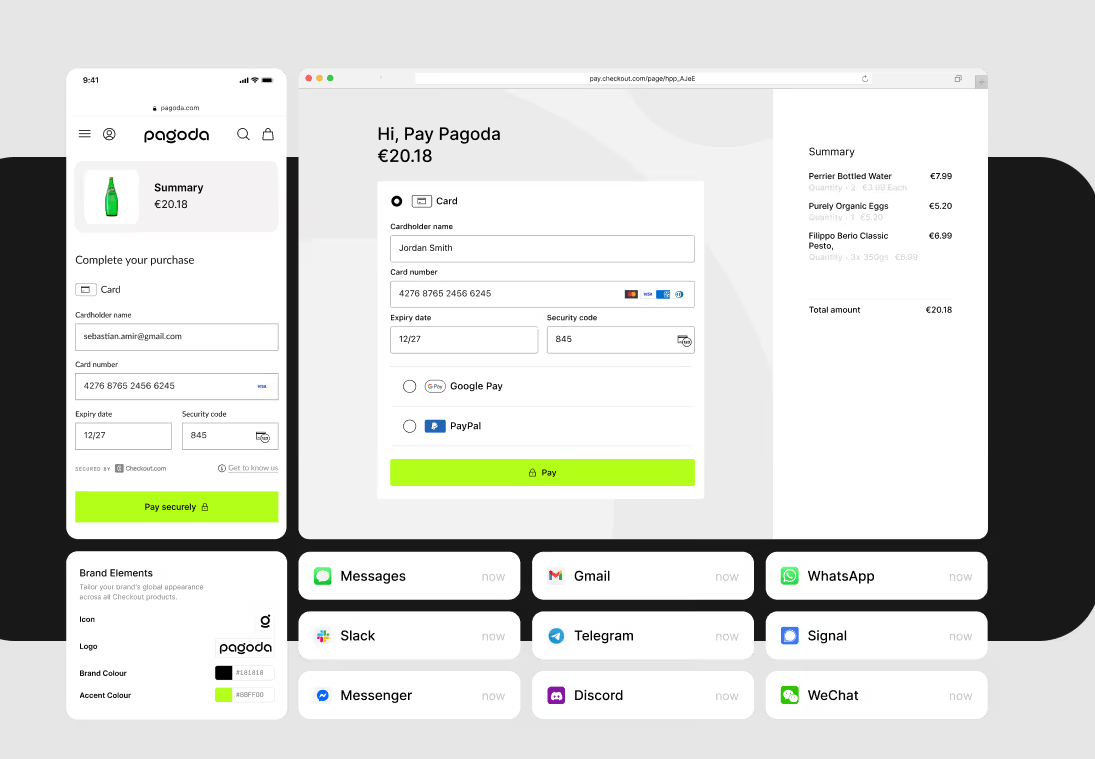
Checkout.com is a global, enterprise-grade processor built for businesses selling across a lot of borders. It connects directly to the major card networks and supports 150+ currencies plus some local and alternative payment methods.
It stands out with its performance at scale, including smart routing, network tokenization, fraud screening, and granular reporting aimed at lifting approval rates market by market.
Pricing isn't published, as Checkout.com quotes each merchant based on volume, risk, and footprint. There's no quick sign-up rate to compare upfront.
Checkout.com key takeaways:
- Price: Custom/negotiated; blended rates commonly land around 2.3%–2.9% + $0.30, or Interchange++. No setup or monthly maintenance fees.
- Pros: True global card acquiring, 150+ currencies, strong fraud and routing tools, detailed reporting.
- Cons: No public pricing, so you have to talk to sales; built for scale, which makes it overkill for small or early-stage businesses.
10. Helcim
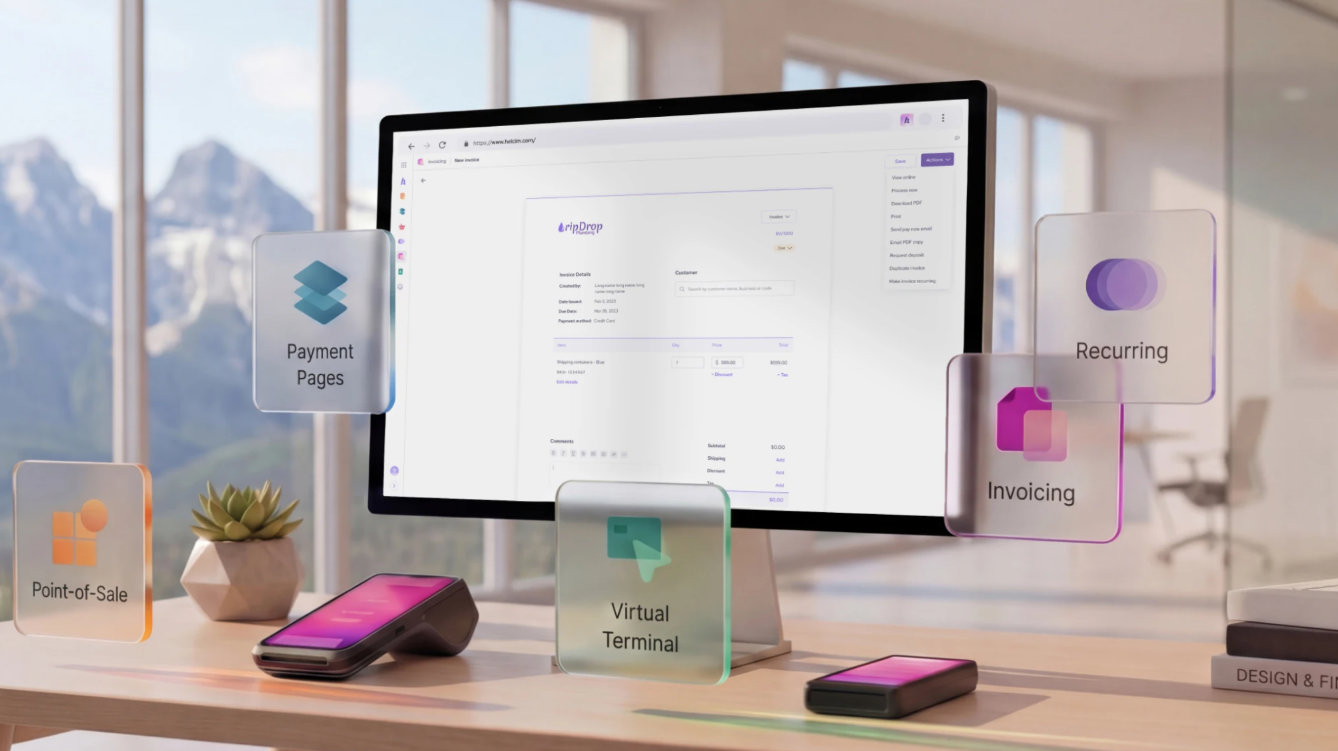
Helcim is a North American processor with a following built on transparent, interchange-plus pricing. It doesn't charge monthly fees or setup fees, and there are no long-term contracts.
Helcim lets you take payments online, through invoices, or in person, with support for cards, ACH/EFT, and a hosted checkout. Rates drop automatically as your volume grows.
The main limitation is reach. Helcim is only available to businesses in the US and Canada, which makes it more of a regional option rather than a global one.
Helcim key takeaways:
- Price: Interchange-plus with no markup tiers, roughly 2.3% + $0.25 online at typical ticket sizes; ACH around 0.5% + $0.25.
- Pros: Transparent interchange-plus pricing, no monthly fees or contracts, volume discounts built in.
- Cons: US and Canada only; no tax/MoR handling; fewer global payment methods than the international platforms.
11. Airwallex
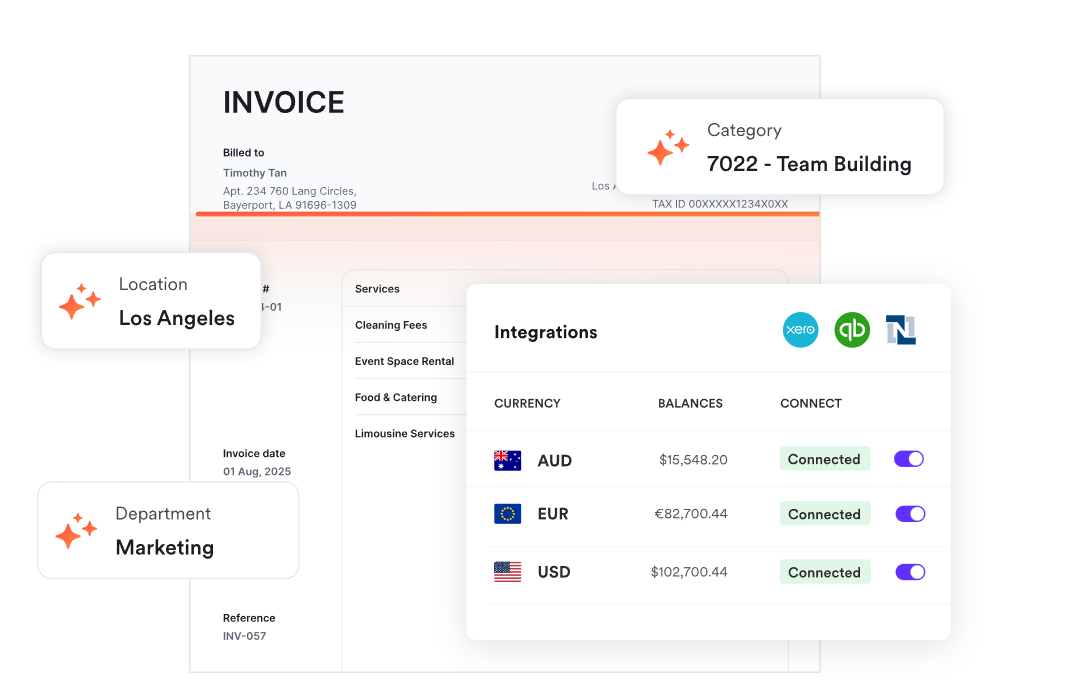
Airwallex is a global financial platform. It was built for businesses that need to move money across borders. Alongside accepting payments, Airwallex offers multi-currency accounts with local bank details. It transfers to 200+ countries.
For an online seller with international demand, the draw is that you can collect in a customer's currency through local rails, hold the balance, and pay overseas suppliers without a forced conversion every time. Airwallex plugs into Shopify, WooCommerce, and various accounting tools.
There's a trade-off when it comes to card rates, though. The entry plan is friendly on FX, but its international card pricing runs steep, so the value depends on how much of your activity is cross-border versus domestic.
Airwallex key takeaways:
- Price: Explore plan from $0/month; domestic cards 2.8% + $0.30, international cards 4.3% + $0.30, FX from 0.5%. Custom rates at higher volume.
- Pros: Multi-currency accounts, low FX, global transfers to 200+ countries.
- Cons: International card rates are high on the entry plan; it's more of a financial platform than a plug-and-play checkout, so expect a learning curve.
12. Authorize.net
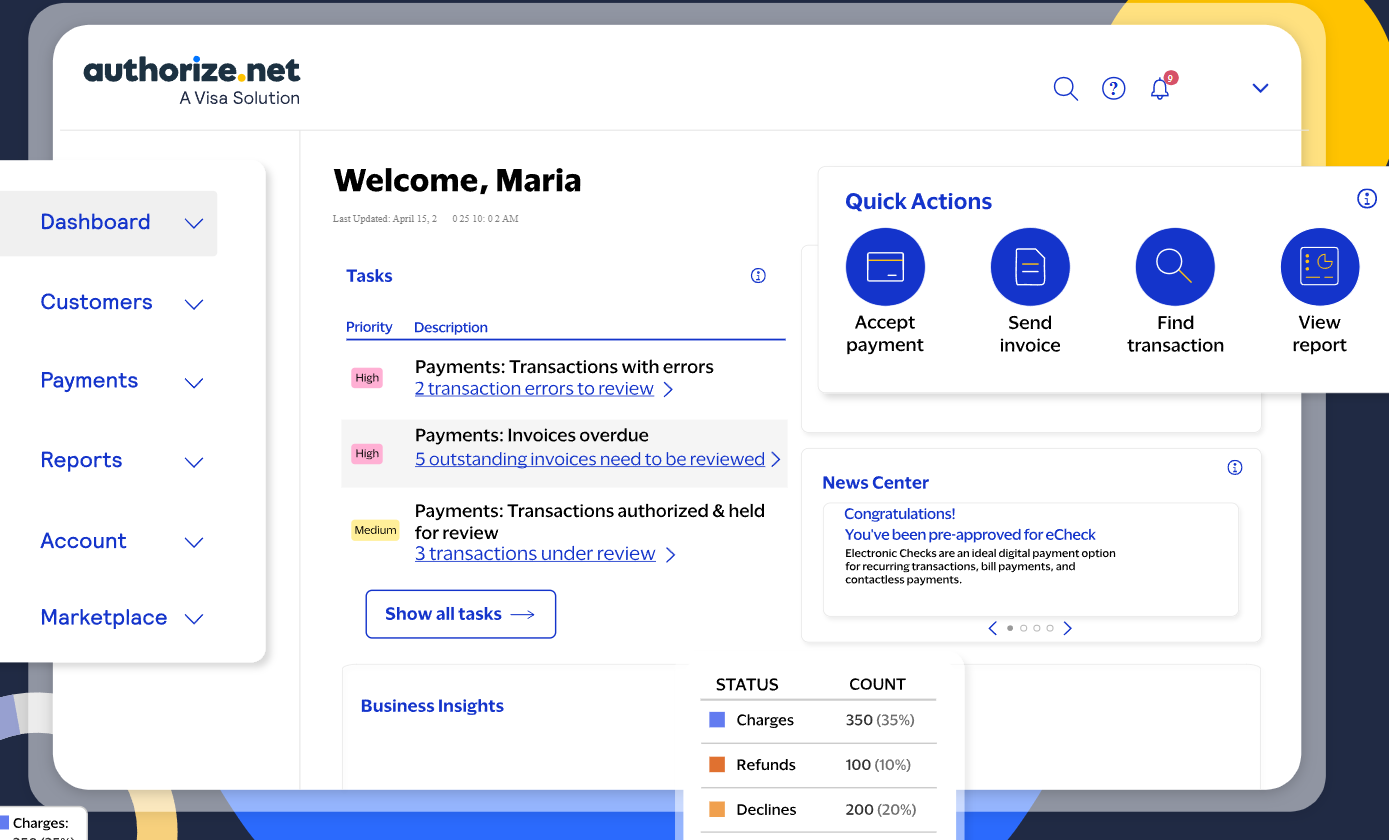
Authorize.net is a long-running gateway, and it's owned by Visa. It's still a common pick for North American businesses that take online, invoiced, and recurring payments.
It accepts cards, digital wallets, and ACH. You can run it as an all-in-one solution or bolt it onto an existing merchant account as just the gateway. It also offers built-in fraud tools and support for recurring billing.
Authorize.net is more regionally-focused than most global-first platforms on this list. It's available to merchants in the US and Canada. The pricing also feels traditional, with a monthly gateway fee layered on top of per-transaction costs.
Authorize.net key takeaways:
- Price (all-in-one): 2.9% + $0.30 per transaction, $25/month gateway fee, plus a small batch fee; ACH around 0.75%.
- Pros: Established and reliable, strong fraud tools, good for recurring billing, works as a standalone gateway.
- Cons: US/Canada only; monthly fee and a dated pricing model; not built for global, multi-currency selling.
13. Amazon Pay
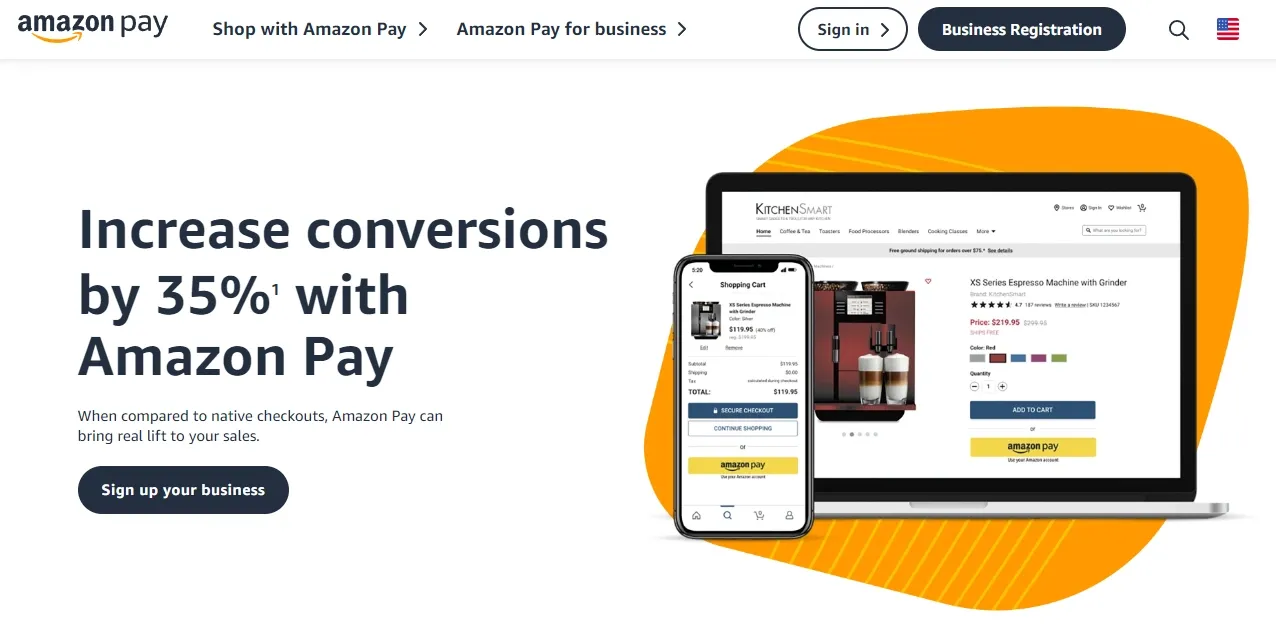
Amazon Pay leverages Amazon's massive customer base, letting shoppers use their stored Amazon credentials to check out on third-party sites. That means fewer abandoned carts, especially for Amazon-heavy users who trust the brand.
It supports one-time and recurring payments, integrates easily with ecommerce platforms, and offers Amazon's familiar interface at checkout. Merchants benefit from both trust and speed—customers don't need to create a new account or re-enter card details.
Availability is region-based, offered in countries including the US, UK, Germany, Japan, and India. Adoption is growing, but it's not as universal as wallets like PayPal or Apple Pay.
Amazon Pay key takeaways:
- Price: Processor-dependent; generally aligned with card transaction fees (check your provider).
- Pros: Huge consumer trust, frictionless checkout for Amazon account holders, recurring payments support.
- Cons: Limited to supported regions; not as flexible for merchants outside Amazon's ecosystem.
14. Worldpay
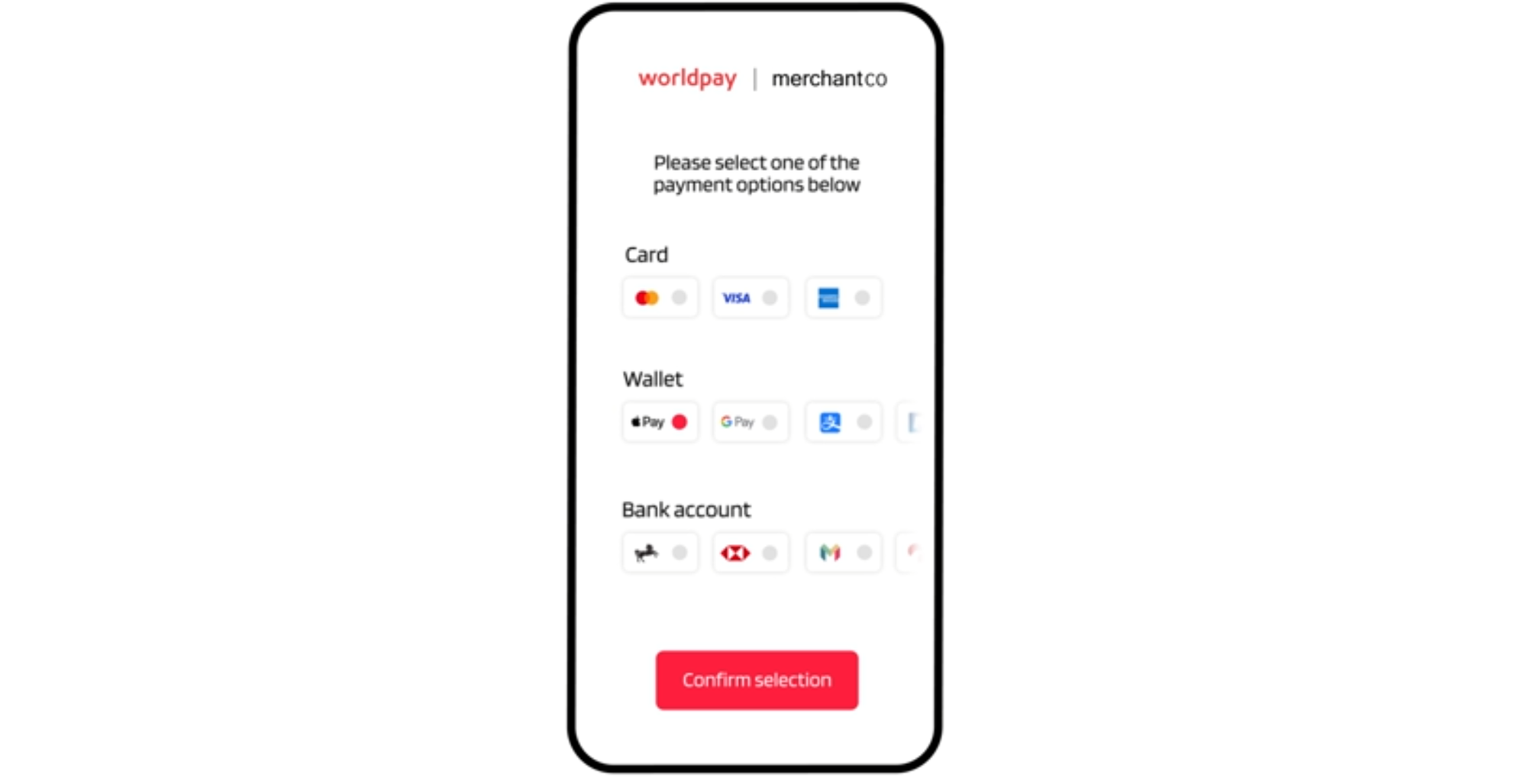
Worldpay is a significant payment processor, now part of Global Payments after the two combined in early 2026. It handles card acquiring across online, in-person, and omnichannel setups.
It's built for established and enterprise businesses that sell in many markets and want a single processor sitting behind all of it. Its coverage is huge, spanning 175+ countries and many currencies.
The catch? You can't just decide to sign up and go through with it – pricing is quote-based rather than a public rate. Onboarding goes through sales, and a monthly minimum applies, so Worldpay isn't exactly beginner-friendly.
Worldpay key takeaways:
- Price: Custom, quote-based pricing (no public flat rate). Rates depend on volume, region, and product.
- Pros: Global scale with support for 175+ countries, omnichannel payment processing.
- Cons: Sales-led onboarding and custom contracts; monthly minimum, overkill for small or early-stage sellers.
15. dLocal
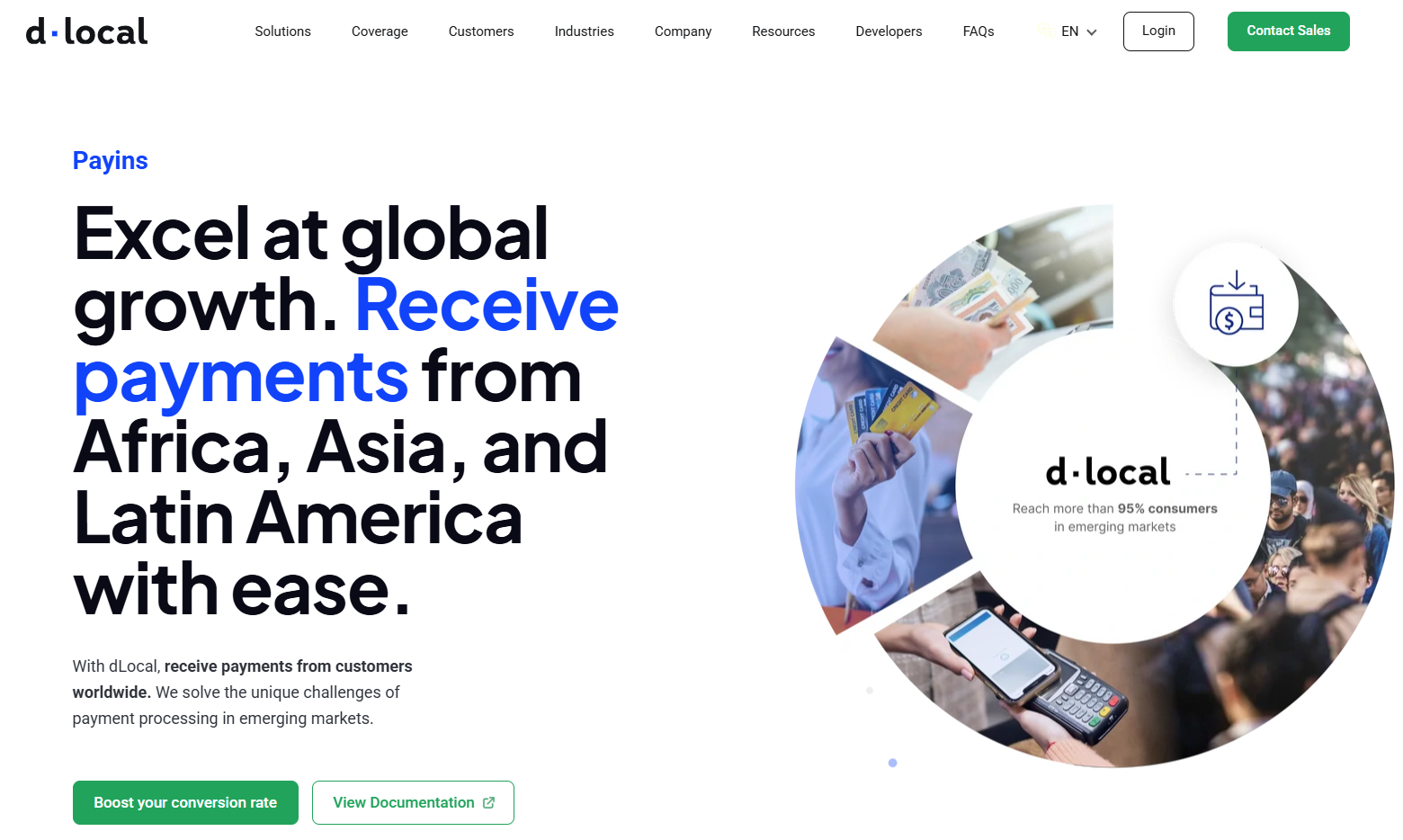
dLocal is a cross-border payments platform built specifically for emerging markets. It connects merchants to over 900 payment methods, which are local to over 40 countries in Africa, Asia, and Latin America.
That regional focus is what makes it stand out in those countries. In many countries, most people don't use international credit cards, so dLocal bridges the gap and connects those users to bank transfers, mobile wallets, cash vouchers, and installment options. It handles both collecting payments and sending payouts in local currency.
dLocal is built for established companies expanding abroad. It's not an ideal pick for small sellers. Pricing is custom and handled through sales, so there's no public rate to compare, and the platform isn't built around serving customers in North America or Western Europe.
dLocal key takeaways:
- Price: Custom, quote-based pricing with no public rate, geared toward enterprise volume. Rates vary by market, payment method, and whether you're collecting or paying out.
- Pros: 900+ local payment methods across 40+ emerging markets, one API for both pay-ins and payouts, local-currency settlement with FX handling.
- Cons: Focused on emerging markets, so it's not a fit for US/EU-only sellers; enterprise-oriented with no public pricing; onboarding goes through sales.
Digital wallets to help handle payments
Apple Pay and Google Pay aren't payment processors in their own right. They're wallets that you tap at checkout, and you enable them through whatever processor you already use, usually at no extra cost beyond your normal card rate. However, given that both are big players in accepting payments, they warrant a mention on this list.
1. Apple Pay
Apple Pay is a digital wallet that lets customers pay using the card details stored on their Apple devices. Instead of typing card information at checkout, shoppers can approve a payment instantly with Face ID, Touch ID, or their device passcode.
Behind the scenes, Apple Pay uses tokenization: the customer’s real card number is never shared with the merchant. Instead, a secure payment token is sent through the card networks and processed like a standard card transaction.
For ecommerce businesses, Apple Pay is typically enabled through a payment provider or checkout integration (like with Whop). Once activated, it appears as a one-tap payment option in supported browsers and apps on Apple devices.
Because checkout happens in seconds and doesn’t require manual card entry, Apple Pay can significantly reduce friction on mobile and improve conversion rates (especially for mobile shoppers).
Check out our documentation to add Apple Pay to your Whop embedded checkout.
Apple Pay key takeaways:
- Price: no separate Apple fee; you pay your processor's standard card/wallet rates
- Pros: faster mobile checkout, biometric authentication, network tokenization (card numbers aren't shared with the merchant), broad global availability, optional BNPL via Affirm (U.S.)
- Cons: limited for non-Apple users; Apple Cash P2P is U.S.-only
2. Google Pay
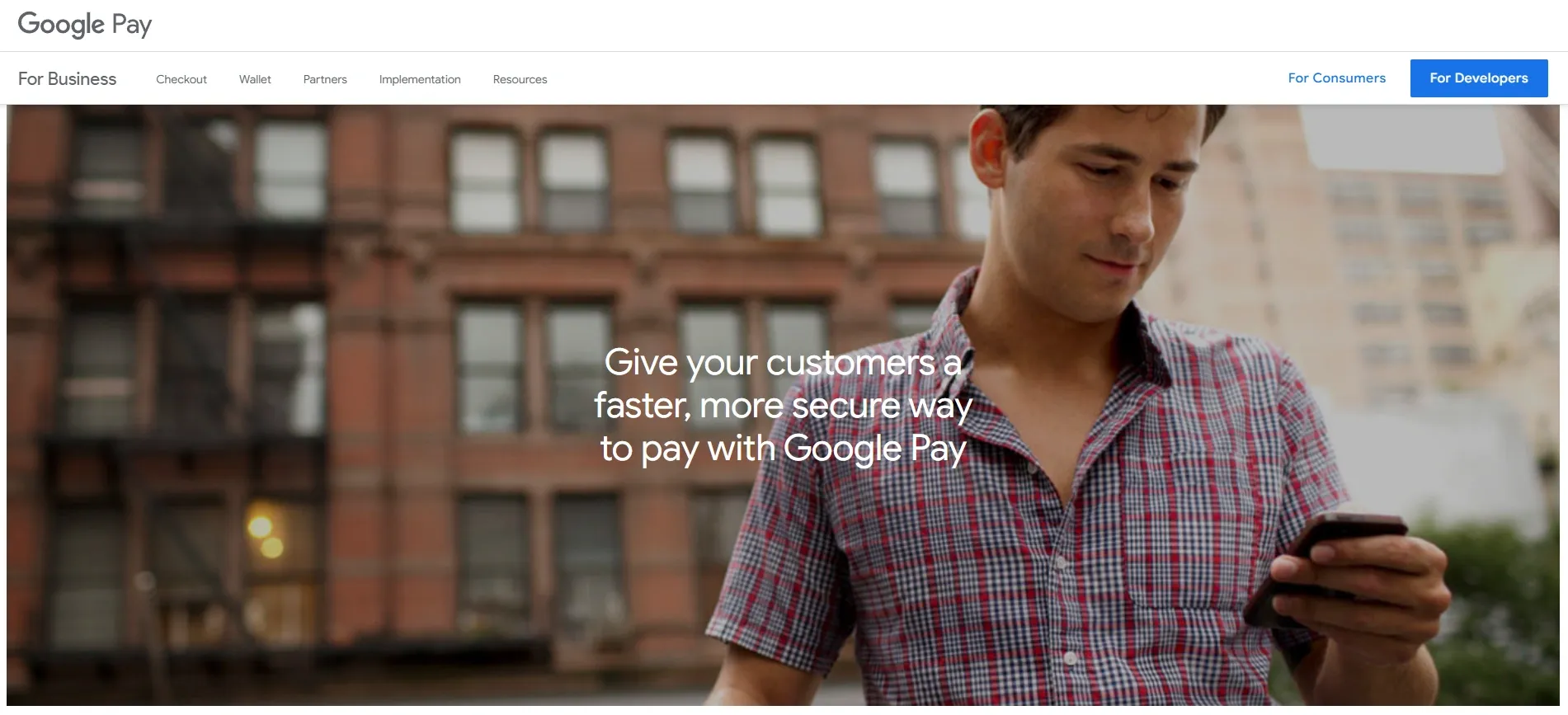
Google Pay is Google's digital wallet for Android and Chrome users. It lets customers store cards, passes, and loyalty points, and pay online or in-store with a tap. In many markets, Google Wallet stores the payment methods, while Google Pay handles the actual transactions.
Transactions are secured with device-level authentication—PIN, password, or biometrics like fingerprint or face unlock—so checkout feels seamless but still safe. It also supports peer-to-peer payments in certain regions, though its primary strength is ecommerce and mobile commerce.
Adoption is climbing steadily, with more ecommerce stores adding it alongside Apple Pay to capture mobile-first buyers.
Google Pay key takeaways:
- Price: No separate Google fee; you pay your payment processor's wallet/card rates
- Pros: Built-in for Android users, fast tap to pay online and in-store, strong device security, loyalty integrations
- Cons: Limited to Android/Chrome ecosystem; availability and feature set vary by country
What makes a good ecommerce payment solution?
Choosing a payment provider isn’t just about processing money.
The right infrastructure improves checkout conversion through faster, smoother payments, expands your global reach with local methods and currencies, reduces operational overhead by automating compliance, fraud, and reporting, and supports scaling as transaction volume and payout complexity grow.
Here's how to make the right choice:
Checkout performance and conversion
Checkout structure has a direct impact on conversion.
Integrated checkouts redirect the customer to a payment page hosted by the provider. They’re quick to set up and handle most security and compliance automatically, but the redirect adds friction and breaks the checkout flow.
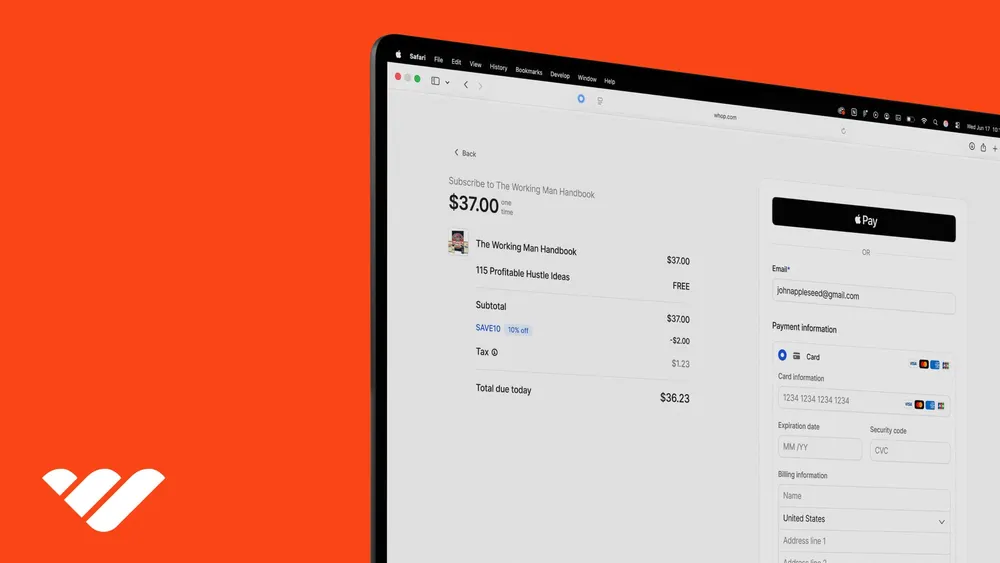
Embedded checkouts keep the payment fields directly on your site or inside your product. Customers can enter their details, use wallets like Apple Pay, and complete the purchase without leaving the page.
Because the experience is smoother and faster, embedded checkouts often convert better, especially on mobile.
Security and compliance
Handling payment data means dealing with strict security standards. Reliable payment providers maintain PCI DSS compliance, encrypt data in transit using TLS, and rely on tokenization so merchants never store raw card details.
Beyond protecting customer data, modern payment systems also include fraud detection and risk scoring to identify suspicious transactions before they become chargebacks – which can erode profit and reputation.
Maddie Cohen tells us that chargebacks typically happen when customers can't find a clear path to resolve issues directly with merchants. Whop addresses this with a defense system:
- The Resolution Center prevents chargebacks before they reach banks
- Dispute fighter automates your response if a chargeback does occur
Global payment coverage
If you sell online, your customers may come from anywhere. A strong payment solution supports multiple currencies and a wide range of payment methods, including cards, digital wallets, and local payment options that shoppers in different regions expect to see.
Without those options, international customers often abandon checkout simply because their preferred payment method isn’t available.
Pay-in and payout infrastructure
Accepting payments is only half the equation. Businesses also need a reliable way to receive the funds after a transaction is approved.
For most ecommerce merchants, this simply means payments settling into their bank account after a short payout window. But for platforms, marketplaces, and creator economies, payments are more complex. They may need to split revenue between multiple sellers, schedule payouts, or send funds across borders in different currencies.
In those cases, payout infrastructure becomes just as important as checkout itself.
Whop pays out in over 241+ countries & territories via ACH (bank deposit), Crypto, Venmo, CashApp and more.
Pricing transparency
Most payment providers charge a percentage of each transaction plus a small fixed fee. While the headline rate is important, businesses should also pay attention to cross-border fees, currency conversion costs, chargeback fees, and any platform-specific pricing tiers.
Clear pricing structures make it easier to predict margins as transaction volume grows.
Reliability and support
Payments are critical infrastructure. If your provider experiences downtime or failed authorizations during peak traffic, the impact on revenue can be immediate.
Reliable platforms maintain high uptime and provide responsive support teams that can quickly resolve issues with payments, payouts, or integrations.
How ecommerce payment solutions impact your business
Choosing the right payment solution directly impacts your sales, your customers’ trust, and even your ability to grow. Here are the key areas where payments make a difference:
| Area | What it affects |
|---|---|
| Checkout flow | Embedded checkouts keep customers on your site, while redirects add friction that can reduce conversions. |
| Payment approvals | Providers route transactions differently, which can affect how many payments get approved. |
| Global payments | Support for local payment methods and currencies helps international customers complete purchases. |
| Payouts | Settlement speed and payout options determine how quickly you receive your revenue. |
| Risk management | Fraud tools and compliance systems protect against chargebacks and payment disputes. |
| Reliability | Payment uptime and infrastructure determine whether customers can successfully complete purchases. |
Accept ecommerce payments and platform payouts with Whop
The right payments stack is often the difference between customers checking out or bouncing.
Most payment processors connect you to a single provider. Whop sits above that layer, connecting you to multiple partners behind one integration, so transactions can be routed through the infrastructure most likely to succeed.
Accept payments from customers in 195+ countries using more than 100 payment methods, including cards, wallets, BNPL options, and crypto. That means customers can pay the way they expect to, wherever they are.
Whop also operates as the Merchant of Record, taking on things like sales tax, VAT, and other compliance requirements on your behalf.
And unlike most payment processors, Whop also runs a marketplace where businesses can list their products and reach warm buyers.
Plus, if something goes wrong, support is available 24/7 from a real team.
Power your sales with Whop: no middlemen, no friction, more profit.
Ecommerce payment FAQs
How does payment processing work with ecommerce?
When a customer checks out, their payment details are encrypted and sent through a payment gateway. A processor then talks to the card network, the customer’s bank (issuer), and your bank (acquirer) to authorize the charge and move the money.
How are ecommerce payments made secure?
Modern payment solutions use TLS encryption (the successor to SSL) to secure data in transit, and PCI DSS compliance to keep card details safe. On top of that, most platforms now use tokenization—replacing sensitive data like card numbers with non-sensitive tokens—so the raw details are never stored on your systems.
What is the difference between a payment gateway and a payment processor?
Think of the gateway as the customer-facing part (checkout page, Apple Pay button, PayPal pop-up). The processor is the behind-the-scenes engine that authorizes the charge, verifies funds, and moves money between banks. They work together, but they do different jobs.
Do I need a payment processor for my ecommerce store?
Yes. Every online store needs a processor to handle the movement of funds securely between customers and merchants. Many platforms (like Whop, Stripe, or Braintree) bundle the gateway and processor into one so you don’t have to set them up separately.
What are transaction fees?
Every processor charges per transaction, usually as a percentage of the sale plus a flat fee. In the US, standard card rates are around 2.7–3.5% + $0.30. Rates can vary by payment method, country, and volume—some platforms offer discounts at higher processing levels.
Does a payment processor or gateway collect taxes?
In most cases, no—you as the merchant are responsible for collecting and remitting taxes like VAT, GST, or sales tax. The exception is when you use a provider that acts as Merchant of Record. For example, with Whop, Whop is the Merchant of Record, so taxes, compliance, and remittance are handled automatically.



![22 of the best ecommerce platforms to sell online [2026]](https://storage.ghost.io/c/12/7b/127b828b-bdc2-4972-9cf2-de857df9c324/content/images/size/w1000/format/webp/2026/08/best-ecommerce-platforms.jpg)
![How to start an ecommerce business [2026]](https://storage.ghost.io/c/12/7b/127b828b-bdc2-4972-9cf2-de857df9c324/content/images/size/w1000/format/webp/2026/08/how-to-start-an-ecommerce-business.jpg)
![TikTok Shop: the ultimate guide to selling on TikTok [2026]](https://storage.ghost.io/c/12/7b/127b828b-bdc2-4972-9cf2-de857df9c324/content/images/size/w1000/format/webp/2026/08/tiktok-shop.jpg)

![15 best BNPL providers for your business [2026]](https://storage.ghost.io/c/12/7b/127b828b-bdc2-4972-9cf2-de857df9c324/content/images/size/w1000/format/webp/2026/08/BNPL-providers.png)