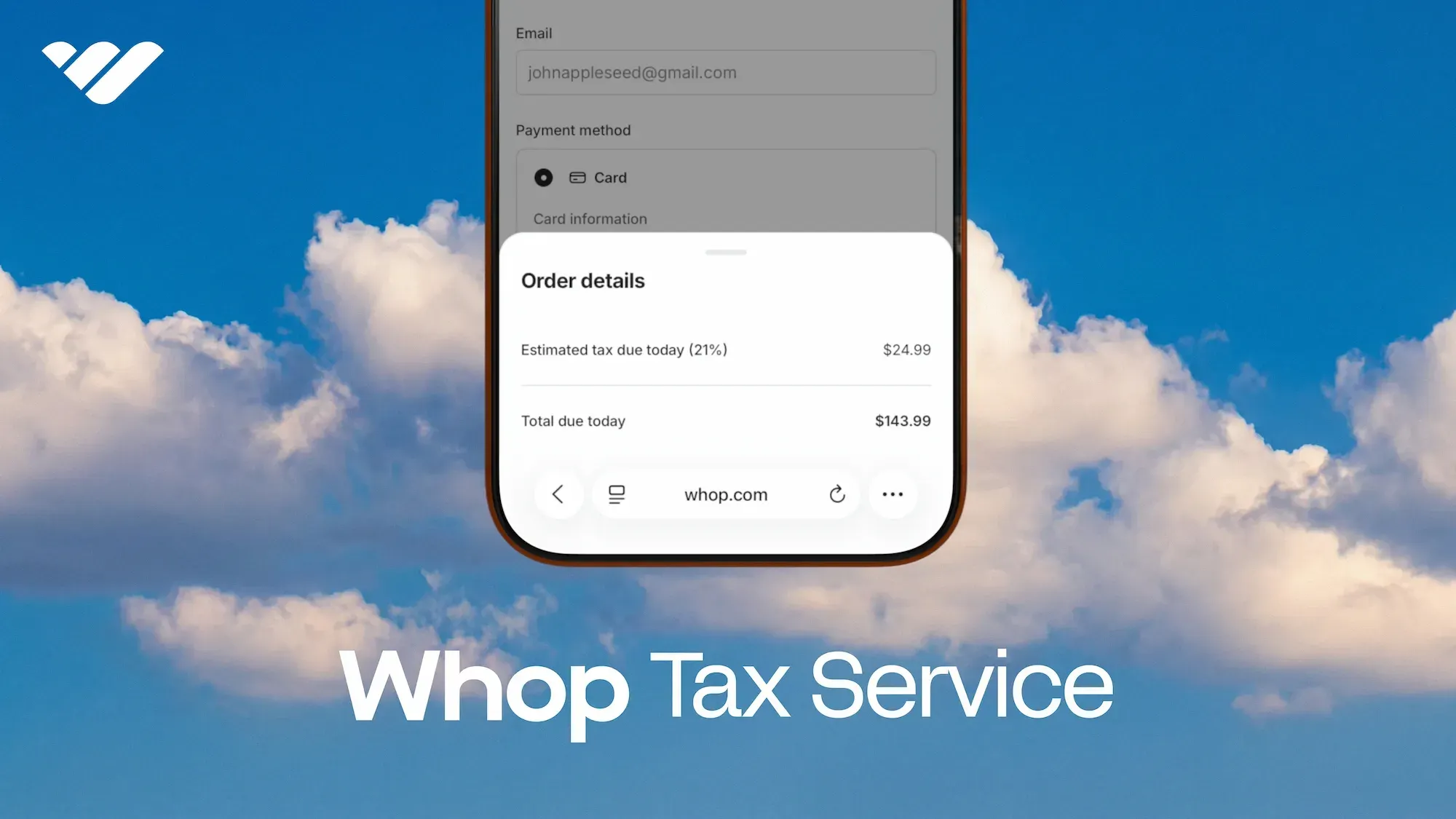
Whop Tax Service gives businesses new ways to have their tax calculations and compliance covered automatically, so you can remain focused on sales.
Sales tax and VAT are now built into Whop.
For our direct-to-consumer clients, the Whop Tax Service now gives businesses three ways to handle sales tax and VAT, directly from their dashboard.
- Want us to calculate, collect, file, and remit sales tax and VAT? Done.
- Prefer Whop to calculate tax, while you handle your own filings? You can do that too.
- Already have a setup you like? Nothing changes.
Choose the option that fits your business, and switch over when needed. No extra software, signups, or spreadsheets.
Three tax and compliance models for sellers
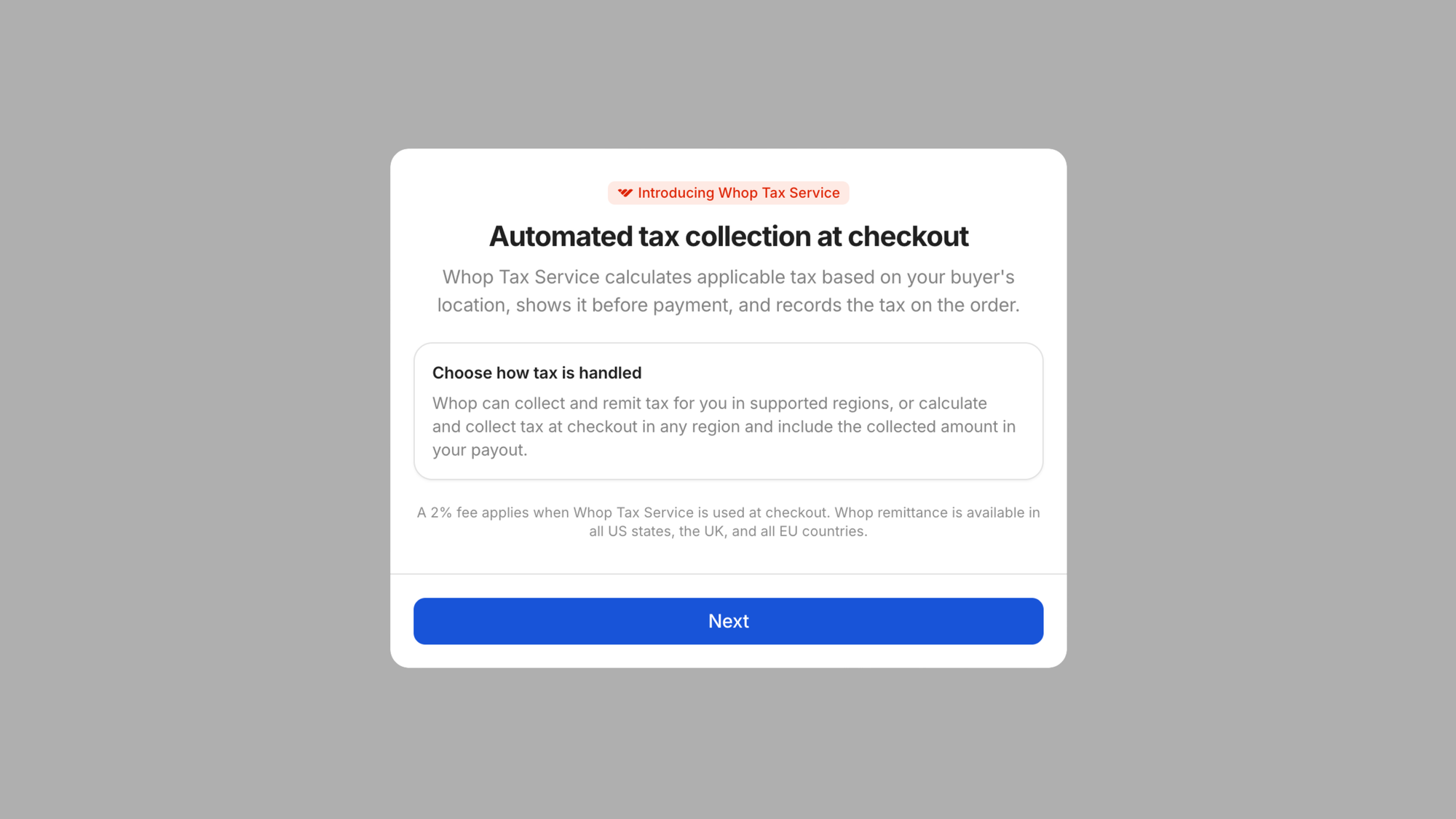
Whop is home to multiple business models in varying stages of their journey, which is why the Whop Tax Service offers three different ways for sellers to handle sales tax and VAT.
Option 1: Whop collects and remits
Whop can automatically calculate, collect, file, and remit the sales tax and VAT. Invoices are issued automatically with the correct tax rates and amounts.
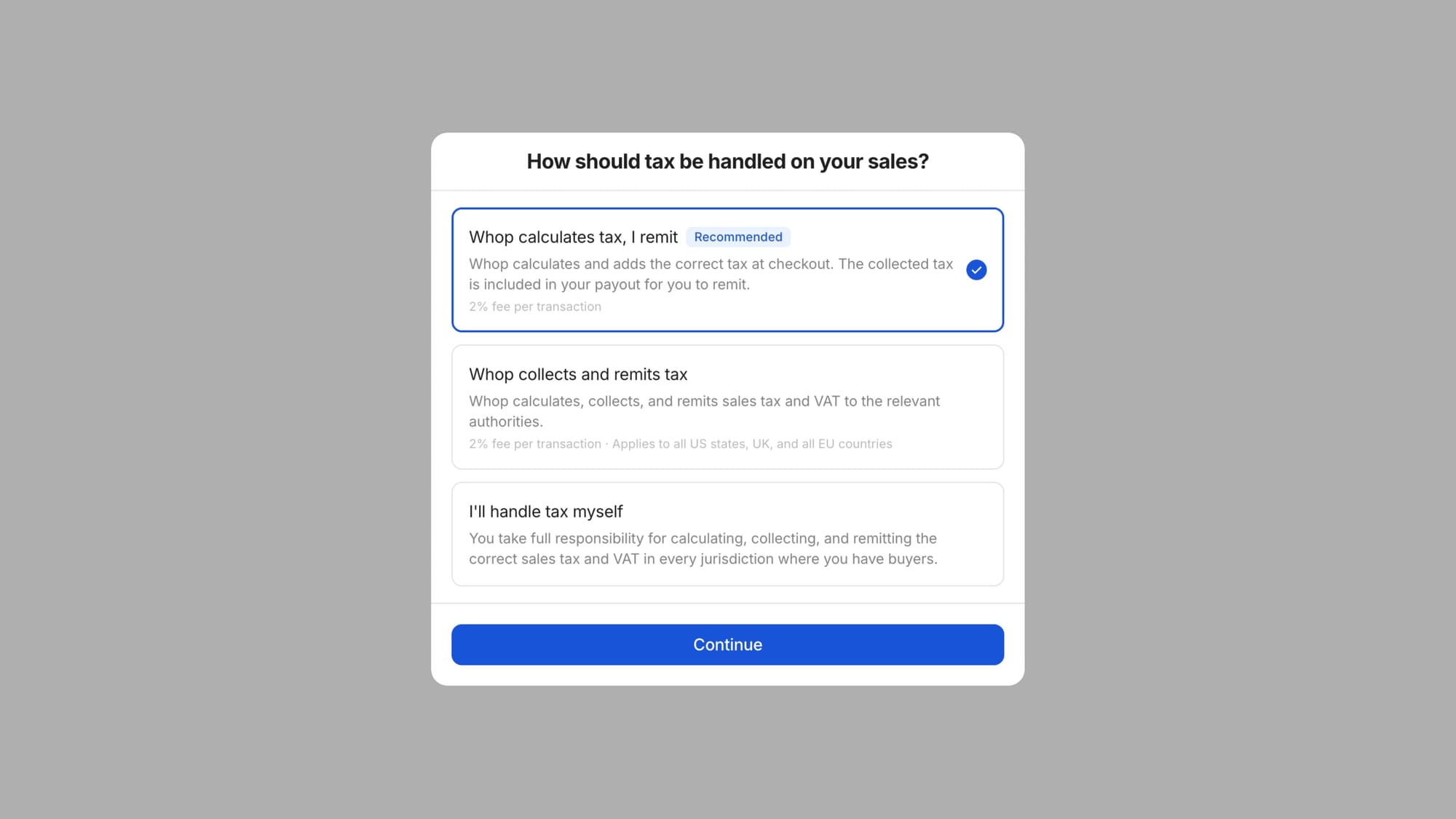
At the time of launch, full tax compliance is available in the US, the UK, and all EU countries, with support for more jurisdictions coming soon.
Option 2: Whop calculates; you remit (recommended)
Whop can also just calculate and apply the correct tax at checkout based on your information and the transaction details.
Tax is included in your payout, and you remain responsible for filing and remitting it to the relevant authorities. Invoices are generated automatically and display the applicable tax rates.
This method is available in all US states and territories, as well as in international jurisdictions supported by Numeral.
Option 3: You handle tax
The third option is to continue on, business as usual.
If you already have tax processes in place that save you time and don’t bottleneck your business operations? Keep using them.
You'll remain in full control of (and be responsible for) your own tax calculation, collection, filing, and remittance. You remain the seller on all invoices.
The two managed options each cost 2% per transaction. Learn more about how Whop can handle taxes for your business in our documentation.
Important information for existing businesses:
No action is required on your behalf, all existing businesses will be placed on Option 3 by default. This means your existing checkouts and payouts will continue to work as normal.
To enable the Whop Tax Service, you can toggle on Option 1 or 2 from your dashboard at any time.
How will my tax show up at checkout?
Selected Option 1 or 2? Depending on where your buyers are, tax can either be added on top of your price (i.e, exclusive tax, the standard in the US and Canada).
Or, it can be included in the price your customers see. This is known as inclusive tax, which is standard in the EU and UK (where the displayed price has to be the final price).
Whop uses the tax-display setting you've chosen, so your checkout works the way your business and your region expect.
Your tax, your way
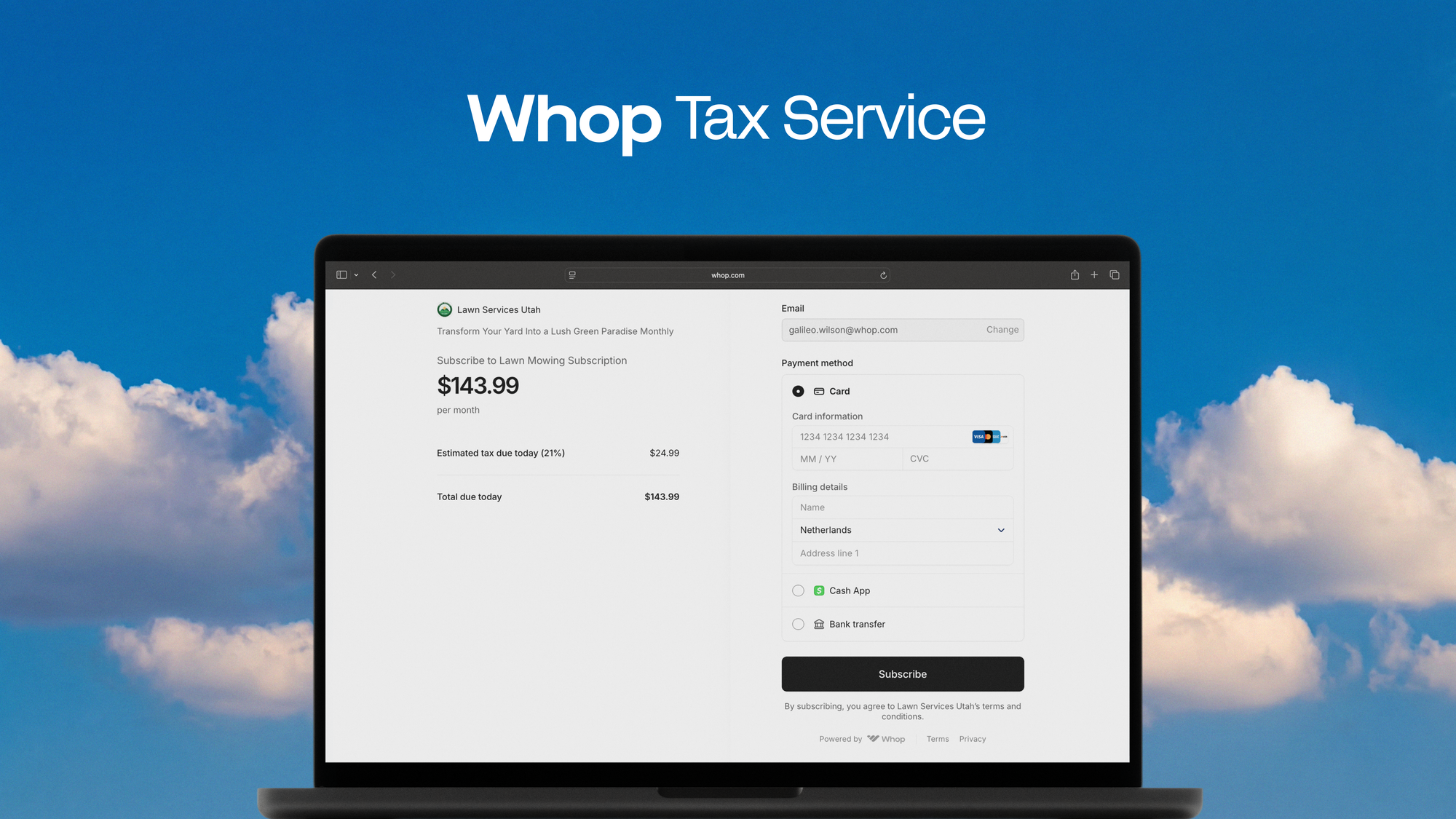
Whether you want Whop to handle everything, just to automate calculations, or even to stay completely responsible for your own taxes, the choice is yours.
Log into your dashboard to explore either option and activate seamless tax compliance for your business.