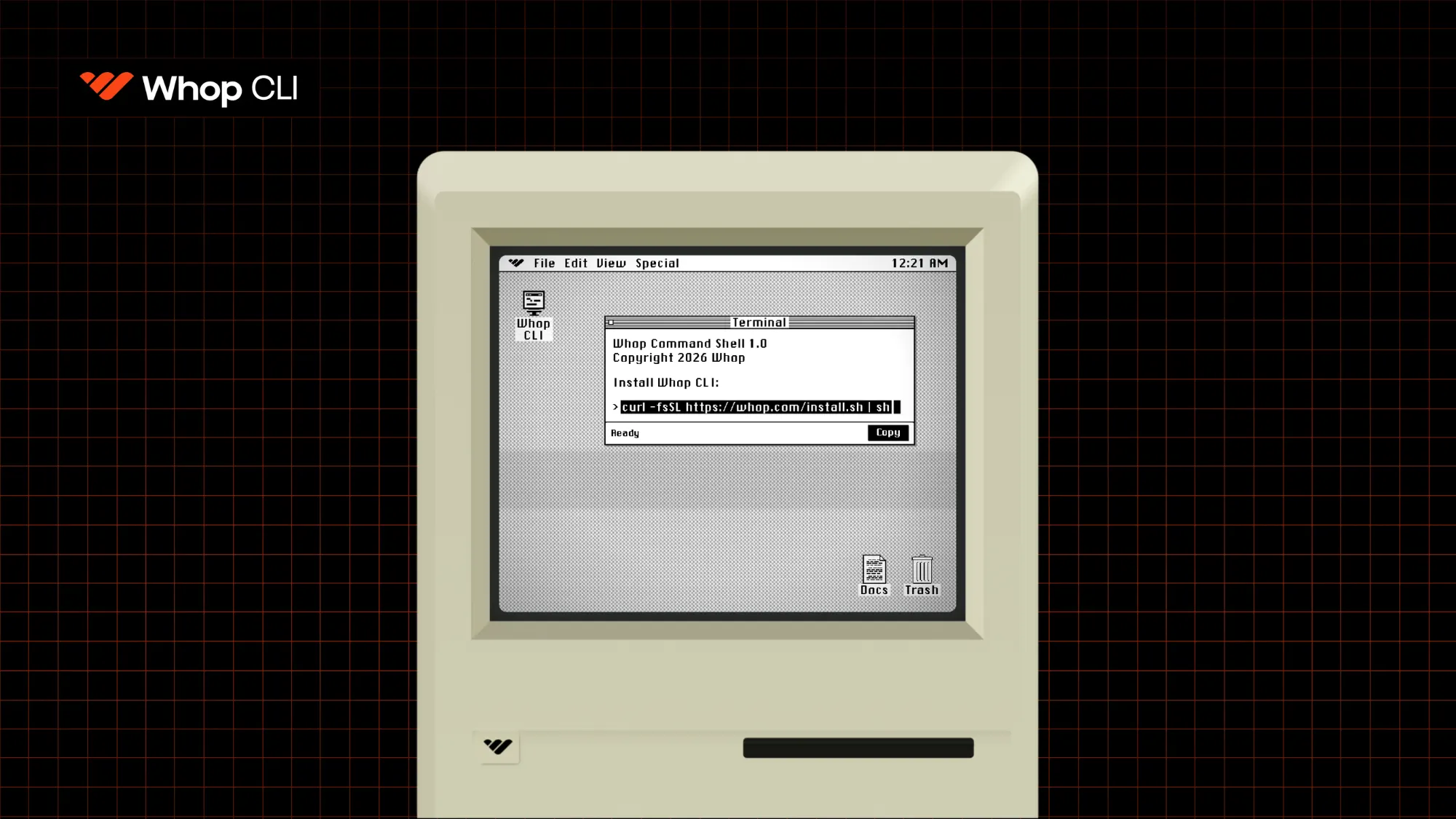
Everything you can do from your Whop dashboard can be run from a terminal. Build a business, create products, set pricing, run ads, move money, and more. Run it yourself, or hand it to an AI agent.
Key takeaways
- The Whop CLI exposes Whop's full API in a terminal, making your entire business programmable and repeatable.
- AI agents like Claude and Cursor can drive every command, so non-technical founders never touch the terminal.
- Replacing manual dashboard clicks with scriptable commands automates repetitive work like pricing, checkout links, ads, and reporting.
We’ve worked hard on the Whop dashboard to make the UI as simple to use as possible. But building your business, creating products, setting individual pricing, and running ads from the dash still requires manual input, clicking around, and most importantly, time.
Until now.
With the Whop CLI, you can now access Whop's end-to-end API straight from a terminal, making your business completely programmable.
GUI vs. CLI: What's the difference?
The Whop dashboard you know and use is what's called a GUI, or Graphical User Interface. If you're new to Whop, this is the easiest way to build out your business, using buttons and icons to guide you through the process of creating.
Its biggest trade-off is the manual aspect. You're manually creating everything from scratch, navigating between tabs, interfaces, and buttons to build, test, and ship.
Most importantly, those actions are non-repeatable. You do them once, and there's no easy way to automate them for next time.
A CLI, on the other hand, is a Command Line Interface.
Instead of using the dashboard UI, you're able to run text-based commands through a terminal, and that text can be saved, automated, repeated, and iterated on with agents.
What's a terminal? A terminal is a plain text window on your computer where you type commands directly, instead of clicking through screens on your dashboard. Never opened one? It's an app already on your computer, called Terminal on Mac, or Terminal/Command Prompt on Windows.
Why we built the Whop CLI
CLIs used to be aimed at people with strong developer experience, until AI came and changed the way everyday people build online.
Now, they're becoming increasingly common (even for casual builders) as a means to launch faster, with less repetitive overhead.
They plug straight into agents (like Claude, Codex, and Cursor) so that you don't even have to type the commands into your terminal yourself.
We want everybody to be able to get things done with speed, which is why we built a CLI to work with the Whop API.
Who it's for
You don't need to be a dev wizard to use the Whop CLI. It's here to help developers, non-technical founders, and bigger platforms, though each group's reason for using it may differ.
- Builders new to coding: Being able to speak to your agent in simple terms and have it run commands for you means there's no need to learn complex coding skills.
- Developers: Helps you iterate, test, and ship products faster than you could manually.
- Founders: Have the ability to hand off text commands to an AI agent that can run them through your terminal for you, with all actions logged.
- Platforms and bigger operations: Automate repetitive admin tasks (moving money, running ads, reporting). You get the gist.
Whoever you are, whatever you're building, the CLI is here to help make things easier and less time-consuming.
The people with the most to gain from agents are the ones who were never going to write an API request. A business owner shouldn't need to know what an API is to say 'set up the pricing on my Whop website' or 'pull my sales for the week and optimize my ads.' The CLI closes that gap. Once the intent is there, the agent handles the commands to build exactly what you need.
– Ryan Ouyang, Whop Head of Platform API
What you can do with Whop's CLI
The Whop CLI essentially allows you to run any command that our API supports.
A few of the everyday commands you can run:
whop --help                  # all commands
whop products list           # what you're selling
whop products list --help    # options for any command
whop checkout-configurations create --variant_id plan_xxx   # shareable checkout link
whop stats time-series list  # your numbers
Every command that talks to the API takes --format json for structured output, and most groups follow the same shape: whop <resource> list|get|create|update.
Built to integrate with the AI agent you already use
Whichever agent you already use to help you run your business will be able to work with Whop's CLI.
Because the CLI is self-describing, agents like Cursor and Claude can discover and drive every command.
whop --llms      # hand an AI the full list of commands
whop mcp add     # connect the CLI to your AI assistant (e.g. Claude)
whop skills add  # give your agent ready-made skills
This means you never have to touch the terminal yourself. Your agent simply runs commands through it, on your behalf. Creating a product? Just tell your assistant 'create a $20 product and send me the checkout link'.
And you can always see what your agent did. Every action is logged.
It's that easy.
Run Whop from your terminal today
Whatever you're creating, Whop's CLI has you covered.
For macOS and Linux, the install command is simple:
curl -fsSL https://whop.com/install.sh | shOn other platforms, you can install via npm (requires Node.js 22 or later). Check out our docs linked below for details on how to install, test, and get started.