Whop's website migrations recreates your existing site on Whop. Keep the same look while moving your products, checkout, analytics, and more onto Whop's stack.
Key takeaways
- Whop automatically recreates your site's design, pages, and products, but you must reconnect forms and integrations before launch.
- Migrated sites stay fully editable through code access and CLI deployments, with versioned rollbacks if a change goes wrong.
- Once migrated, your site connects to Whop payments, Pixel analytics, and ads, so you manage everything from one dashboard.
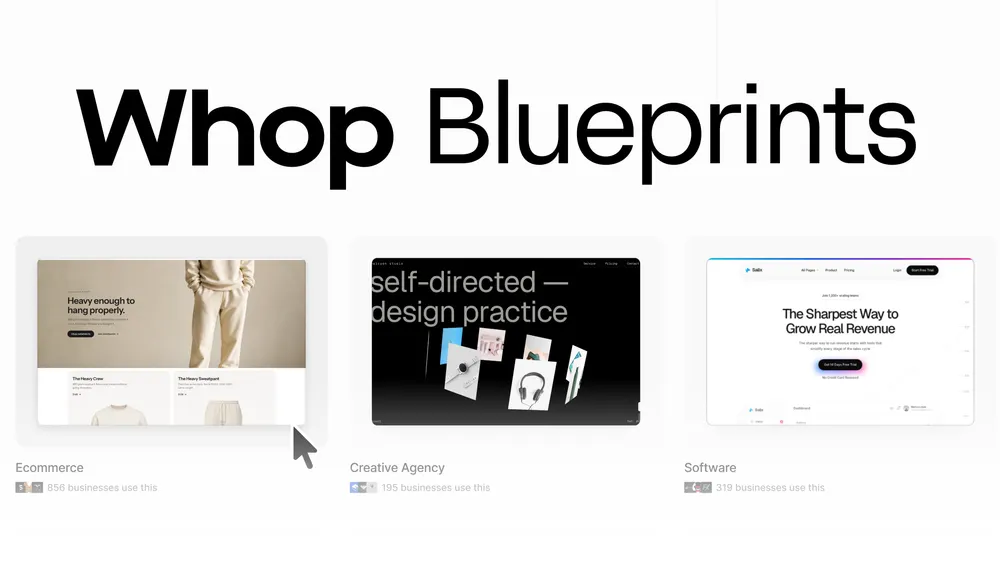
Whop already gives you the power to build a new website via Blueprints, Whop AI, or the CLI.
But what if you already have a website?
Website migrations let you copy over your current website to Whop, keeping the look and core functionality you've already built.
Accept payments, track analytics, run ads, and keep building on top.
How Whop’s website migrations work
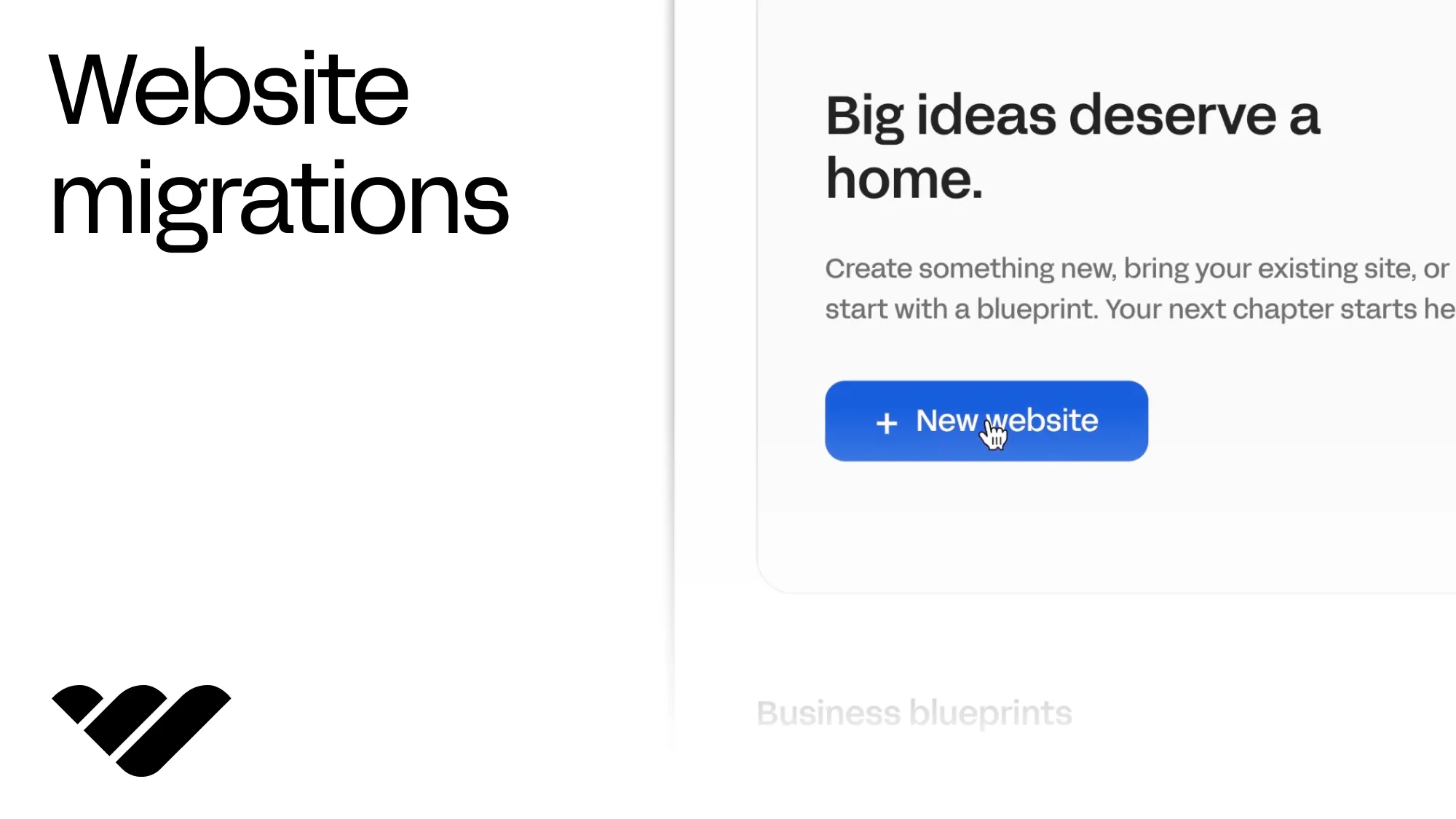
From your Whop business dashboard, head to "Websites" and select "New website".
Then, choose to migrate your site, enter the URL, and click "Migrate site to Whop".
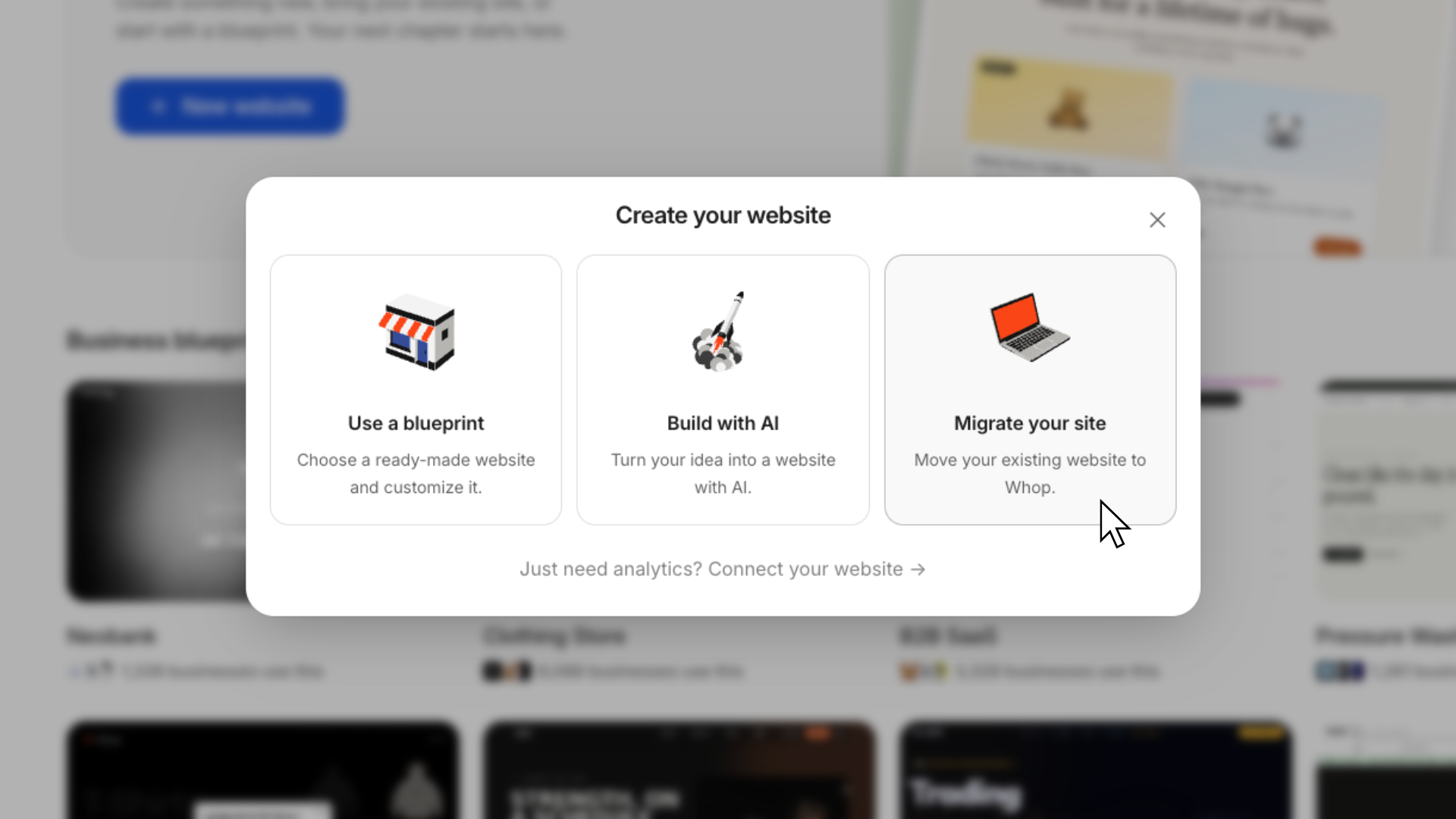
Whop scans your existing website and builds a migration plan based on what it finds.
If you run an ecommerce site, the migration will import your product catalog and images, recreating shared elements like your header, footer, cart, and brand styles, and rebuilding your pages and product templates.
For a service-based business, Whop can recreate service and project pages, galleries, and quote forms. Forms and other third-party integrations need to be reconnected, so connect submissions to your CRM or backend before you go live.
You don't need to manually rebuild each page or recreate the design from scratch. The migration also checks pages against the source site at mobile and desktop sizes (390px and 1440px) before finalizing.
Website migrations run on autopilot in the background, and you can view the progress and which features are being copied over in real time. Most website migrations complete within the hour.
Approved products are discoverable on Whop, and you can hide any you don't want listed.
Once your migration is complete, you'll have a Whop-hosted version of your existing website that you can continue customizing and building on.
Keep building after you migrate
Migrating your website to Whop doesn't lock you into a static version.
You'll have access to the site's code, so you can keep customizing the design, adding pages, or building new functionality after the migration is complete.
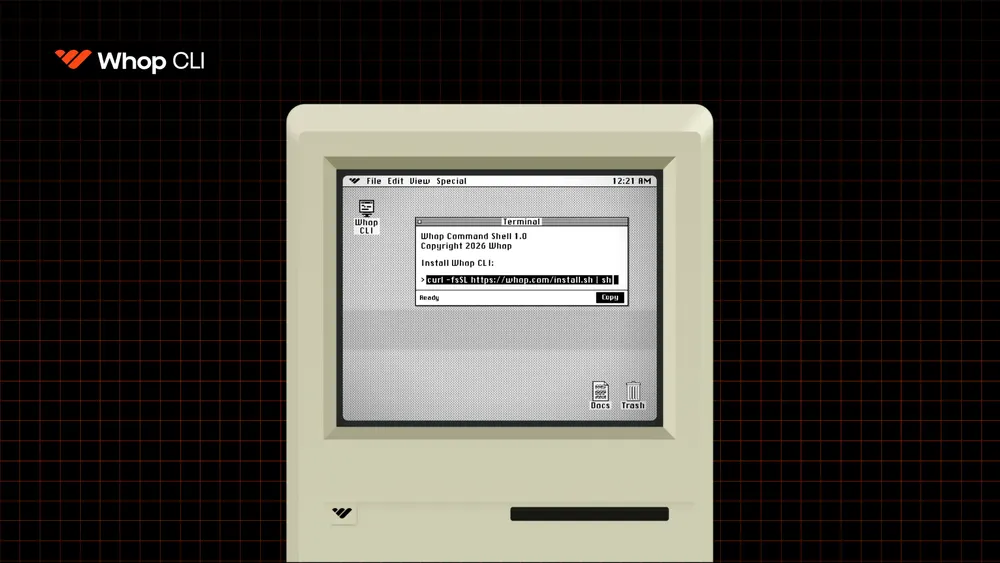
You can also use the Whop CLI to pull the site code locally, make changes from your terminal, preview builds, and deploy them back to Whop.
Every deployment is versioned, giving you a history of your builds and the ability to roll back to an earlier version if needed.
Moving customers and subscriptions too? See Whop Migrations.
Your website, powered by Whop infrastructure
Once your site is on Whop, it plugs straight into the tools you need to run and grow your business.
Accept payments with Whop
Your migrated store keeps its products, variants, and cart functionality. Checkout is restyled to match your brand, and checkout links are automatically created for each product.
That means customers can browse the same products, add multiple items to their cart, and pay through Whop, without you having to maintain a separate checkout integration.
You'll also get access to 100+ payment methods, BNPL (on approval), and payment orchestration.
Depending on your account, you may need to complete verification and enable payment methods in your dashboard before accepting live payments.
Track analytics
Whop websites use the Whop Pixel to track page views, connect visitors to purchases, and attribute conversions back to your Whop Ads.
Activity that happens through Whop checkout is automatically tracked: checkout views, purchases, subscriptions, and trial starts.
You can also capture actions Whop can't automatically detect by using the whop.track call. This is a small piece of code that records the event when it happens on your site.
| Tracked automatically |
You add a
whop.track
call
|
|---|---|
| Page views | Lead forms, call bookings, applications |
| Whop checkout views | Quizzes, VSL completions, anything on your own pages |
| Purchases, subscriptions, trials | Steps Whop’s payment data can’t see |
Run ads from the same place
Once your site is live on Whop, you can run and track paid advertising from the same dashboard as your website and payments.
Whop Ads gives you access to agency ad accounts on Meta, with TikTok and Google rolling out, with no setup fees, monthly fees, or minimum spend required. You can create and manage campaigns directly from Whop.
The Whop Pixel connects traffic with conversion and payment data, so you can see what's actually worth the spend.
Here's how it compares to running ads from a Meta account:
| Your own Meta account | Whop Ads | |
|---|---|---|
| Account standing | Standard | Platinum-tier HIVA (Meta’s highest tier) — priority bidding and lower cost per thousand impressions at scale |
| Ad rejections | Common | Fewer thanks to higher account standing |
| Support | Standard Meta support | Direct Meta representative + Whop account manager |
| Bulk uploads | Limited | Launch dozens of ads in minutes |
| Daily spend | Hard platform limits | No spend limit, you can scale from day one |
| Attribution | Browser-based, degrading as cookies disappear | First-party attribution from real payment data (the Whop Pixel) |
Migrate your website to Whop and run everything in one place
Get more out of your existing website without having to rebuild it from zero.
Website migrations quickly copy your site over to your own whop.site address, and layer Whop's payments, analytics, ads, and development tools on top.
Enter your URL, let Whop handle the migration, and keep building from there.