
Discover the best payment processors for side hustles. Compare fees, features, and find out why Whop Payments is the smartest way to get paid fast.
Key takeaways
- Side hustlers should match processor pricing models to their sales volume—subscription fees save money at high volumes, flat rates suit beginners.
- Square and Whop offer no-monthly-fee options ideal for starting out, while Stax and Payment Depot reward high-volume sellers.
- Portable processors like Whop, PayPal, and mobile wallets let you accept payments anywhere, but watch for account freezes and hidden fees.
The best payment processors make it easy to get paid – fast, securely, and without losing profits to high fees.
In this guide, we’ve reviewed 10 of the best payment processors for side hustles, plus 5 portable options built for pop-ups, markets, and mobile setups.
You’ll see how they stack up on price, payout speed, and flexibility, so you can pick the one that keeps cash flowing and customers happy.
The 10 best payment processors to grow your hustle
1. Whop
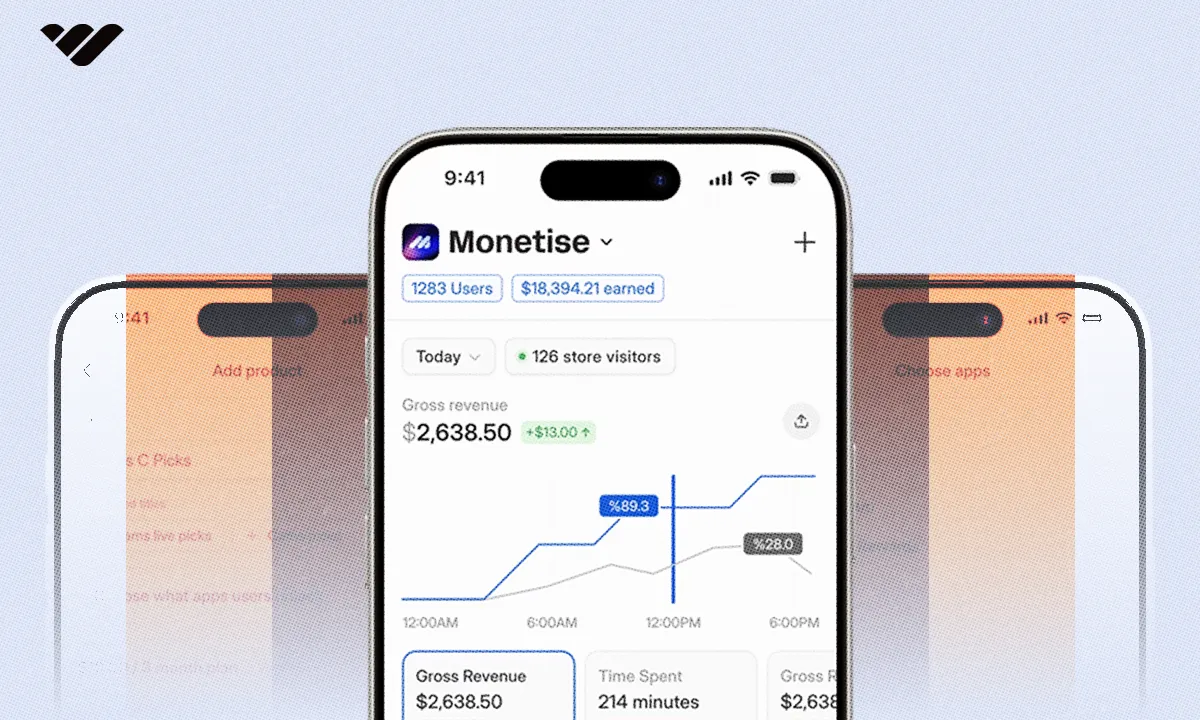
Whop is a next-gen payment processor built for modern online sellers. Now fully independent from Stripe, it gives you faster payouts, lower fees, and more control over how you accept payments across the globe.
You can accept 100+ payment methods: credit and debit cards, crypto, stablecoins, digital wallets, and Buy Now, Pay Later.
Behind the scenes, multi-PSP orchestration automatically routes transactions through the provider most likely to approve them, boosting successful charges by up to 11%.
“My first month on Whop, $12.5k all from X organic traffic. 0 failed payments, lol. Thanks Whop!” - Whop seller @0xroas
You also get built-in tools like affiliate programs, dispute handling, free trials, and hosting for digital products, chats, courses, or livestreams, all backed by 24/7 human support.
- Who can use Whop: Entrepreneurs, creators, and businesses that want an all-in-one platform with flexible payouts and global reach. Perfect for side hustles that need to grow without worrying about payment headaches.
- Fees: 2.7% + $0.30 per transaction.
2. Stripe
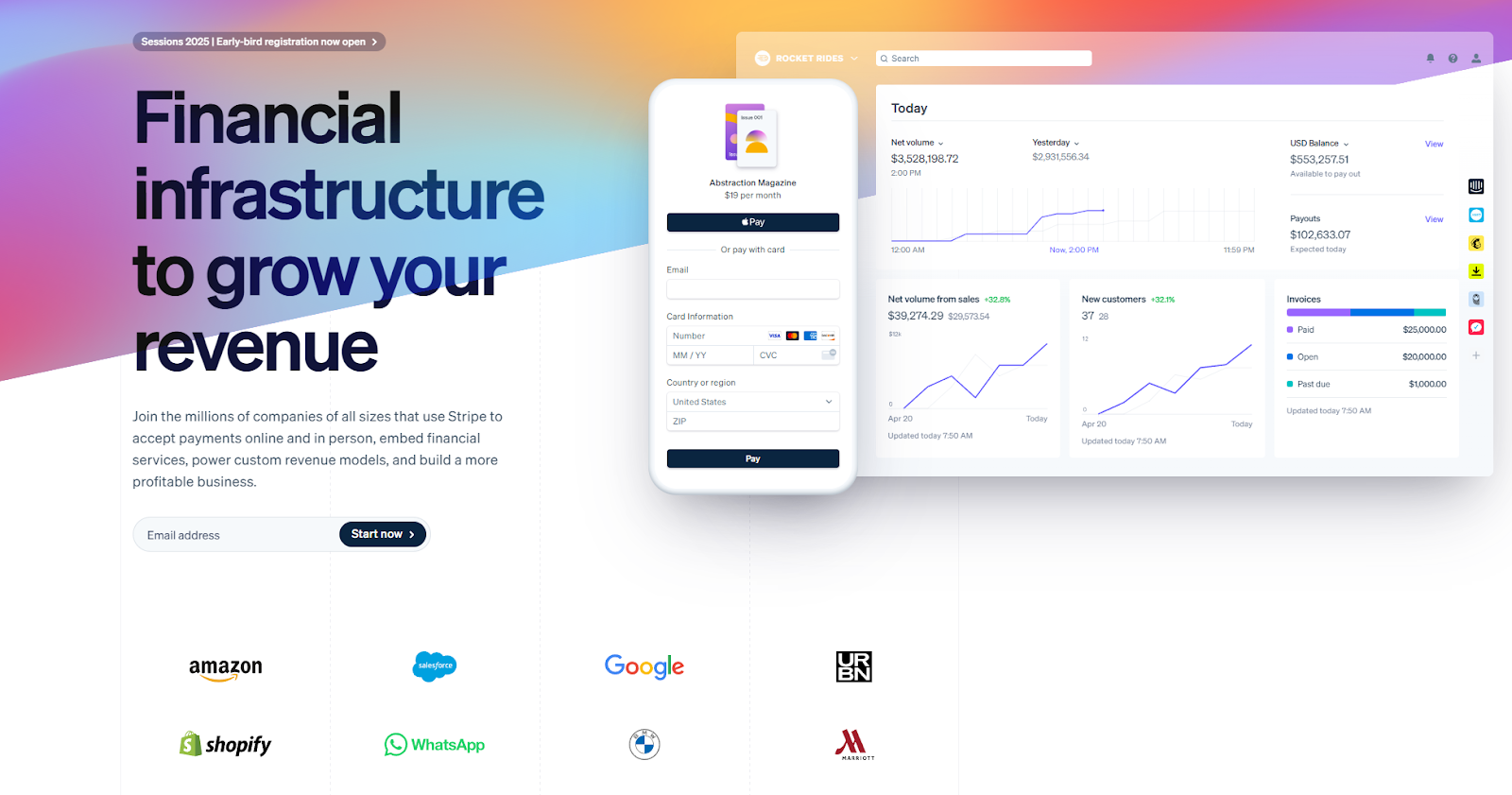
Stripe is the backbone of online payments for startups and enterprises alike. It’s highly customizable, developer-friendly, and powers everything from subscriptions to marketplaces to in-person POS systems. Stripe recently added Smart Disputes, a tool that helps you fight chargebacks for a 30% success fee (instead of a flat dispute cost).
- Who can use Stripe: Anyone from solo side hustlers to global platforms. Best for those who want flexible APIs and are comfortable with some tech setup.
- Fees: 2.9% + $0.30 per domestic online payment. 2.7% + $0.05 in-person. +1.5% for international cards, +1% for currency conversion. ACH ~0.8% (capped at $5). $15 dispute fee.
3. Stax
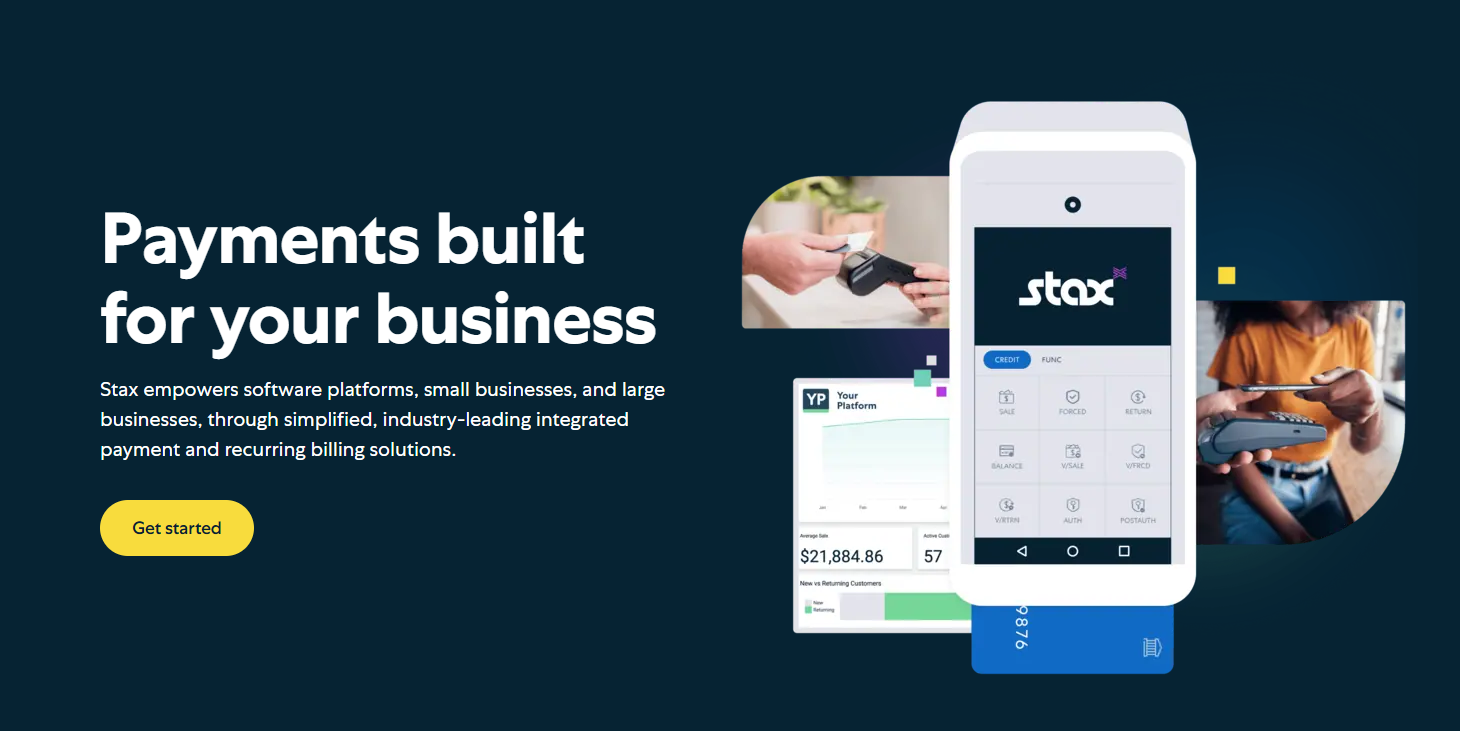
Stax is built for businesses that process high volumes. Instead of taking a cut of every transaction, you pay a flat monthly subscription and keep more of your revenue. Stax comes with smart POS hardware, mobile readers, and online payment links/QR codes that don’t require coding to set up.
- Who can use Stax: Businesses or side hustlers that already bring in steady revenue and want predictable costs.
- Fees: Subscription model—$99/month (up to $150k annual volume), $139/month (up to $250k), or $199/month (above that). No percentage fees stacked on top.
4. Helcim
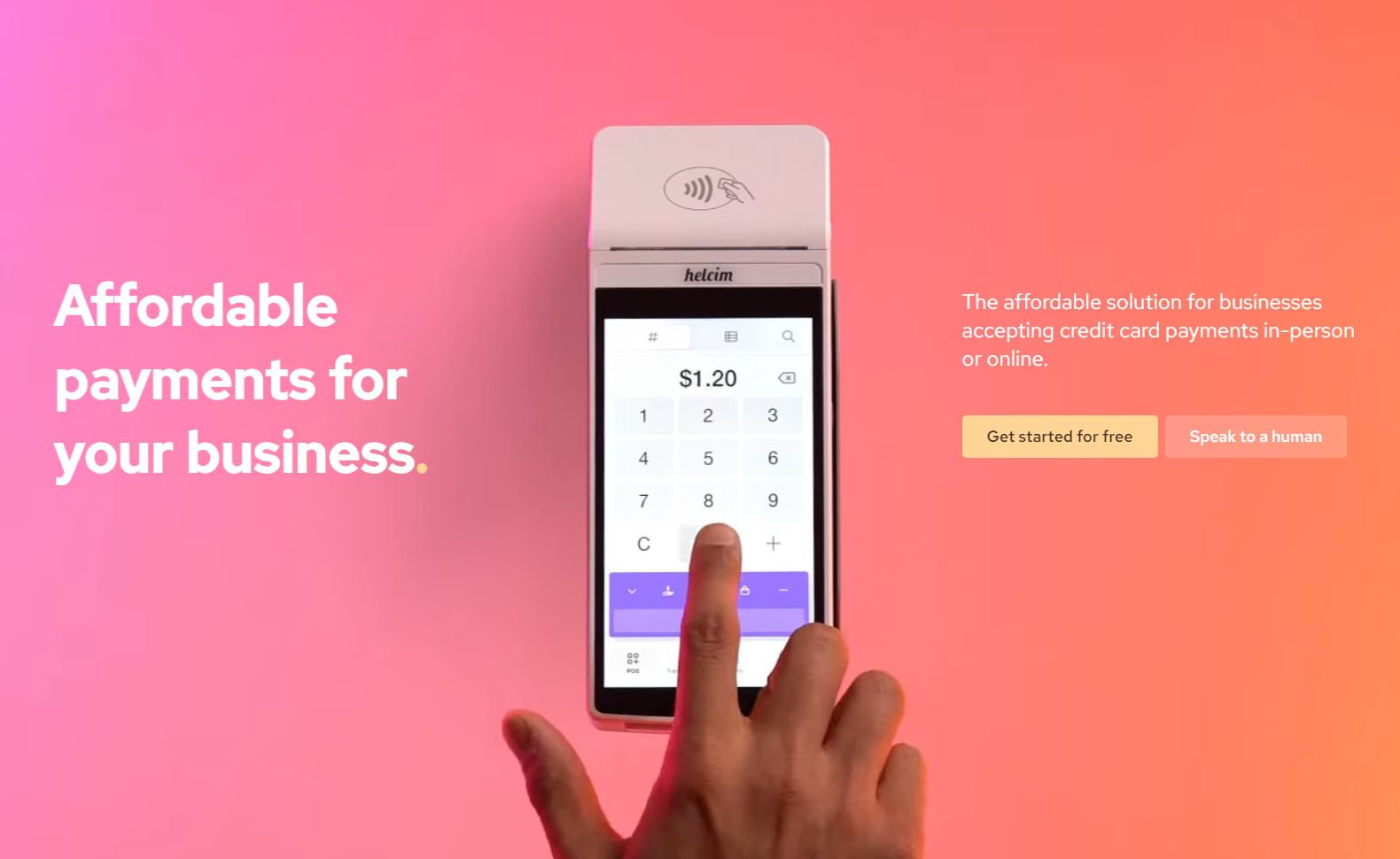
Helcim shines with transparent, volume-based pricing that rewards you as you scale. It includes extras like invoicing, recurring billing, and inventory management. Just note that it excludes certain industries (like gambling or adult services).
- Who can use Helcim: Growing businesses in approved industries that want lower rates as their transaction volume increases.
- Fees: Starts at 0.40% + $0.08 in-person / 0.50% + $0.25 online (up to $50k annual volume). Drops as low as 0.15% + $0.06 in-person / 0.15% + $0.15 online if you’re processing $1M+.
5. Square
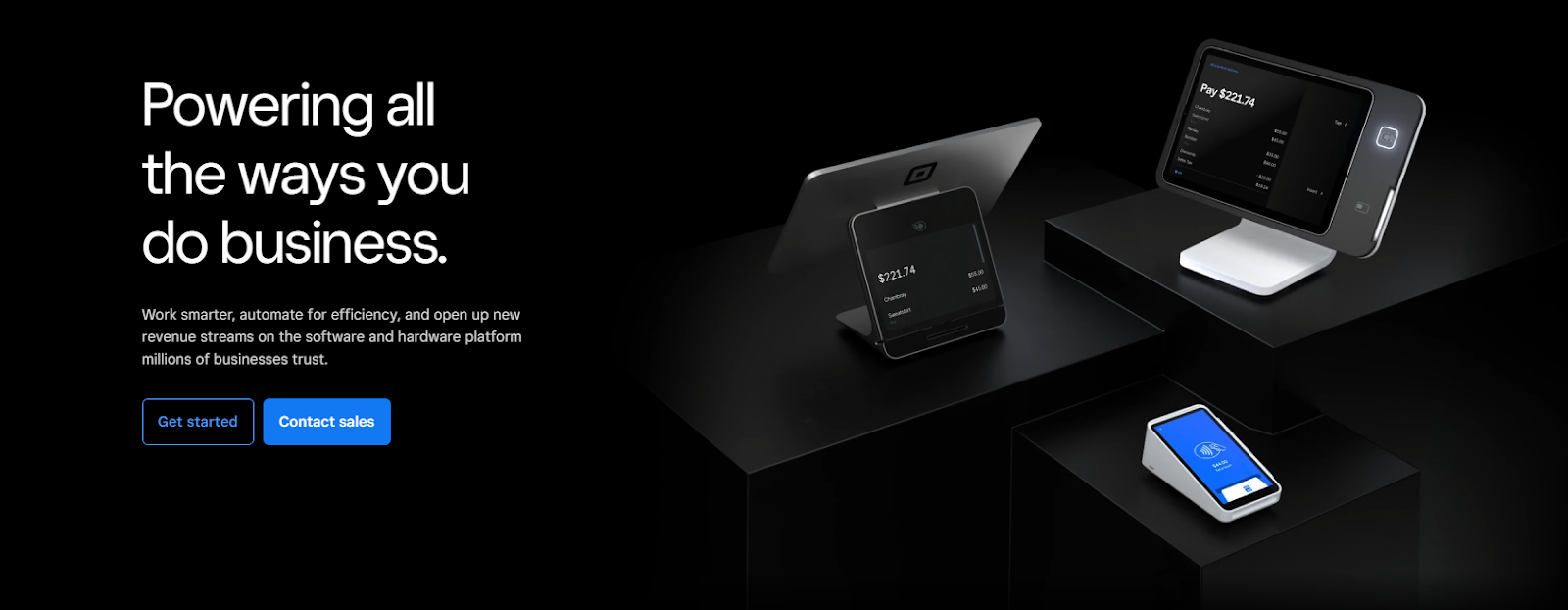
Square is famous for making payments simple for small businesses. With no monthly fees on its starter plan, you can set up an online store, invoice clients, or swipe cards in-person with Square’s free POS app and affordable hardware. It even offers buy now, pay later options to help boost sales.
But as you scale, transaction fees can add up quickly, and you may need to upgrade into paid add-ons for more advanced features.
- Who can use Square: Small businesses, side hustlers, and startups looking for an easy, free-to-start POS and online checkout solution.
- Fees: 2.6% + $0.10 for in-person card payments. 2.9% + $0.30 for online transactions. 1% (min $1) for ACH bank transfers.
6. Shopify

Shopify is primarily an ecommerce platform—not a pure payment processor. While it does include Shopify Payments as a built-in checkout option, you’re really paying for the whole Shopify ecosystem (website builder, marketing tools, etc.). That makes it more expensive if all you need is payment processing, since you’ll still be charged monthly subscription fees on top of transaction costs.
- Who can use Shopify: Online sellers who want an all-in-one store builder and don’t mind paying extra for bundled features. Not the most efficient choice if you just need a payment gateway.
- Fees: Starts at $29/month (billed annually). Transactions through Shopify Payments: 2.9% + $0.30 online. Higher-tier plans (up to $299/month) reduce per-transaction fees slightly.
7. Braintree
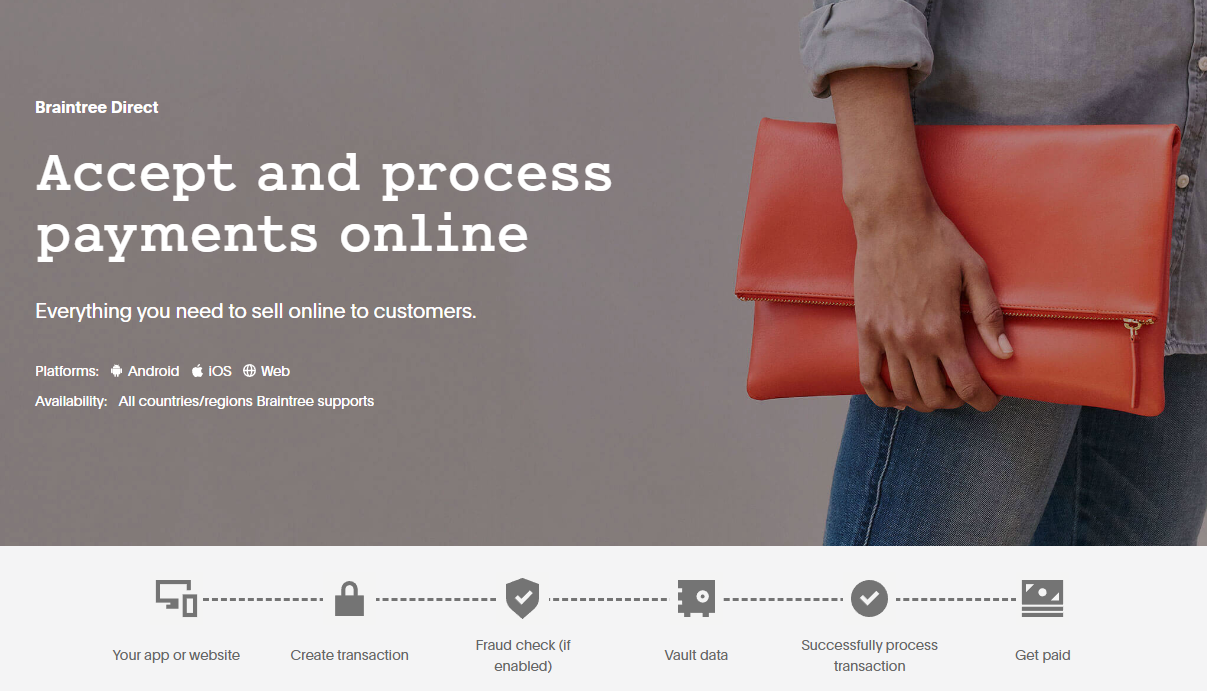
Braintree is PayPal’s developer-focused payment platform, powering wallets like PayPal, Venmo, and Apple Pay. It also supports recurring billing and subscription management, which is useful if you sell memberships or digital services.
The downside? Braintree has a reputation for being strict with merchants when it comes to chargebacks, and since it sits under PayPal’s umbrella, you may run into PayPal-style account freezes or disputes.
It’s also possible that PayPal could eventually fold Braintree deeper into its core platform, reducing its independence.
- Who can use Braintree: Side hustlers and small businesses that want PayPal and Venmo built into their checkout, especially those running subscription or recurring payment models.
- Fees: 2.59% + $0.49 per transaction. No monthly fee.
8. Klarna
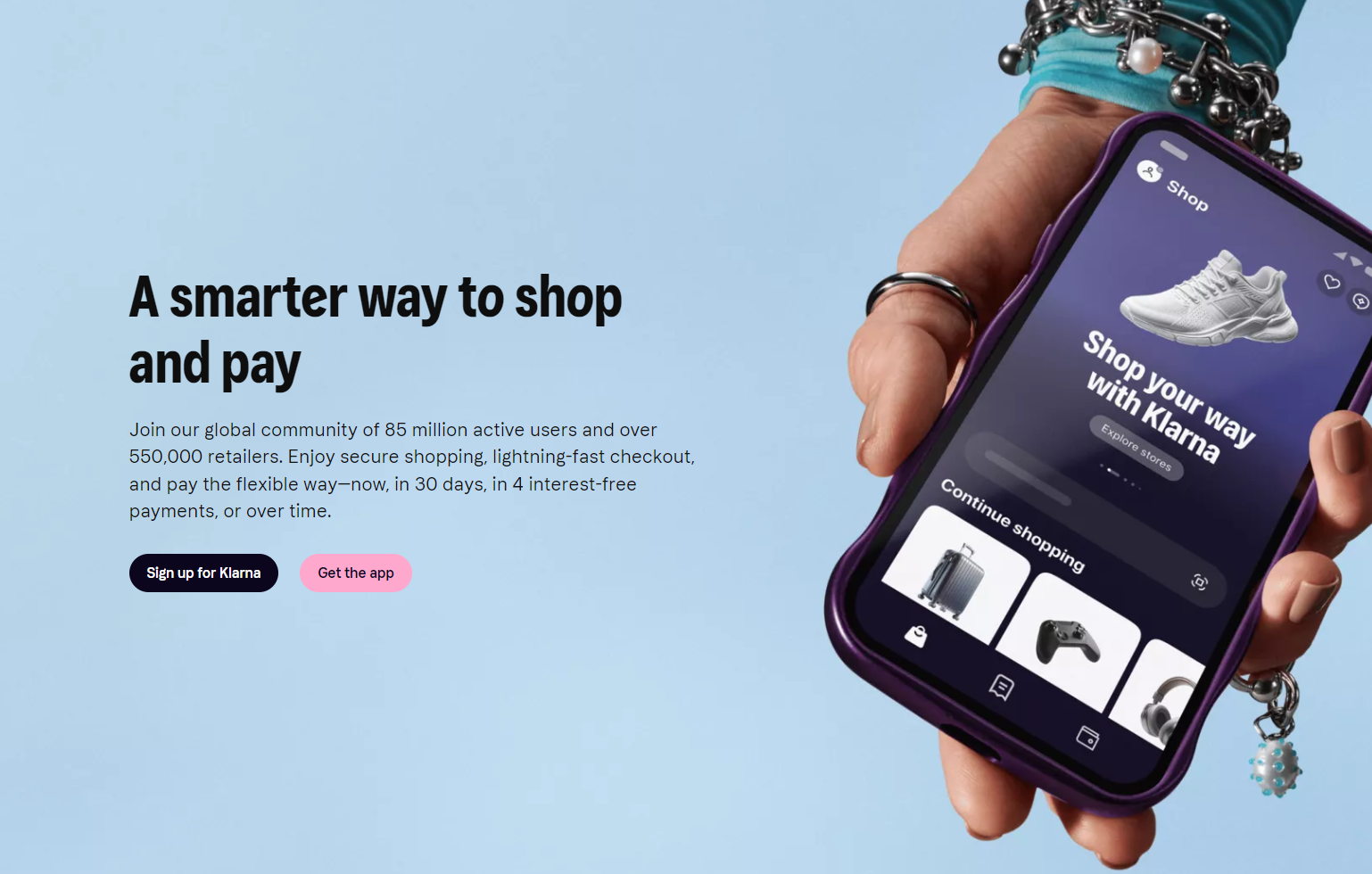
Klarna was one of the first companies to popularize buy now, pay later (BNPL), letting customers split purchases into smaller installments. For side hustles and online stores, this can be a conversion booster—customers are more likely to complete a sale when they can pay over time. Klarna also leans heavily into consumer engagement, offering a smooth mobile app experience that keeps buyers coming back.
But Klarna isn’t a flat-rate processor, and its fees vary depending on your business size, industry, and region. That means it’s harder to predict your exact costs compared to processors like Stripe or Square. BNPL also shifts some risk back to the merchant if customers overspend or default.
- Who can use Klarna: Online shops and side hustles that want to offer installment payments and improve checkout conversion, especially in markets where Klarna is widely adopted (like Europe).
- Fees: Variable by industry, volume, and geography. Expect higher effective costs than standard processors.
9. Payment Depot
Payment Depot takes a membership approach to payment processing—you pay a monthly fee, then get access to wholesale interchange rates with no percentage markups. For businesses that process a lot of transactions, this model can lead to significant savings compared to flat-rate providers. Payment Depot also benefits from being part of the Stax group, which gives it access to reliable infrastructure and integrations.
The catch? That monthly membership only pays off if you’re processing enough sales volume. For small side hustles or inconsistent revenue, the subscription fee can outweigh the savings.
- Who can use Payment Depot: Established side hustles and small-to-medium businesses with steady sales volume that want to lower long-term processing costs.
- Fees: Memberships start at around $79/month. Effective rates usually fall between 0.2%–1.95%, depending on your volume and card mix.
10. Amazon Pay
Amazon Pay lets customers check out using their existing Amazon account—something millions of people already trust. That recognition can reduce cart abandonment and make your checkout feel more credible. It also supports recurring billing, so you can sell subscriptions as well as one-off products.
That said, Amazon Pay is online-only. There’s no POS hardware or in-person payment option, so it won’t be enough if you sell both online and offline. And while it integrates easily with websites, you don’t get the same level of customization as a processor like Stripe.
- Who can use Amazon Pay: Online businesses that want to tap into Amazon’s brand trust and make checkout frictionless for their customers.
- Fees: 2.9% + $0.30 per domestic transaction. +1% for international payments.
5 portable payment processors for side hustles on the move
1. Whop
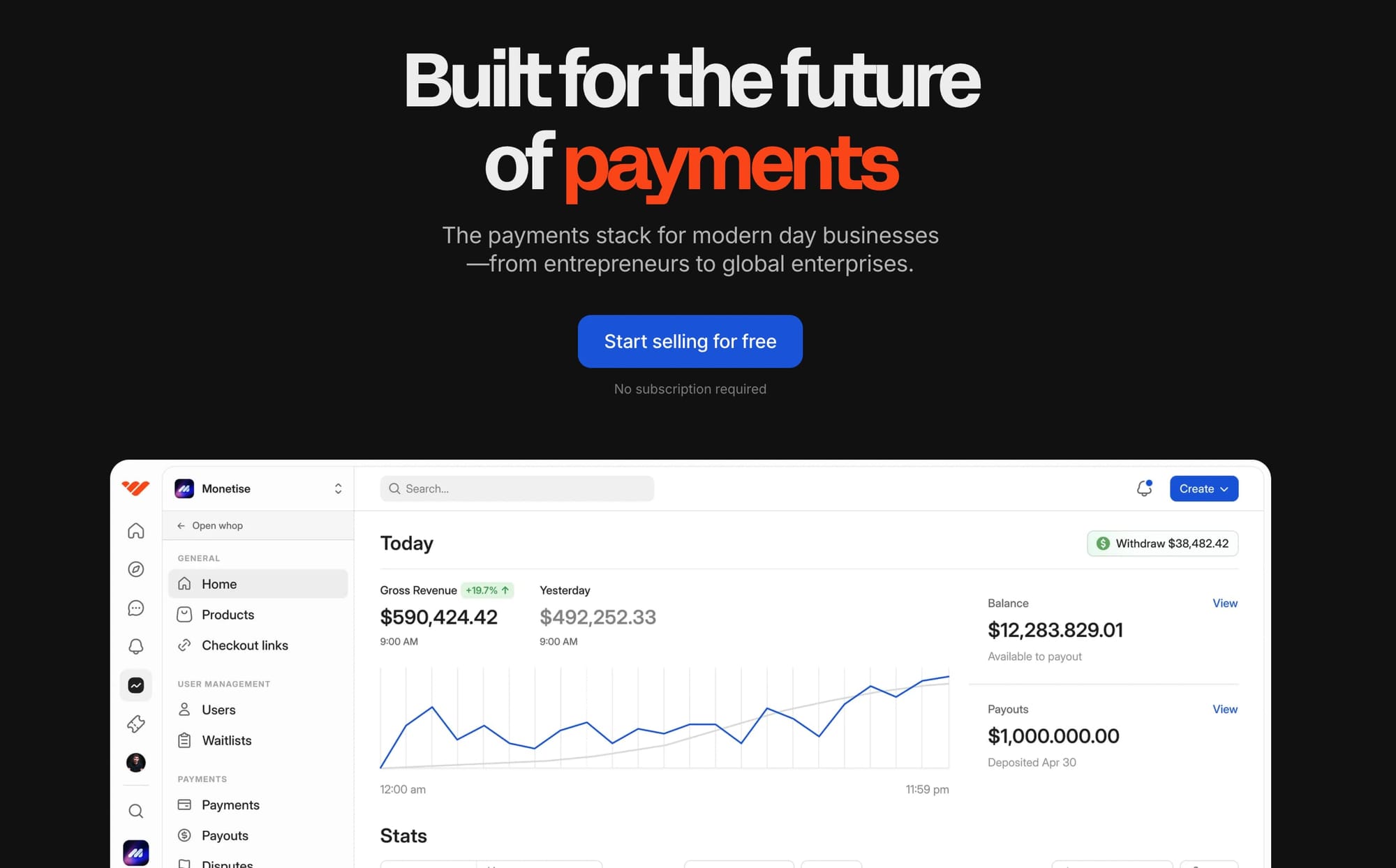
Whop isn’t just a desktop platform—you can manage payments and payouts directly on mobile too. That means you can sell on the go, whether you’re running a coaching call, managing a community, or delivering services.
Whop also acts as your Merchant of Record, taking on payment liability that most other processors push back on you. You still get access to global payouts, crypto options, and multiple currencies—all from your phone.
“In less than 1 week, I was able to process $11,250 in payments from my music production service. I really appreciate Whop developers for enabling this.”
- Whop seller @allandeo-music
- Who can use Whop: Side hustlers and entrepreneurs who want an all-in-one processor they can run from anywhere.
- Fees: 2.7% + $0.30 per domestic transaction. 1.5% extra for international cards and up to 1% for currency conversion.
2. PayPal
With PayPal Here readers, you can swipe cards in person and online, accepting PayPal balances, Venmo, and most credit cards.
Customers also like PayPal’s buy now, pay later and PayPal Credit, which can increase purchase sizes.
The drawback is the fees: PayPal charges higher rates than many other processors, and international transactions get hit especially hard.
Plus, PayPal is known for freezing accounts if they flag unusual activity, which can be stressful if you rely on it for income.
- Who can use PayPal: Side hustlers and small businesses who value customer trust and want the convenience of PayPal’s brand recognition.
- Fees: 2.29% + $0.09 for in-person card-present. 2.59% + $0.49 online. 3.5% + $0.15 for keyed-in. Extra 1.5% for international.
3. Google Pay
Google Pay is a free, widely available payment solution that works across Android devices and can also be used online.
For businesses, it’s a way to ensure you’re not excluding Android users who want a fast, secure option.
The limitation is that Apple customers can’t use it for in-person payments, so it can’t be your only mobile processor. You’ll want to pair it with other options to cover your whole customer base.
- Who can use Google Pay: Any online or in-person business that wants a free and widely accepted payment method for Android users.
- Fees: Free to use, though standard bank or card processing fees still apply.
4. Apple Pay
Apple Pay offers a fast, secure checkout across iPhones, iPads, Macs, Apple Watches, and even Apple Vision Pro.
For Apple users, it’s one of the quickest ways to pay - just a tap or a glance with Face ID. Security is strong, with tokenization and biometric verification built in.
But Apple Pay is tied to Apple devices, so it excludes anyone on Android. You’ll need at least one other processor to cover your full audience.
- Who can use Apple Pay: Businesses with a customer base that leans Apple-heavy, or anyone who wants to speed up checkout for iPhone users.
- Fees: Free to use, but standard card or bank charges apply.
5. Venmo
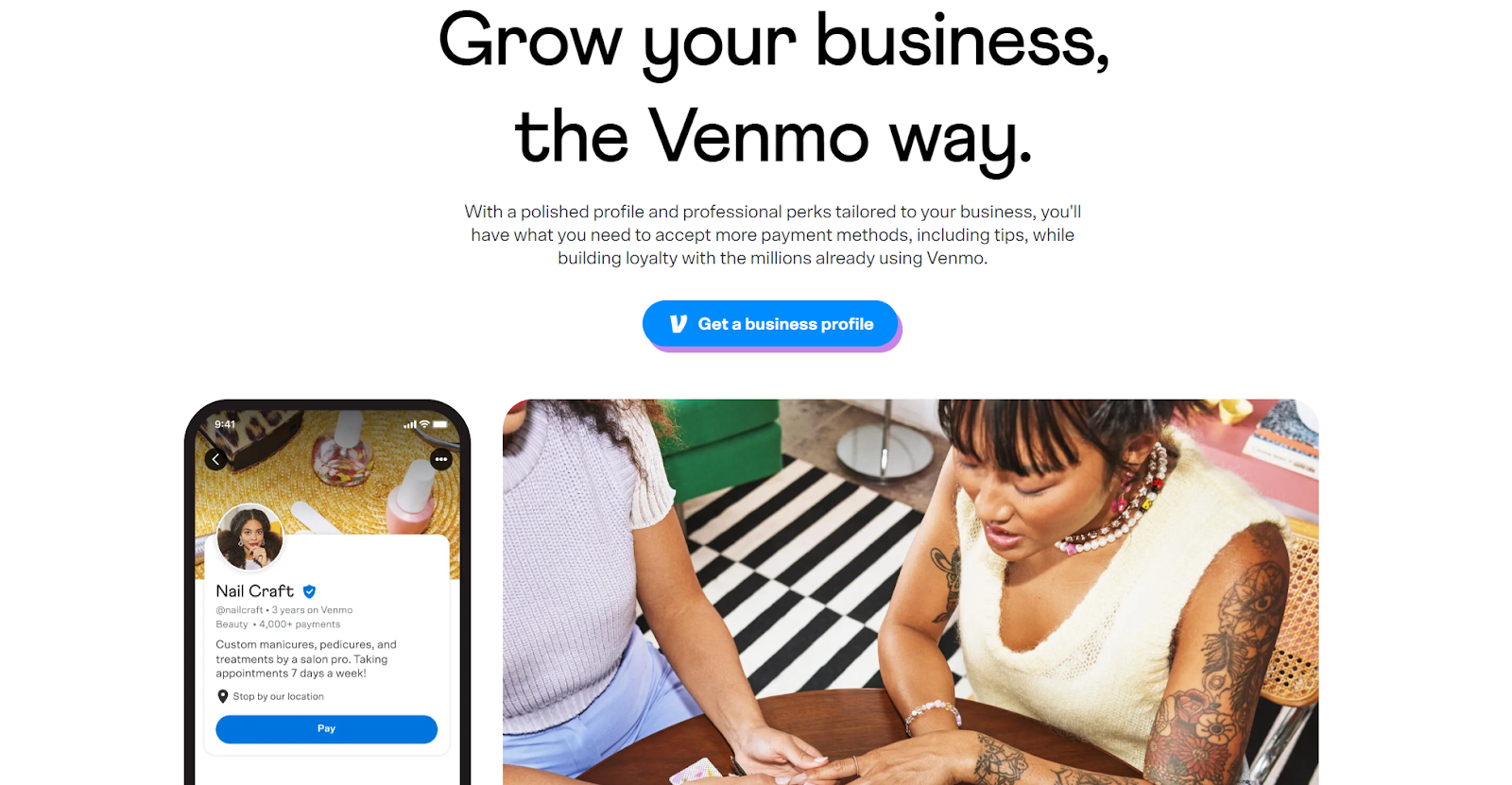
Venmo is best known as a peer-to-peer payment app, but it now lets small businesses set up a business profile. That makes it a portable option for side hustlers who want to collect payments quickly, whether by QR code, Tap to Pay, or direct transfer. Switching between your personal and business accounts is seamless.
However, Venmo isn’t designed for high-volume businesses.
Transaction limits are relatively low, and you don’t get the same depth of features (like invoicing or advanced analytics) as with larger processors.
- Who can use Venmo: Side hustlers and micro-businesses that want a lightweight, mobile-first way to accept payments without complicated setup.
- Fees: 1.9% + $0.10 per transaction on business profiles.
Top 5 payment processor fees compared
| Processor | Pricing model | Domestic fees (online) | In-person fees | International & FX | Monthly fees |
|---|---|---|---|---|---|
| Whop | Flat rate (multi-PSP) | 2.7% + $0.30 | N/A | +1.5% international; up to +1% FX | None |
| Stripe | Flat rate | 2.9% + $0.30 | 2.7% + $0.05 | +1.5% international; +1% FX | None |
| Klarna | Variable (BNPL) | Varies by region and product | N/A | Varies | None |
| Shopify | Subscription + fees | 2.9% + $0.30 | Varies by plan | Higher on international | $29–$299 |
| Square | Flat rate | 2.9% + $0.30 | 2.6% + $0.10 | Varies | None |
How to choose the right payment processor for your side hustle
Choosing a payment processor doesn’t have to be overwhelming. Focus on what matters most: how your customers pay, what it’ll cost you, and how well it fits your business.
Here’s what to look for.
Explore payment options
Know how your customers like to pay. Most use cards, but wallets like Apple Pay or Google Pay make checkout faster. If privacy matters in your niche, crypto could be a must.
Look out for fees
Always line up processor fees with your actual revenue. Flat monthly fees can eat into small sales, while percentage-based pricing gets expensive once you scale.
Check integrations
Your processor should work smoothly with your existing tools—whether that’s an ecommerce platform, POS, or website builder.
“When you look at what we're trying to do, we are trying to bring the dream of entrepreneurship to people who haven't really had that ability – payments are just one part of the stack.
When you are trying to set up a business, of course, you have to have payments. But after that, what else do you need? It doesn't stop there.”
- Steven Schwartz, Whop CEO
Prioritize security
Customers need to trust that their payments are safe. Choose a processor with strong fraud protection and a clean reputation.
Consider support
When something goes wrong, responsive support saves both you and your customers headaches.
Other factors
- Do you sell online, in person, or both? Rates often differ.
- What’s your sales volume? Low volume favors percentage pricing, high volume favors flat fees.
What’s the difference between a payment gateway and a payment processor?
The terms often get mixed up because most modern providers do both—but they’re not the same thing.
- Payment gateway: the middleman between you and your customer. It collects and verifies payment details (like credit card info) before passing them on.
- Payment processor: the mover of money. It communicates with banks and card networks to transfer funds from your customer to you.
For ecommerce, you need both. In-store setups are different—a physical POS terminal can sometimes validate cards without a separate gateway. But if you’re running an online side hustle, skipping a gateway leaves you exposed to fraud and failed payments.
| Term | What it does | Needed online? | Needed offline? |
|---|---|---|---|
| Payment gateway | Collects and verifies customer payment information, then forwards it securely to the processor. | Yes | Not always. A POS terminal can validate cards without a separate gateway. |
| Payment processor | Transfers funds between the customer, card networks, banks, and your business. | Yes | Yes |
| Payment services provider (PSP) | Combines a payment gateway and a payment processor in one solution. | Yes | Yes |
Keep more money from your side hustle with Whop Payments
Side hustles should give you freedom, not friction.
Whop Payments is built for that. With coverage across 170+ countries, you can accept cards, wallets, BNPL, Bitcoin, or stablecoins, and get paid fast through local bank rails or crypto.
Plus, smart routing sends each charge to the provider most likely to approve it (and retries automatically if declined), so you lose fewer sales and keep more revenue.
Transparent flat fees make margins predictable, and onboarding takes minutes with built-in KYC.
Embed a checkout, drop a one-click link, or run your whole business on Whop.
However you sell, your payments scale with you: no borders, no complexity, just more money flowing your way.
Sign up for Whop Payments and experience industry-low fees with seriously high support.
FAQs on payment processors for side hustles
What’s the fastest way to start taking payments?
Pick a processor with instant onboarding. Whop lets you start selling in minutes with built-in KYC and one-click checkout links.
Which fees matter most?
Don’t just look at the % fee. Factor in per-transaction costs, international surcharges, currency conversion, dispute fees, and any monthly subscriptions.
How do I get paid if I’m outside the US?
Some providers only pay to US banks. Whop supports payouts in 241+ territories via local banks, Bitcoin, or stablecoins—so you can access cash fast worldwide.
Should I offer buy now, pay later (BNPL)?
Yes, if your audience wants flexible checkout. You still get paid upfront, while customers pay in installments.
How do I reduce failed or declined payments?
Choose a processor with smart routing. Whop automatically retries transactions through multiple providers, lifting approval rates and boosting revenue.
Can I sell subscriptions or memberships?
Yes, but make sure your processor supports recurring billing. Whop includes subscriptions, free trials, and member tools built in.