
The best online platforms to sell a course in 2026 are Whop, Udemy, Skillshare, and Teachable. Read this guide as we break down what each platform is best for, how do they pay creators, and their pros & cons.
Key takeaways
- Choosing the right course platform depends on balancing transaction fees, audience reach, and community-building features.
- Whop offers low flat fees and all-in-one tools, while Udemy provides massive audience reach at higher commission costs.
- Platforms like Skillshare pay based on engagement, making consistent content quality essential for earning potential.
The best online course platforms in 2026 are Whop, Udemy, Skillshare, Teachable, and Thinkific, with each having different fees, features, and audiences.
The online learning market is huge, and it's only growing. By 2029, forecasts predict that consumers in the online learning market will exceed 1.1 billion.
But how can you know which platform is the best for your online course content?
Whop has got you covered. Read on as we review 17 of the most popular online course platforms.
Best online course platforms compared
Here's a table summarizing the features and pricing of the top five online course platforms we detail in this guide:
| Platform | Highlights | Pricing |
|---|---|---|
| Whop | All-in-one platform, community building, low flat fee | 2.7% + $0.30 flat fee per sale |
| Udemy | Large audience, guided course creation | 50% commission on regular sales, 37% revenue share, 97% for coupon/referral sales |
| Skillshare | Creative focus, engagement-based payments | Based on views and engagement, part of monthly earnings |
| Teachable | Easy-to-use course builder, quizzes and certificates | Free: $1 + 10% per transaction; Basic: 5% per transaction; Pro/Pro+/Business: 0% per transaction |
| Thinkific | No transaction fees, custom landing pages | Free; Basic: $36/month; Start: $76/month; Grow: $149/month; Plus: Custom |
If you want to learn more about the other 10 platforms we talk about, keep reading.
The best online course platforms: Pros, cons, and features
1. Whop
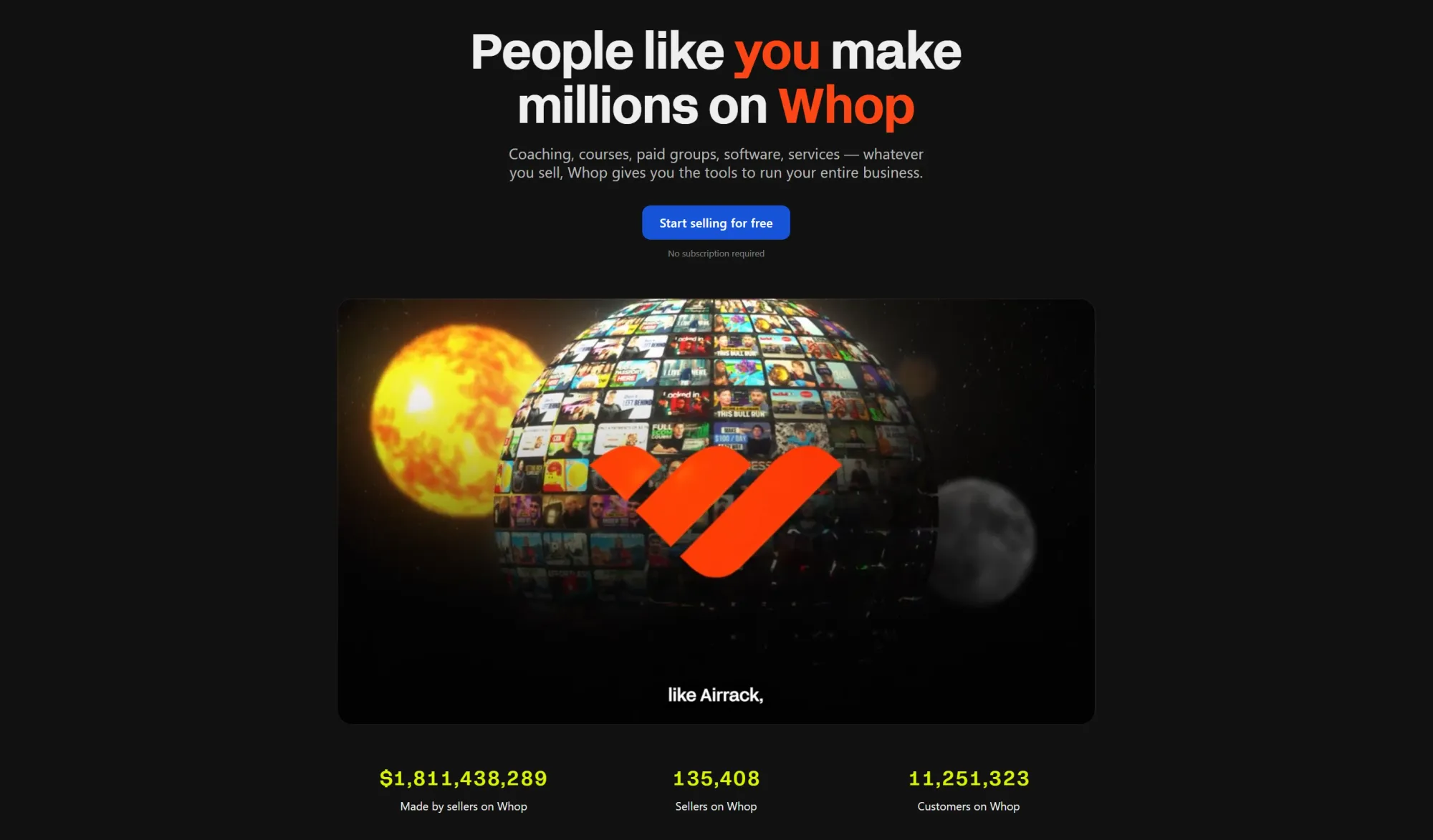
We kick off this list with the best of the best, Whop.
Whop is an all-in-one platform that lets you sell courses, build communities, and sell any type of product.
If you’re looking for a simple, flexible, and scalable way to sell online courses, Whop is the platform for you. You can manage everything – community access, eBooks, downloads, and courses – as part of a subscription model or a simple one-off fee.
We have a university-aged person who built what he knew. He built Fortnite maps and he's selling them on the platform company called Map Academy. And he's doing extremely well, like six-figure well.
We're [Whop] a no-code platform that allows anybody to take what's in their head and figure out how to make money on the internet.
-John Hill, Head of Story at Whop
If community building is your focus, Whop allows you to build your community where your course lives - within the same whop, by adding Whop Apps like Chat and Forums.
Whop also cuts out any frustrating subscription tiers or scaling transaction fees, charging a small 2.7% + $0.30 flat fee on each sale that you make. This means you can sign up and try out a new product without having to commit to a big financial risk.
Who is Whop best for?
Whop is for every type of creator. Whether you are selling sports picks, art tutorials, reselling courses, real estate knowledge or anything in-between, you can make a course and sell it on Whop.
With guided course creation, the ability to create a community around your course, and the freedom to add as many or few complementary experiences as you like, Whop is for everyone.
How do creators get paid on Whop?
Creators on Whop keep 97% of their earnings. All payments are processed through Whop Payments, with payouts sent in the same currency your customers pay in — simple, fast, and built for global creators.
Whop pros & cons
Pros:
- Ability to create a community for your course.
- Can sell multiple complementary products from the same whop.
- Can offer customers a variety of payment options, including crypto and BNPL.
- 24/7 customer service.
- Industry-leading low fees.
- Simple set up.
Cons:
- Does not yet have the same reputation as other big-name course platforms.
2. Udemy
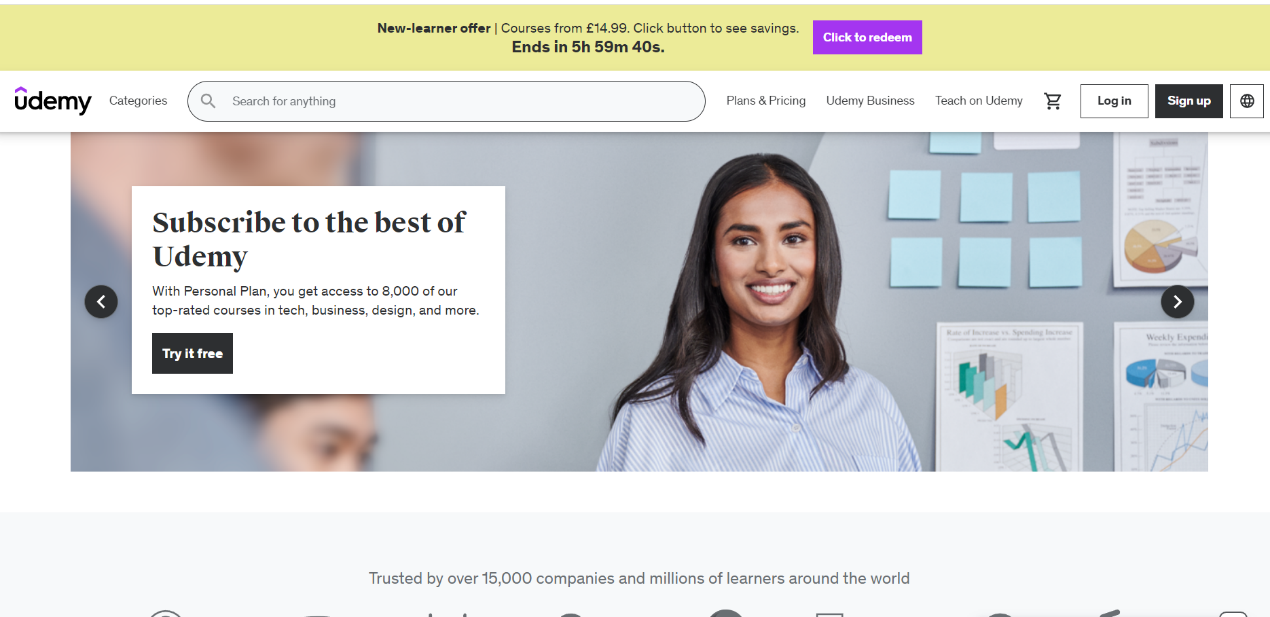
Udemy has rapidly become one of the most popular online course-hosting platforms. With a base of over 65 million students enrolled and an instructor base of 75,000 people, this is likely one of the first platforms you’ll find when searching online.
Udemy sorts its catalog into a series of top categories. You’ll find courses in Design, Development, Marketing, IT, Software, Personal Development, Business, Photography, Music and more.
So how does Udemy work for an instructor? The first hurdle is applying. This process isn’t too extensive but does require you to show that you have the skills needed to design an effective course. You will then be allowed to use the platform to design and produce your course. Each course requires 30 minutes of video, split into five lectures.
One of the best things about Udemy is how effectively you can market a course on the platform. With such a broad user base, you’ll be able to find students and grow your courses with ease. Udemy lets you join marketing programs that help spread the word about your courses, including discount schemes, email lists, and affiliate marketing programs.
Who is Udemy best for?
Udemy is ideal for creators who want to reach new demographics with their courses. Their large user base, simple tools and guided course creation also help new teachers to get started. It should be noted that it might not be the best choice for new teachers looking to get a large pool of students right away, as it is a competitive platform with a lot of different courses for students to choose from. If this has out you off, try these Udemy alternatives instead.
How do creators get paid on Udemy?
Premium instructors on Udemy become part of the platform’s revenue-sharing plan. Instructors get 37% of revenue for any sales occurring on the site. If a student purchases their content using an instructor’s coupon or referral link, then the instructor will receive 97% of the revenue.
Udemy pros & cons
Pros:
- Guided course creation.
- Large userbase makes it easy to find students.
- Simple setup without personalization.
Cons:
- Udemy takes a 50% commission on all regular course sales, which is much steeper than other platforms.
- Competitive platform with a lot of other instructors.
- Useful features like the Udemy Marketplace Promotion Plan will lock your courses into specific price points.
3. Skillshare
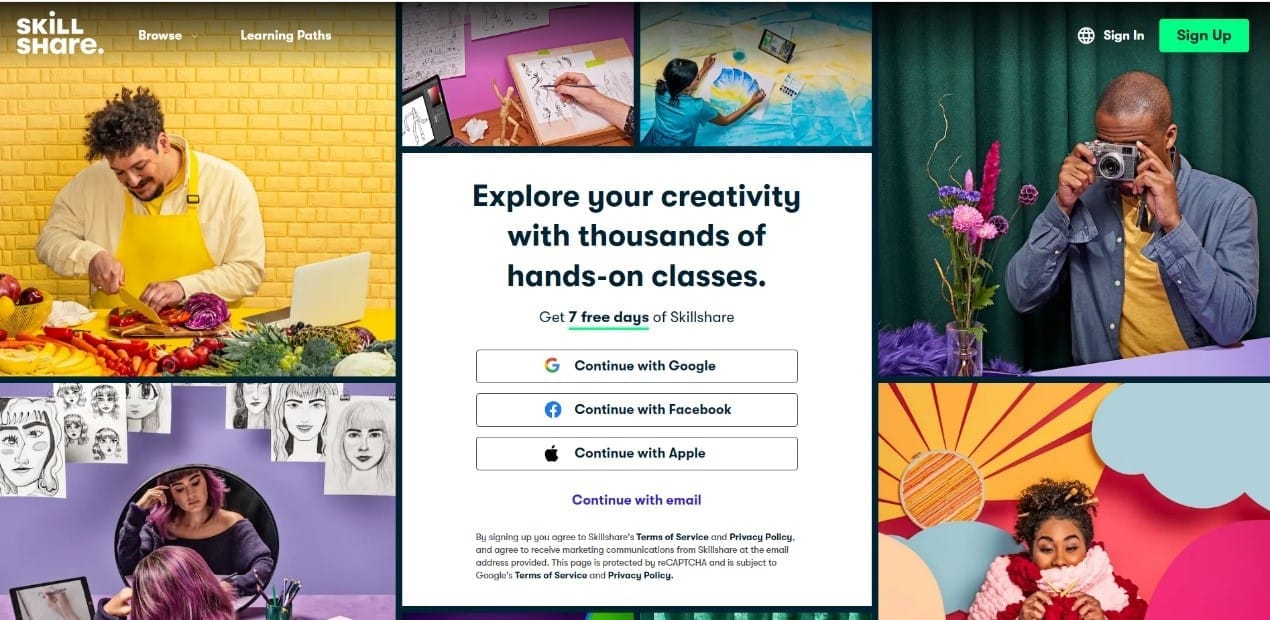
Another of the most popular online course platforms on the internet is Skillshare. Skillshare focuses on creative disciplines, encouraging teachers to create engaging courses and share them with students of all abilities. Some examples of courses you’ll find on Skillshare include creative writing, photography, painting, game design, and cooking.
Skillshare works slightly differently from Udemy and Whop, offering students a simple membership option that gives them access to a huge library of courses. If you want to become a teacher on Skillshare, you’ll need to submit an application to be reviewed by the Skillshare team. In the application, you should outline what your first course will look like to give them an understanding of the type of content you wish to upload.
Who is Skillshare best for?
Skillshare is one of the best online platforms for small creatives. If you have a niche creative skill, with a lot of unique knowledge to impart, Skillshare is a great choice.
The simplicity of Skillshare is also incredible for first-timers looking to begin their online teaching journey. But, if you’re already an established teacher, you might find some of Skillshare’s features lacking compared to other platforms.
How do creators get paid on Skillshare?
Skillshare pays teachers based on two key metrics – minutes watched and engagement. You are then awarded a slice of the monthly earnings depending on how well your course has been received. This is both a positive and a negative for teachers on the platform, as you will need to get a lot of engagement before you earn good money.
Skillshare pros & cons
Pros:
- Large audience base. With over 12 million registered students, Skillshare gives you a lot of exposure.
- Skillshare focuses on the instructor, which is great for building a personal brand.
- You can create short videos, meaning you won’t have to commit to huge hour-long lectures in your course.
Cons:
- Tough growth for beginners.
- Income depends on views & engagement and is confusing to understand.
- Not suitable for more academic topics.
4. Teachable
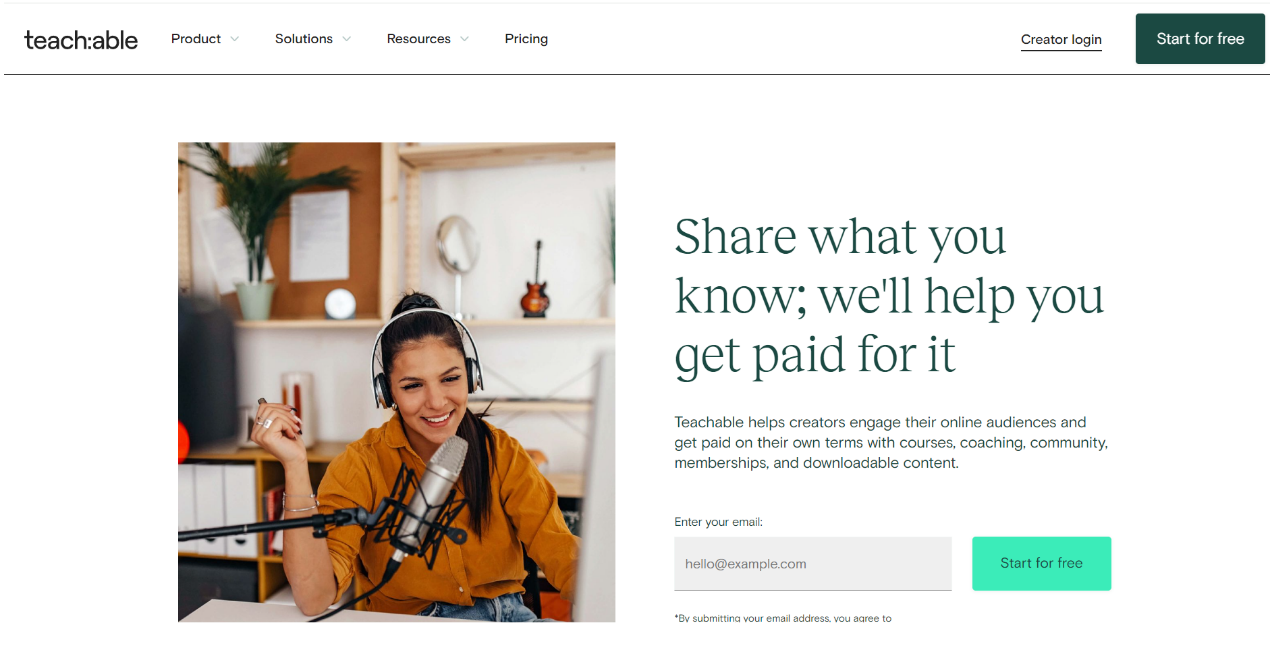
Teachable is another online learning platform that allows instructors to create a range of online courses and schools. With an emphasis on giving control to teachers, especially when creating communities and engaging with their online audience, teachable is a strong choice for coaches and entrepreneurs.
Teachable gives you a range of tools to help you begin your online career. You outline your content – whether that’s a coaching program, a digital product, or a course for students to enrol in. After that, you set a price and manage it through their user-friendly sales page builder. The final step is to upload your content with their simple drag-and-drop builder, which allows you to create everything from videos and slides to quizzes and more.
Who is Teachable best for?
Teachable shines as a platform for coaches, creative professionals and people who are new to creating online courses. It features one of the easiest-to-use course builders out there and gives you a lot of control from the jump. This makes it a great choice for anyone looking to get started and connect with their students.
How do creators get paid on teachable?
One of Teachable’s main selling points is how it offers a range of monetization tools. You can add upsells, bundles, or order bumps on any given product or program. Teachable’s Pay program also offers you automated tax filings, fraud monitoring, chargeback support and e-commerce optimization tools.
This means you can customize your experience, finding payment channels that best suit your business.
But what about transaction fees? Teachable has a sliding scale depending on the plan you have chosen. For free users, each transaction costs $1 plus 10% of the transaction. For basic users, it’s a flat 5% fee. For pro, pro+, and business users, you will enjoy a 0% transaction fee.
Keep in mind there are additional processing fees that may occur. For a complete list, check their plans and fees page.
Teachable pros & cons
Pros:
- Features simple course-building tools to make it easy for first-timers.
- You can add a range of course content including quizzes and certificates.
- Additional payment tools and support.
- Stellar customer support.
Cons:
- Email marketing features are poor compared to other platforms.
- Expensive transaction fees for ‘free’ and ‘basic’ plans.
- You may need to invest in additional tools to get the most out of Teachable.
5. Thinkific
Thinkific was launched in 2012 with the aim of becoming a versatile platform where educators can sell customized courses. Quickly establishing itself as a key player in the e-learning industry, many creators choose it as their platform of choice due to its wide range of tools and features.
A central part of Thinkific’s design is simplicity. Creating courses has been made easy with a user-friendly interface that allows teachers to design and arrange their content – whether they want to add video lessons, assignments, downloadable resources or additional content like quizzes. Thinkific also comes with a range of marketing tools, with highlights including custom landing pages, sales tracking and marketing integration.
Who is Thinkific best for?
Thinkific is bets for creators who want a multi-media experience where they can sell more than just courses.
How do creators get paid on Thinkific?
Like many other online course platforms, Thinkific offers a scaling price system. You can choose from the following versions:
- Free
- Basic - $36 per month
- Start - $76 per month
- Grow - $149 per month
- Thinkific Plus - custom
Each plan offers you more features, including additional course slots, communities, digital downloads, student caps and customer support. Plans provide a 0% transaction fee, but you can choose to use Thinkific Payments as an alternative to other payment processing options.
You might be thinking – what’s the catch? How can each of these plans (even the free version) offer 0% transaction fees when other platforms usually charge? The answer is that plans scale depending on the size of your online course content.
Keep in mind the subscription prices for Thinkific are more expensive than average – this is the main reason for the 0% transaction fee. Depending on what you’re looking for, this could be benefit, especially if you are looking to publish one course without commitment.
Thinkific pros & cons
Pros:
- Features a simple course builder that requires no prior knowledge of designing courses.
- Thinkific is a platform that offers a huge list of tools, from creating a course to building an online community.
- Thinkific also has one of the best support networks out of all the platforms on this list.
- No commission, though you could argue transaction fees are baked into their many subscription tiers.
Cons:
- The subscription tiers of Thinkific can be confusing and vastly expensive. It’s important you pick the right tier for your needs, or else you may find yourself without features/course slots.
- Thinkific Marketplace is a feature that helps to connect you with developers who can help you create apps specifically for your courses. This is a nice feature, but the price of these apps is high.
6. Coursera
One of the most popular online course platforms around is Coursera. With a user base of 100 million, Coursera is one of the premier choices for academic courses and certificates. While some of the other courses we have looked at so far focus on creative disciplines, Coursera is directly aimed at teachers with authority in their field.
Coursera was launched to revolutionize online learning, providing users access to high-quality courses and even degrees from universities and organizations worldwide. It partners with leading institutions including Standford, Yale, Google and IBM. Coursera doesn’t abandon the idea of giving course creators agency, but it has higher requirements for its courses when compared to other online learning platforms.
So, what does this mean for those who want to sell their online courses on Coursera? In short, the selection process for instructors is much steeper than other platforms. To be accepted as an instructor, you’ll need to be a professor or have authority in your field.
Who is Coursera best for?
Coursera is best for established professionals backed by institutions. It is not the type of platform you can publish courses on if you don’t have these accolades. However, if you are an industry leader or academic, it is one of the best choices to publish courses and offer them to a huge base of potential students.
How do creators get paid on Coursera?
Payment models on Coursera are slightly different, due to the presence of accredited universities or educational institutions. These will generally partner with Coursera and can be paid through wider systems such as Coursera’s Revenue Sharing Model, or payments to the institutions, who then pay their instructors. Keep in mind that some courses may also be funded by grants, allowing instructors to receive additional compensation through them.
Coursera pros & cons
Pros:
- Publishing a course on Coursera exposes you to a pool of 100 million students.
- Every course on Coursera is heavily vetted and high quality.
- Perfect for industry professionals, businesses, or academic institutions who want to publish courses online.
Cons:
- High barrier to entry – you won’t be able to teach on Coursera without some impressive credentials.
- Most of Coursera’s courses are linked to universities or large educational institutions. This can make payment for instructors complicated.
7. Kajabi
Kajabi is an all-in-one online platform that lets you sell a range of digital products including coaching programs, memberships and courses, all from one location. Kajabi focuses on a large toolbox of features that empower entrepreneurs, educators and businesses to create and market their digital content.
Kajabi’s all-in-one design means that it offers a lot of flexibility for creators. The platform supports many different types of content including videos, podcasts and extensive written material. Many of these features are standard for online course platforms, but Kajabi stands out considering its wider range of useful tools.
By integrating websites, course design, membership sites and email marketing into one platform, users can eliminate the need for multiple subscriptions and third-party tools.
Who is Kajabi best for?
Kajabi is a good choice for anyone who wants everything covered. Perhaps you’re a small creator looking to upload your first course, but still want room to scale. Kajabi gives you the tools to do so.
If you’re already an established creator, then Kajabi offers many of the tools you need to enhance student experience and effectively market your courses. In short, Kajabi is a platform that caters to a broad range of course creators.
How do creators get paid on Kajabi?
Like Thinkific, Kajabi uses a subscription tier model that lets you fit your budget with the scale of your business. There’s no free version, but they do offer a 14-day trial to help you get started. The subscription tiers include:
- Kickstarter - $55 per month
- Basic - $119 per month
- Growth - $159 per month
- Pro - $319 per month
- Enterprise – custom
None of these plans require you to pay transaction fees for what you sell on the platform, meaning you won’t have to pay any commission. The price you set for your courses is what you will make.
Kajabi pros & cons
Pros:
- Kajabi is an all-in-one platform, eliminating the need for additional subscriptions.
- With a range of sales and marketing features, you can manage every aspect of your business.
- Kajabi helps you connect with your audience through membership sites and interactive features.
Cons:
- Kajabi has lots of different subscription tiers and you will have to pay for the higher tiers if you want your courses to scale.
- Kajabi is one of the more complicated platforms to use, especially for new teachers.
- There’s no transaction fee, but the general cost of subscription tiers is higher than other platforms.
8. LearnDash
LearnDash is different from the other platforms on this list because it is a WordPress LMS plugin. This means it is a piece of software you can add to your WordPress website, allowing you to design, manage, sell and promote your online courses.
After purchasing LearnDash, you will find it at the top of your WordPress website dashboard, offering you a series of tools to help you create courses. If you’re worried about LearnDash breaking other parts of your site when you add it – you can rest easy! LearnDash is designed to connect with the addons and tools you already use on your website. It’s also compatible with all WordPress themes and page builders.
Who is LearnDash best for?
We’ll begin with the obvious – LearnDash is only worth getting if your website has been created with WordPress. It’s a handy tool for anyone who wants to add online courses to their website.
Perhaps you already have a brand and want to branch out into course creation to share the knowledge you’ve learned and engage your audience. If you’re already using WordPress, then this is a simple way to begin your teaching journey.
How do creators get paid on LearnDash?
One of the most appealing aspects of LearnDash is how unintrusive it is when it comes to revenue. LearnDash is dedicated to never taking a cut of your earnings, meaning you will keep everything you earn from your courses.
LearnDash pros & cons
Pros:
- A simple plugin for a WordPress site, meaning you won’t have to commit to an entire platform.
- Integrates with existing website content, add-ons and tools.
- No commission or transaction fees, allowing you to stay in control of your course revenue.
Cons:
- LearnDash can be fiddly to set up, especially if you’re new to WordPress or online course creation. There are many settings you may need to tweak before it works the way you want it to.
- It requires a WordPress website.
- You may need additional plugins for your website which can be time-consuming.
9. Mighty Networks
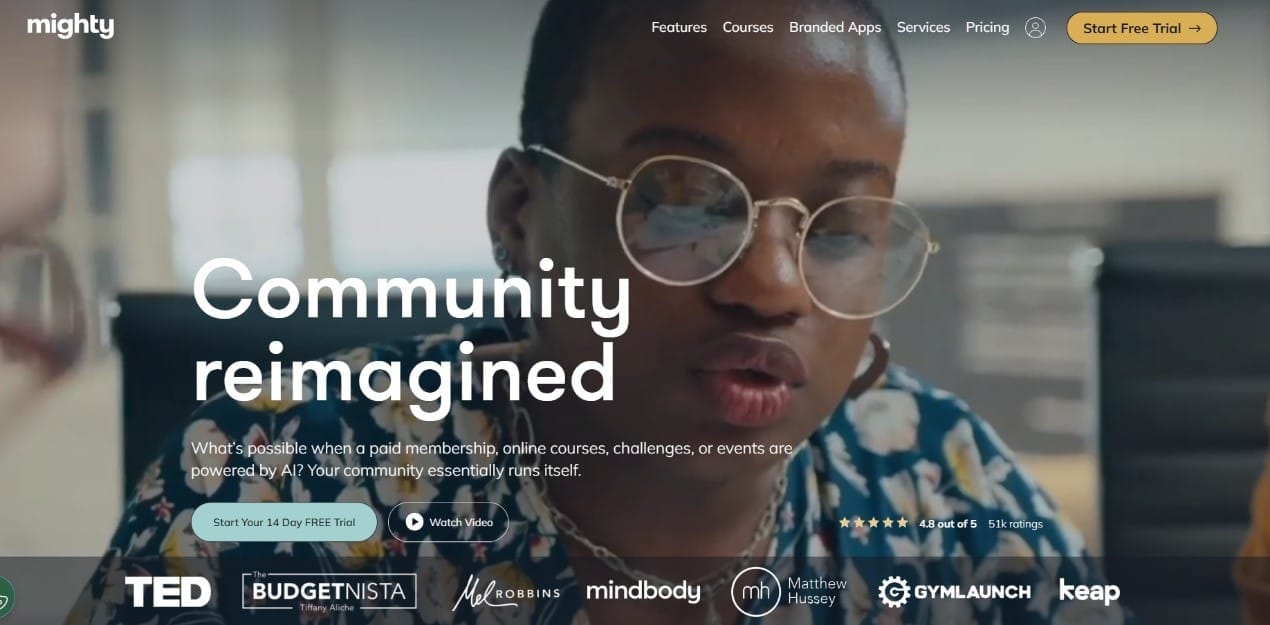
This is one of the lesser-known online platforms on this list, but a great choice if you’re looking to create strong communities through your courses. Mighty Networks is a platform that helps you build active paid communities around your courses. With a host of tools, you can manage everything from creating communities, paid groups, events and extensive courses.
With Mighty Networks, you can sell individual courses or community memberships – and they have the option to create bundles. You can set a range of prices for your memberships or sell courses separately.
One of the best features of Mighty Networks is its Activity Feed. This is a tool that comes with each course you build on the platform, letting you see your engagement and allowing you to quickly communicate with members. This isn’t just for you – it’s for your members too. They can share content from images, links and comments. This allows you as the course leader to constantly connect with your audience and help build a sense of community.
Who is Mighty Networks best for?
Mighty Networks excels as a platform for people looking to build a community. It requires some additional work but gives you all the tools you need to engage. This works well for small creators, or larger brands – depending on the type of community they want to create.
How do creators get paid on Mighty Networks?
Here’s the main downside for Mighty Networks – it’s pricey! The platform operates on a tiered subscription basis, with the following tiers available:
- Courses - $99 per month
- Business – $179 per month
- Path-to-Pro - $360 per month
- Mighty Pro – enquire for details
Unfortunately, this isn’t the end of the costs when you look at revenue. Mighty Networks also charges transaction fees on top of this subscription. For the lower tiers (Courses and Business) there is a 2% transaction fee, with slightly lower costs on higher tiers.
Mighty Networks pros & cons
Pros:
- One of the best places to create online communities.
- Bundle memberships and courses together with a range of customization options.
- The Activity Feed lets you instantly connect with your students.
Cons:
- Subscription prices on top of transaction fees may be off-putting for smaller-scale course creators.
- Not suitable for creators who want to publish a single course.
10. Podia
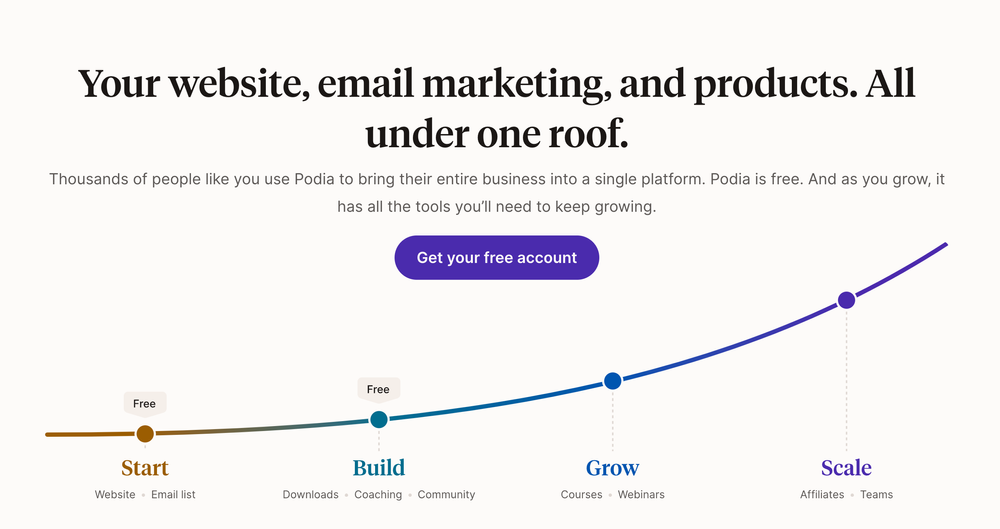
Podia is another smaller platform for course creators, and it is one that focuses on courses, coaching, and community management. It does not have an online marketplace but is a white-label option for creating and delivering courses.
Podia has a built-in course builder, where courses are divided into lessons and sections. Creators can edit these using a drag and drop tool and also add text, embed media, set up quizzes and share files. There are options for content dripping and course certificates.
Who is Podia best for?
Podia is designed for educators and coaches, and so it supports a small range of products. However, the platform does have white-label options, making it a good option for creators who want to deliver a branded course experience. Creators can customize product pages, courses, and sales pages, in addition to language, site structure, and fonts.
How do creators get paid on Podia?
Podia also offers a tiered subscription service, and the options are as follows:
- Free - $0 per month, but a hefty 10% fee
- Starter – $9 per month and an 8% fee
- Mover - $39 per month and a 5% fee
- Shaker – $89 per month and no fees
With Podia, certain features are paywalled behind subscription tiers. For example, the free tier only allows creators to offer one download product and one coaching product. The Starter tier offers this plus chat support and a custom domain.
It isn't until the Mover tier that you have the ability to create courses, webinars, and unlimited downloads. To access marketing features, you have to pay for the Shaker tier.
Podia pros & cons
Pros:
- White-label websites.
- Choice of payment processors.
- Sophisticated course creation.
Cons:
- Features locked behind paywalls.
- Limited range of products.
- 10% fees on the free plan.
11. Domestika
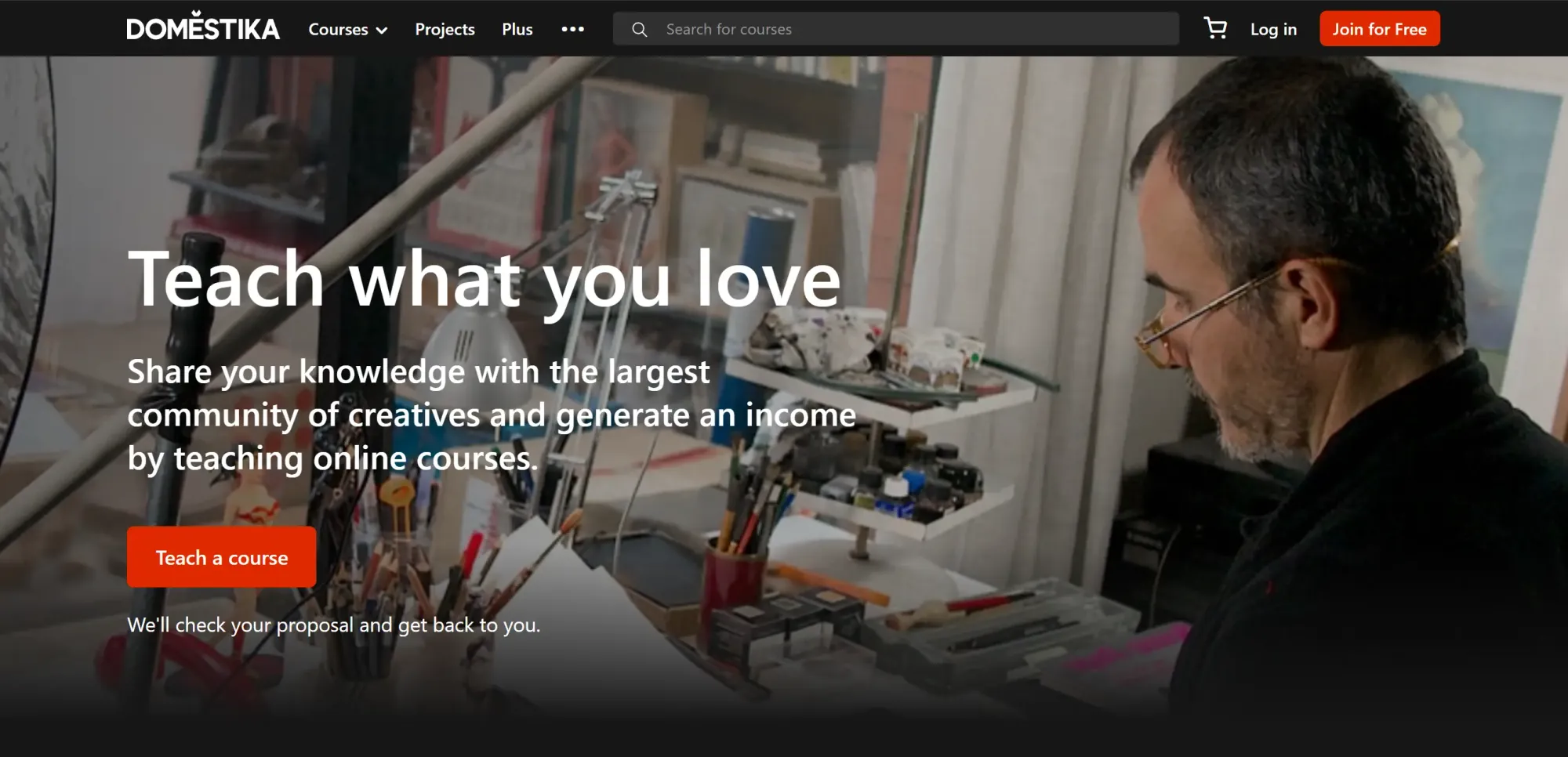
Domestika is a course platform that focuses on creative professionals with a large chunk of its users and creators being Spanish. Creators on Domestika is required to apply to their platform and go through a strict vetting process.
Content on Domestika is created, edited, and produced in collaboration with the platform and the creator on designated Domestika spaces. Courses on the platform support video lessons, reading materials, quizzes, projects, downloadables, and community forums.
Who is Domestika best for?
Domestika is best for creators who want to create high-quality content and is fine with the strict application and production processes of the platform.
How do creators get paid on Domestika?
Domestika has a revenue-sharing model and the course pricing is determined by the platform, not the creator. Payment is based on minutes watched by students, similar to Skillshare, for Plus subscribers.
Domestika pros & cons
Pros:
- No transaction fees
- Good customer support
- Easy to use platform
- Support for high-quality content
Cons:
- Limited customization features
- Credit card support-only
12. LearnWorlds
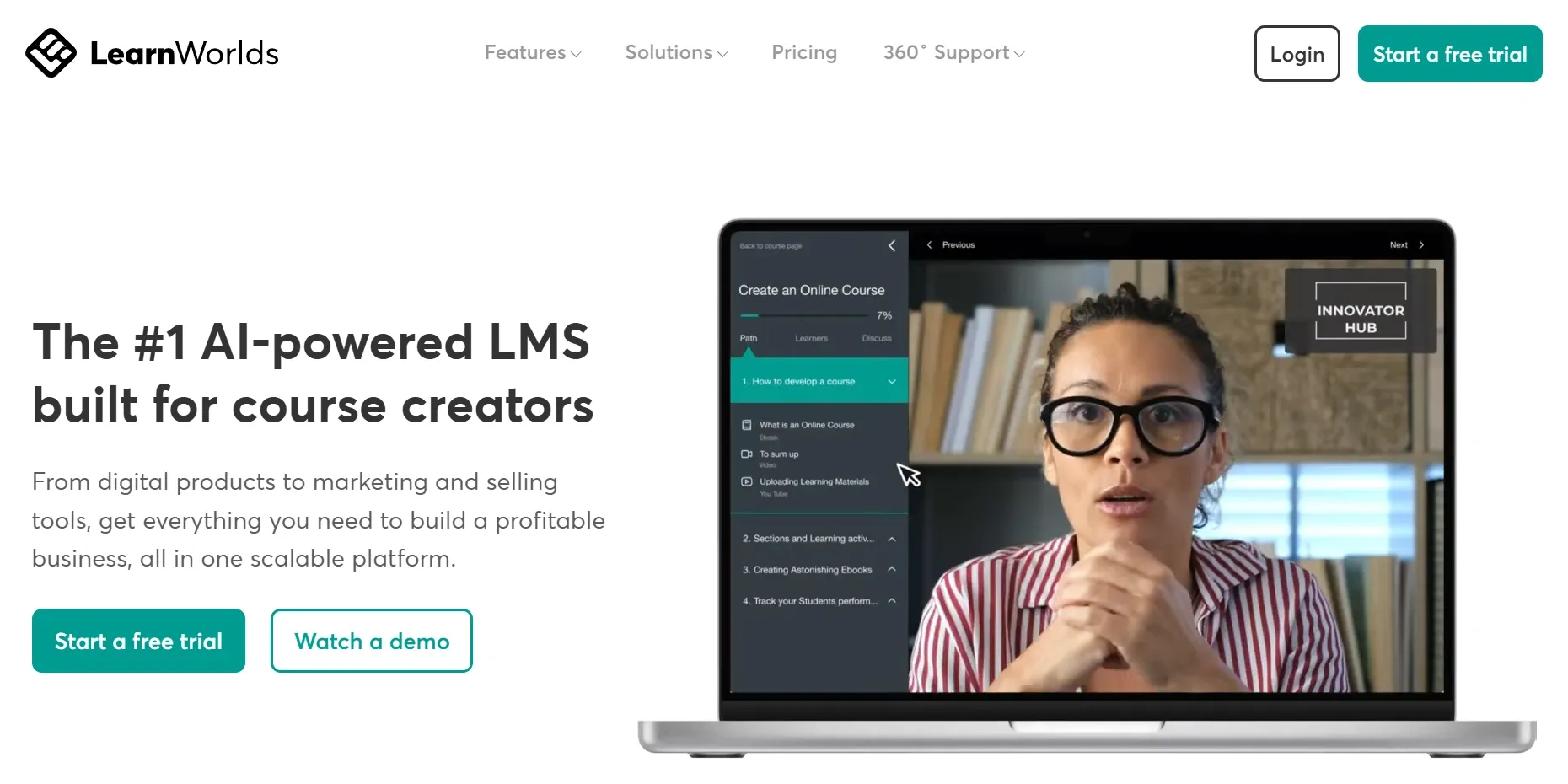
LearnWorlds is a drag-and-drop course builder that everyone can use to create their own online course. The cloud-based platform have four subscription tiers and the Starter tier ($29 per month) has a $5 per course enrollment fee.
The platform supports interactive videos where you can add mid-video questions, buttons, and watermarks. Supported materials also include text, PDFs, downloadables, quizzes, and assignments.
Based on the subscription tier you sign up for, you'll access other tools like customizable course players, unlimited website pages, mass emails, ability to remove LearnWorlds branding, automations, and more.
Who is LearnWorlds best for?
LearnWorlds is best for creators who want to make their material stand out with interactive course features, and built-in marketing tools in high pricing tiers.
How do creators get paid on LearnWorlds?
Unlike Domestika, LearnWorlds let creators control their pricing strategy. The platform supports Stripe, PayPal, and Shopify integrations.
While the Starter plan takes a $5 cut per enrollment, Pro, Learning Center, and High Volume tiers let you keep 100% of the payments.
LearnWorlds pros & cons
Pros:
- Interactive videos
- White-label branding
- Website and app builder
- No fees on Pro and higher tiers
Cons:
- Above average subscription prices
- Harder to learn than competitors
- $5 enrollment fee on Starter plan
13. Fourthwall
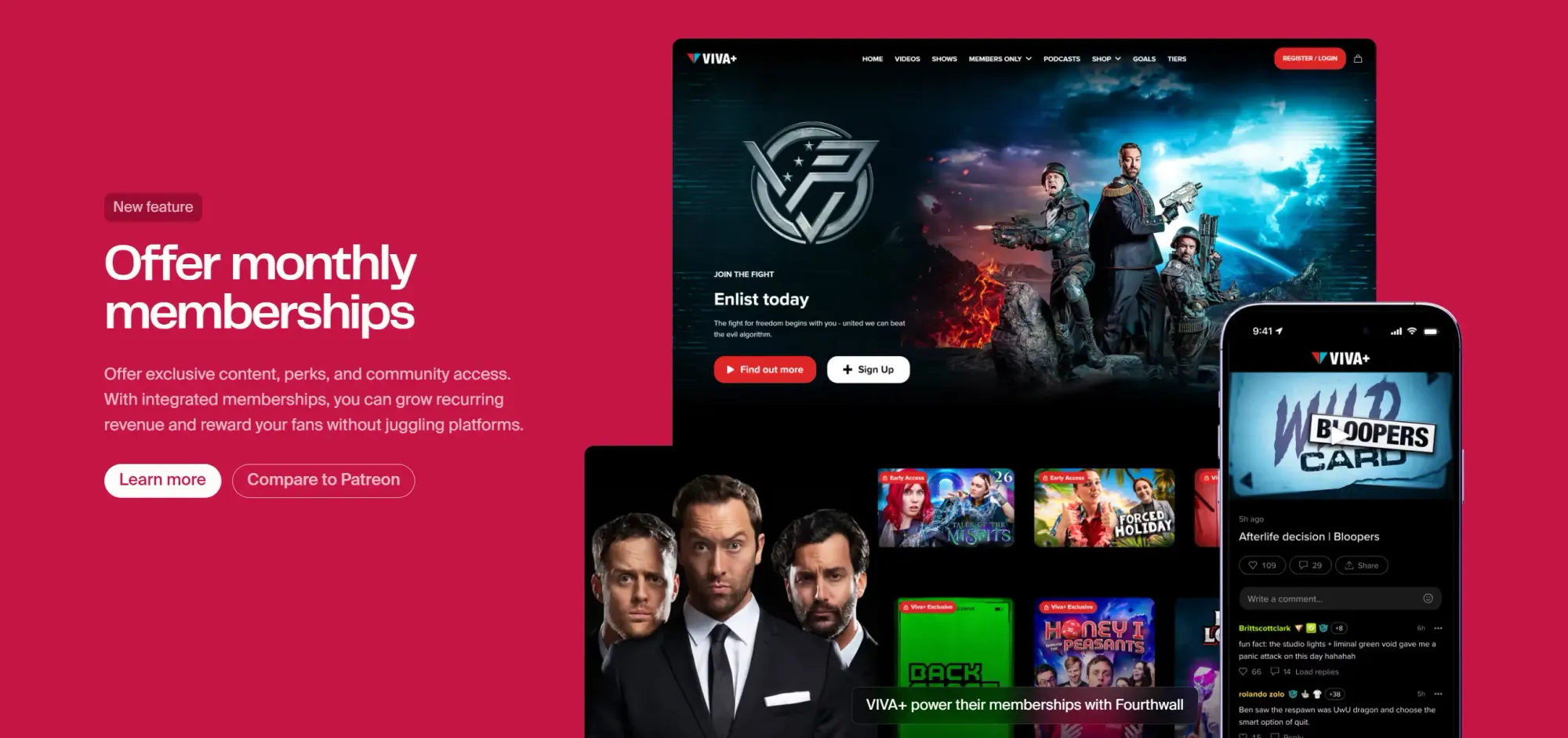
Fourthwall is an all-in-one platform where you can sell physical products, digital products, and memberships. With its no-code website builder, Fourthwall is a good choice for people who want to sell membership-only courses along with other products.
The membership-only subscription of Fourthwall allows creators to upload digital downloads, embedded videos, PDFs, video series, and more. While it lacks classic online course features like quizzes, modules, etc., it's a good choice for creators that sell multiple types of products.
Who is Fourthwall best for?
Fourthwall is best for creators who want to sell different types of products like physical, downloadable, streamable, and digital.
Since it's a free to start platform with fees, it's a great option for creators who don't want to invest upfront.
How do creators get paid on Fourthwall?
Fourthwall is free to get started with no monthly fees or upfront costs. However, the platform takes a cut of your sales based on the product type:
- Physical products: 0%
- Digital products: 5% with the Free plan and 0% with the Pro plan
- Memberships: 5%
Fourthwall pros & cons
Pros:
- Multi product type support
- Simple setup
- The platform handles print-on-demand sales
Cons:
- Not a dedicated online course platform
- Limited course-specific features
- Fewer integrations compared to competitors
14. Teachery
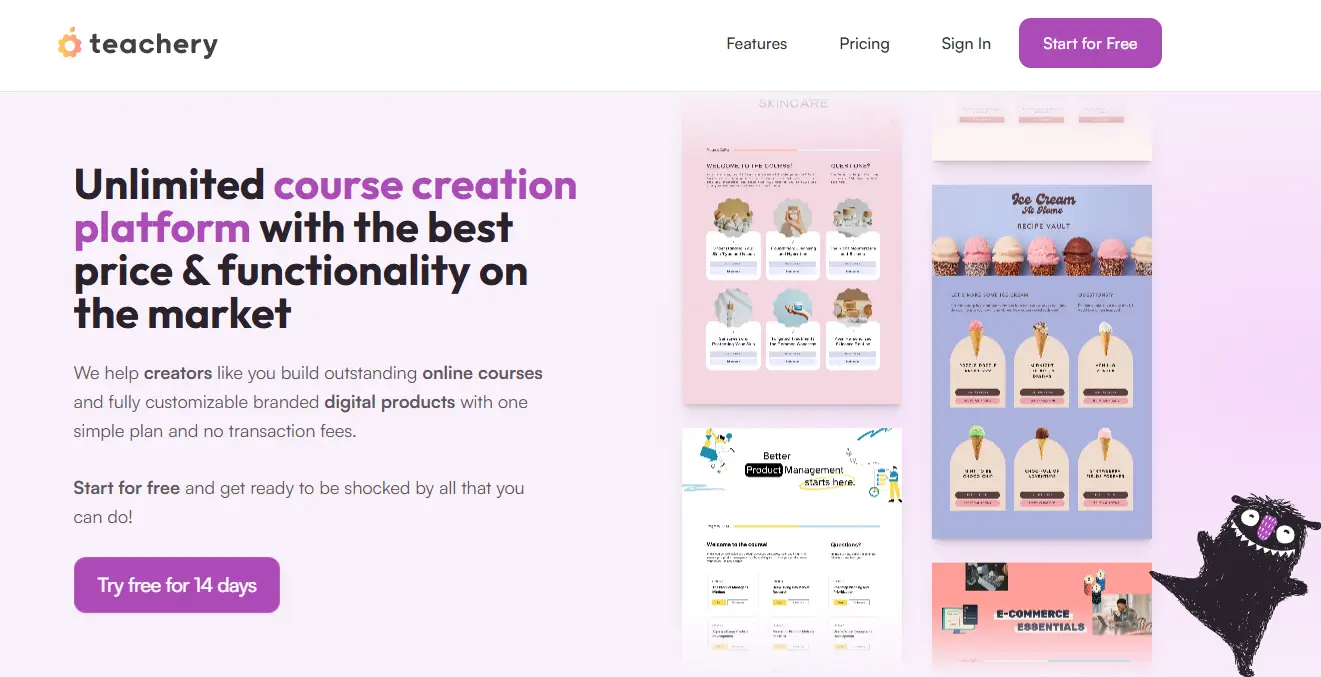
Teachery is an online learning platform with drag-and-drop editor support. It's a simple platform with creative course designs. Creators can make their own sales and payments pages, affiliate programs, integrate other services (like Zapier), and create a course platform that matches their branding.
Teachery supports video, text, image, PDF, audio and embedded materials. Unlike other course platforms, Teachery allows creators to create learning pages where they decide where to put videos, texts, buttons, and downloadables.
Who is Teachery best for?
Teachery is best for beginner course creators who want a simple and easy to use platform and create a unique course design for their students.
If you're a solo creator, a coach, or a small business, Teachery is a great online learning platform creator for you.
How do creators get paid on Teachery?
Teachery has a single subscription plan for creators at $49 per month. The subscription has unlimited courses, customers, admin users, and custom domains. Teachery also stands out with 0% transaction fees.
Teachery pros & cons
Pros:
- Unique course platform design
- Unlimited courses and 0% transaction fees with subscription
- Upsells, custom code and CSS, live chat support
Cons:
- Simpler than competitors
- Doesn't calculate tax
- No quiz feature
15. Ruzuku
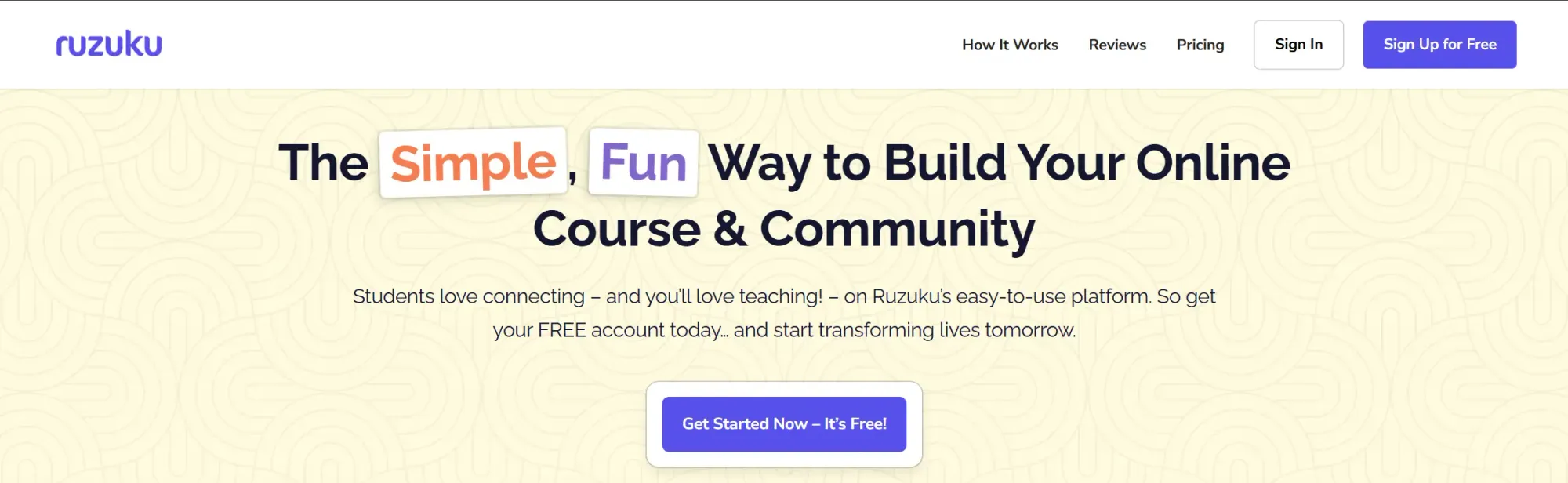
Ruzuku is an online course platform that's home to over 75,000 courses. One of the highlights of the platform is how easy it is to use for both creators and users.
The platform provides a step-by-step course builder to help you build your course easily. The platform supports video, text, PDFs, polls, quizzes, assignments, and community features like discussion forums.
Ruzuku also stands out with its video webcast and meetings feature where you can set up live streams with your audience.
Who is Ruzuku best for?
Ruzuku is best for creators who want to go live with their audience along with their course and create an easy to use platform for their students.
How do creators get paid on Ruzuku?
Ruzuku lets creators set their own prices and has zero transaction fees on all plans. The platform has three plans:
- Free - Limited to 5 students, unlimited courses and videos along with other platform features
- Core, $99 per month - Everything in free + unlimited students
- Pro, $199 per month - Everything in Pro + longer and more high quality uploads, custom domain, custom storefront, certification issuing, custom branding, and more.
Ruzuku pros & cons
Pros:
- Free plan with no transaction fees
- Good customer support
- Easy to use for both creators and students
- Built-in live stream feature
Cons:
- Free plan only supports 5 students
- Limited customization
- No specific marketing tools
16. Systeme.io
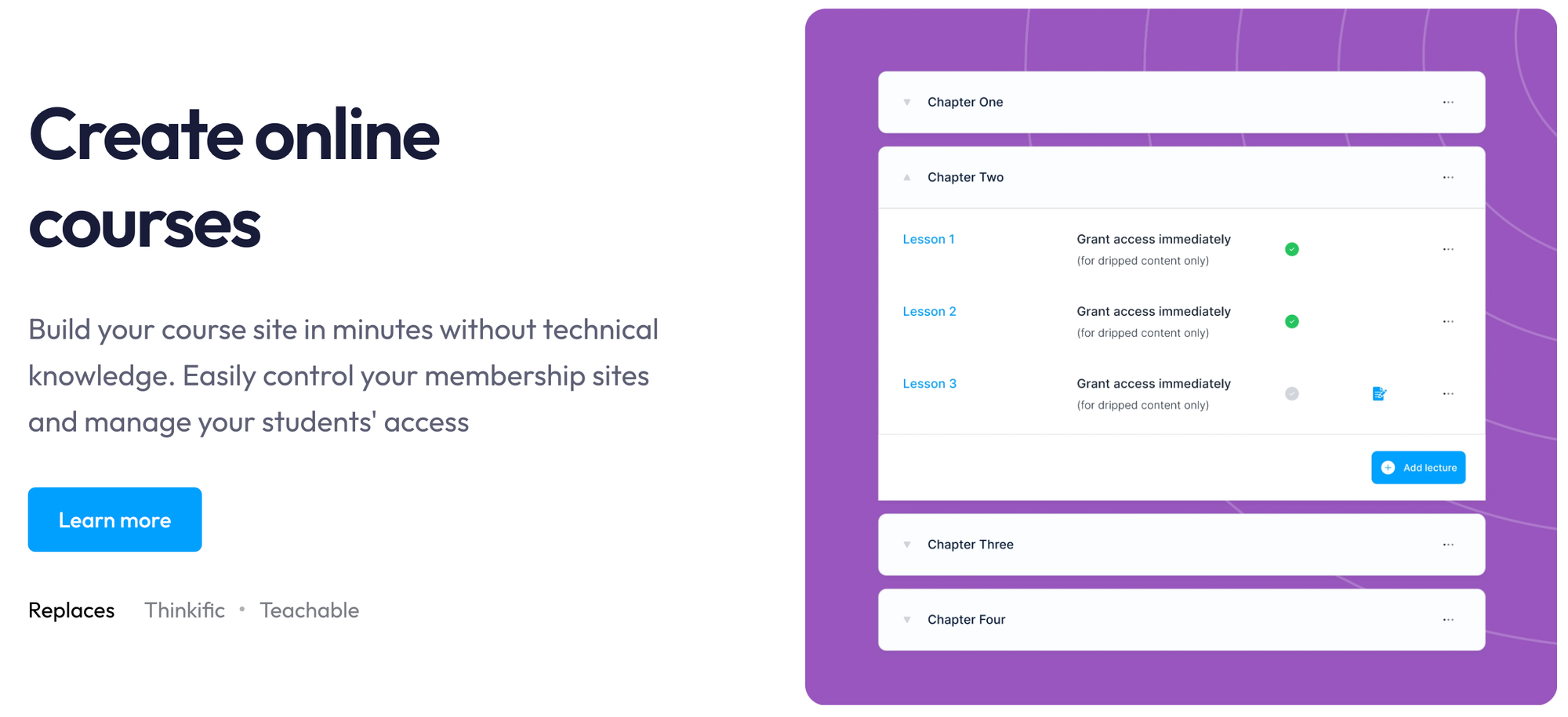
Systeme.io is an all-in-one platform built for creators who want to sell courses, run funnels, manage emails, build websites, and run memberships in a single place.
The platform supports video lessons, downloadable files, text modules, and gated member areas, as well as built-in email marketing, affiliate programs, and sales funnels.
Systeme.io bundles course hosting with marketing features, making it a good choice for creators who want simplicity and low cost in one package.
Who is Systeme.io best for?
Creators who want an affordable, easy all-in-one solution for courses and digital products. If you want to sell a course and build funnels, run email sequences, launch upsells, or manage memberships - without paying multiple subscriptions Systeme.io is a strong choice.
How do creators get paid on Systeme.io?
Systeme.io supports payments through Stripe and PayPal. Transaction fees vary based on the processor used, but Systeme.io itself doesn’t charge a platform fee (on some plans).
The Free plan includes basic features, but higher-tier plans unlock unlimited courses, workflows, and automations. So if you
Systeme.io pros & cons
Pros:
- All-in-one platform (funnels, email, courses, memberships)
- Free plan available
- Simple, beginner-friendly setup
Cons:
- Course builder is basic compared to Kajabi or Thinkific
- Limited design customization
- Advanced automations require paid plans
17. Xperiencify
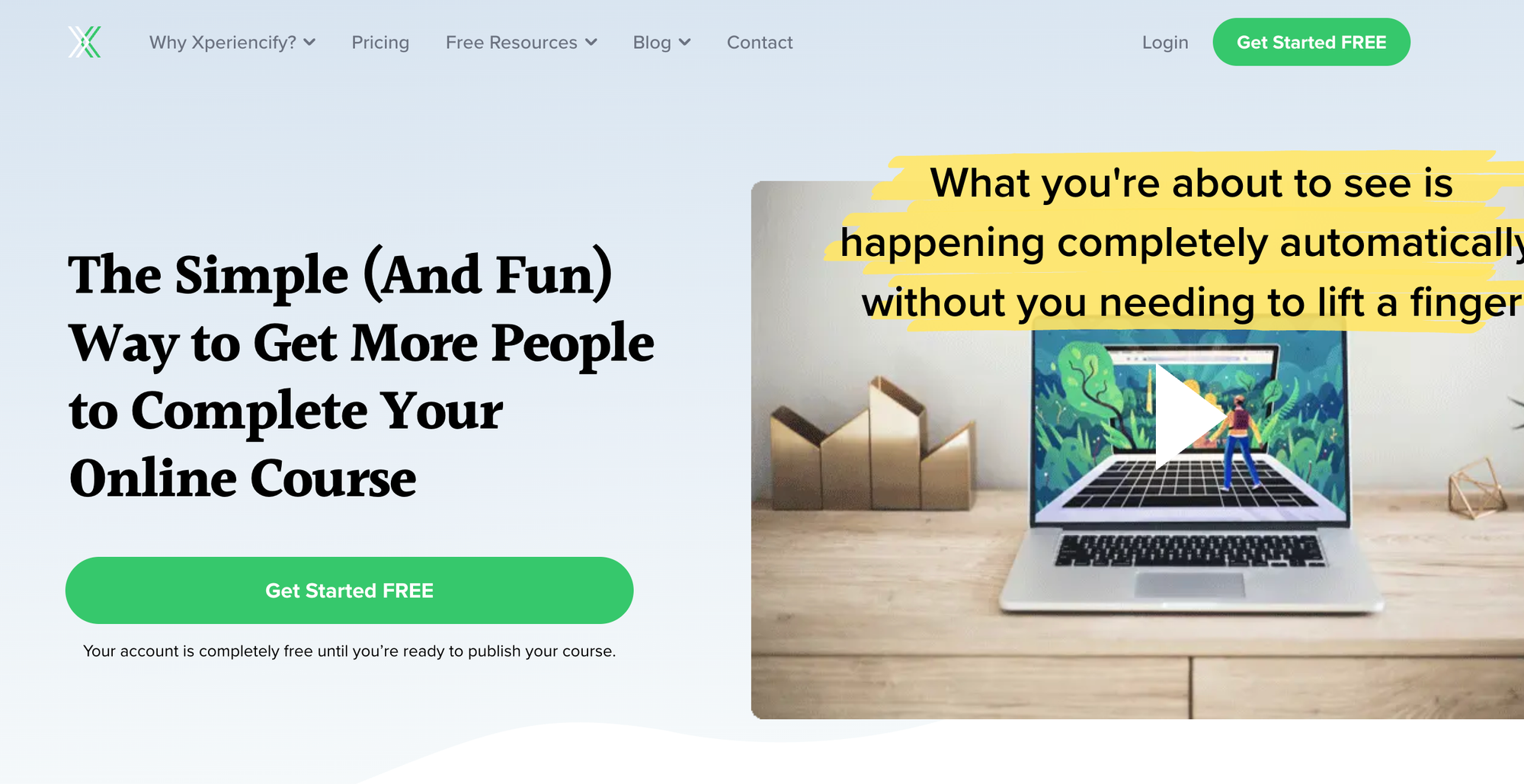
Xperiencify is a gamified online course platform aimed at to increasing student engagement and course completion rates. The platform includes features like points, badges, progress bars, surprise rewards, countdown timers, and automatic triggers that make the learning experience feel interactive and fun.
As a result, Xperiencify is particularly strong for transformation-based programs where accountability and momentum matter.
Who is Xperiencify best for?
Xperiencify is best for coaches, trainers, and creators who teach skills that require motivation - like fitness, business growth, personal development, language learning, and mindset coaching.
How do creators get paid on Xperiencify?
Creators connect Stripe or PayPal to receive payments directly. Pricing is based on subscription tiers, with different limits for users, automation rules, and gamification features.
Xperiencify pros & cons
Pros:
- Powerful gamification tools
- High engagement and completion rates
- Flexible course builder
Cons:
- Fewer integrations than larger platforms
- Learning curve for setup
- Not suitable for academic or certification-based courses

How to choose the right online course platform for you
Before you hit publish on your first lesson, you need to know what you actually want from a platform.
Not every tool is built for every creator, and the right fit depends on your content, your goals, and how you want to run your business.
Here’s what to look out for:
"Whop is my go-to, I've investigated a lot of options out there in terms of course hosting and payment processing, but Whop is the leader for me, for sure."
- Coach Carl Parnell
Subject matter
There’s no use publishing an online course onto a platform if it’s not a good fit. Remember, the main benefit of choosing a platform is the number of students you can reach.
Let’s say you want to publish courses on creative writing. In this case, a platform like Skillshare is a good option, as there are already many users looking for courses that teach this skill. Carefully consider the field of your course and make sure you select a platform that matches.
Growth
If you want room to grow, this is something you should decide on before you commit to a platform. Some platforms have room for infinite scaling, whereas others might be more limited depending on your goals.
You should outline future goals for your courses before selecting a platform. For example, if you’re searching for a platform that not only lets you sell course but also helps course creators sell their content, ebooks, and create an online community, try Whop.
Budget
Different platforms come with very different price tags. Some charge high monthly fees, others rely on transaction fees, and some offer generous free plans or trials.
If you’re trying to keep costs low, look for platforms that only charge per sale instead of locking core features behind expensive subscriptions.
Free trials help too - just remember that even on a trial, payment processors will still charge their usual fees.
Control
How much freedom do you want over your content?
Platforms like Whop, Thinkific, and Kajabi let you customise your course layout, pricing, and student experience. Marketplace platforms like Udemy or Skillshare are more restrictive - great for reach, but not for creative control.
Decide whether you want maximum flexibility, or you’re happy working inside someone else’s course template.
Support
Good support can save your entire launch. Look for platforms that offer real help when you need it, whether that’s live chat, tutorials, troubleshooting guides, or creator communities.
If you’re new to online teaching, choosing a platform with hands-on support (like Whop or Kajabi) can make a huge difference when you run into your first tech hiccup or need help setting up your product.
Platform types
Finally, there are some different types of platforms to consider:
- Standalone platforms – Specializing in one element of course creation or selling, such as hosting or content creation.
- All-in-one platforms – Offering everything you need to create, host, and sell your courses without needing other tools.
- Marketplaces – A place to easily host and sell courses but with lots of competition and less control.
Creating and sell your online course with Whop
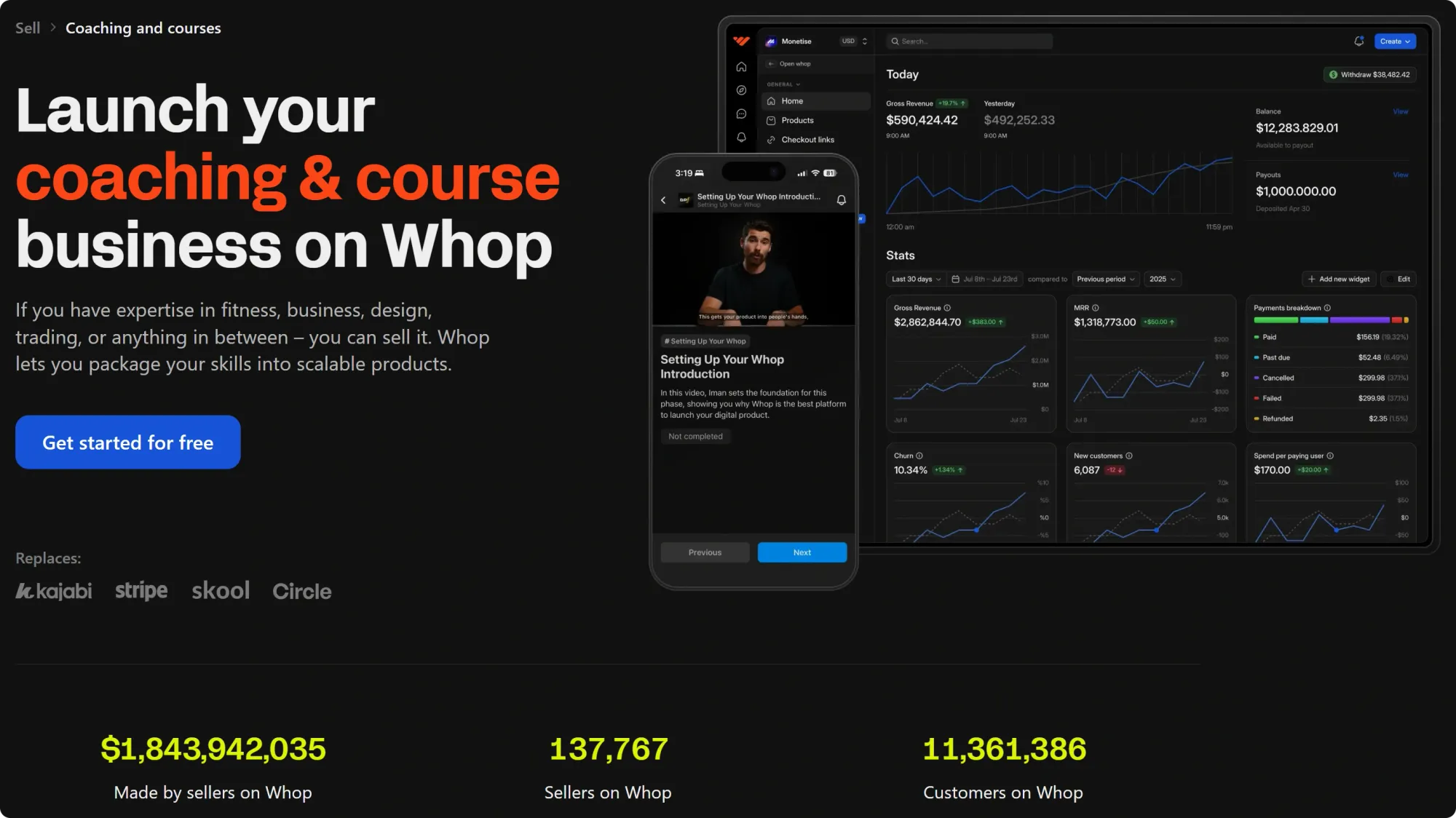
Creating a course on Whop is simple - and it doesn’t stop there. Whop gives you everything you need to build a whole business around your knowledge, not just a single product.
You’re in full control of your brand, your pricing, and how you deliver your content. Add courses, drop in digital downloads, run a community chat, host livecheck-ins, or bundle everything together in one offer.
With built-in payments, hosting, analytics, and a growing ecosystem of creator tools, you can launch and scale from one place.
If you’re ready to start selling online, Whop lets you get started for free.
Online course platforms FAQs
What is the best platform to sell online courses?
Whop is the best platform to sell online courses with features that allows you to create communities, sell downloadables, paywall chats, and more and fees as low as 2.7% + $0.30.
Is it possible to sell courses for free?
Yes, there are multiple platforms including Whop (2.7% + $0.30 fee), Teachable (free plan with 10% + $1 fee), and Thinkific that lets you create courses for free.
Can I sell courses and other products in a single platform?
Yes, with platforms like Whop, you can sell from community access, and downloadables to even TradingView signals along with your course in a single platform.
How do I get paid on course platforms?
Most platforms like Whop and Thinkific pay you directly via bank transfer, PayPal, or similar options. Marketplaces like Udemy and Skillshare usually have payment cycles.
How do I market my course?
You can market your course through social media, UGC, email campaigns, paid ads, and even affiliate programs. Platforms like Whop, Kajabi, and Teachable include marketing tools to help you sell.
Can I create an online course just with a phone?
Yes, it's absolutely possible to create an online course using a phone. While some courses require screen recordings like software tutorials, you can still record your course's content and upload it to online course platforms.
How much does it cost to start selling online courses?
With platforms like Whop, you can start selling online courses for free.