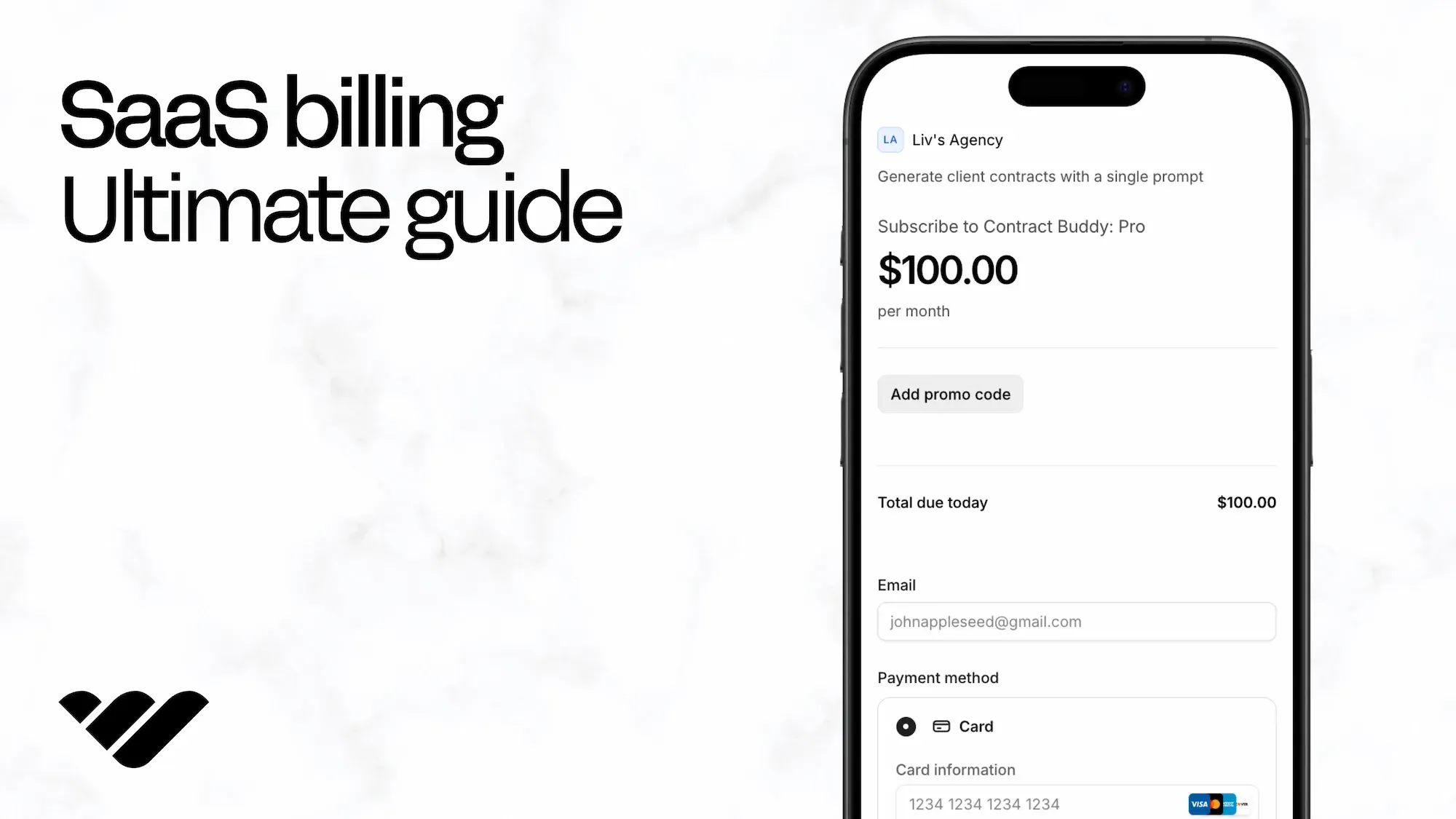
Master SaaS billing with this ultimate guide: optimize subscription revenue, reduce failed payments, automate invoicing, and streamline your checkout for maximum growth.
Key takeaways
- Automated billing software with smart payment retry and dunning management can recover 60-70% of failed payments.
- Involuntary churn from payment failures accounts for 20-40% of total churn and is largely preventable with automation.
- Choose billing models based on your business type: monthly for B2C flexibility, annual for B2B predictability, usage-based for cloud services.
Most founders don’t think much about billing when they start selling SaaS.
You set a price, plug in a checkout, and move on. That works for a bit, but then you start running into small issues you didn’t plan for.
Payments don't go through, but nothing happens after that. Customers email saying they paid, but can’t get in. Expired subscriptions still have access when they shouldn’t. You fix each problem as it arises, but they keep happening.
That wasted time turns into lost revenue, support ticket overload, and time you didn’t expect to spend on something that was supposed to run in the background.
The best SaaS billing solutions don't just charge users, but also control who gets access, when they get it, and whether they stay.
Once you have any kind of scale, your billing solution starts affecting growth directly.
What is SaaS billing?
SaaS billing is the automated process of invoicing customers and collecting recurring payments for subscription-based software services, managing everything from subscription plans and payment processing to invoice generation and revenue tracking.
With the global SaaS market set to grow from ~$399B in 2024 to ~$819B by 2030, poor billing practices are costly, leading to lost revenue, higher churn, and stalled growth.
In this guide we take a look at:
- SaaS billing models (monthly, annual, usage-based, tiered)
- Common billing challenges (churn, payment failures, pricing)
- Choosing billing software (key features to prioritize)
- Payment optimization (methods, automation, analytics)
If you need a reliable SaaS billing platform, Whop offers automated subscription management, real-time analytics, 100+ payment methods, dispute handling, and 24/7 support.
SaaS billing models explained
Most software products don’t stick with just one pricing model for long.
What you start with is usually as simple as possible. But as you grow, pricing becomes one of the main levers for conversion, retention, and revenue.
Different models solve different problems, and most SaaS companies end up mixing a few.
Here’s how each tends to work.
1. Monthly billing
This is the default. Users pay each month for access, and they can leave just as easily. It's the same model Slack and Netflix use, and it's low commitment, which makes it easier to get people in the door (especially early on).
The downside shows up later. If there’s any drop in perceived value, people churn quickly. You’re constantly re-earning the subscription.
2. Annual billing
Annual plans are less about pricing and more about commitment. You get cash upfront and a longer runway with each customer – it's common to add a discount to make the switch feel obvious.
Annual billing tends to work better once your product is established, though. Asking someone to commit for a year only makes sense if they already trust what they’re buying.
3. PAYG (pay-as-you-go) billing
Users pay upfront for credits or units, then spend them over time. There’s no recurring charge unless they top up again. That makes it feel low risk, because people only pay when they decide to.
Pay-as-you-go models work well for products where usage is occasional or unpredictable.
4. Tiered billing
Tiered billing means grouping features or limits into plans, and letting customers pick what fits their budget and needs best.
This is where most SaaS companies land once they move past a single price. It gives you a clear upgrade path without forcing users to think too hard about custom pricing.
The challenge is getting the tiers right. Too close together and there’s no reason to upgrade. Too far apart and people hesitate to move up.
5. Usage-based billing
This is still a subscription, but the price changes based on how much someone uses the product. Usually there’s a base plan, then variable charges layered on top (per seat, per API call, per GB, etc.)
This model works when usage scales with value, but pricing still needs to be predictable enough that users don’t feel surprised by their bill.
6. Feature-based billing
Instead of bundling everything, you charge for specific capabilities – think Stripe, Stripe Tax, and Stripe Billing.
This shows up in more complex products where different users care about different things. It gives flexibility, but it can also make pricing harder to understand if you overdo it.
7. Freemium billing
Free access, with limits. The goal is simple: remove friction upfront and convert later. It can drive a lot of growth if the product is strong enough to pull people into paid plans. Look at what ChatGPT does to hook users from free and convert them to paid.
The trade-off is that free users don’t always convert. Paid features need an obvious value prop.
How to choose a SaaS billing model:
- B2C SaaS: Monthly + tiered pricing (flexibility + growth path)
- B2B SaaS: Annual billing (predictable revenue, lower churn)
- Cloud/infrastructure: Usage-based (aligns cost with value)
- Feature-rich platforms: Feature-based or tiered
- Mobile/consumer apps: Freemium (maximize user acquisition)
The SaaS billing process: step-by-step
Billing isn’t one action, it's a sequence of events – and that sequence only works if every part stays in sync.
When something breaks, it usually shows up later as a failed payment, a support ticket, or a customer quietly dropping off.
Here's how the flow tends to operate:
Step 1: Customer signup & plan selection
This is where someone decides if they’re actually going to pay. They land on your pricing, pick a plan, and go through checkout. If anything feels unclear here (pricing, features, billing terms) people hesitate or leave.
People need to understand what they’re getting and what they’ll be charged.
Step 2: Payment collection
Once they commit, you need to actually take the payment. That sounds straightforward, but it involves more than just cards.
Different regions, different methods, different failure points. What works for one customer might not work for another. If payment fails here, the user never really becomes a customer.
Step 3: Invoice generation
After payment, records need to exist. Invoices should be created and sent automatically, usually every billing cycle.
Most users don’t think about them until something looks wrong. When that happens, it’s not just an admin issue. It affects trust.
Step 4: Subscription management
People don’t stay on the same plan forever. They upgrade, downgrade, pause, cancel, come back; and all of that needs to be reflected instantly. Especially when access is tied to billing.
If subscription logic lags behind reality, users either lose access too early or keep it longer than they should.
Step 5: Renewals and retries
Not every payment goes through the first time. Cards expire, banks decline transactions, limits get hit.
If nothing happens after that first failure, you lose the customer even if they didn’t intend to leave, and this is where retry logic matters. Without it, failed payments turn into churn by default (even though a lot of them could have been recovered).
4 major SaaS billing challenges
Running a subscription business isn’t just about collecting recurring revenue; it’s about keeping it.
Here are four of the biggest billing challenges SaaS companies face today and how they affect growth:
1. Customer churn (voluntary & involuntary)
Churn rate measures the percentage of customers who cancel subscriptions – a high churn directly impacts revenue and growth potential.
- Voluntary churn: Customers actively cancel due to dissatisfaction, lack of value, or competitive alternatives
- Involuntary churn: Unintentional cancellations from payment failures, expired cards, or insufficient funds
Solution: Involuntary churn accounts for 20-40% of total churn and can be reduced with automated payment retry logic and dunning management.
2. Billing inaccuracies
Data entry errors and system glitches cause:
- Failed payments and declined transactions
- Incorrect invoices (overbilling or underbilling)
- Customer disputes and refund requests
- Reputational damage and lost trust
Solution: Automated billing software reduces human error by 90%+ compared to manual invoicing.
3. Payment failures
Declined transactions from expired cards, insufficient funds, or fraud detection cause:
- Immediate revenue loss from failed collections
- Involuntary churn occurs when customers lose access
- Increased support costs to resolve payment issues
- Cash flow disruption for subscription-based revenue
Solution: Smart payment retry schedules and automatic card updater services recover 60-70% of failed payments. Whop's orchestration increases successful purchases by 11%.
4. Pricing complexity
Choosing the wrong pricing model leads to:
- Lost revenue from underpricing
- High churn from overpricing or poor value perception
- Confusion that prevents conversions
Solution: Research competitor pricing, test multiple models, and optimize based on customer acquisition cost (CAC) and lifetime value (LTV) metrics.
How automated billing software solves SaaS payment issues
Automated SaaS billing software prevents payment failures, reduces churn, and eliminates manual invoicing errors through intelligent payment processing and retry logic.
Key capabilities:
- Automated error detection: Identifies failed payments instantly and triggers recovery workflows
- Smart payment retry: Automatically retries failed payments at optimal times (avoiding weekends, paydays, etc.) to maximize recovery rates
- Dunning management: Sends personalized payment reminders via email/SMS before customers lose access
- Reduces involuntary churn: Recovers 60-70% of failed payments that would otherwise become lost revenue
- Analytics & optimization: Tracks retention metrics, identifies revenue leaks, and provides insights for pricing optimization
- Security & compliance: Ensures PCI DSS compliance and encrypts all payment data
Advanced platforms personalize recovery strategies based on customer payment history and failure reasons, further improving collection rates.
The most popular billing solutions for SaaS are tabled below, with transaction fees, billing fees, and features:
| Platform | Transaction fee | Features | Best for |
|---|---|---|---|
| Whop | 2.7% + $0.30 card + 0.5% billing | Subscriptions, checkout, access control, global payouts, crypto | Founders who want billing and payments live fast |
| Stripe Billing | 2.9% + 30¢ card + 0.7% billing | Recurring & usage billing, smart retries, APIs | Dev teams building custom billing on Stripe |
| Chargebee | 0.75% billing¹ (free under $250K) | Subscription mgmt, dunning, rev rec, multi-gateway | Scaling SaaS with complex billing |
| Recurly | 0.9% billing + $249/mo¹ | Subscription billing, retries, analytics | Established subscription businesses |
| Maxio | Custom pricing¹ | Billing + revenue recognition + SaaS metrics | Mid-market & enterprise finance teams |
| Paddle | 5% + 50¢ (all-in) | Merchant of Record: billing, tax, fraud, support | SaaS/apps that want tax & compliance handled |
9 must-have features in SaaS billing software
Once you’re past the early stage, these aren’t optional. You feel it pretty quickly when one is missing.
| Feature | Why it matters |
|---|---|
| Multiple billing models | Test and run monthly, annual, usage, or tiered pricing without rebuilding your setup |
| Automated subscription management | Handles upgrades, downgrades, cancellations, and renewals automatically |
| Payment method coverage | Reduces checkout drop-off by supporting how customers prefer to pay |
| Payment recovery (dunning) | Retries failed payments so you don’t lose customers unnecessarily. Effective dunning reduces involuntary churn by 30-50% |
| Invoicing | Automatically generates and sends accurate invoices each cycle |
| Security and compliance | Keeps payment data secure and meets required standards |
| Scalability | Works as you grow without slowing down or breaking |
| Visibility | Shows revenue, churn, and failed payments clearly |
| Support | Resolves billing issues quickly when they come up |
How to use Whop for SaaS billing
Most teams need something that can sit alongside what already exists and handle subscriptions, access, and payments without adding more complexity.
That’s what Whop is for.
You can plug your existing software into it and run billing there, or build directly on top of it if you’re starting from scratch. Either way, it becomes the layer that manages how users pay, what they can access, and what happens when something changes.
Instead of handling subscriptions in one place, access in another, and edge cases manually, everything stays connected.
- Set up plans with trials, tiers, or custom pricing without needing to rebuild your checkout each time. When a user upgrades or downgrades, their access updates immediately (no lag, no manual fixes).
- If a payment fails, it doesn’t just stop there. The system retries, notifies the user, and gives you a chance to recover the subscription before it turns into churn.
- License keys and product access are handled automatically as well, so users get what they paid for instantly, and you stay in control of how it’s used.
- You get visibility into what’s happening across revenue, churn, and failed payments, without needing to stitch together reports from different tools.
Getting set up is straightforward. You create an account, add your product, configure your pricing, and connect it to your software. From there, billing runs in the background, but it’s no longer something you have to constantly fix.
Setup (takes 15 minutes):
- Visit whop.com/sell and click "Sign Up"
- Create account via email or social login
- Enter business name and Twitter/X handle
- Select business category (or "Something Else")
- Access your dashboard to configure settings and add your first SaaS product
For a full rundown, check our guide to setting up recurring SaaS billing in 15 minutes or less.
The best SaaS billing payment options
Offering multiple payment methods is key to reducing friction and accommodating global customers.
Payment flexibility directly impacts conversion rates and reduces involuntary churn.
Credit/Debit cards (required)
- Support Visa, Mastercard, American Express, Discover
- Most common payment method worldwide
- Enables automatic recurring billing
Bank transfers
- Preferred by B2B customers and enterprises
- Lower processing fees for large transactions
- Support ACH for domestic US payments
Digital wallets
- PayPal, Venmo, Apple Pay, Google Pay
- Faster checkout (one-click payments)
- Essential for mobile and global markets
Cryptocurrency
- Bitcoin, Ethereum, and other major cryptos
- Lower fees for international transactions
- Appeals to tech-savvy audience
- Whop supports multiple cryptocurrencies
4 tips to optimize your SaaS billing
Want to optimize your SaaS billing even further? Focus on these four areas:
- Automate everything: Manual invoicing works for 10 customers, not 1,000. Automate payment collection, invoice generation, and failed payment recovery to eliminate errors and free up resources for growth.
- Offer billing flexibility: Multiple payment plans (monthly, annual, usage-based), easy tier upgrades/downgrades, various payment methods (cards, wallets, crypto), and mid-cycle plan changes.
- Track key metrics: Monitor churn rate, customer lifetime value (LTV), monthly recurring revenue (MRR), and payment failure rates. Use data to identify revenue leaks and optimize pricing.
- Collect cancellation feedback: Survey churned customers to understand why they left. Their feedback reveals product gaps, pricing issues, and opportunities to win them back.
Use Whop as your SaaS billing solution
SaaS billing has evolved, and relying on outdated or manual systems costs more than just time; it costs customers.
From failed payments to chargebacks and churn, even small inefficiencies can stall growth.
Whop is built for the next generation of SaaS businesses. It handles everything (billing, subscriptions, and global payments), without setup fees, monthly costs, or complex integrations.
You can accept 100+ payment methods, reduce failed transactions with built-in orchestration, and get paid in over 190 countries.
Start using Whop today and turn subscription management into the easiest part of running your SaaS business.
SaaS billing FAQs
What is SaaS billing and why is it important?
SaaS billing automates invoicing, subscription management, and recurring payments for software services. Proper billing ensures revenue collection, reduces churn, prevents revenue leaks, and supports predictable growth as your SaaS business scales.
What are the common SaaS billing models?
The main SaaS billing models include monthly, annual, usage-based, tiered, feature-based, pay-as-you-go, and freemium. Choosing the right model depends on your audience, product type, and whether you want to prioritize flexibility, predictability, or scalability.
How can SaaS businesses reduce payment failures and involuntary churn?
Payment failures are often caused by expired cards, insufficient funds, or processing errors. Using automated retry logic, smart dunning management, and card updater services can recover 60–70% of failed payments and significantly lower involuntary churn.
What features should I look for in SaaS billing software?
Essential features include multiple billing models, automated subscription management, payment gateway integrations, smart dunning, customizable invoices, compliance and security, scalability, intuitive dashboards, and 24/7 support.
Why choose Whop for SaaS billing?
Whop handles subscriptions, global payments with 100+ methods, fraud protection, and dispute resolution automatically. The Whop API integrates easily to assist SaaS businesses in maximizing revenue and reducing manual overhead.





![The best SaaS subscription management software [2026]](https://storage.ghost.io/c/12/7b/127b828b-bdc2-4972-9cf2-de857df9c324/content/images/size/w1000/format/webp/2023/11/SaaS-management.webp)




![Top 12 SaaS ecommerce platforms [2026]](https://storage.ghost.io/c/12/7b/127b828b-bdc2-4972-9cf2-de857df9c324/content/images/size/w1000/format/webp/2023/12/Top-SaaS-Ecommerce-Platforms-in-2024--1-.webp)