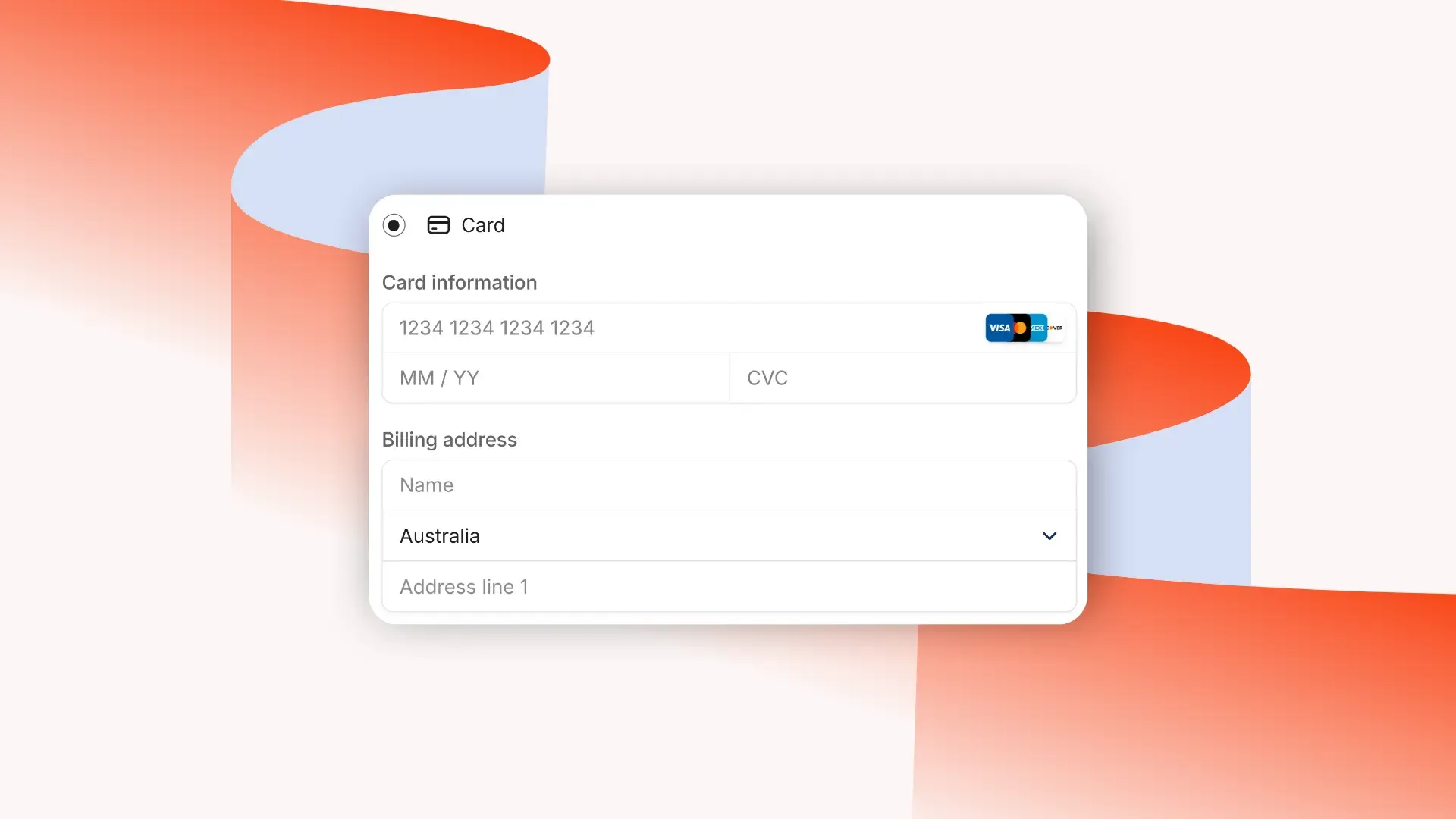
You can accept credit card payments through online payment processors, in-person with contactless card readers, or over the phone with virtual terminals.
Key takeaways
- Businesses can accept credit cards through payment processors, mobile readers, payment links, QR codes, or virtual terminals.
- Hidden fees cause 48% of cart abandonments, so transparent pricing builds trust and improves conversions.
- Offering multiple payment methods significantly increases sales since 70% of customers choose where to shop based on payment options.
Today’s payment tools make it fast, secure, and effortless for any business to accept cards - wherever your customers are.
Let's take a look at how.
How to take a credit card payment in 3 different ways
The three main ways to accept credit card payments are online (through payment processors), in person using mobile readers or payment links, and over the phone with virtual terminals where you manually enter card details.
According to ResearchAndMarkets, credit cards make up 40% of online payments, making them an essential option for most businesses.
Here’s how each method works - and when to use them.
Taking credit card payments online
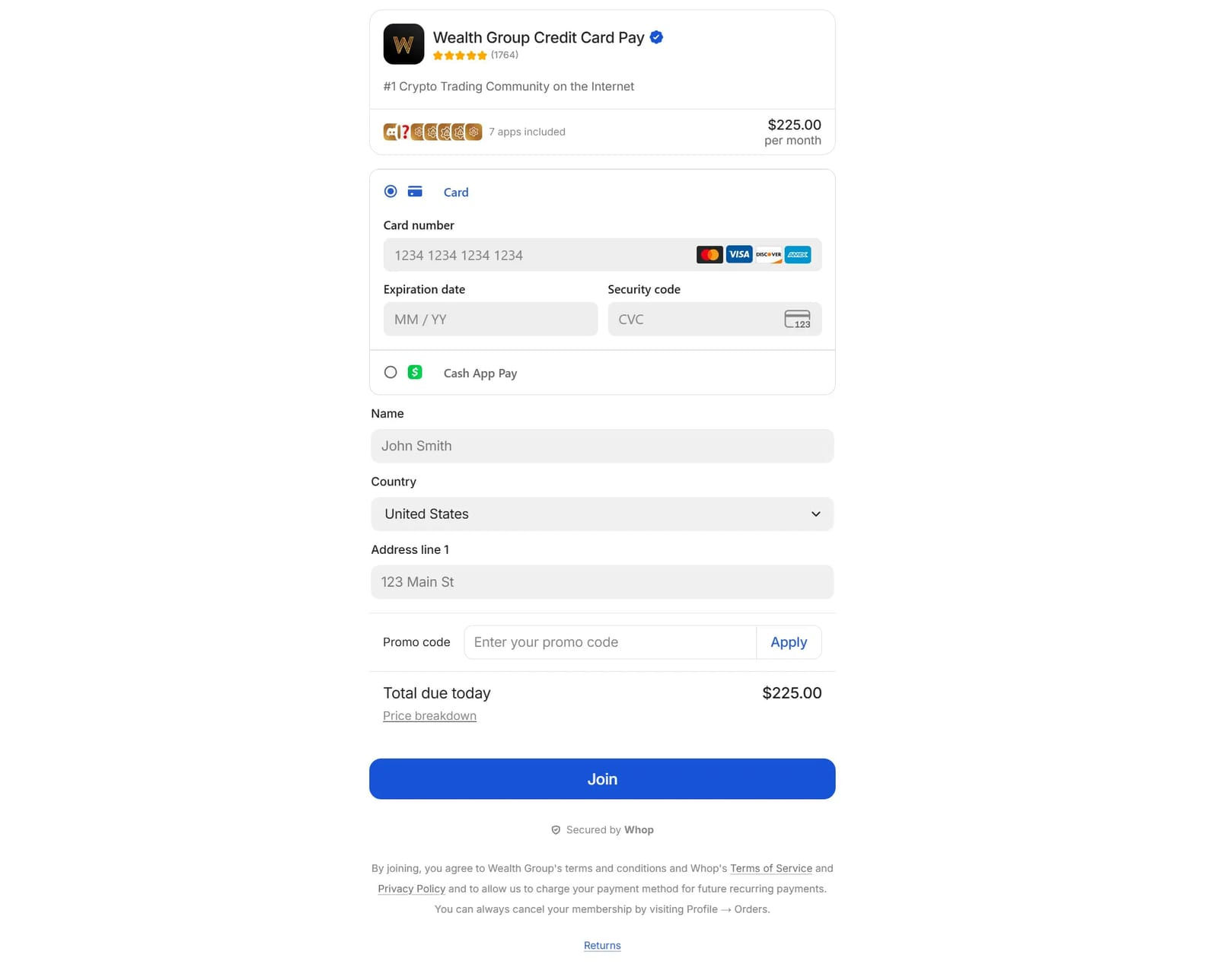
Most businesses take credit card payments online through payment processors like Stripe, Square, or Helcim. These platforms let you create hosted checkout pages, generate payment links, or embed secure payment modals directly into your website, with no coding required.
Just follow these steps:
- Choose a processor: Compare fees, features, policies and other specific information your business requires between processors like Adyen, Stripe, or Square.
- Set up your account: Once you’ve picked a processor, it’s time to set up your account. Some platforms may take a day or so to approve you, while others let you start right away by creating your store or checkout pages.
- Set up payment methods: Whether your processor supports checkout pages, direct payment links, or embedded checkouts, setting up your payment methods usually means adding your products and connecting the payment option so customers can pay seamlessly.
- Start accepting payments: Once everything is in place, start sharing your checkout pages, payment links, or embed checkout webpages with your customers.
You can use multiple payment processors, but juggling different dashboards, fees, and payout schedules gets messy fast.
What you actually need isn’t a stack of processors; it’s a provider that can orchestrate multiple PSPs behind the scenes.
Ideally, one that can offer multiple payment methods (like cards, digital wallets, crypto, and BNPL).
Recurring card payments and subscription billing
For many businesses, one-time payments are only part of the equation; recurring card payments are how revenue stays stable.
Subscriptions are commonly used for community memberships, coaching, freelance retainers, software access, and ongoing services.
Instead of charging customers manually each month, recurring billing automatically charges their card for you, on a set schedule.
How it works:
- A customer enters their card details once
- The payment processor or billing platform securely stores a tokenized version of the card
- Charges run automatically, based on your billing cycle (weekly, monthly, quarterly, etc.)
Most modern payment platforms support recurring billing, but the difference comes down to what they do when things go wrong. Because let's face it, cards expire. Payments fail. Banks decline charges.
That's where features like automatic retries, card update logic, and smart routing matter (especially if subscriptions are your main revenue stream).
Accepting credit card payments without a machine
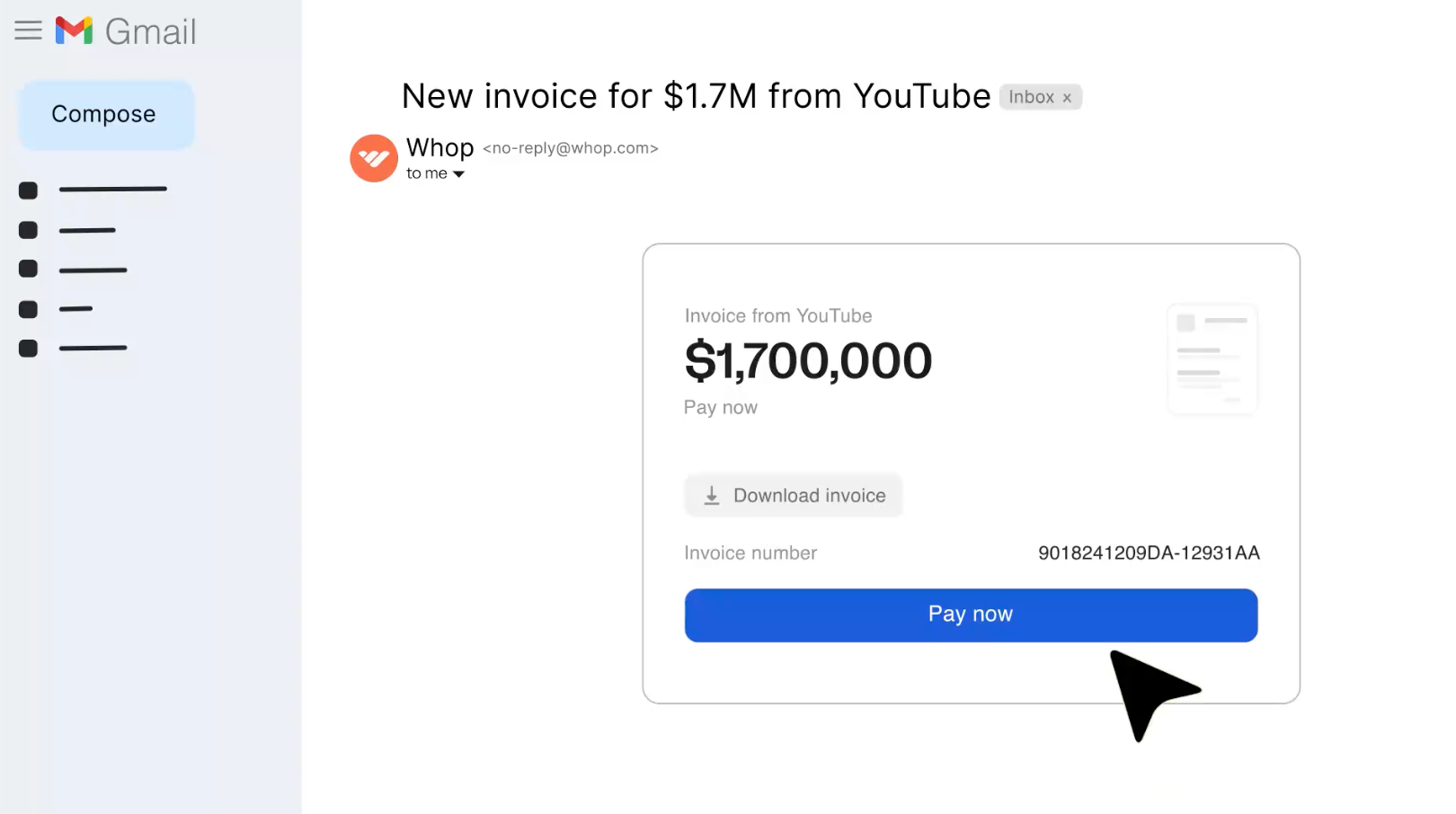
You can accept credit card payments without a machine using payment links (like checkout links you can get with Whop), contactless payments, and QR code payments.
Here's how:
- Payment links: Generate payment links that direct users to checkout pages with platforms like Stripe, PayPal, and Whop. In the checkout pages, customers enter their card details and the payment gets processed instantly.
- QR codes: You can create unique QR codes that customers simply scan with their phone’s camera to complete a payment. Apps like Stripe, SumUp, and Revolut Business make it easy to generate QR codes for accepting in-person payments.
- Contactless payment apps: Apps like Venmo, Cash App, or PayPal allow sellers to collect contactless payments - especially ideal for temporary or mobile businesses.
Taking credit card payments over the phone
Accepting credit card payments over the phone is simple with a virtual terminal, like PayPal Virtual Terminal or Helcim Virtual Terminal.
You’ll collect the customer’s card number, expiration date, CVV, and billing ZIP code, then enter the details manually to process the payment.
How it works:
- Ask the customer for their card number, expiration date, CVV, and billing ZIP over the phone.
- Use the virtual terminal like PayPal Virtual Terminal to manually type in the card details.
- Process the payment.
Security tip: Never store card details. Most virtual terminals automatically discard sensitive information once the payment is processed, keeping both you and your customers safe.
When to use ACH instead of credit cards
Truth is, while cards are the king of online payments (because they're fast and familiar), they aren't always the best option, especially for large or B2B payments.
Here's a simple guide to ACH vs card transactions:
Use card payments when:
- Funds need to clear instantly
- You're selling to consumers
- Purchases are lower to mid-value
Opt for ACH and local bank transfers when:
- Payments are high-ticket
- Chargebacks aren't a major concern
- You want lower processing fees
- You're billing businesses
ACH transfers move money directly between bank accounts, but they usually take longer to settle. Many businesses offer both methods, allowing customers to choose how they pay.
Navigate common credit card payment issues with Whop
The easiest way to accept credit card payments is through a platform like Whop. Whether you’re selling online or in person, Whop lets you get paid securely without needing a traditional card machine.
Our customers really only care about two things: getting paid and paying out. Our mission is to be the best in the world at solving those problems.
– Hunter Dickinson, Head of Partnerships at Whop
Here’s are four different ways that you can take credit card payments with Whop:
1. Accept credit card payments and manage access in one place
Whop as a platform supports businesses with all kinds of products, from paid community memberships to high-ticket coaching offers.
Card payments are enabled by default, and from there you can customize your payment stack with methods like crypto, PayPal, and ACH.
2: Accept credit card payments directly on your website
Embedded Whop checkouts let customers pay directly on your website, without ever leaving your page.
Each checkout is linked to a unique plan ID (the product you set up on Whop). Once the payment is complete, customers are automatically redirected to the URL you’ve chosen - like a thank-you page, onboarding flow, or product dashboard.
To learn more about embedding Whop checkouts on your website, check out our Embed checkout documentation.
3. Collect credit card payments by invoice
You can send invoices directly from your Whop Dashboard - just head to the Invoices section.
From there, you can set the price, choose between one-time or recurring payments, customize the due date, and even add pre-payment questions. You can also redirect customers to a custom URL after they’ve paid or choose to pass processing fees on to them.

Like other Whop payment tools, you can select which payment methods to accept - including credit card, ACH, and crypto.
4. Integrate credit card payments into your existing systems
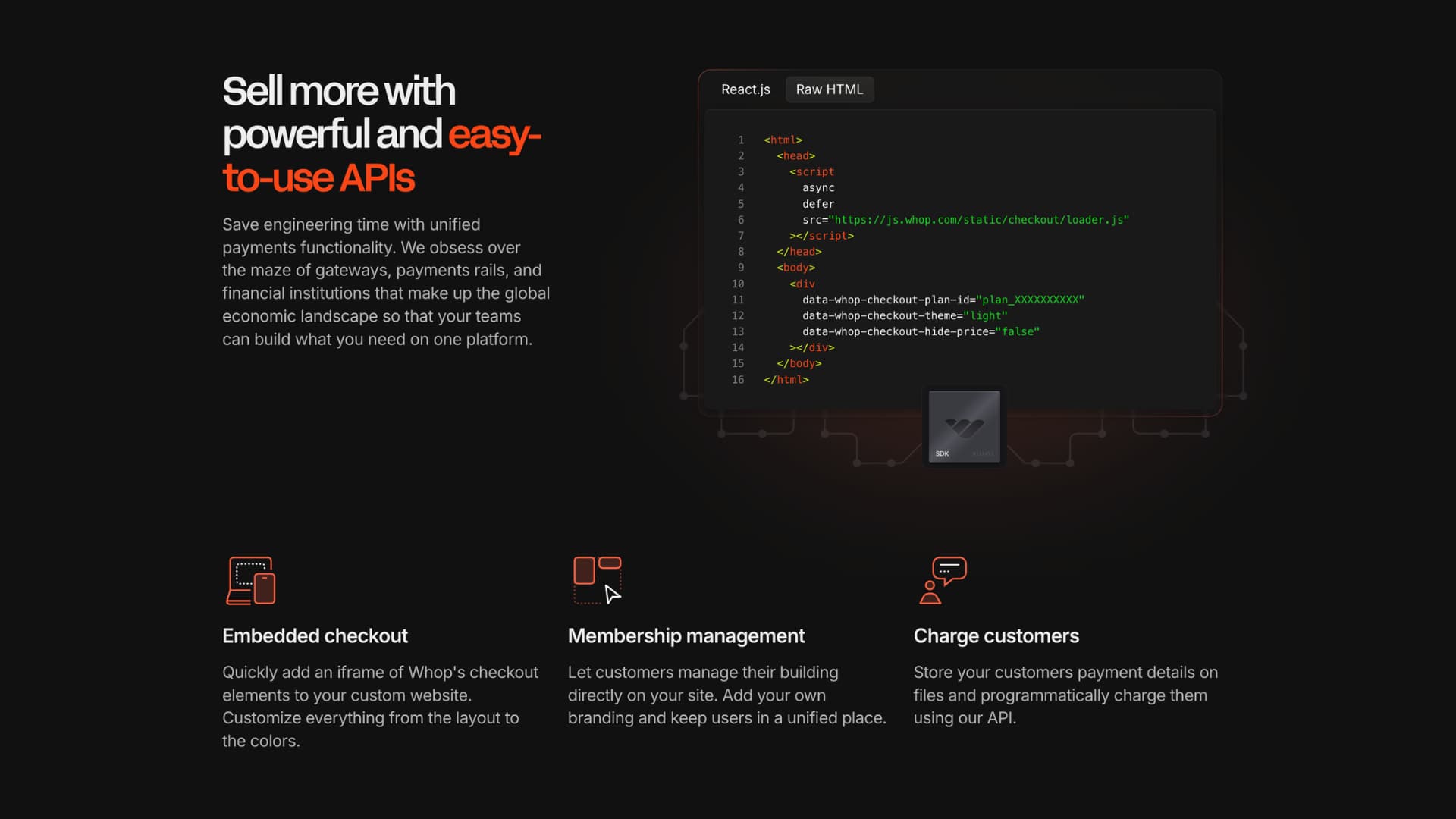
The Whop API lets your existing payments system talk directly to Whop, managing payments, products, and invoices automatically without doing everything manually.
If you’re using a custom setup for your business, you can use the API to create invoices, track payments, and list products - making it easy to start accepting credit card payments through Whop while keeping your workflow seamless.
To learn more about API requests you can make to Whop, check out our documentation.
Tips to make credit card payments easy for your business
Avoid common errors like declines and expired cards
Sometimes payments fail, and it’s not always the customer’s fault.
Cards can be declined for a variety of reasons:
- Online or international payments might be blocked
- There may be insufficient funds
- Fraud prevention systems could flag the transaction.
One way to reduce lost sales is to automatically retry failed payments.
Whop Payments smart payment routing has smart routing optimization, automatically retrying payments through alternative processors when one fails, increasing your payment acceptance rates.
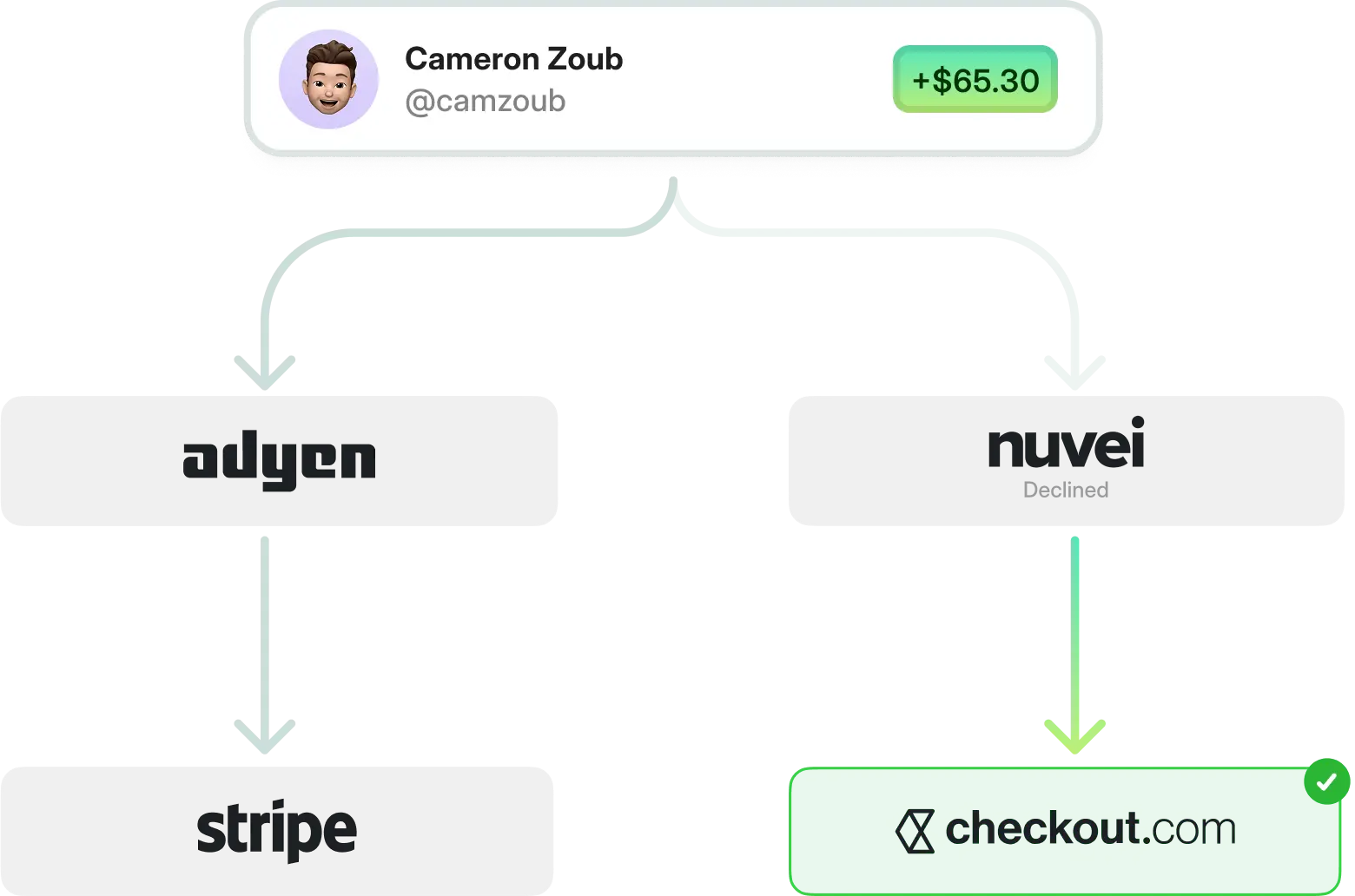
Expired cards are another common issue. If you try to charge a card past its expiration date, the payment will fail.
Sending reminders before a card expires (via email or platform notifications) can keep payments running smoothly, ensuring recurring subscriptions or one-time purchases don’t get interrupted.
Offer multiple payment method for higher conversion
Your customers have preferences, and 70% of them say the payment options available strongly influence where they shop (PYMNTS Intelligence and Adobe).
While credit cards are a must, adding other options like digital wallets, ACH, or even crypto can help you capture more sales.
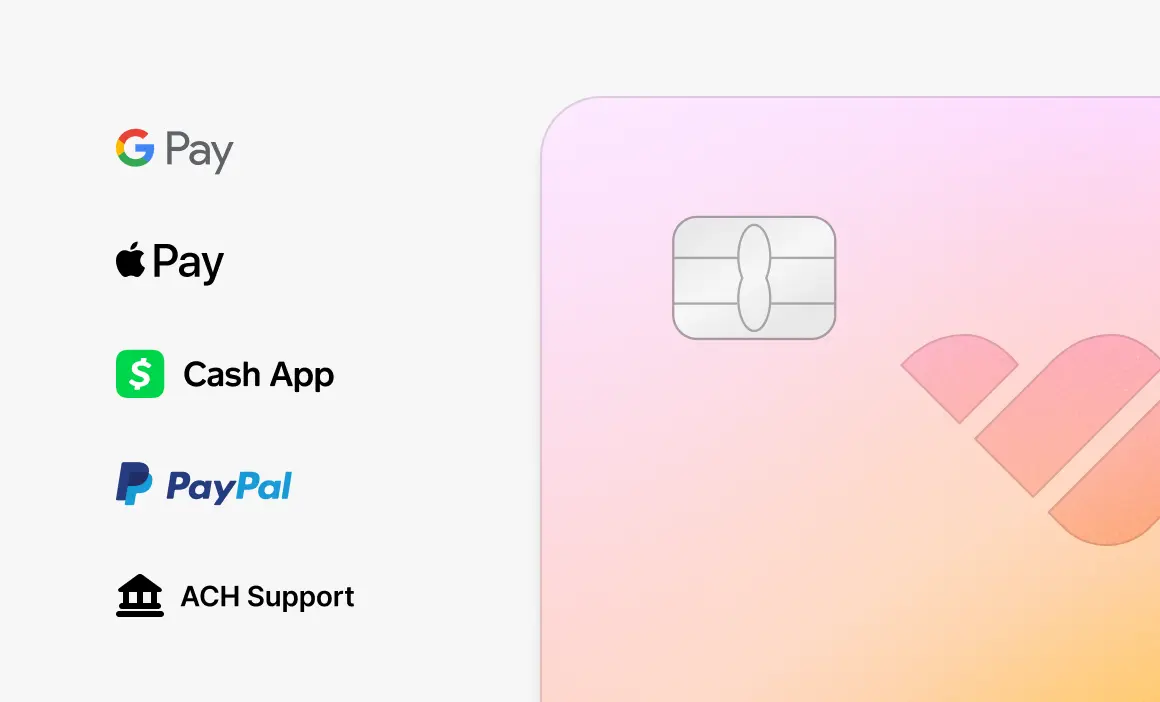
With Whop, you can offer a variety of payment methods in one platform, letting customers pay how they want while keeping your backend simple.
Be transparent about your fees
Hidden fees are one of the top reasons customers abandon their carts.
Get this: Cropink says 48% of card abandonments happen when buyers encounter unexpected costs.
Clearly showing any processing fees or payment charges builds trust and reduces friction.
Use Whop Payments and accept cards, crypto, and more
Accepting credit card payments should be simple, reliable, and flexible enough to fit your business and your customers.
From online stores to in-person sales, the right setup means fewer failed transactions, smoother checkouts, and faster access to your revenue.
Whop Payments powers thousands of businesses, letting you accept cards, wallets, BNPL, crypto, and stablecoins; all with smart routing to speed up payouts and reduce friction.
Make payments frictionless with Whop.
Taking credit card payment FAQs
Why accept credit cards?
Credit cards are one of the most popular payment methods in the world. According to European Central Bank, credit card payments made up 56% of all non-cash transactions in the euro area in 2024.
With the demand for credit card payment method being so high and majority of consumers being likely to abandon their purchase if they can't see their preferred payment method, accepting credit cards is a logical move for all businesses.
On top of this, accepting credit cards will benefit the users too with reward programs, ability to pay both online and in-person, and feeling of security.
What is the easiest way to take credit card payments?
The easiest way to take credit card payments is using Whop to run your business, send invoices, or embed Whop checkouts to your own website.
How long does credit card processing take?
Credit card processing happens instantly on Whop and many other platforms. Once the payment is complete, the creator can withdraw the funds and expect it to arrive in a couple of business days.
The amount of days can change based on the account age, which bank you use, etc.
What are credit card payment fees?
Each sale you take with credit cards go through several fees and the typical range for most payment fees is 2.6-2.9% + $0.10-$0.30.
Interchange fees, which goes to the cardholder's bank and assessment fees which goes to the card issues like Visa or Mastercard are included in these fees along with covering payment security, PCI compliance, fund transfer, etc.
Payment processing fees of some platforms are as follows:
- Whop: 2.7% + $0.30
- Stripe: 2.9% + $0.30
- Square: 2.9% + $0.30 (online) / 2.6% + $0.10 (in-person)
- Shopify: 2.9% + $0.30 (basic plan)
- PayPal: 3.49% + $0.49
What are the payment processing fees of Whop?
Whop charges 2.7% + $0.30 per payment.
Can I accept international credit card payments with Whop?
Yes, you can accept all international credit cards on Whop.
Can I accept credit card payments if I'm not based in the US?
Yes, where you're located doesn't matter since the payment funds will be deposited to your Whop account.