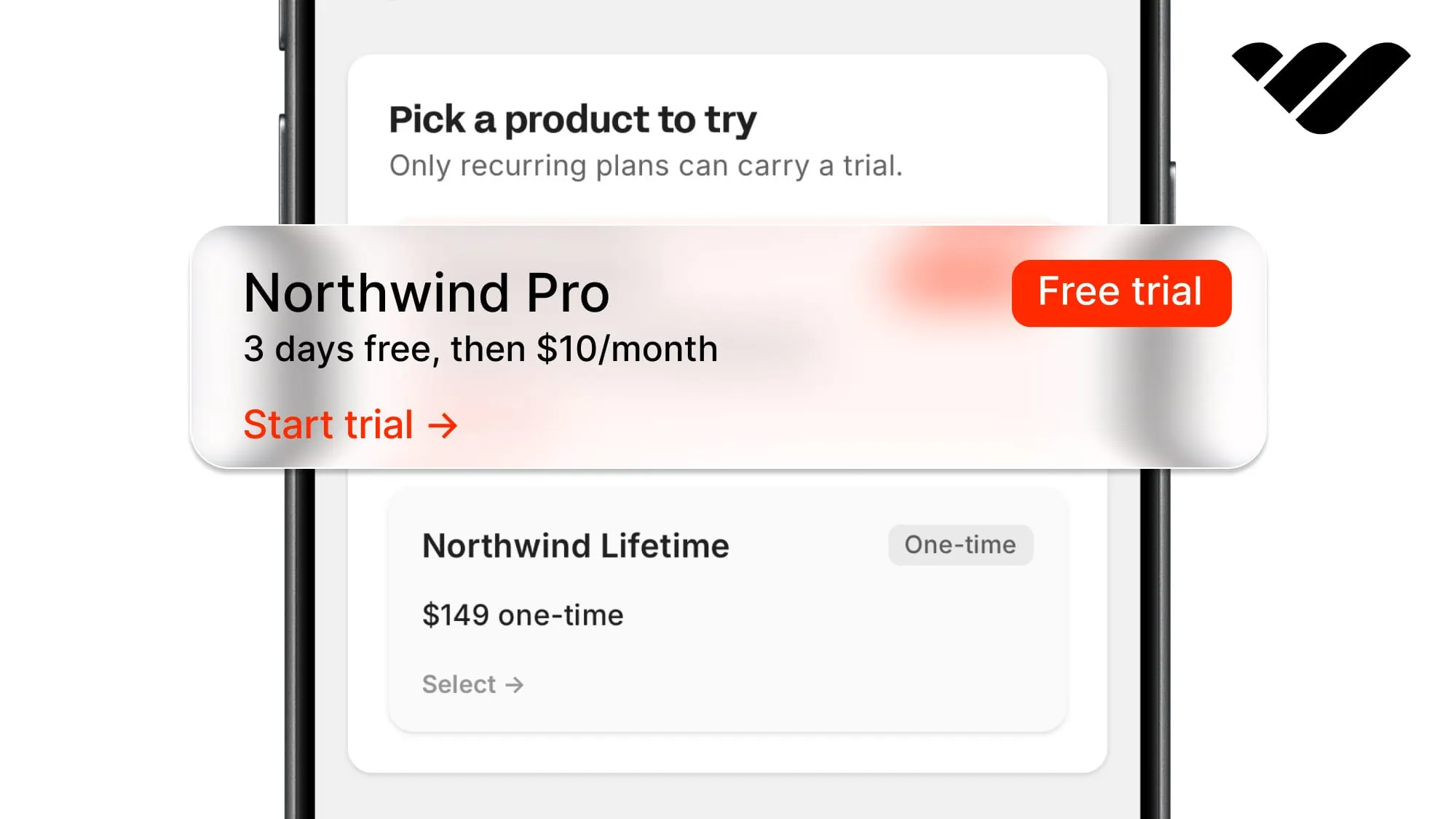
You can add free trials to your app or website using Whop and skip building complex systems to check trial states. Learn how in this guide.
Key takeaways
- Whop runs free trials for you, so skip building billing state, trial tables, and expiration cron jobs.
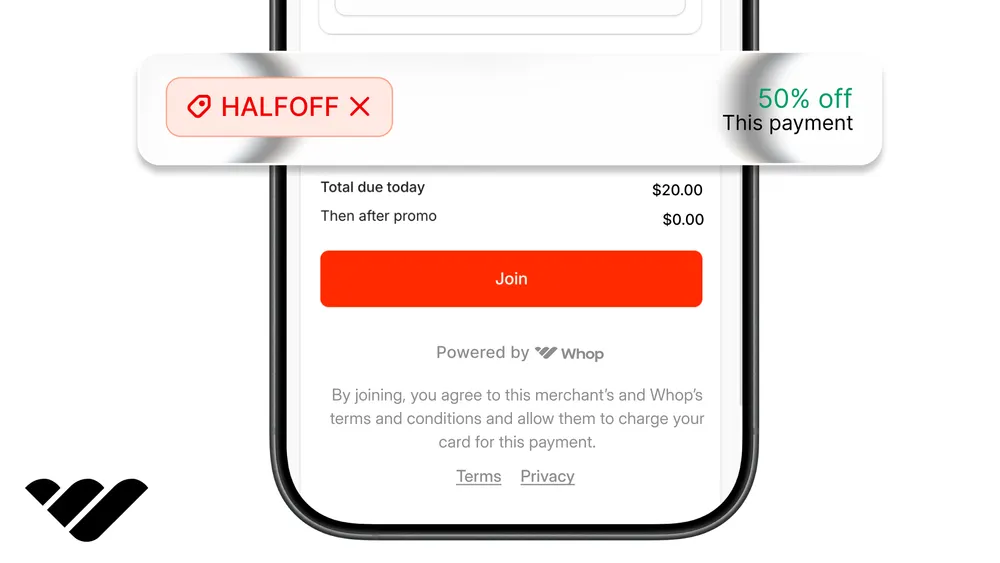
- A $0-today checkout captures the card, starts a trialing membership, and auto-converts it to paid.
- Keep the plan's initial price at $0, or your "free" trial charges the customer immediately.
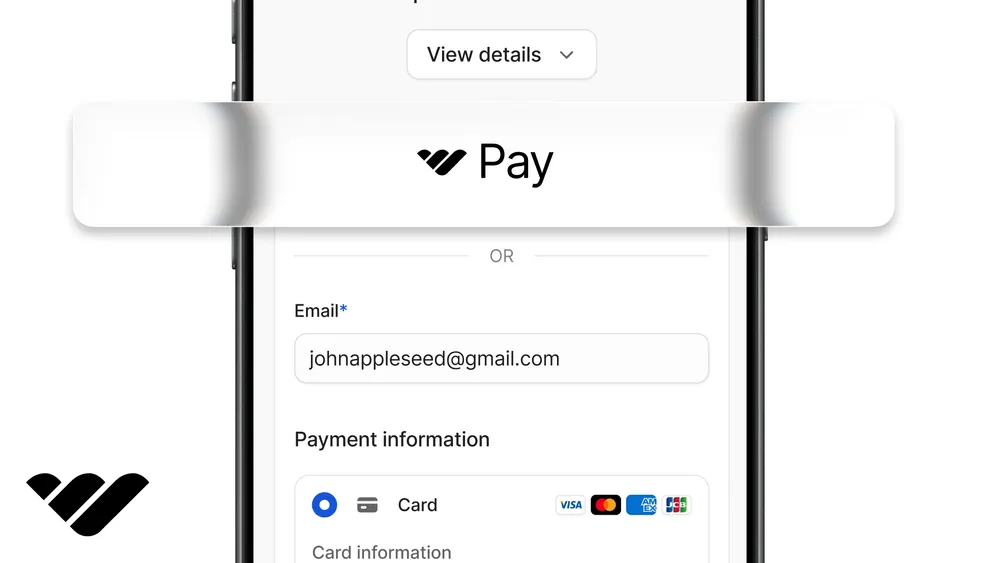
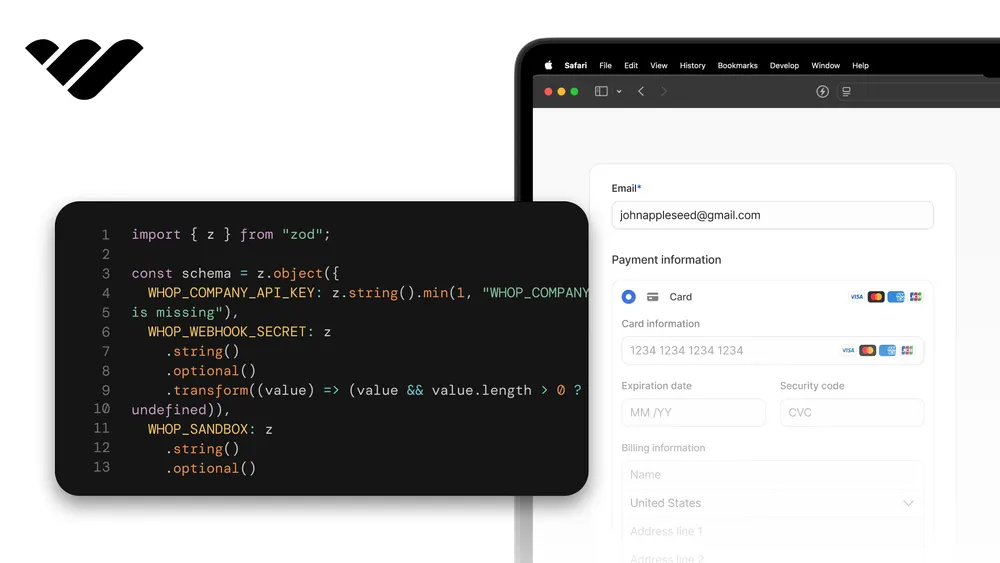
You can add free trials to your app without building billing state, a trials table, or a cron job that expires access. Whop handles this with a checkout that collects the customer's card but doesn't charge them, instead starting a membership with the trialing state that converts to a paid membership on its own.
In this tutorial, we're going to walk you through locking a premium page behind an embedded checkout, starting a real trial with a $0-today checkout that unlocks the page in place, showing the exact date of the first charge, and extending or ending the trial with a single API call.
You can check out the entire flow in our companion demo here and its repository here.
Prerequisites
For this tutorial, we're going to assume your app runs on Next.js and has a folder for utilities. We're going to add the files we'll work on under lib/, components/, app/premium/, and app/api/.
The trial we're going to use is going to gate a Whop product and it can be a community membership, a membership tier, a digital product, or anything you want. Our example is going to gate a single premium page and you can change it for whatever you sell.
If you would rather have durable payment records and webhook-driven state instead, we cover that in the checkout article, and the two approaches compose.
Create the product and the trial plan
We're going to use the Whop sandbox because we want to do our tests without moving real money. At the end of this tutorial, we're going to switch to production at Whop.com.
Let's follow the steps below:
- Go to sandbox.whop.com, create a whop, and go to its dashboard. There, create a product for the thing that your trial is going to unlock. While creating the product, choose the Recurring pricing type and set a subscription price (since we're in the sandbox, any amount works; ours is $10 a month).
- Then, under the Advanced Options, check the Free trial option and pick the number of free days you want to offer (ours is 3, and the rest of the article uses these numbers). Keep in mind that free trials only exist on recurring plans.
- After you create the product, you'll be redirected to the product page of your dashboard. There, use the context menu button (three dots at the right side of the product) to find the Details option, which will give you its product ID that starts with
prod_. - Then, go to the Checkout links section in your dashboard. There, you'll see the same product listed. From its context menu, get its plan ID that starts with
plan_.
Alternatively, you can create your product using API calls. This is useful if you want a reproducible or a scripted setup.
This requires the Company API key from the next section (with the access_pass:create and plan:create permissions) plus the SDK install and .env.local that follow it, so come back here after those.
You can also skip the script and ask Claude to create the product and its trial plan through the Whop CLI.
Go to scripts/ and create a file called setup.mjs with the content:
import { WhopClient, WhopEnvironment } from "@whop/sdk";

const whop = new WhopClient({
  token: process.env.WHOP_COMPANY_API_KEY,
  environment: WhopEnvironment.Sandbox,
});

// Your company id, from the dashboard URL: whop.com/dashboard/biz_...
const COMPANY_ID = "biz_...";

const product = await whop.products.create({
  account_id: COMPANY_ID,
  title: "Pro",
  visibility: "visible",
});

const plan = await whop.plans.create({
  product_id: product.id,
  plan_type: "renewal",
  billing_period: 30,
  initial_price: 0,
  renewal_price: 10,
  trial_period_days: 3,
  currency: "usd",
  release_method: "buy_now",
  visibility: "visible",
});

console.log("WHOP_PRO_PRODUCT_ID=" + product.id);
console.log("WHOP_PRO_PLAN_ID=" + plan.id);
Run it once and paste the two IDs it prints into your .env.local:
node --env-file=.env.local scripts/setup.mjsGet a Company API key
In your dashboard, go to the Developer page, then under the Company API keys section, create an API key and give it the permissions:
payment:basic:readplan:basic:readaccess_pass:basic:readmember:basic:readmember:managemembership:cancelmember:email:read
If you're creating the product from code, also add access_pass:create and plan:create.
Install packages
We need the Whop server SDK, the checkout embed, an encrypted session cookie, and runtime validation.
npm install @whop/sdk@2.4.0 @whop/checkout iron-session zodEnvironment variables
Add these to the .env.local file. We'll also add them to Vercel's (or your provider's) environment variables when we deploy.
| Variable | Example | How to get it |
|---|---|---|
WHOP_COMPANY_API_KEY | apik_... | Whop company > Dashboard > Developer > API keys. |
WHOP_PRO_PRODUCT_ID | prod_... | The product your trial unlocks. |
WHOP_PRO_PLAN_ID | plan_... | The recurring plan with the free trial days. |
WHOP_SANDBOX | true | Set manually. true in development; remove or set to false in production. |
SESSION_SECRET | ... | Generate with openssl rand -base64 32. 32+ chars. iron-session uses it to encrypt the cookie. |
APP_URL | http://localhost:3000 | Our app origin, used for the embed's return URL. |
Validate env vars at startup
Go to lib/ and create a file called env.ts with the content:
import { z } from "zod";

const envSchema = z.object({
  WHOP_COMPANY_API_KEY: z.string().startsWith("apik_"),
  WHOP_PRO_PRODUCT_ID: z.string().startsWith("prod_"),
  WHOP_PRO_PLAN_ID: z.string().startsWith("plan_"),
  WHOP_SANDBOX: z
    .string()
    .optional()
    .transform((v) => v === "true"),
  SESSION_SECRET: z.string().min(32),
  APP_URL: z.string().url(),
});

type Env = z.infer<typeof envSchema>;

let cached: Env | null = null;

export function getEnv(): Env {
  if (cached) return cached;
  cached = envSchema.parse({
    WHOP_COMPANY_API_KEY: process.env.WHOP_COMPANY_API_KEY?.trim(),
    WHOP_PRO_PRODUCT_ID: process.env.WHOP_PRO_PRODUCT_ID?.trim(),
    WHOP_PRO_PLAN_ID: process.env.WHOP_PRO_PLAN_ID?.trim(),
    WHOP_SANDBOX: process.env.WHOP_SANDBOX?.trim(),
    SESSION_SECRET: process.env.SESSION_SECRET,
    APP_URL: process.env.APP_URL?.trim(),
  });
  return cached;
}
Note that the .trim() calls are helping us because a trailing newline pasted into a dashboard env field fails API authentication with errors that never mention whitespace.
The SDK client
Go to lib/ and create a file called whop.ts:
import { WhopClient, WhopEnvironment } from "@whop/sdk";
import { getEnv } from "@/lib/env";

let cached: WhopClient | null = null;

export function getWhop(): WhopClient {
  if (cached) return cached;
  const env = getEnv();
  cached = new WhopClient({
    token: env.WHOP_COMPANY_API_KEY,
    environment: env.WHOP_SANDBOX
      ? WhopEnvironment.Sandbox
      : WhopEnvironment.Production,
  });
  return cached;
}WHOP_SANDBOX set to true while you test with sandbox keys. Without it the client talks to production, and a sandbox key then fails with 401s that look like a bad API key.The session cookie
Go to lib/ and create a file called session.ts:
import {
  getIronSession,
  type IronSession,
  type SessionOptions,
} from "iron-session";
import { cookies } from "next/headers";
import { getEnv } from "@/lib/env";

export interface SessionData {
  whopUserId?: string;
  username?: string;
  membershipId?: string;
  unlockedAt?: number;
}

export function sessionOptions(): SessionOptions {
  return {
    password: getEnv().SESSION_SECRET,
    cookieName: "whop_session",
    cookieOptions: {
      httpOnly: true,
      secure: process.env.NODE_ENV === "production",
      sameSite: "lax",
      path: "/",
    },
  };
}

export async function getSession(): Promise<IronSession<SessionData>> {
  const store = await cookies();
  return getIronSession<SessionData>(store, sessionOptions());
}
The gate
Go to lib/ and create a file called paywall.ts:
import { cache } from "react";
import { getSession } from "@/lib/session";
import { getWhop } from "@/lib/whop";

export const checkProductAccess = cache(
  async (productId: string, whopUserId: string): Promise<boolean> => {
    const result = await getWhop().users.checkAccess({
      id: whopUserId,
      resource_id: productId,
    });
    return result.has_access;
  },
);

export async function hasAccess(
  productIds: Array<string | null | undefined>,
): Promise<boolean> {
  const session = await getSession();
  const whopUserId = session.whopUserId;
  if (!whopUserId) return false;

  const ids = productIds.filter((id): id is string => Boolean(id));
  const results = await Promise.all(
    ids.map((id) => checkProductAccess(id, whopUserId)),
  );
  return results.some(Boolean);
}
One thing worth noting is that access_level differentiates between admin and customer. This is why members of your whop team can bypass the gate.
The trial checkout drop-in
To create a minimal version of the checkout drop-in, go to the components/ folder and create a file called TrialCheckoutCard.tsx with the content:
"use client";

import { useCallback, useEffect, useRef, useState } from "react";
import { useRouter } from "next/navigation";
import { WhopCheckoutEmbed } from "@whop/checkout/react";

interface TrialCheckoutCardProps {
  planId: string;
  environment: "production" | "sandbox";
  returnUrl: string;
}

type Phase =
  | { name: "checkout" }
  | { name: "verifying" }
  | { name: "error"; message: string; receiptId?: string };

const POLL_MS = 2000;
const MAX_ATTEMPTS = 10;

export function TrialCheckoutCard({
  planId,
  environment,
  returnUrl,
}: TrialCheckoutCardProps) {
  const router = useRouter();
  const [phase, setPhase] = useState<Phase>({ name: "checkout" });
  const cancelled = useRef(false);

  useEffect(() => {
    cancelled.current = false;
    return () => {
      cancelled.current = true;
    };
  }, []);

  const verify = useCallback(
    async (receiptId: string) => {
      setPhase({ name: "verifying" });
      for (let attempt = 0; attempt < MAX_ATTEMPTS; attempt++) {
        let res: Response;
        try {
          res = await fetch("/api/unlock", {
            method: "POST",
            headers: { "Content-Type": "application/json" },
            body: JSON.stringify({ receiptId }),
          });
        } catch {
          setPhase({
            name: "error",
            message: "We couldn't reach the server. Try again.",
            receiptId,
          });
          return;
        }
        if (cancelled.current) return;

        if (res.ok) {
          router.refresh();
          return;
        }

        if (res.status === 202 || res.status === 404) {
          await new Promise((resolve) => setTimeout(resolve, POLL_MS));
          continue;
        }

        setPhase({
          name: "error",
          message:
            "We couldn't verify the checkout. Keep your receipt id and contact support if the trial doesn't appear.",
          receiptId,
        });
        return;
      }
      setPhase({
        name: "error",
        message: "The trial is taking longer than expected to confirm. Try again.",
        receiptId,
      });
    },
    [router],
  );

  if (phase.name === "verifying") {
    return <p>Starting your trial...</p>;
  }

  if (phase.name === "error") {
    return (
      <div>
        <p>{phase.message}</p>
        {phase.receiptId && (
          <button
            type="button"
            onClick={() => void verify(phase.receiptId as string)}
          >
            Retry verification
          </button>
        )}
      </div>
    );
  }

  return (
    <WhopCheckoutEmbed
      planId={planId}
      environment={environment}
      returnUrl={returnUrl}
      onComplete={(_planId, receiptId) => {
        if (!receiptId) {
          setPhase({
            name: "error",
            message:
              "The checkout didn't hand back a receipt. Check your email for it.",
          });
          return;
        }
        void verify(receiptId);
      }}
    />
  );
}frame-src https://whop.com https://*.whop.com, add https://js.whop.com to script-src (plus https://cdn.plaid.com if you keep the bank transfer payment option), and allow https://*.whop.com in connect-src.The gated page
Now, go to app/premium/ and create a file called page.tsx with the content below. This is a placeholder for the content you want to gate.
import { TrialCheckoutCard } from "@/components/TrialCheckoutCard";
import { getEnv } from "@/lib/env";
import { hasAccess } from "@/lib/paywall";

export default async function PremiumPage() {
  const env = getEnv();
  const unlocked = await hasAccess([env.WHOP_PRO_PRODUCT_ID]);

  return (
    <main>
      <h1>Pro workspace</h1>
      {unlocked ? (
        <section>
          <p>Everything you sell renders here, for members and trialers alike.</p>
        </section>
      ) : (
        <div>
          <p>Try everything free for 3 days. $10 a month after that.</p>
          <TrialCheckoutCard
            planId={env.WHOP_PRO_PLAN_ID}
            environment={env.WHOP_SANDBOX ? "sandbox" : "production"}
            returnUrl={`${env.APP_URL}/premium`}
          />
        </div>
      )}
    </main>
  );
}
Run the dev server using the command below and go to /premium. You should now see the embedded checkout, and the premium content isn't rendered.
npm run dev
The unlock route
For the unlock route, go to app/api/unlock/ and create a file called route.ts with the content:
import { z } from "zod";
import { Whop } from "@whop/sdk";
import { getEnv } from "@/lib/env";
import { getSession } from "@/lib/session";
import { getWhop } from "@/lib/whop";

const bodySchema = z.object({
  receiptId: z.string().regex(/^pay_[A-Za-z0-9]{4,60}$/),
});

export async function POST(request: Request) {
  const body: unknown = await request.json().catch(() => null);
  const parsed = bodySchema.safeParse(body);
  if (!parsed.success) {
    return Response.json({ error: "invalid_receipt" }, { status: 400 });
  }

  let payment;
  try {
    payment = await getWhop().payments.retrieve({ id: parsed.data.receiptId });
  } catch (error: unknown) {
    if (error instanceof Whop.NotFoundError) {
      return Response.json({ error: "not_found" }, { status: 404 });
    }
    throw error;
  }

  if (payment.product_id !== getEnv().WHOP_PRO_PRODUCT_ID) {
    return Response.json({ error: "wrong_product" }, { status: 403 });
  }

  if (payment.status === "pending" || payment.status === "open") {
    return Response.json({ status: "pending" }, { status: 202 });
  }
  if (payment.status !== "paid" || payment.substatus?.includes("refund")) {
    return Response.json({ error: "not_paid" }, { status: 403 });
  }

  if (!payment.user?.id) {
    return Response.json({ error: "no_user" }, { status: 502 });
  }

  const session = await getSession();
  session.whopUserId = payment.user.id;
  session.username = payment.user.username;
  session.membershipId = payment.membership_id ?? undefined;
  session.unlockedAt = Date.now();
  await session.save();

  return Response.json({ ok: true, username: payment.user.username });
}
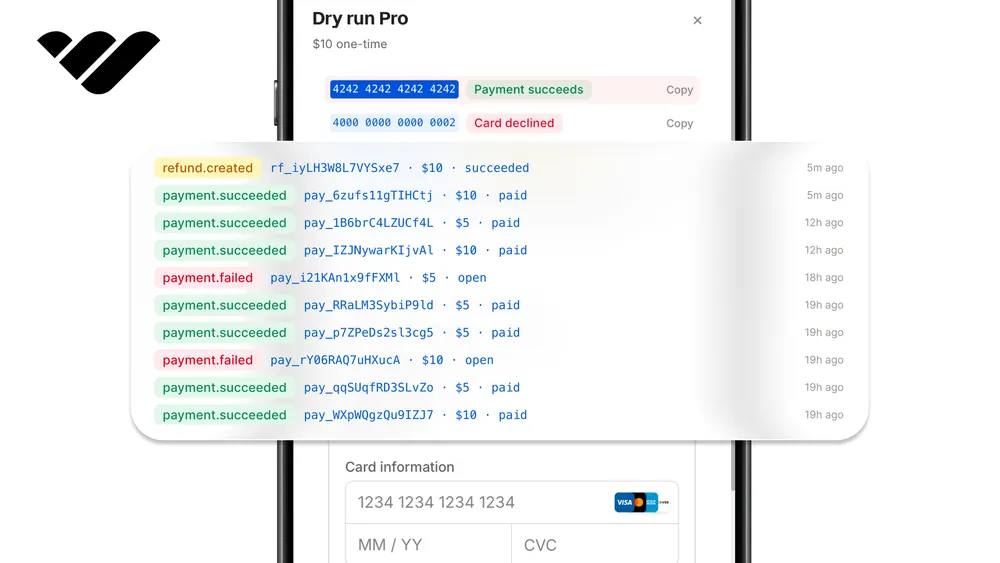
Now, go to /premium and start the trial with the test card 4242 4242 4242 4242, and the page will unlock. In the backend, Whop created a membership with the trial already started: retrieve it and you get the exact date of the first charge, which is what our demo's countdown displays.
One catch when re-testing: each user gets a plan's free trial once, so use a fresh email each run.
onComplete alone; anyone can POST a string to this route. The receipt only unlocks because the server asks Whop what it is, and a receipt for someone else's product fails the product check while a refunded one fails the substatus check.Extend a trial
Go to app/api/extend-trial/ and create a file called route.ts with the content:
import { getSession } from "@/lib/session";
import { getWhop } from "@/lib/whop";

export async function POST() {
  const session = await getSession();
  if (!session.membershipId) {
    return Response.json({ error: "no_membership" }, { status: 400 });
  }

  const membership = await getWhop().memberships.extend({
    id: session.membershipId,
    days: 3,
  });

  return Response.json({
    ok: true,
    renewalPeriodEnd: membership.current_period_end,
  });
}
Adding free days delays the next charge by that many days. During a trial, this simply means the trial got longer. It works on regular subscriptions too, where it delays the next renewal, which is how you can build a "get a free week/month" system.
End a trial early
Go to app/api/end-trial/ and create a file called route.ts with the content:
import { getSession } from "@/lib/session";
import { getWhop } from "@/lib/whop";

export async function POST() {
  const session = await getSession();
  if (!session.membershipId) {
    return Response.json({ error: "no_membership" }, { status: 400 });
  }

  await getWhop().memberships.cancel({
    id: session.membershipId,
    cancel_at_period_end: false,
  });

  return Response.json({ ok: true });
}
There are two ways to cancel, and the cancel_at_period_end flag picks between them. Set it to true and the user keeps their access until the free trial ends, with no charge. Leave it out, or set it to false, and the access goes away instantly.
When the trial ends on its own
If no action is taken before the trial ends, like a cancellation, Whop handles the conversion day on its own. The customer's card will be charged and the trial will become a paid subscription.
If the charge fails, Whop will retry the card for a few days and once the retries run out, the page will be locked for the user in their next visit.
One thing the live checks won't give you is the advance "your trial ends tomorrow" notice in the email. This is an important aspect of free trials, and Whop covers it with a webhook that fires about three days before a trial converts.
Returning users
There's nothing to do for returning users in the same browser since the cookie persists. For new devices or browsers, you can add a "Sign in with Whop" button by following our user authentication article.
Since we collected the customer's identity in the free trial checkout, signing in with the same identity lets the returning user keep their access.
Sandbox to production
Everything we've created so far runs on the Whop sandbox (sandbox.whop.com). Now, you should switch to production at whop.com. Here are the steps you should follow:
- Go to Whop.com, create a whop, and in it, recreate the product and the trial plan in production. Then, swap
WHOP_PRO_PRODUCT_IDandWHOP_PRO_PLAN_IDin the env. - Create a production Company API key with the same read and write permissions and set it as
WHOP_COMPANY_API_KEY. - Remove
WHOP_SANDBOXor set it tofalse. - Generate a fresh
SESSION_SECRETfor production and setAPP_URLto your real origin.
Use Whop in your projects
Adding free trials is just one of many aspects Whop can help you build or improve your project with. From building entire platforms like a YouTube clone or a Ko-fi clone to integrating a checkout or user authentication to your project, Whop offers a variety of solutions.
If you want to learn more about what you can do with Whop, check out our other tutorials and the Whop developer docs.